


With the arrival of June, basically any newly uploaded photos by non-Pixel users will need to occupy the cloud space capacity of the Google Photos service. But before the first wave of death came, it was unexpected that Google wouldForeign media The Verge pointed out that “finally stops pretending”The original upload option was changed from high quality to storage saver backup, which the official believes is more understandable. Hmm… So why didn’t you make it clear before? Continue reading Google Photos will help you find space-wasting files such as blurry photos; redefine “high quality” as a “space-saving” upload option.
▲Image source: Google
No more fuzzy space! Google Photos redefines “high quality” as “space-saving” upload option
After all, the so-called high-quality backup black technology of “smaller files without loss of image quality” has become a “storage saver” upload option after Google’s rolling revisions before the first wave of the upcoming tightening of the free upload policy hits.
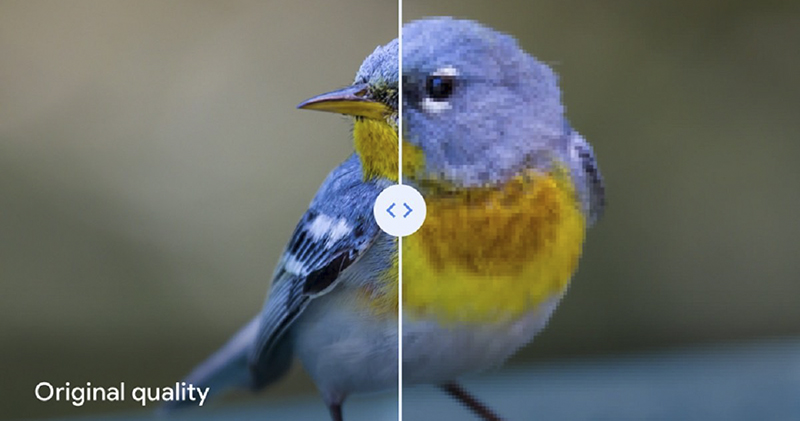
▲Picture: Original quality upload vs HD Differences in capacity-saving uploads (Source: Google)
According to the official blog, this time it’s really just a “name change”. Therefore, the photos and videos backed up through this option will maintain the quality of the original “high quality” upload, so don’t think that the upload quality will be worse just because you see different options – although it may cause misunderstanding if you look at it horizontally or vertically (XD). As for why the name was changed, it was to make the backup options “more understandable.”

In fact, most people should be very clear that in the past, the so-called high-quality uploads of Google Photos were, to put it bluntly, a processing method that saves space through compression, which will definitely cause a certain degree of damage to the image quality. Although the name change this time is really clear, it basically means that if you want to save space, choose Save Space, and if you care about image quality, choose the “Original Image Quality” option with full original file backup – anyway, even for Pixel users, no matter which one you choose, you will need to occupy cloud space in the near future.
As for if you had no doubts about the so-called “high image quality” and “no loss of image quality” before, but deleted the original files early…
▲Image source: Google
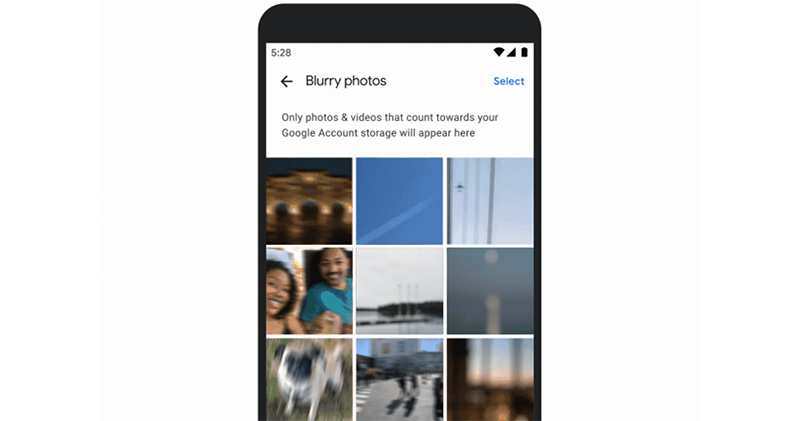
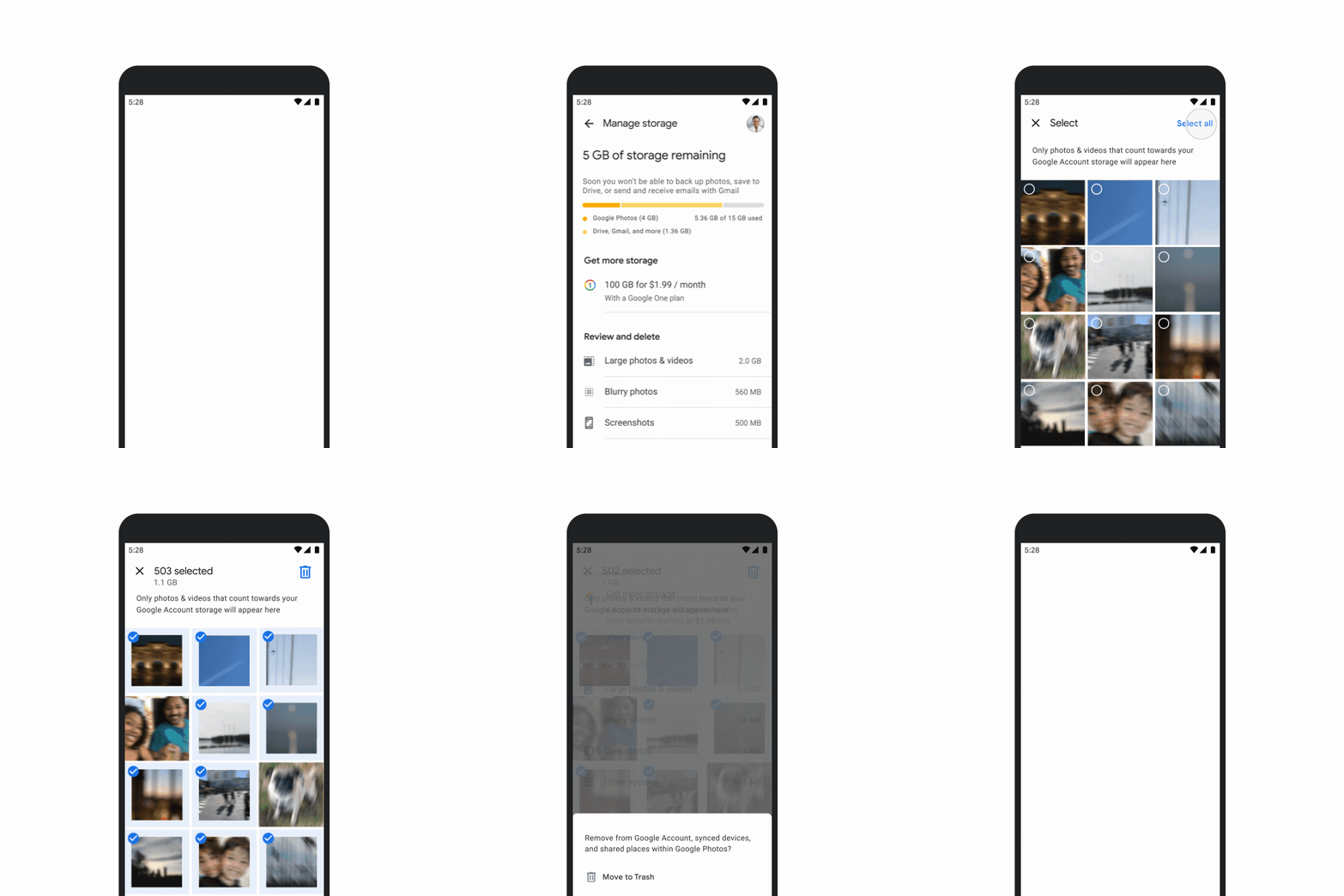
This wave of updates isn’t just about name changes. Google Photos will also proactively help you classify files that may be wasting space. It will not only select larger videos and more time-sensitive screenshots (but these really shouldn’t take up much space), but will also help you find so excited Blurred photos provide you with the option to quickly delete them and use cloud space more efficiently.
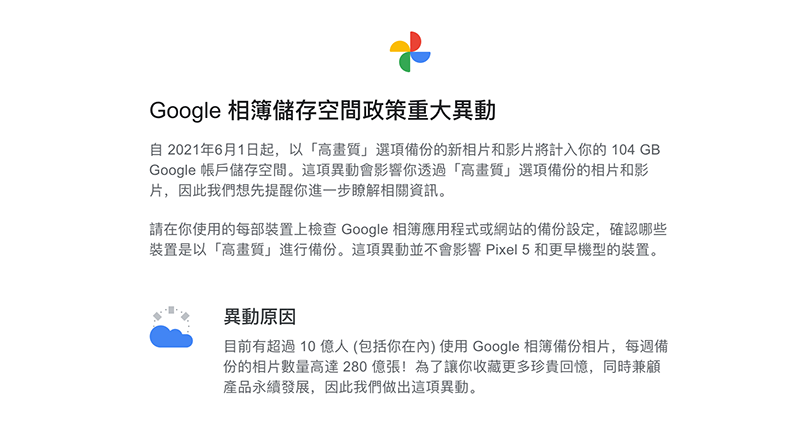
That is to say, since the original high-definition photos uploaded before June (what should we call them now, it seems to have become a question instead?) will not occupy the capacity of the cloud space, so unless they are really annoying, most people should leave them alone, right? Or do you want to respond to the concept of “sustainable development of products that do not waste excessive space” mentioned when Google announced that it would cancel unlimited uploads?
Further reading:

Is there an Easter egg hidden on the WWDC homepage? Master: MacBook Pro is coming soon
Source: KOCPC Chinese