


For those who make videos, you’ll inevitably need background music. However, finding the right music that fits your video can be quite a gamble – sometimes no matter how much you search, it always feels slightly off. In this article, we’re recommending a handy online AI music generator called “Stable Audio”. Just input commands specifying the music style, rhythm, instruments, tempo, and other parameters, and you can easily generate that perfect music. This means you no longer have to worry about not being able to find the right background music – with AI, you can have whatever music you want.
However, it’s worth noting that the free version of this tool cannot be used for commercial purposes. If you want to use it commercially, you must upgrade to the paid version.
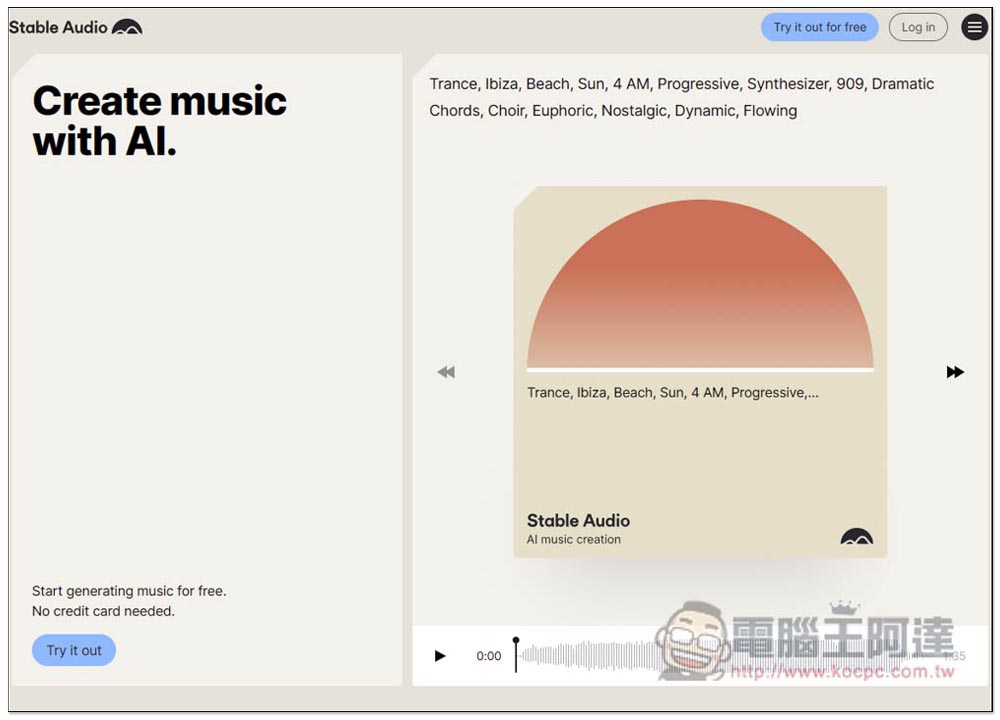
Stable Audio is an online AI music generator that lets you easily create tracks by entering the style, tempo, and other settings you want.
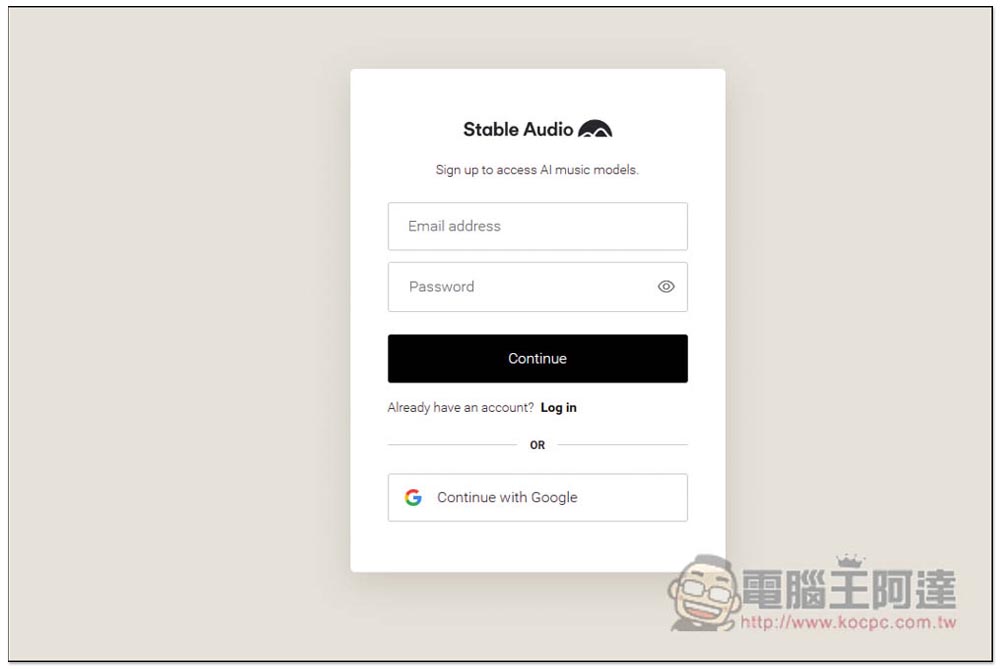
Stable Audio requires registration before use. You can register with E-mail or directly link your Google account, whichever you prefer. The free version allows you to generate 20 AI music tracks per month, with a maximum duration of 45 seconds:
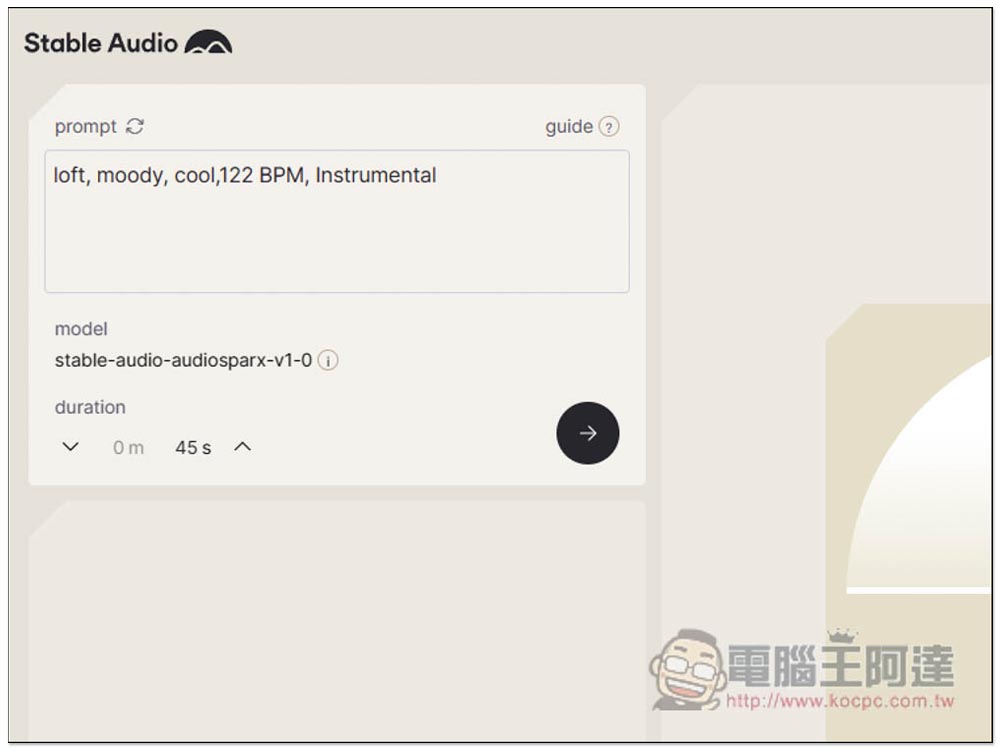
After registering, you’ll enter the AI generation tool. The top right corner shows how many music generations you have remaining. The prompt field on the left is where you enter your instructions—remember to type in English. If you’re not sure what to input, don’t worry—it also has an auto-generate prompt feature. Click the circular arrow icon next to the prompt field to continuously generate new prompts. By referring to the auto-generated prompts, you’ll gradually learn which instructions to use to create the music you need.
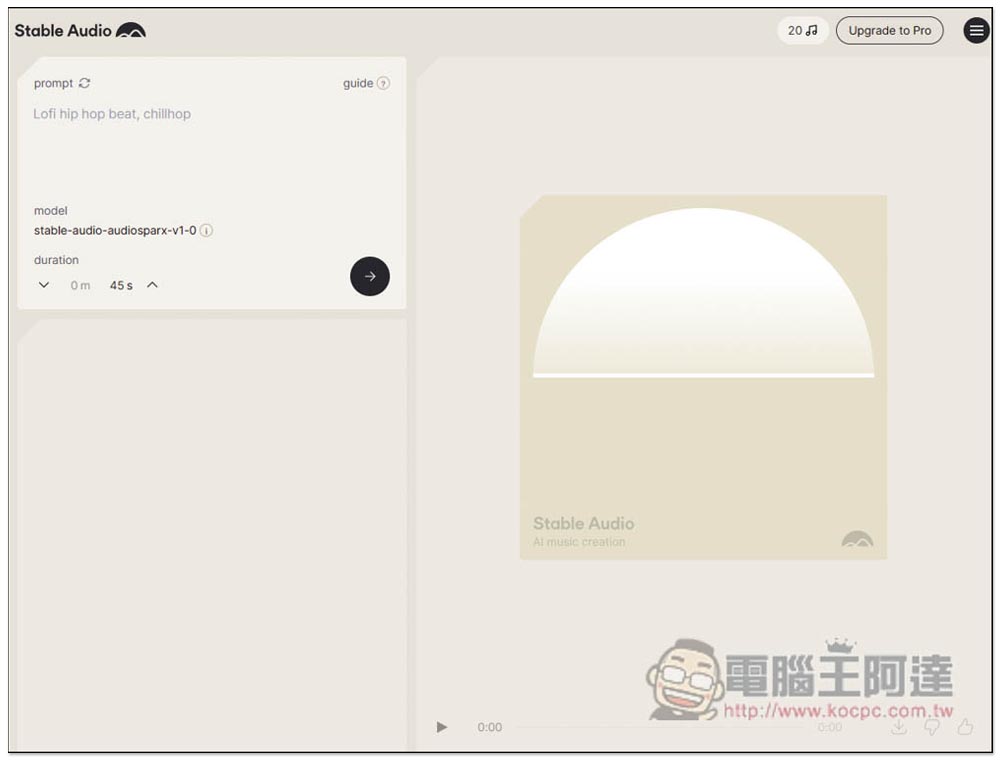
The model is currently stable-audio-audiosparx-v1-0. The free version caps out at 45 seconds and can be shortened, but for longer durations you’ll need to upgrade to the paid version.
Click the regenerate icon and new prompts keep appearing, some long and some short:
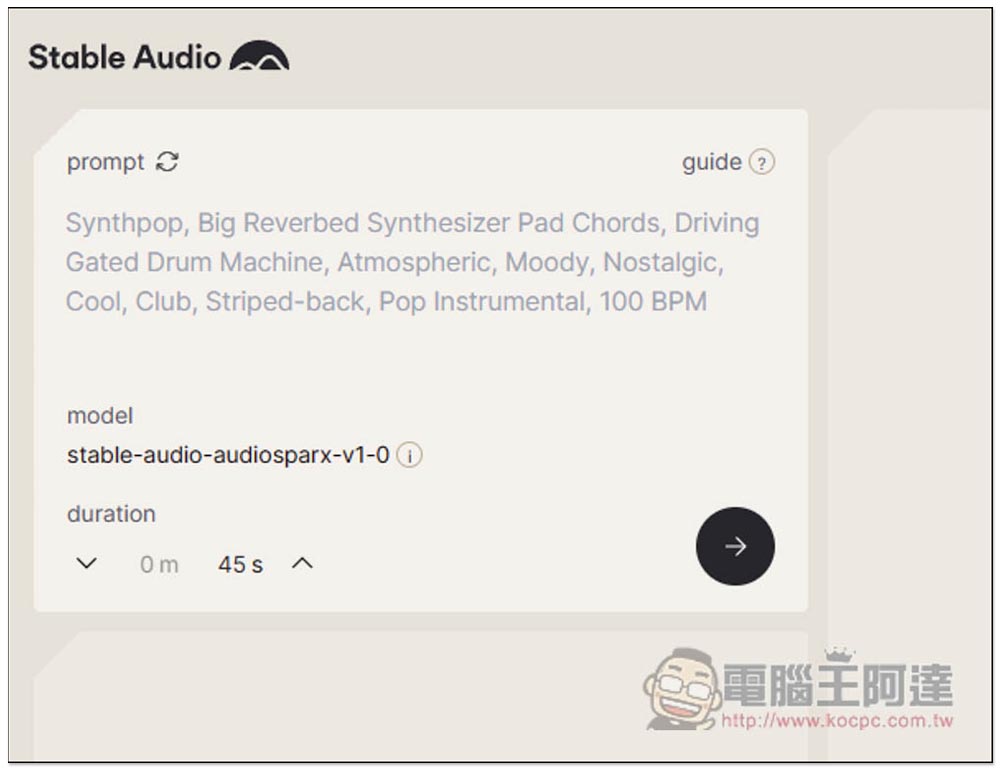
After confirming the prompt instructions, press the arrow button below to start generating:
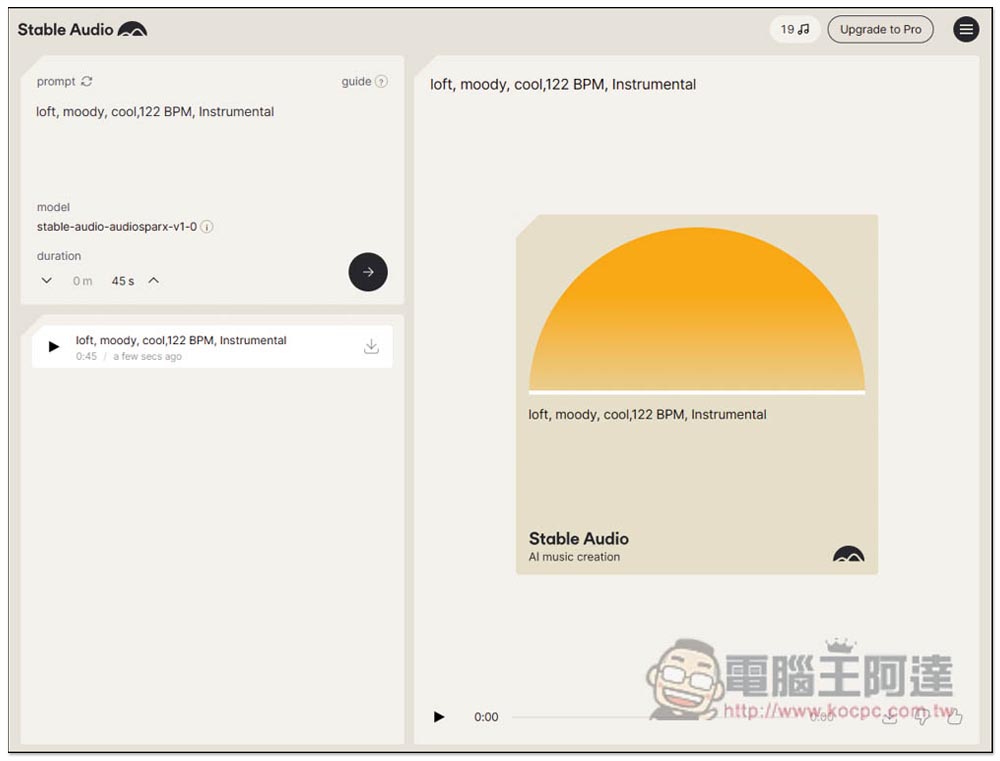
The generation speed is pretty fast, mine was completed in under a minute, and after it’s done you can listen to it online, then click the download icon to save it to your device.
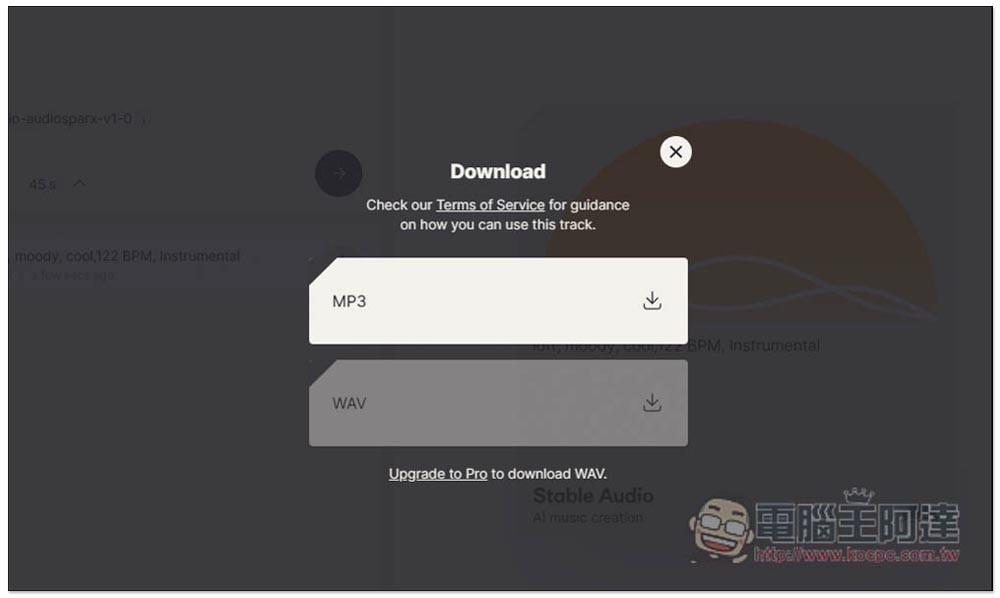
The free version only supports MP3 downloads, while the paid version also offers WAV format.
The image below compares the plans. The free version offers 20 AI songs per month, with a maximum length of 45 seconds, and cannot be used for commercial purposes. The Professional paid version includes 500 AI songs per month, with songs up to 90 seconds each, and can be used for commercial purposes. Honestly, I think the price is quite affordable, not expensive at all, and 500 songs is definitely enough to meet most people’s needs.
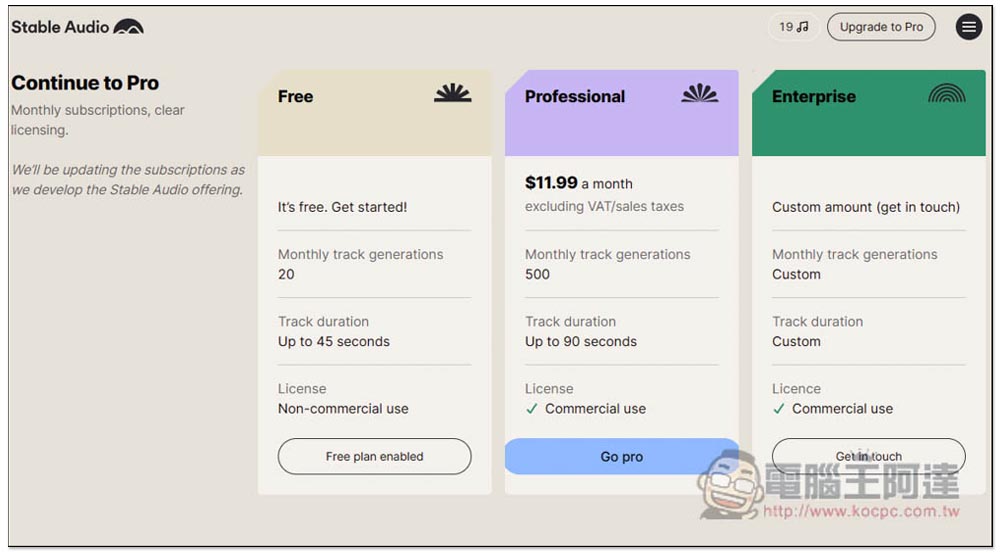
If you’d like longer AI music or more tracks, there’s also an Enterprise plan, though you’ll need to contact them for customization.
Scroll down to see more licensing information
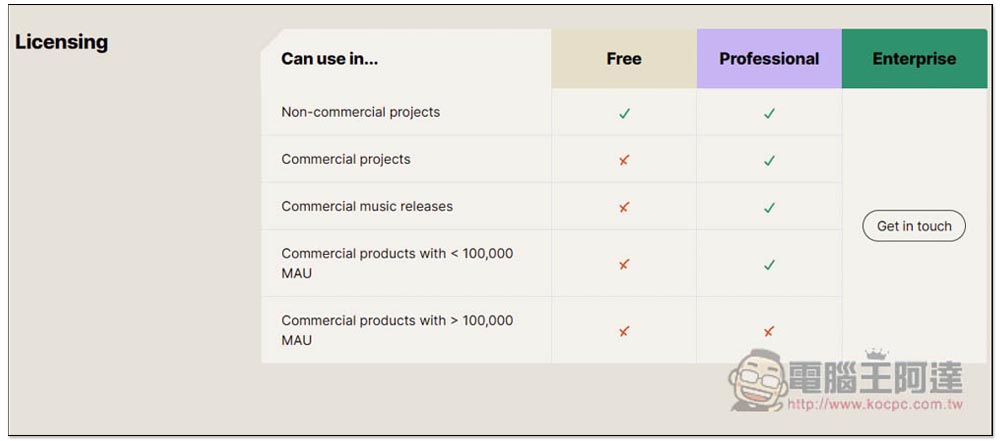
According to the website, every AI-generated music is unique, as their AI model creates something distinct, so you won’t hear the same audio twice.
Source: KOCPC Chinese