


Apple releases a series of Shot on iPhone videos every once in a while to demonstrate various advertising videos using iPhone to shoot professional photography. Different from some previous works, the shooting tools behind them are too difficult to obtain, and ordinary people may not be able to learn them after watching them. Launched at Apple’s spring new product launch event a while agoNew purple iPhone 12 and iPhone 12 mini , this dreamy lilac purple is also reminiscent of the blooming flowers in spring.
Recently, Apple released a “Full Bloom” commercial short film on its official YouTube channel. All works were completed through iPhone 12. It also demonstrated how to shoot creative and professional stop-motion animation, slow-motion video and time-lapse photography.
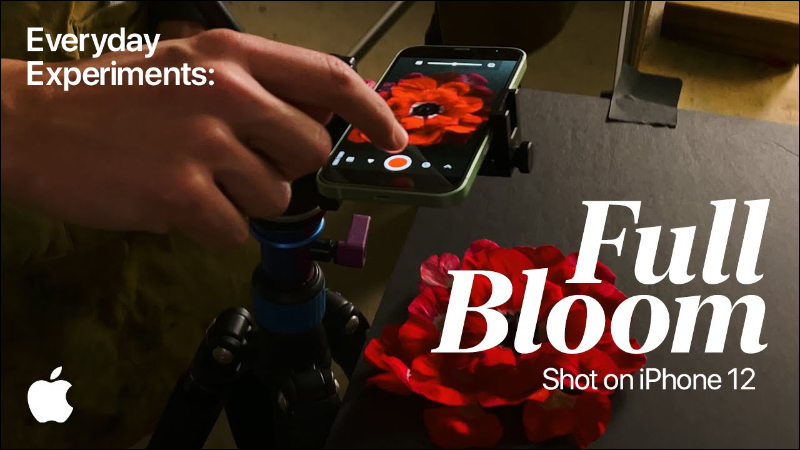
Apple official shooting demonstration with iPhone 12: How to shoot creative and professional stop-motion animation, slow-motion video and time-lapse photography
The excellent shooting performance of the iPhone 12 series, if you know how to use it with some creative tips, is actually quite easy to use to take professional-looking photos and videos. Apple’s latest advertisement “Full Bloom”, shot with iPhone 12, uses stop-motion animation, slow-motion video, and time-lapse photography to present different images of blooming flowers through various small objects in life and shooting methods.
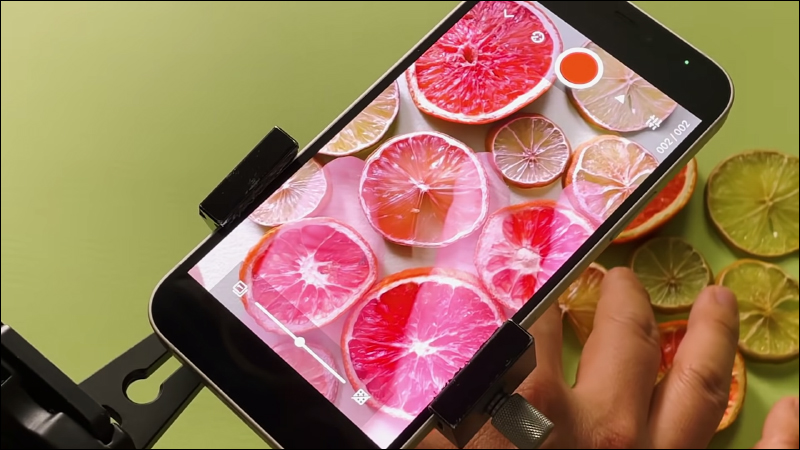
Stop Motion
Stop-motion animation produces vivid animation effects by playing multiple pictures continuously.
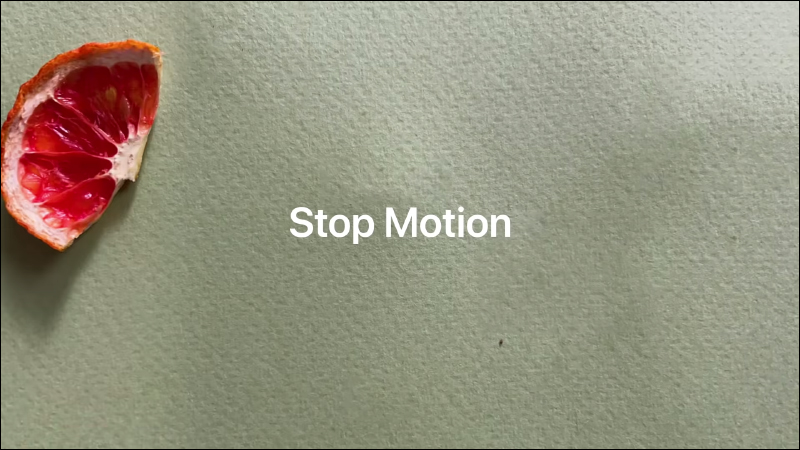
The effect of stop-motion animation shot with iPhone 12 is roughly as follows:
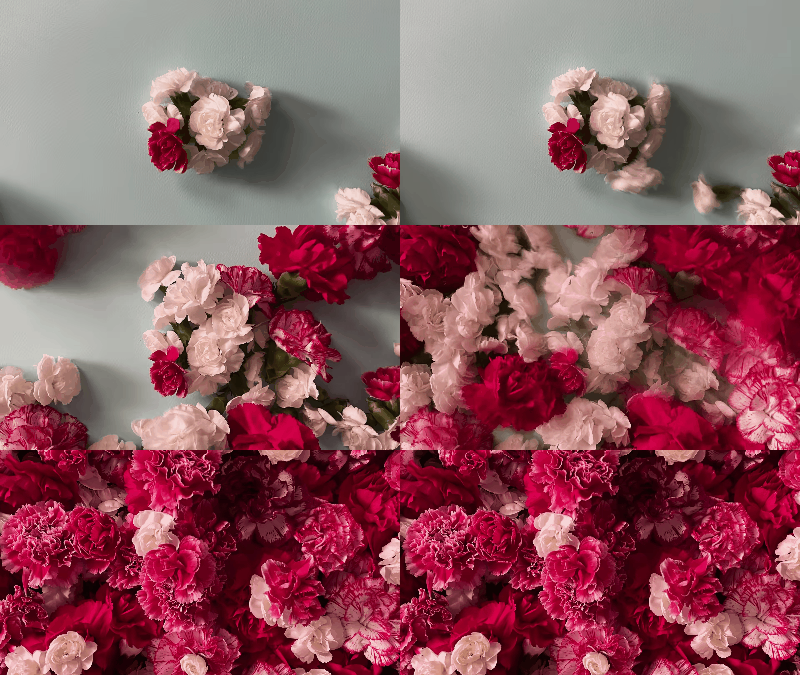
How was it filmed? In fact, the method of shooting stop-motion animation is not difficult, it just takes a little time to complete. To shoot stop-motion animation with iPhone 12, you only need to move the subject’s position a small amount after each photo is taken before taking the next photo. Continue shooting step by step according to this mode, and finally play back the photos continuously to complete.
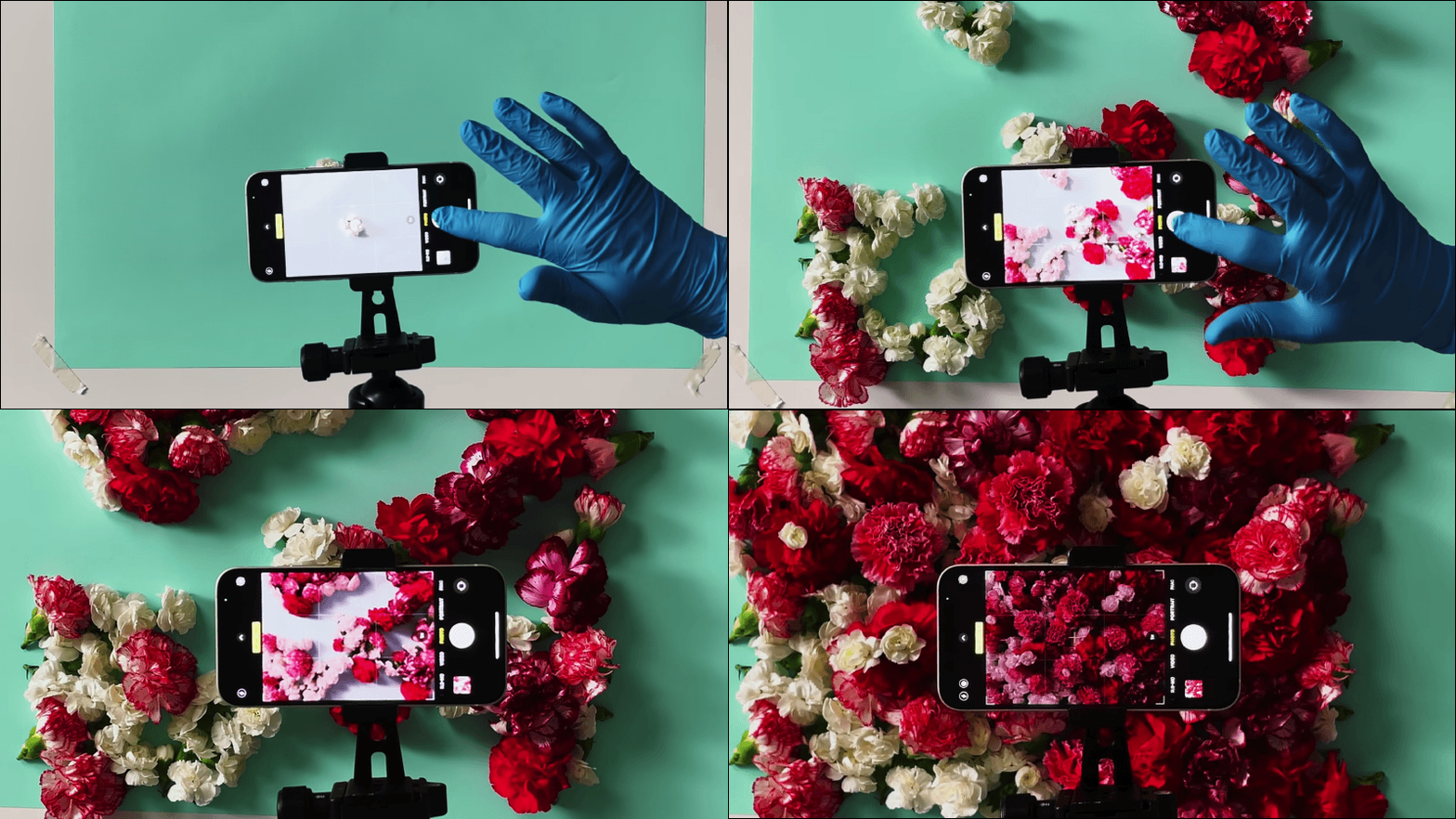
In addition to still objects, if you want to shoot a vivid stop-motion animation like this, the method is actually very simple:
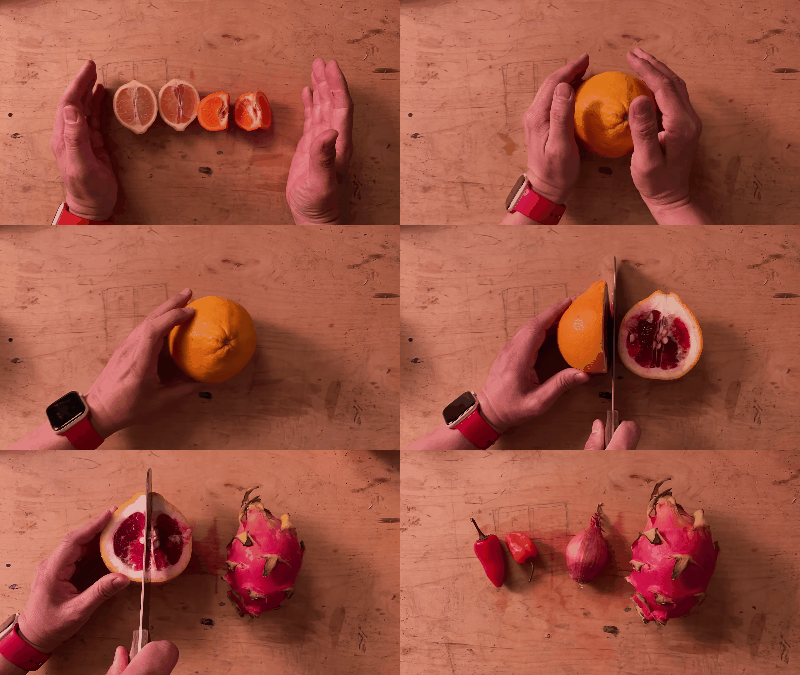
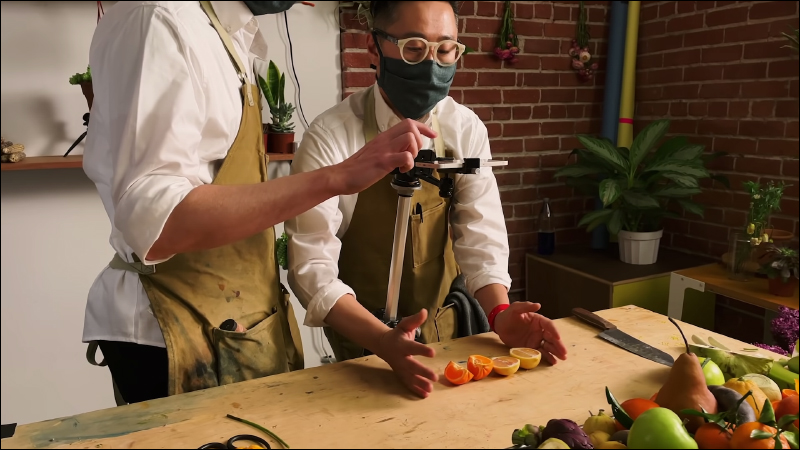
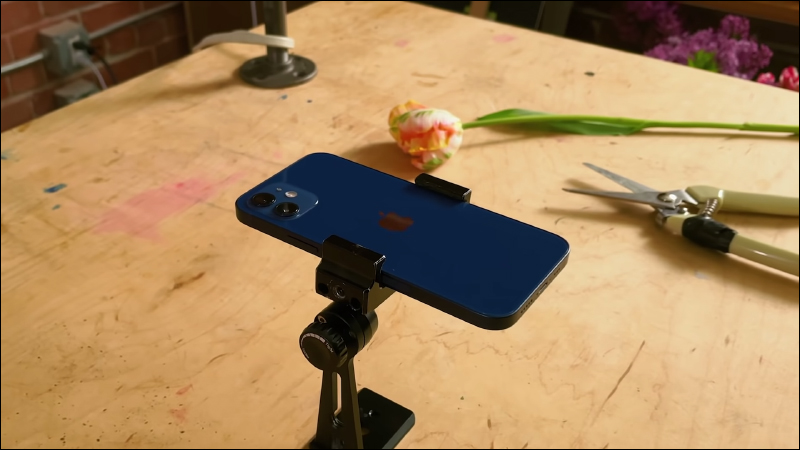
Also, first fix the iPhone 12 on the tripod, then slowly move the position of the hands, fruits, and flowers in the frame, take a photo each time it moves, and finally play back the photos continuously.
Slow motion video (Slo-mo)
The iPhone’s built-in camera app has a “slow-motion” video recording function, but many people may only use it to capture slow-motion videos of pets and friends in various life moments. Let’s take a look at Apple’s official method of taking slow-motion videos!
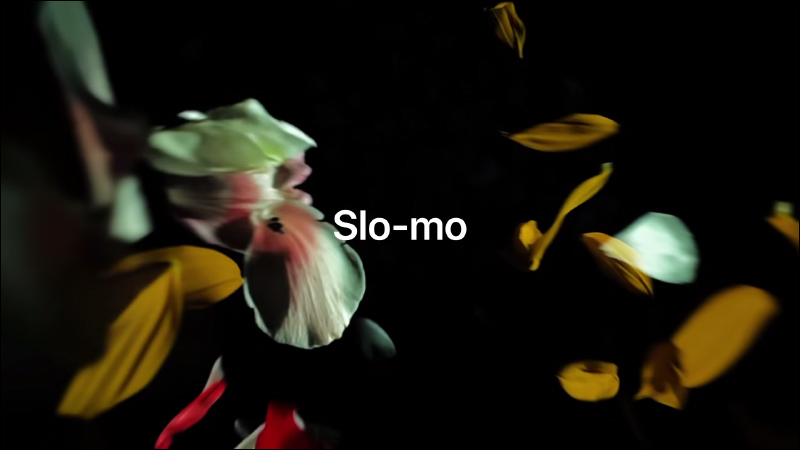
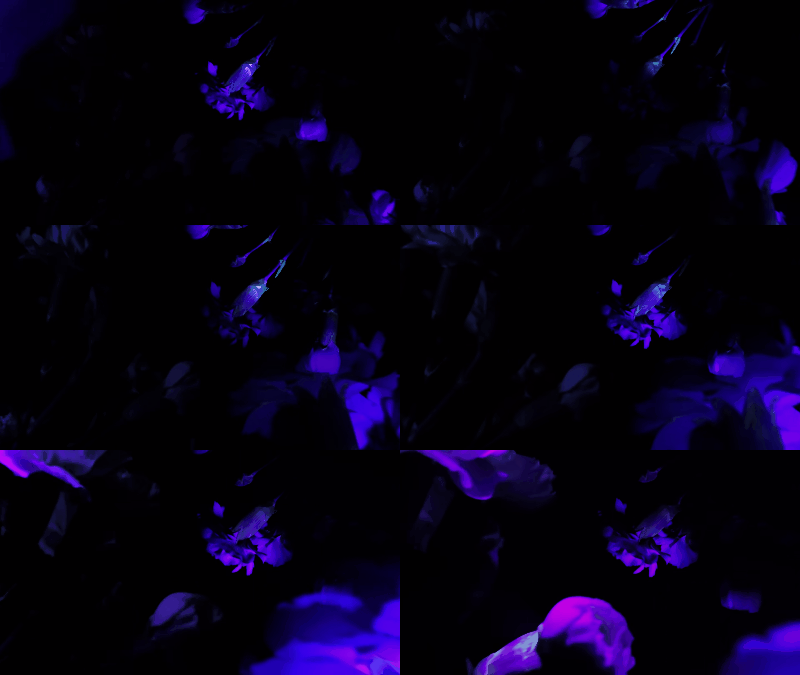
You might as well try to guess first, how this scene was shot with iPhone 12?
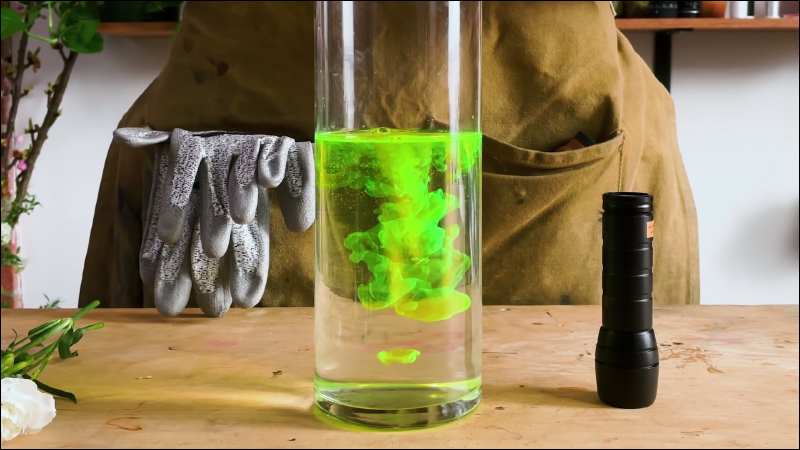
First, pour highlighter ink into a transparent vase filled with water:
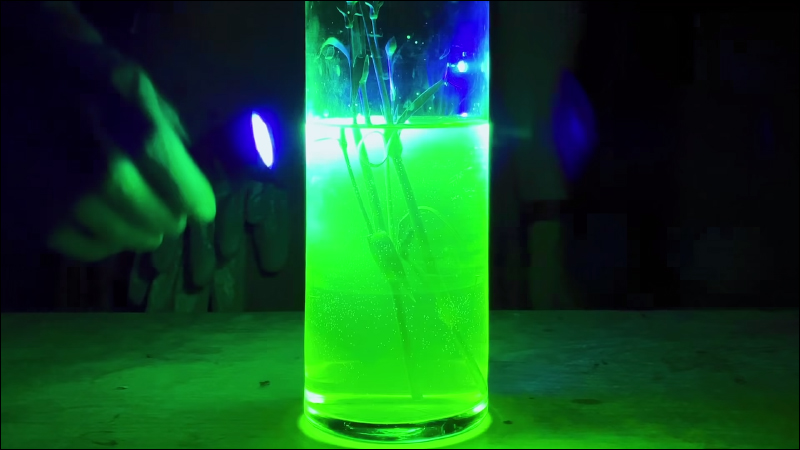
Then insert the flowers into the vase, turn off the lights, and press time-lapse video on iPhone 12 to shoot (don’t forget to mount the iPhone on a tripod). At the same time, use a flashlight to illuminate the vase irregularly. If the flashlight itself has colors, it can show a more different style.
As for how to shoot slow-motion videos with effects like this?

First, the flowers are tied to a rope and hung, and then the height and position of the flowers are changed up and down like a puppet. Also because the flowers will rotate irregularly with the wind when hung, making them look more vibrant.
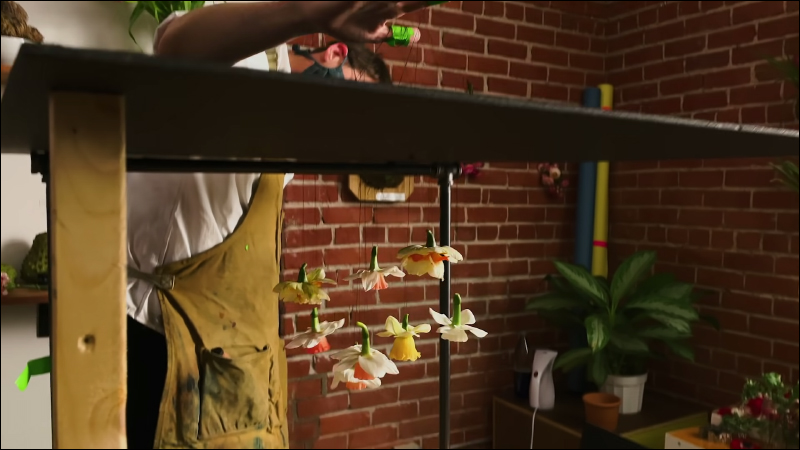
As for where to shoot with iPhone 12? Just shoot upward!
This section is a slow-motion video shot to show the vivid effect of the front and rear rows of embossing:
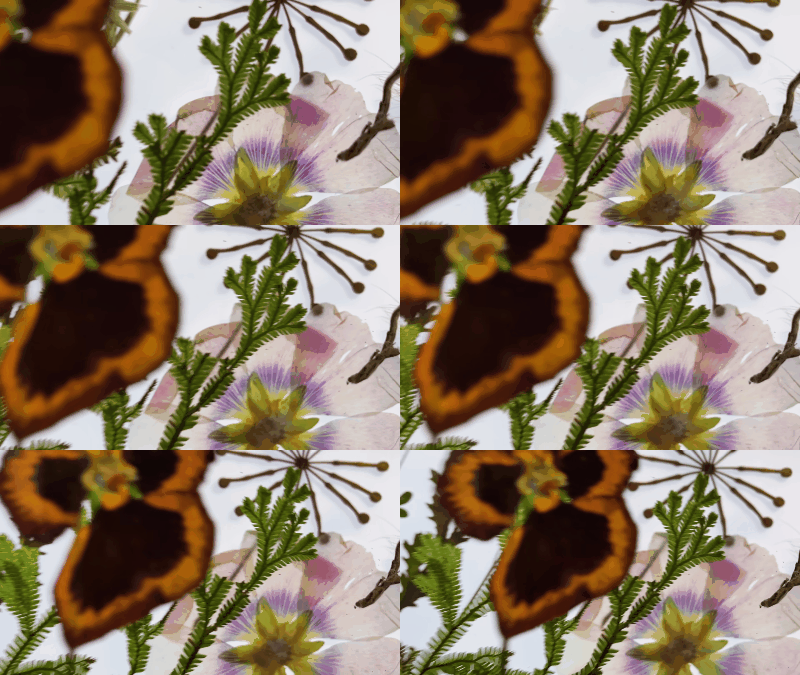
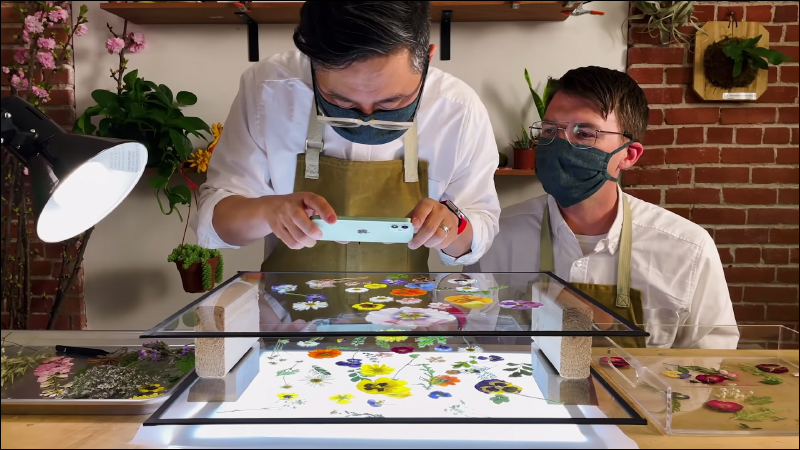
The method is actually not difficult. First place a light panel on the table and use other lamps next to it to supplement the light source. Then place the embossing of the back row on the lower glass, use items to raise the upper glass, and place the embossing of the front row on the upper glass. Finally, just hold your iPhone 12 and use slow-motion video to shoot the embossed flower, and slowly adjust the distance and angle of the shot while shooting.
A picture of water droplets falling on the leaves like this, then bouncing off and scattering multiple small water droplets slowly sliding down, can also be easily captured with iPhone 12:
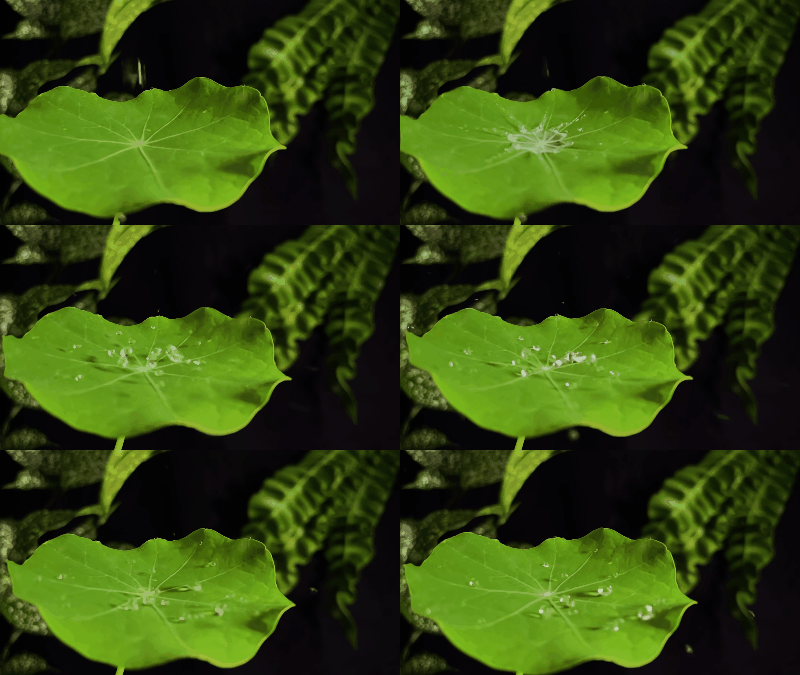
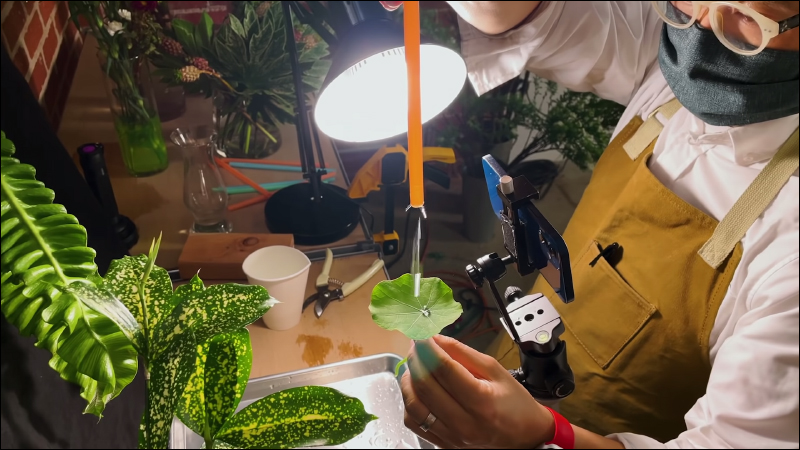
First, fix the iPhone 12 on a tripod and use a desk lamp to illuminate it. You can place the desk lamp closer to the leaves to create a stronger contrast between the light and shadow in the picture. Then press slow-motion video on iPhone 12, and let the water in the straw drip from top to bottom on the leaves.
Time-lapse
Such as the changes in clouds and sky, the growth of plants and the blooming process of flowers, time-lapse video is often used in the above types of scenes, showing the effect of drastic changes. I believe you have all seen many time-lapse videos, but what kind of images can the built-in time-lapse photography of iPhone 12 produce?
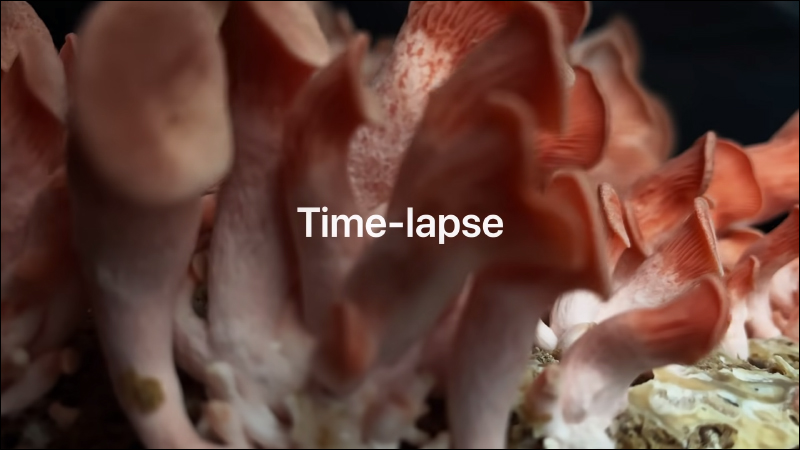
Here’s the flower blooming process captured by Apple’s team:
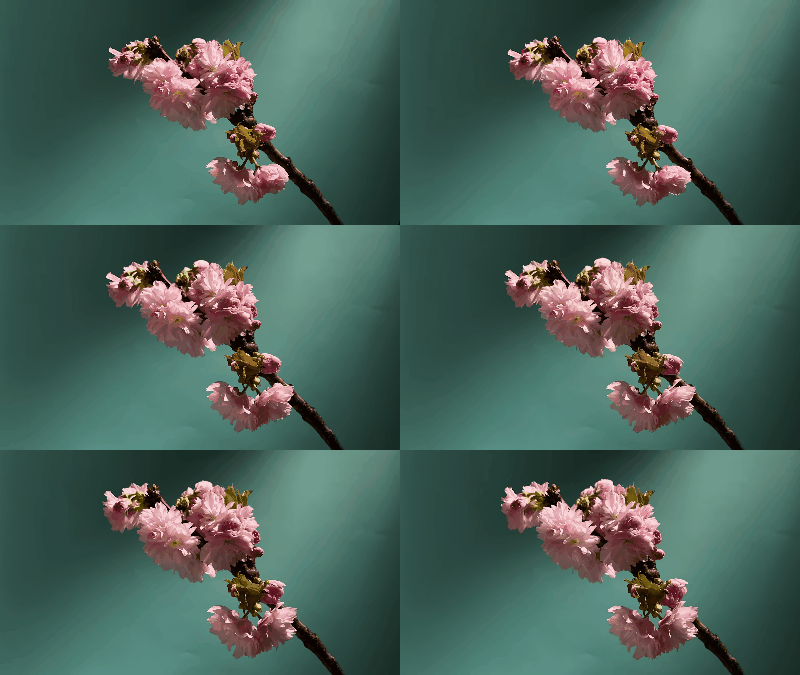
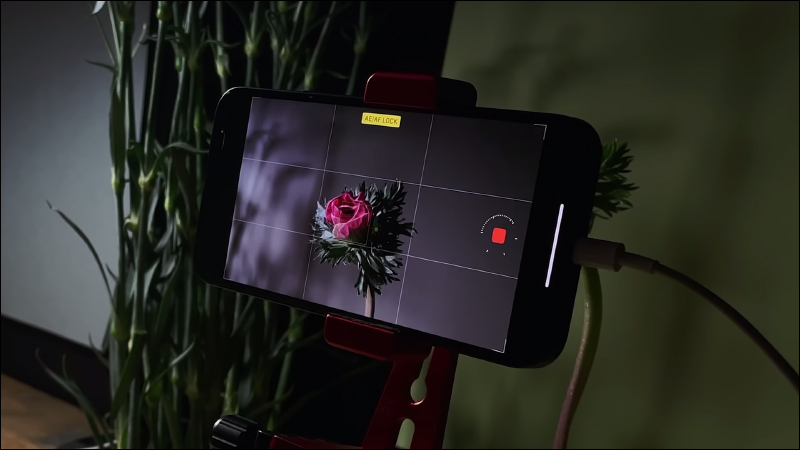
Time-lapse photography takes a long time to shoot. First, fix the iPhone 12 on a tripod and shoot. If you want to show a more vibrant picture, don’t forget that the position and angle of the light are very important.
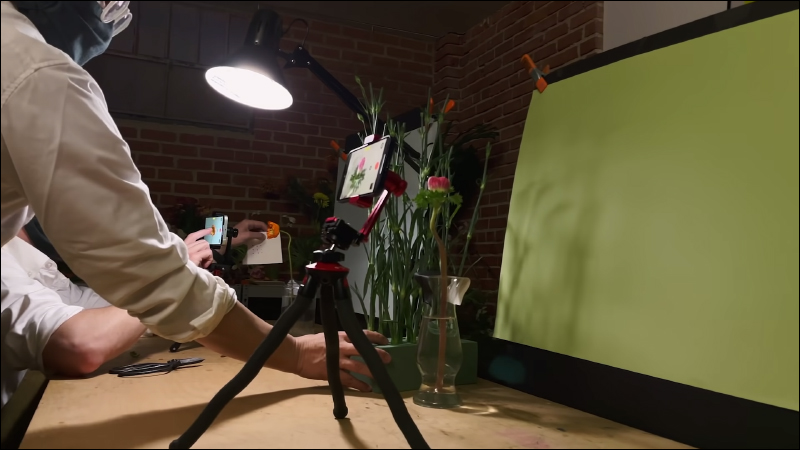
After pressing the time-lapse photography button, it’s time to wait for it to take the photo! Press to stop recording until you need to finish shooting.
After reading this series of Apple’s demonstrations of shooting with iPhone 12, do you find that these methods are not as difficult as you thought? Regardless of whether you have an iPhone 12 or not, in fact these methods are also applicable to other iPhones and even other Android-based smartphones. Of course, each mobile phone will have slightly different camera performance and shooting functions, but as long as you spend more effort and practice, your shooting skills will still improve.
full video
Picture/Source:Apple (YouTube)
Further reading:
Well-known foreign YouTuber unboxes AirPods 3 first and compares the design differences with multiple AirPods

2021 Xiaomi Mother’s Day event will start from 5/6~5/10 (discount content organized)

Source: KOCPC Chinese