


Although there are many PDF conversion tools on the Internet, many people will worry about security issues when uploading files to the website, so it is best to use the offline desktop version. Recently, a well-known foreign limited-free website has released a set of good UniPDF Pro Expert professional conversion software for free. The original price is 29.97 US dollars, the score is as high as 92%, and one serial number can be used on 3 computers, and there is no problem for commercial use. However, there is not much time left for the limited-time free, so those who are interested should not miss it.
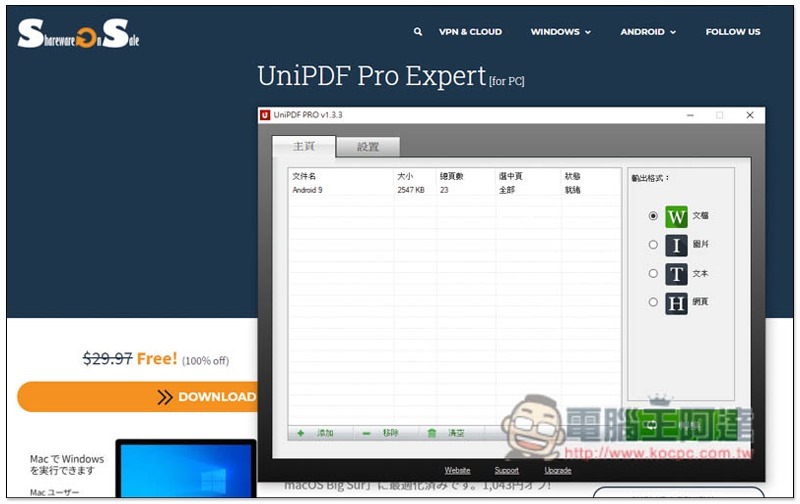
UniPDF Pro Expert limited free event
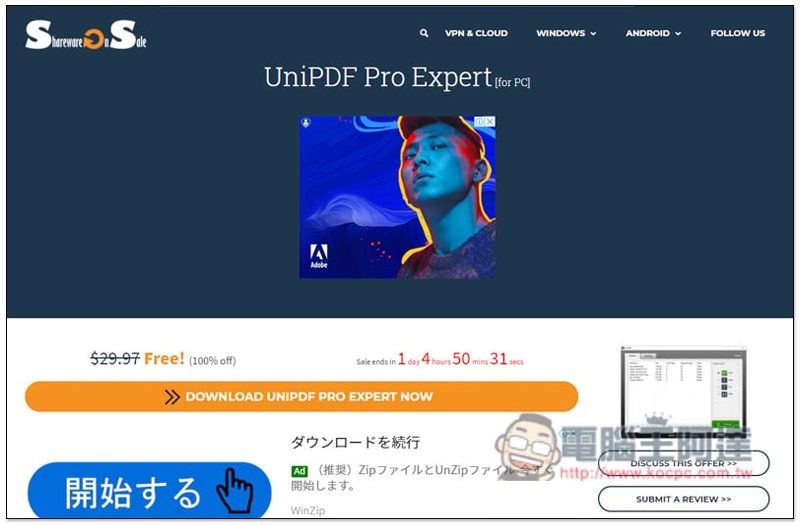
After entering the UniPDF Pro Expert limited-time free event page, press DOWNLOAD UniPDF Pro Expert NOW. There is currently more than one day left:
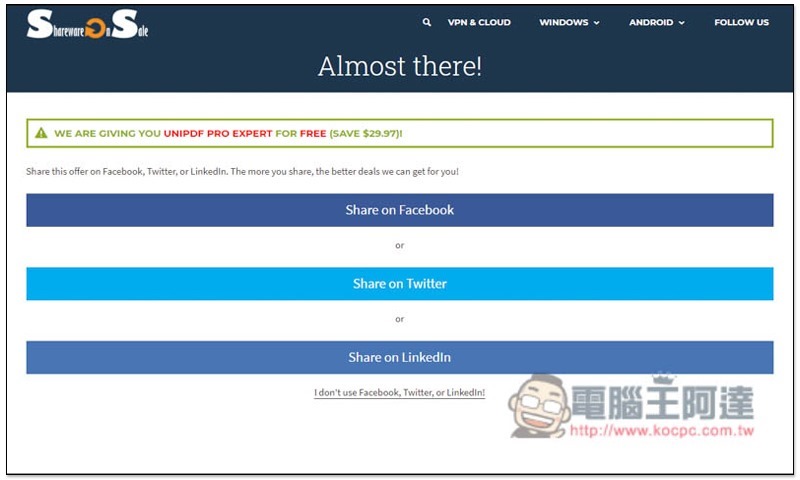
Then you need to share the activity on social platforms. There are three options: Facebook, Twitter, and Linkedln. Those who don’t want to share can click I don’t us facebook…:
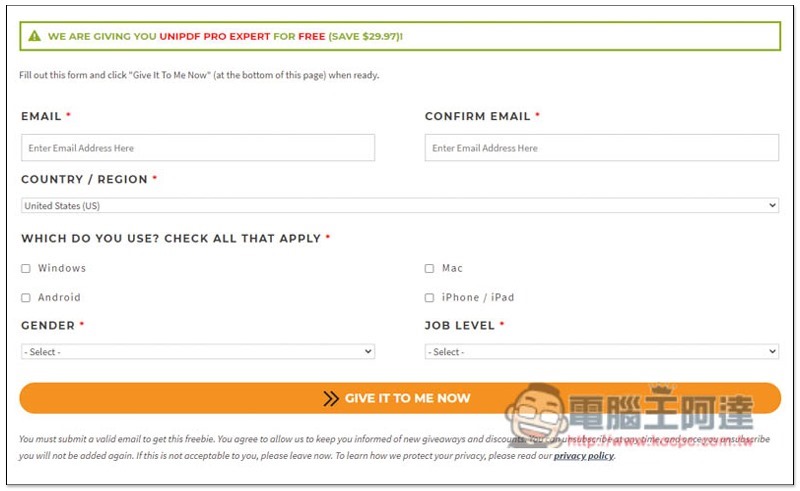
It will jump to the page for filling in information. Enter your email, country, operating system, gender and rank:
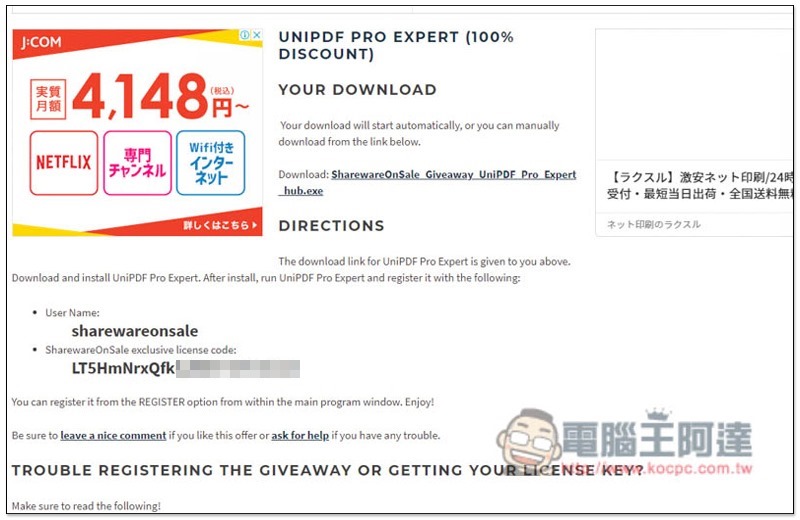
You will get the download link, registered user name and serial number on the next page. Don’t close this page yet:
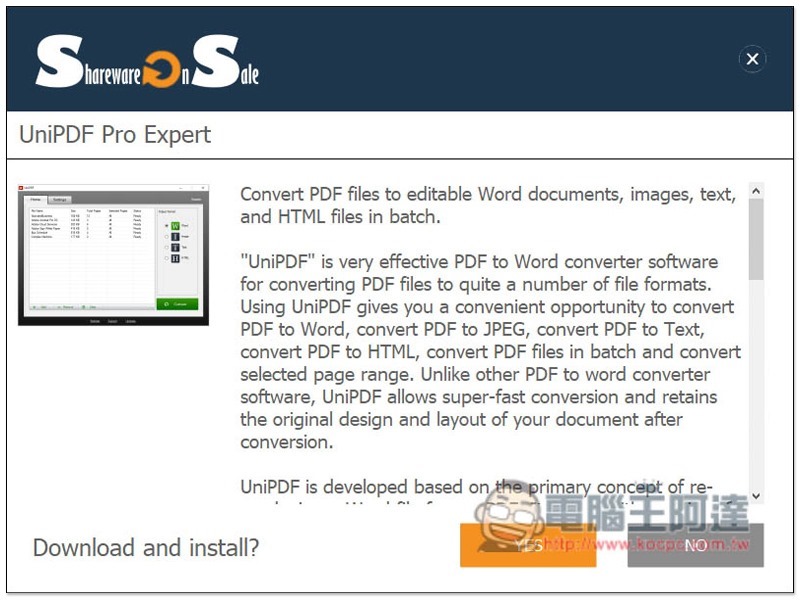
After downloading the software, this is the Hub of Shareware on Sale. The installation file still needs to be downloaded through this set. Just keep pressing Next:
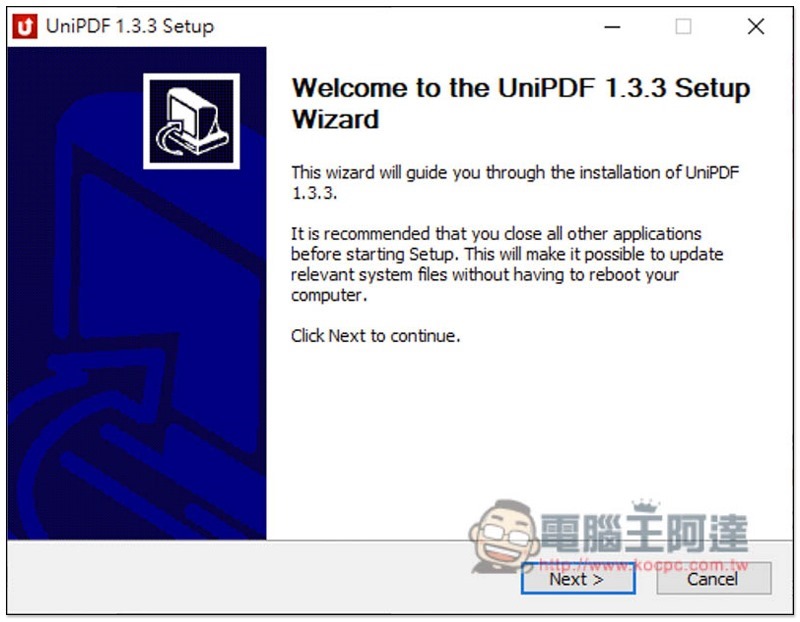
The installation process of UniPDF is the same, just keep pressing Next:
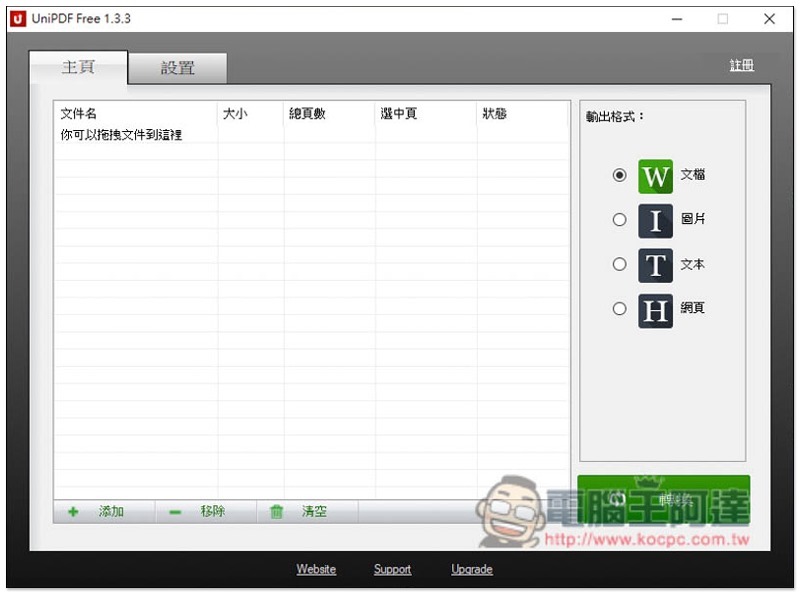
Supports Traditional Chinese interface. It is a free version at the beginning. Click “Register” on the upper right:
Copy and paste the username and registration code you just obtained here, and then press Register:
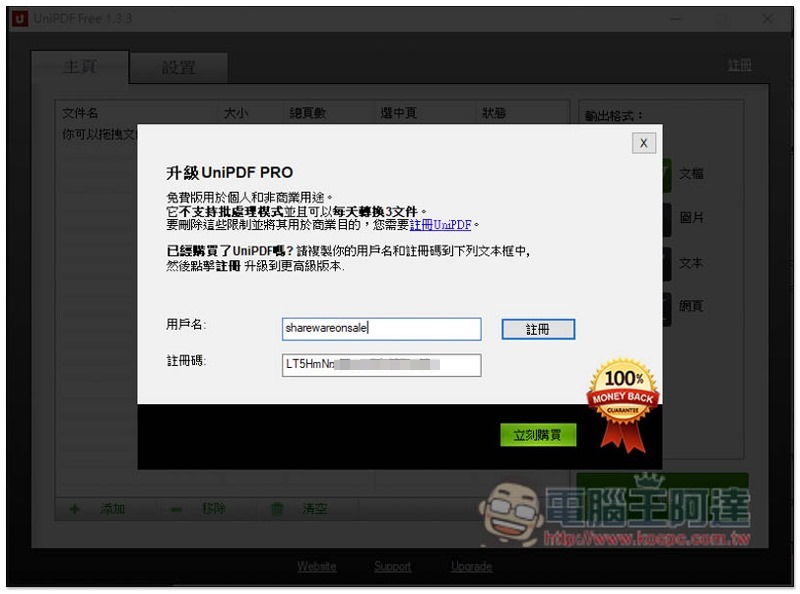
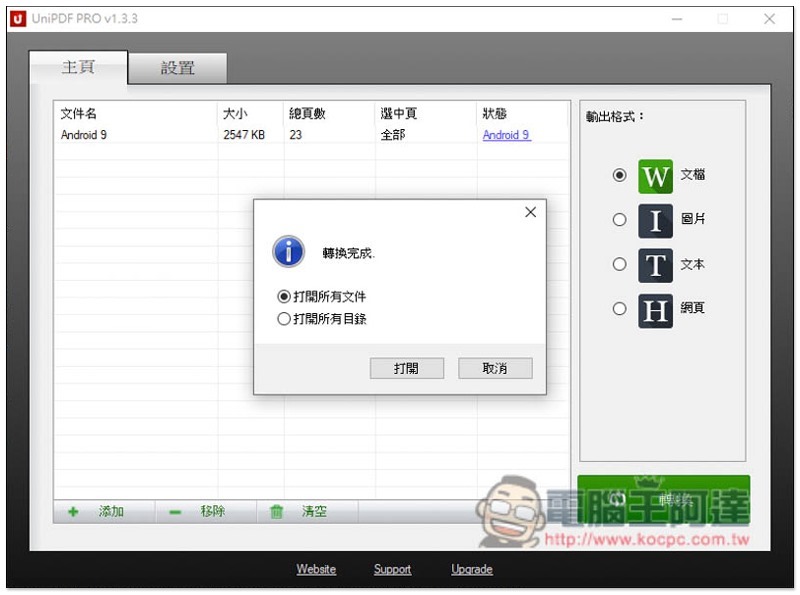
This is successfully enabled and you can start using it! Although this supports relatively few output formats. The files are only Word, as well as pictures, text, and web pages (selectable on the right), but these formats are the most commonly used:
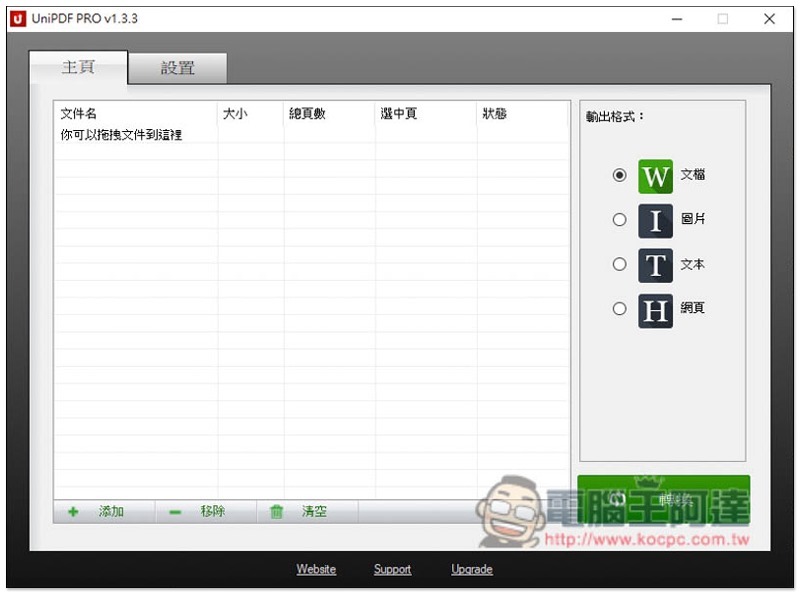
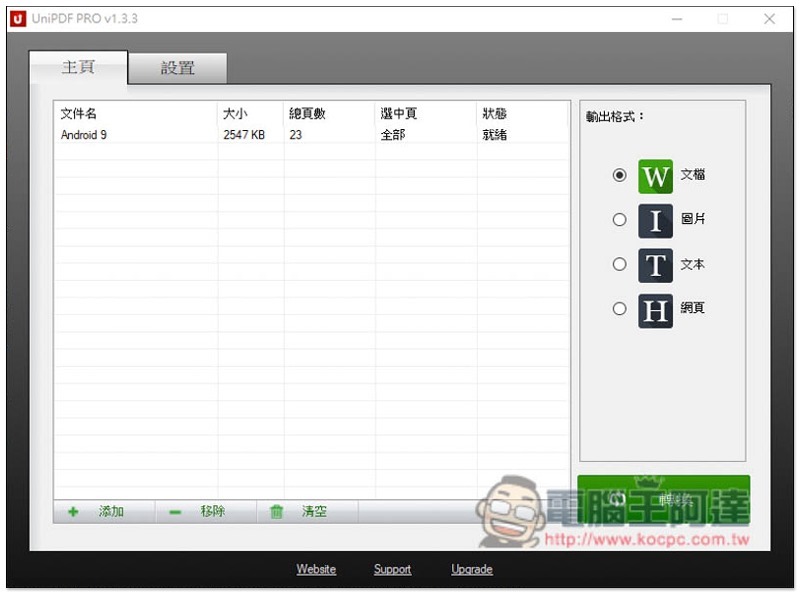
After dragging in the PDF file you want to convert, select the format you want to output, and then click “Convert” on the lower right:
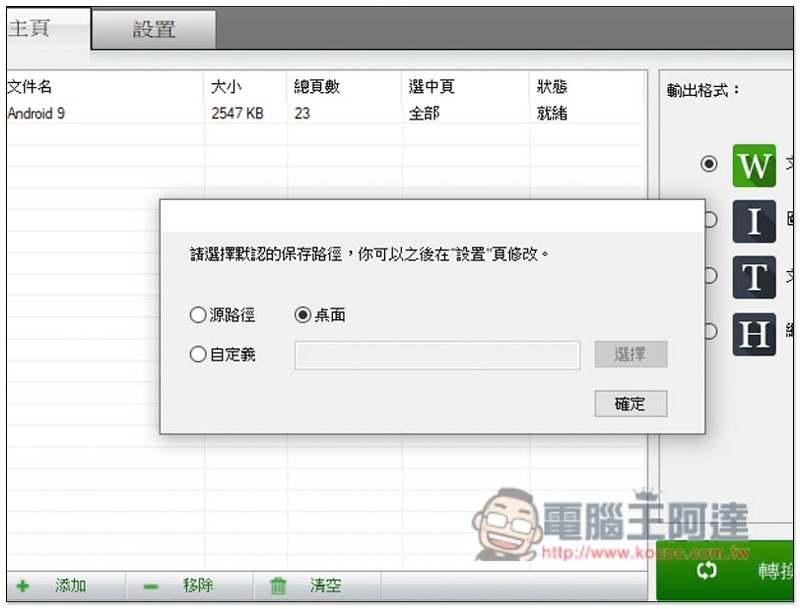
Select the path location you want to save:
The conversion is complete! The conversion effect is very good, and the layout and pictures are not lost:
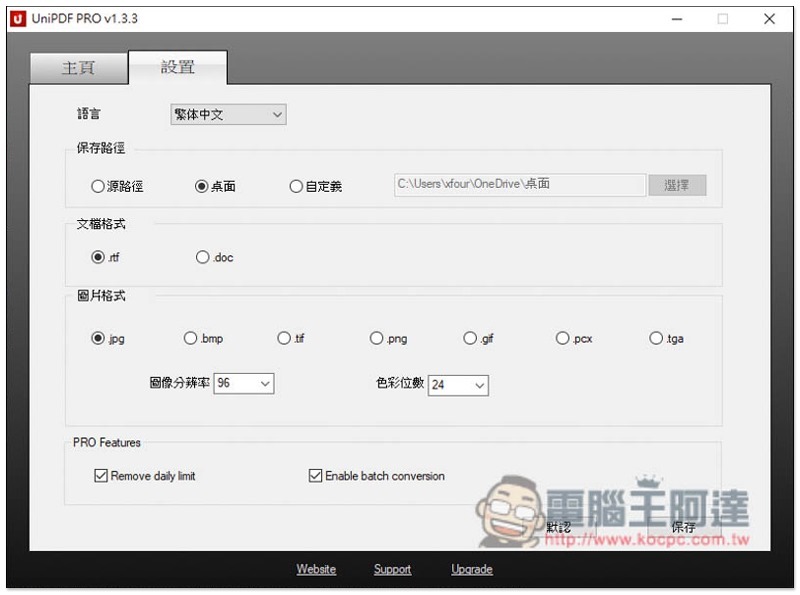
In the settings section, you can choose the output format you want, such as: documents include rtf, doc, pictures include jpg, bmp, tif, png, gif, etc.:
Source: KOCPC Chinese