


Although there are many extension plug-ins in the Chrome store that can improve the swiping of websites such as Facebook, Instagram, and YouTube while working, most of them are directly blocked and cannot be used within a certain period of time. Otherwise, the confirmation option will pop up, and the thinking time only lasts a moment, which may not be suitable for some people. The “Delayed Gratification” free Chrome extension plug-in recommended in this article will also block the specific website you set, but the method is to give you time to think, such as: a 15-second countdown, and then the website will be opened.
Delayed Gratification free Chrome extension plug-in introduction
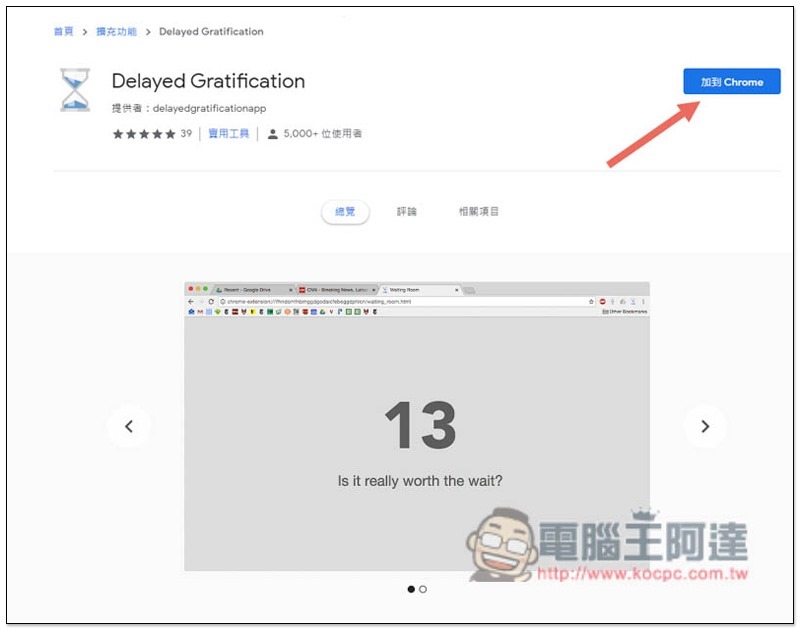
Click meAfter entering the Delayed Gratification extension plug-in installation page, click “Add to Chrome” in the upper right corner:
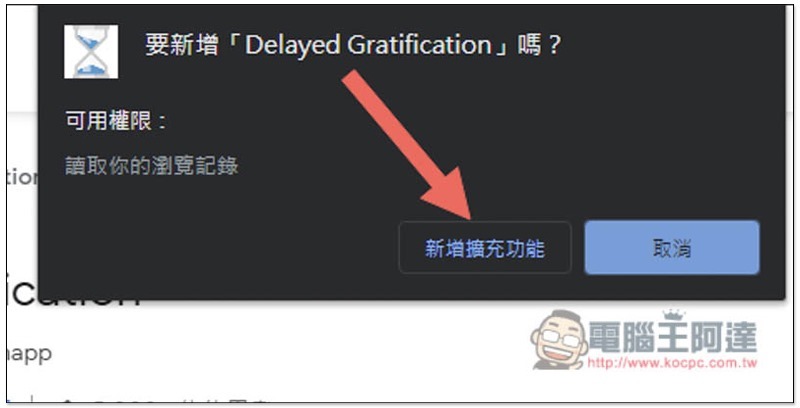
Click “Add extension”:
When this message appears in the upper right corner, the installation is complete:
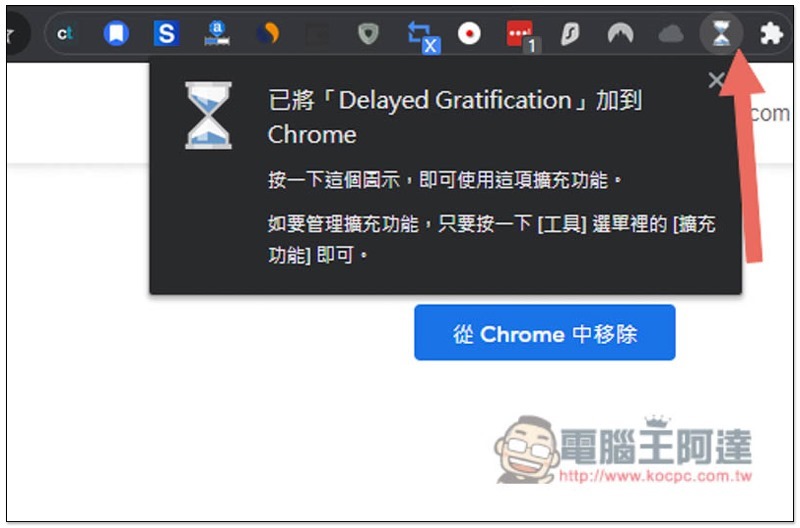
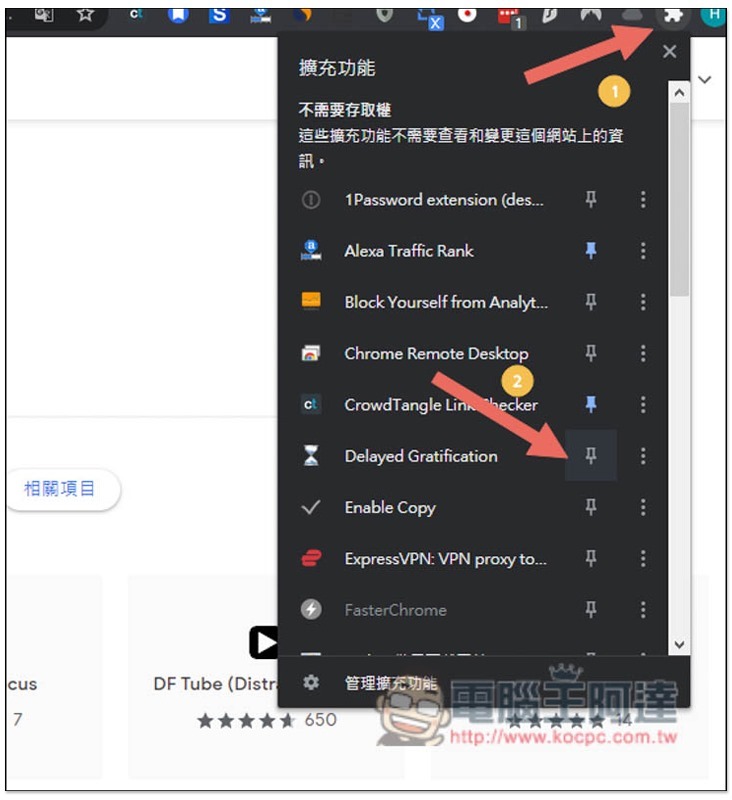
However, after the current Chrome extension plug-in is installed, the icon will be hidden by default, so please click on the puzzle icon on the far right, find Delayed Gratification, and click on the pin on the right, so that it will appear in the upper right corner:
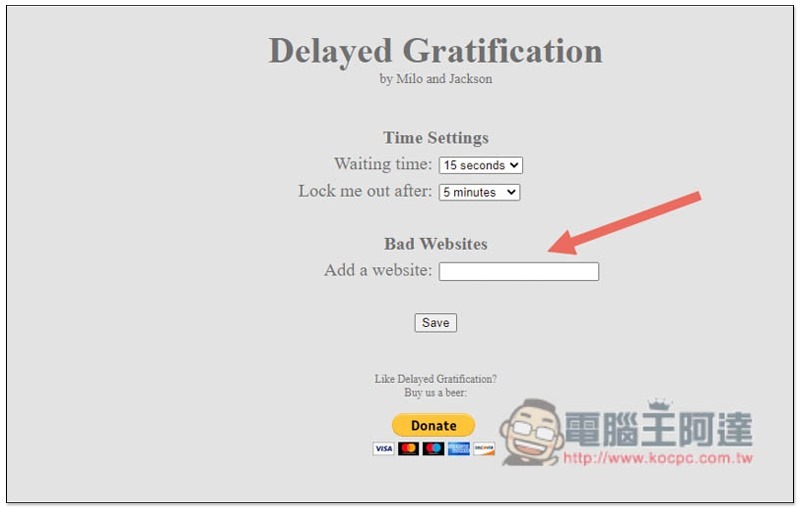
After clicking to enter the backend, you can start setting up the website you want:
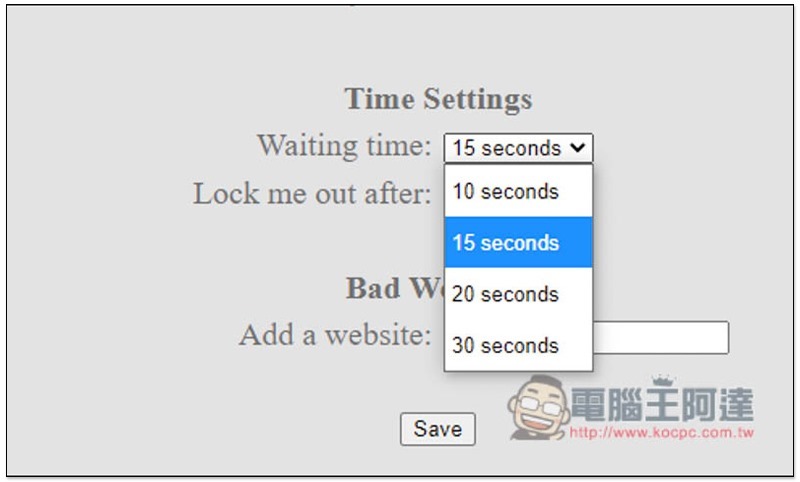
There are four options for thinking time: “10 seconds”, “15 seconds”, “20 seconds” and “30 seconds”. The more you want to improve the bad habit of wasting time, it is recommended to set the time longer, such as: 30 seconds, so that you can think about more things, such as the consequences of wasting this time on this website:
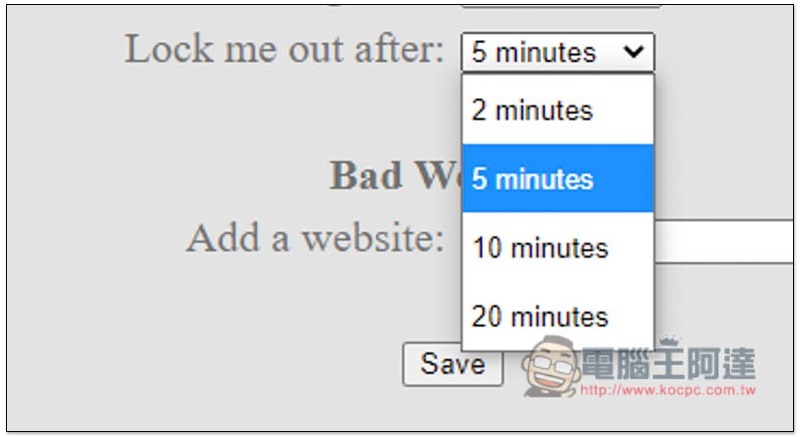
Lock me out after means that the website will be automatically locked after a few minutes. However, when it comes to locking, it actually means that it changes back to the countdown screen again, not the entire website is blocked. There are also four options: “2 minutes”, “5 minutes”, “10 minutes” and “20 minutes”:
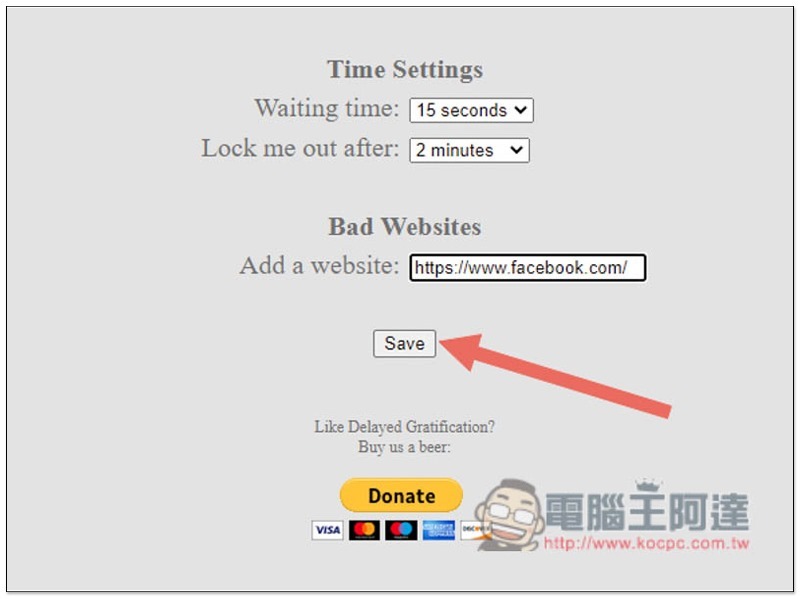
I take Facebook as an example. After entering the URL in the Add a website field, click Save:
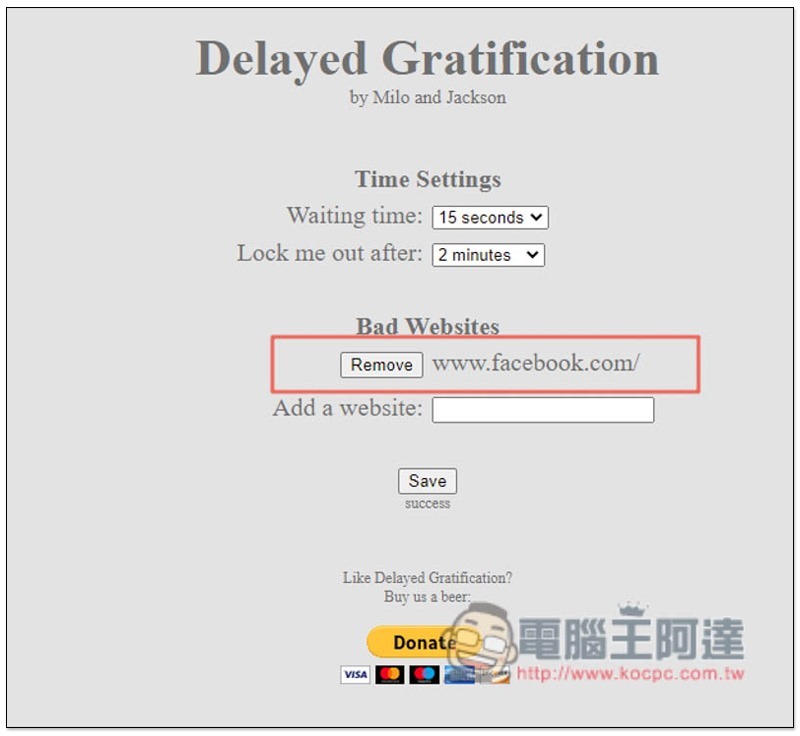
In this way, the addition is successful. If you want to remove, just click Remove:
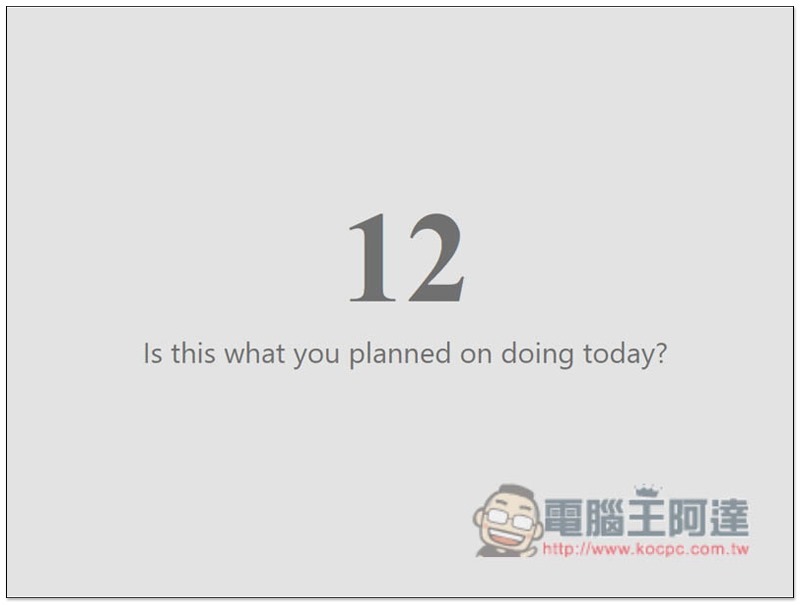
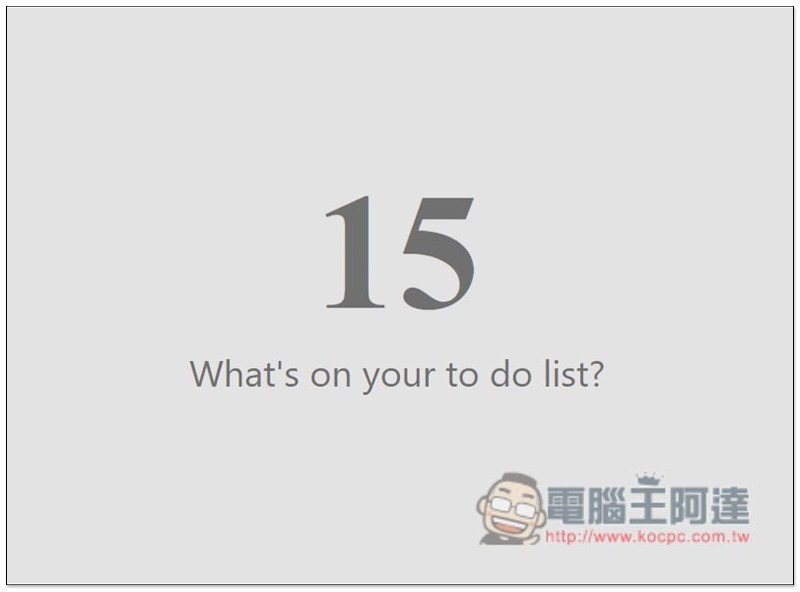
Then after entering Facebook, this countdown screen will pop up first, and questions will be displayed below the seconds, such as: What is on your current to-do list? . After the seconds run out, the Facebook website will actually be opened:
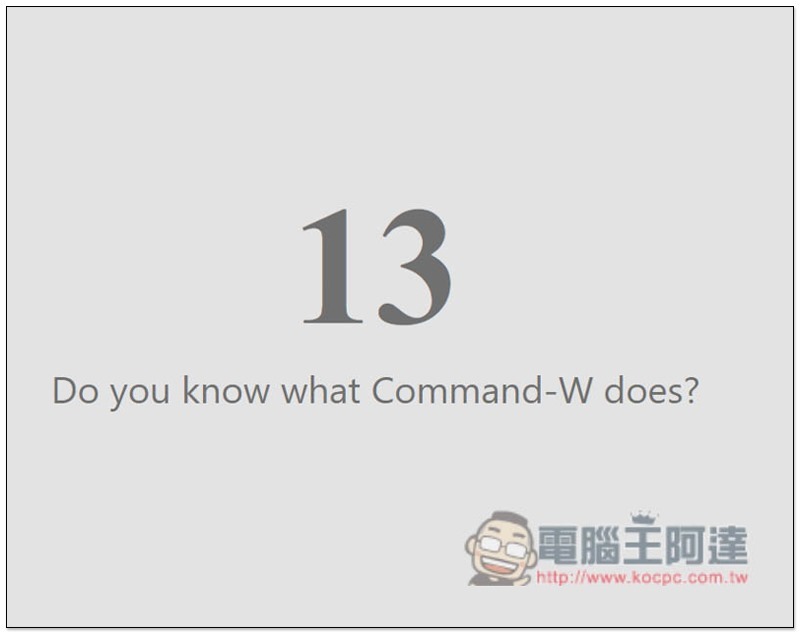
Lock me out after I set it after 2 minutes, so I scrolled Facebook for 2 minutes. Clicking any function will open the countdown screen again. The problem below the second tree is also different:
Therefore, if you always feel that you have been wasting time on some unimportant websites, you can use this extension plug-in to remind you in a timely manner, which is not as tough as a blockade, allowing you to have more time to think and make decisions.
Supplementary information
- Delayed Gratification Chrome extension store page:Click here to go
Source: KOCPC Chinese