


As more and more people pay attention to privacy in recent years, when sharing photos, whether portrait rights are involved has become particularly important, especially for journalists or self-media who run personal blogs. Although there are many tools today that can realize the mosaic function, if there are a large number of photos to be processed, or there are too many people in the photos, it still takes a lot of time to process. The free tool AutoMask recommended in this article can help you save a lot of time, use AI to automatically identify people, and then add mosaics immediately. It can be easily completed in just a few seconds. It is completely free and requires no installation.
AutoMask operation tutorial and introduction
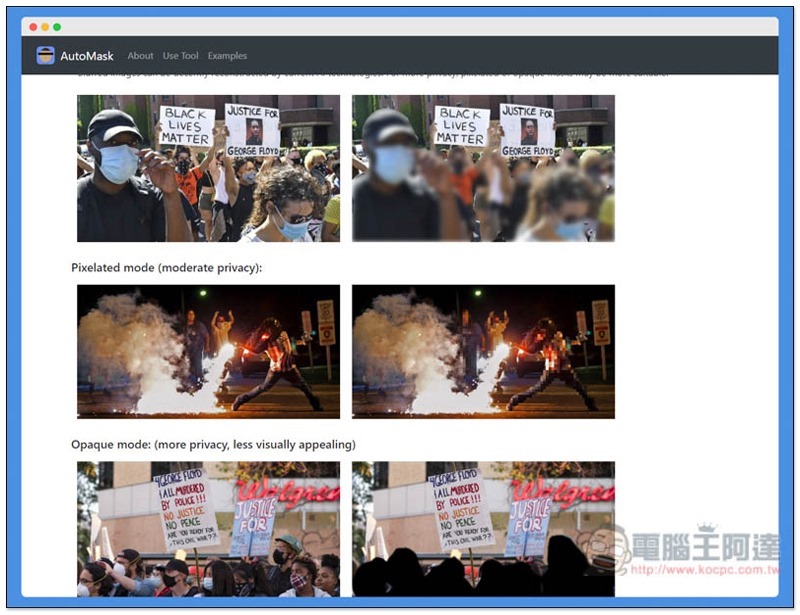
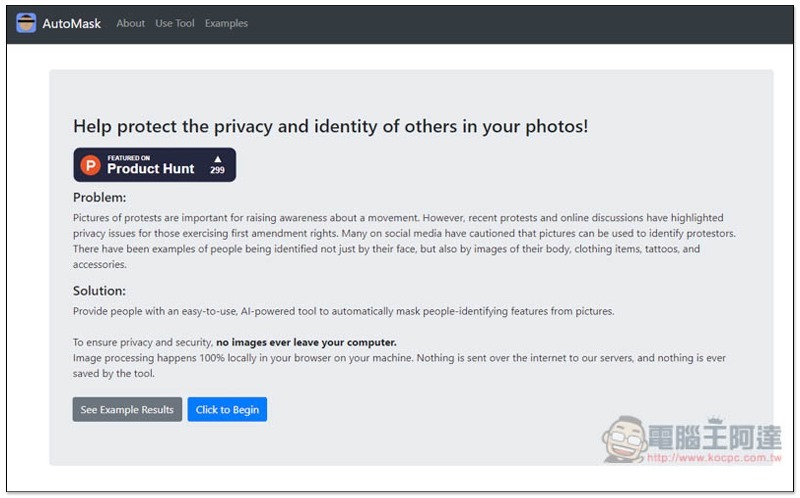
AutoMask is a web tool that can complete the mosaic action in your browser, and the advertised photos will not be uploaded to their server. All processing is completed directly from your local browser, so there is no need to worry about the leakage of photos:
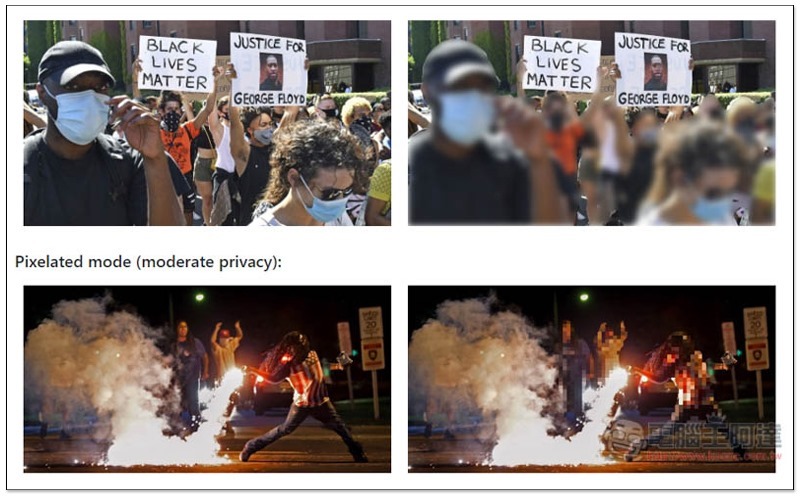
There are also some sample photos below for your reference. The recognition effect is quite accurate and errors are rarely encountered:
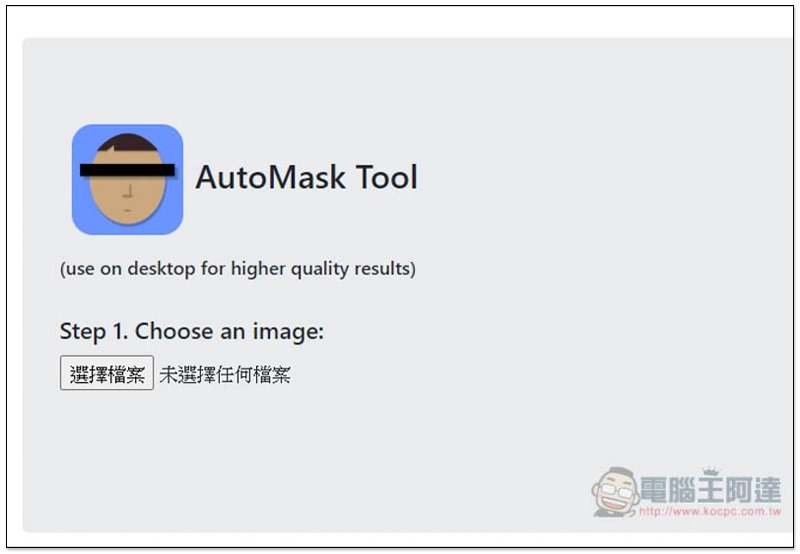
The method of use is very simple. Slide to the bottom of the page and you will see the function of selecting files:
After selecting the photo, you will also be given a preview. There are resolution processing options below. If your photo is too large, they recommend selecting Low Resolution:
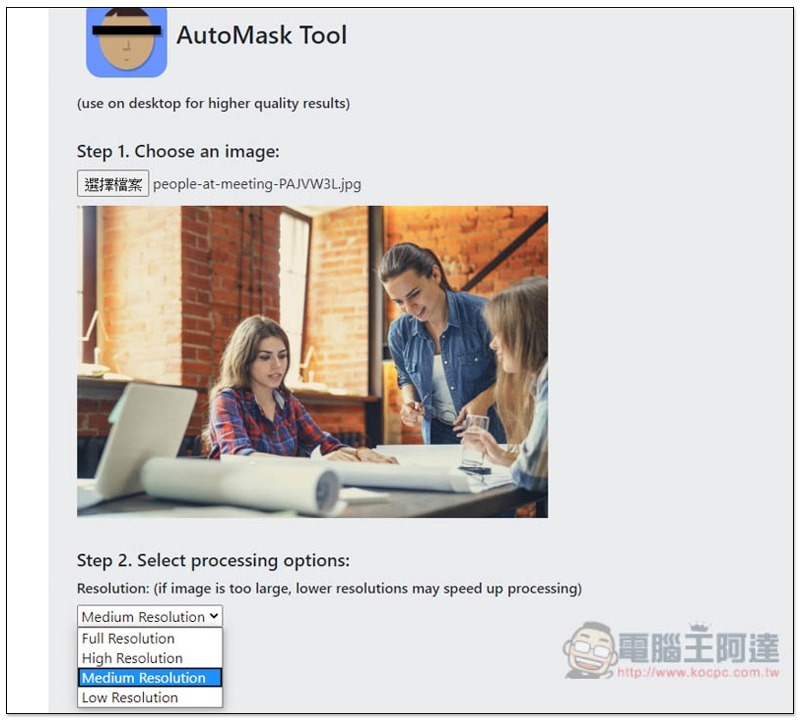
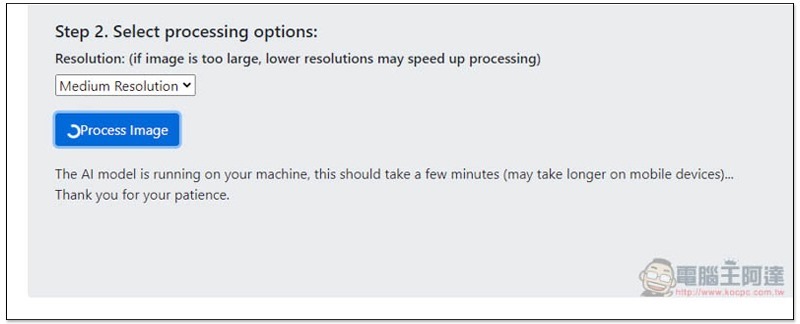
After making the decision, just press the processing button below and the execution will begin. Basically, you can see the results in a few seconds:
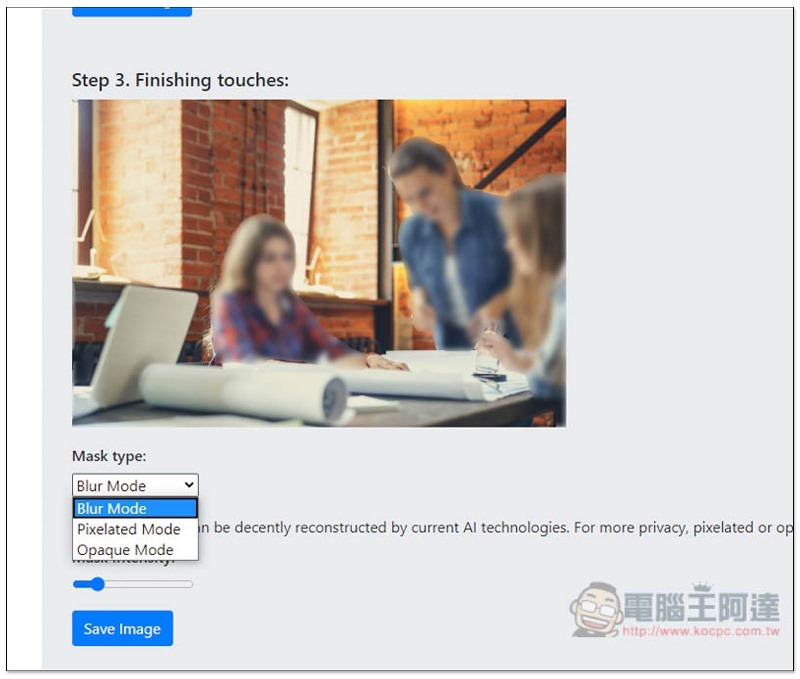
I have to say that the effect is really good. The photo I uploaded also accurately identified three people:
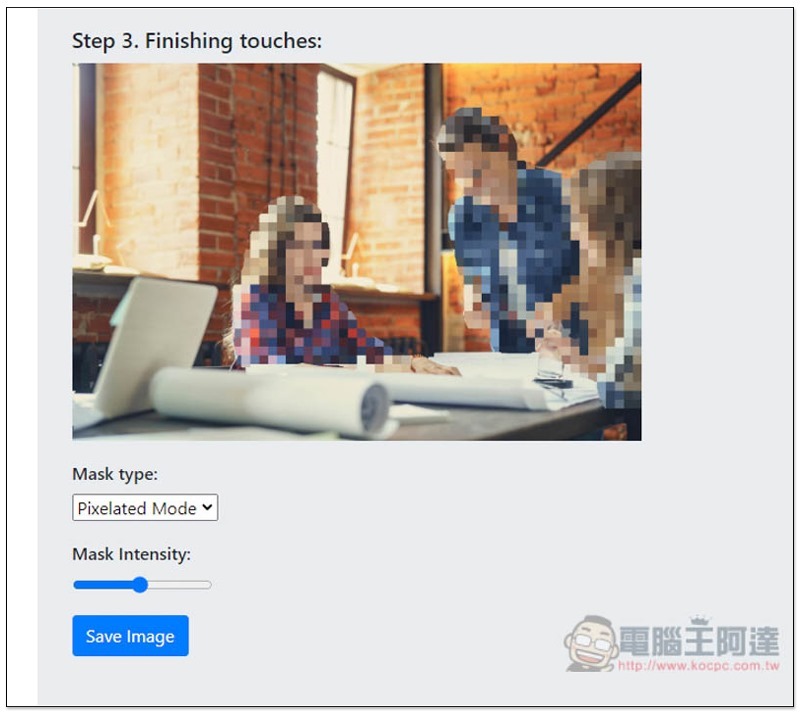
If you think the mosaic intensity is too strong, you can adjust the Mask Intensity below to be weaker (or stronger):
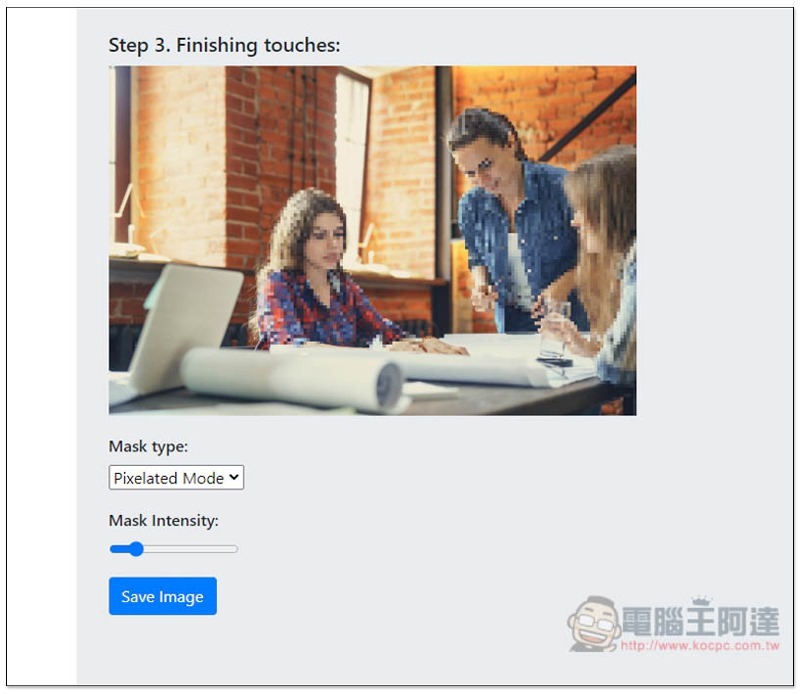
Mask Type can change the mosaic type, including Blur Mode, Pixelated Mode, and Opaque Moed. When you are satisfied, press Save Image to save it to your computer:
It’s a pity that this tool does not support processing multiple photos at one time. It would be great if it could be added in the future. In addition, there is no function to add or remove characters or ranges on your own, so there are some restrictions on use.
Supplementary information
- Tool name: AutoMask
- Nature: Free
- URL:Click here to go
Source: KOCPC Chinese