


Although it is understandable that Google wants to directly compete with the built-in video editing function of iOS system. However, this ultra-convenient video editing function has been exclusive to iOS users since the end of August last year and has only now come to Android systems, which is a bit strange XD. But in short,TA It’s coming. We also used Pixel phones for the first time to have a simple experience – only to find out that Google still has some good new features hidden in Android (shoulder pat). Continue reading Google Photos’ latest video editing tool is now available for Android.
Google Photos’ latest video editing tool now available on Android
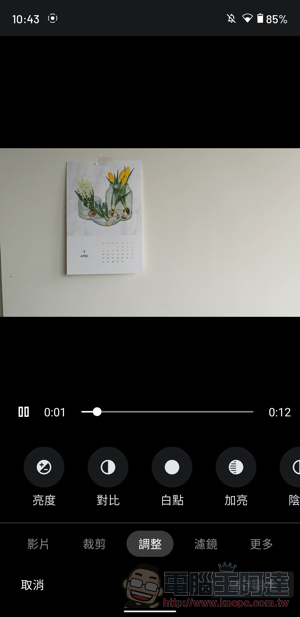
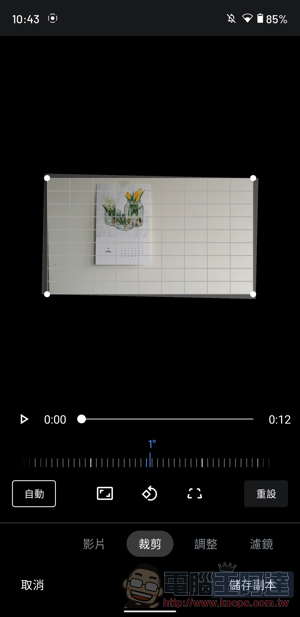
Although becauseUnlimited upload policy changes, it seems that many people have chosen to give up the Google Photos album service. However, this officially created tool actually has many useful functions that are worth continuing to use. Today, they also officially added a video editing tool update with more than 30 editing functions to the Android version. The functions including “Video/Crop/Adjust/Filter/Mark” have been enhanced to become more practical.
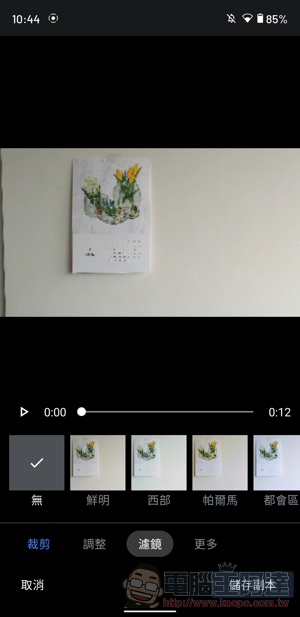
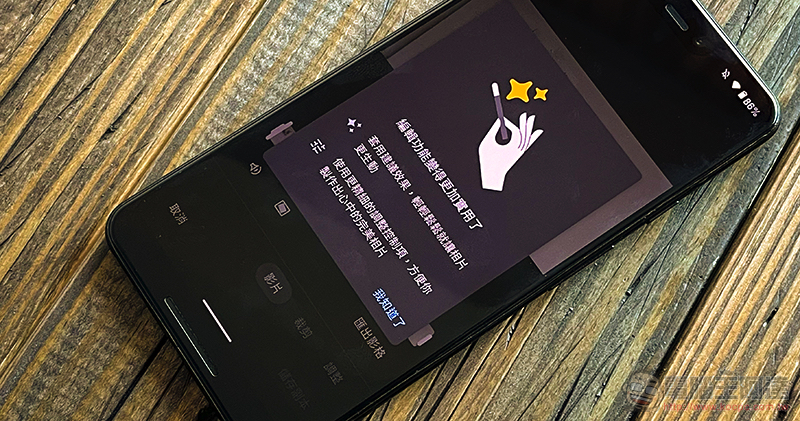
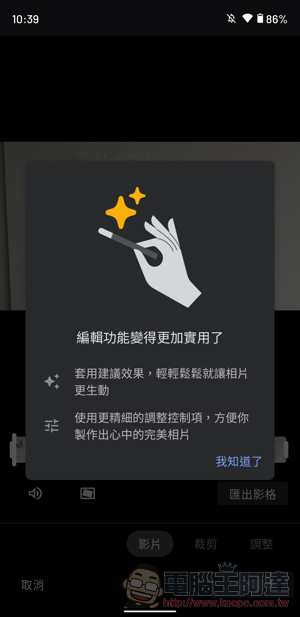
To use this new version of the video tool, you must first have videos on your phone or Google Photos service (nonsense XD). After switching to the video item you want to adjust, you can select “Edit” to open the new version of the editing page – if it has been updated, the introduction page of the first picture of this article should be displayed, and then you can use various useful functions.
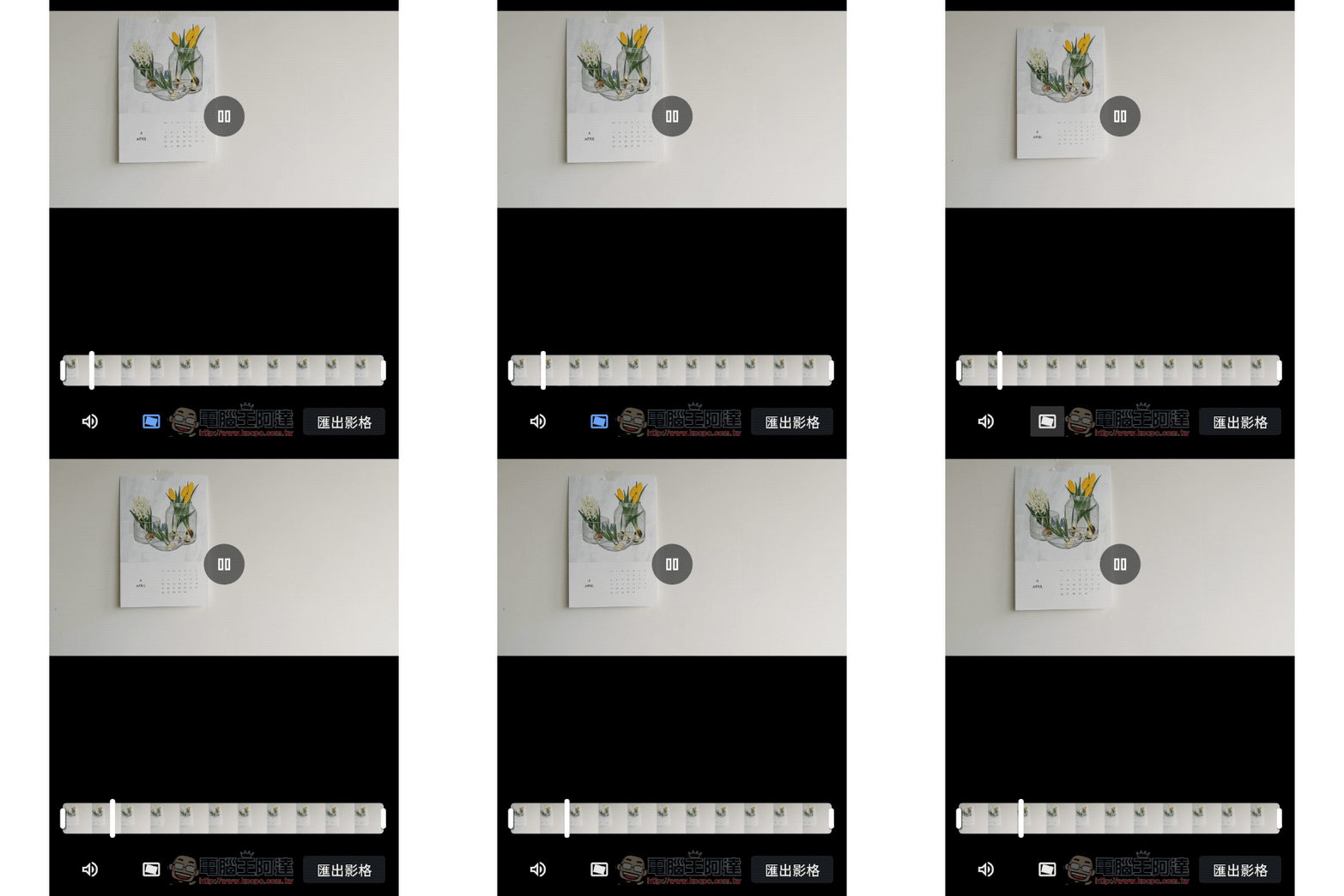
As soon as you open the editing interface, you can immediately edit the video by “removing the beginning and ending”. You can also quickly adjust the video level through the “Crop” function, and you can also draw and mark directly on the video in “Markup”. But what surprises the editor the most is probably the function pictured above that can further enhance the shock-proof effect for videos.
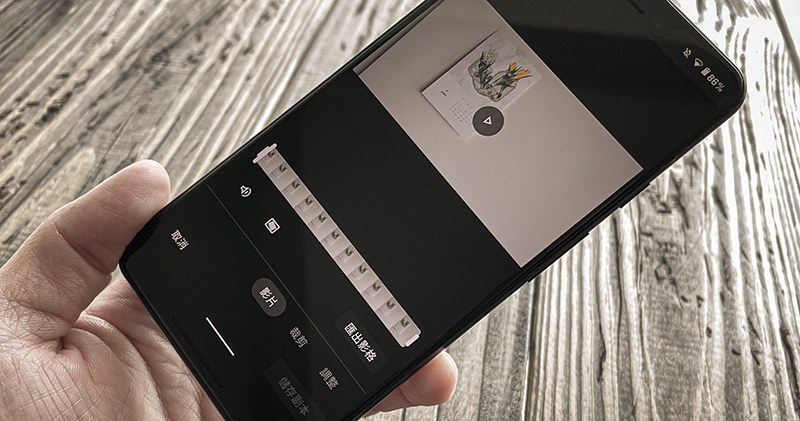
Although there will be a period of calculation time and more cutting, my initial impression of using it is that the effect can be said to be quite obvious! So if the original shock-proof function still can’t stop your hands from shaking, you can really consider turning it on and giving it a try. It is said that the new video editing interface of Google Photos for Android is unlocked from the server side, so if you haven’t received it yet, don’t worry, it should be gradually pushed to more devices.
Further reading:


Source: KOCPC Chinese