


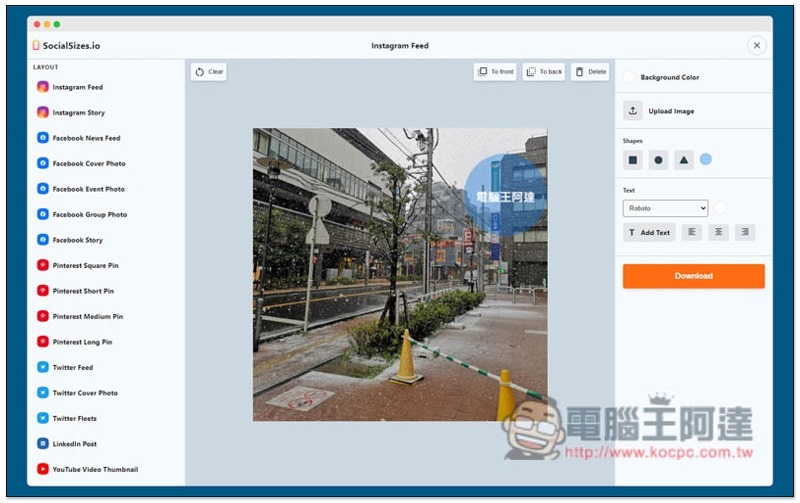
For those of you who are running personal FB, IG, YouTube channels, or your job is a social editor, you must often need to create sharing pictures, even social covers, limited-time dynamic videos, etc., and each size is different. Here is a very easy-to-use free online tool Socialsizes.io, which has sorted out the image and video sizes used by major social platforms, such as: Facebook, Instagram, Pinterest, Twitter, YouTube and Linkedln, as long as you upload the image, you can quickly adjust it to a suitable size, and it also provides text and shape functions.
Introduction to Socialsizes.io Online Free Tool
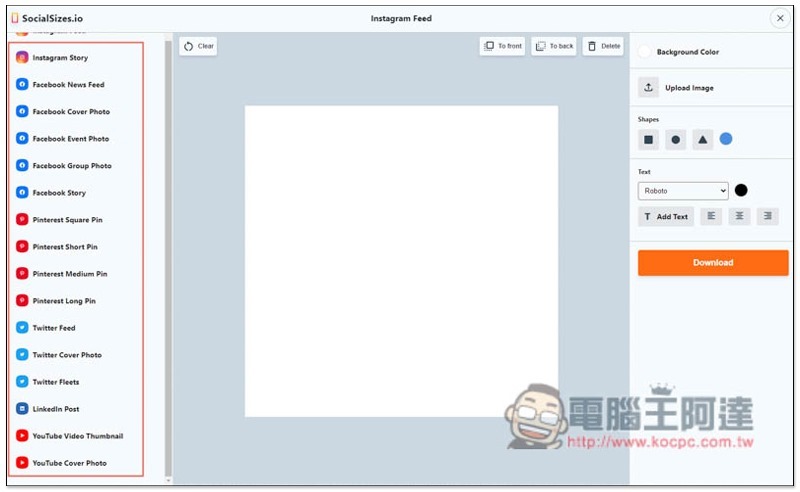
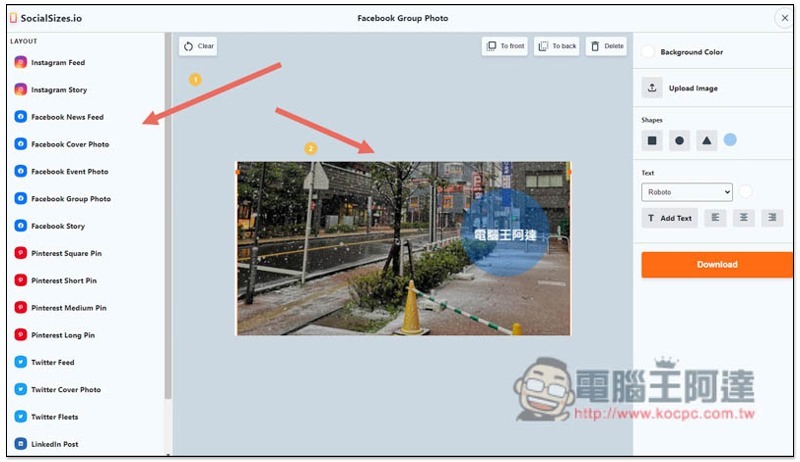
Click here to enter the Socialsizes.io website, you will see the image and video sizes of major social platforms on the left. For example, Instagram has Feed and Story, Facebook has 5 more, including News Feed, Cover Photo, Event Photo, Group Photo and Story. Select the type you want to adjust:
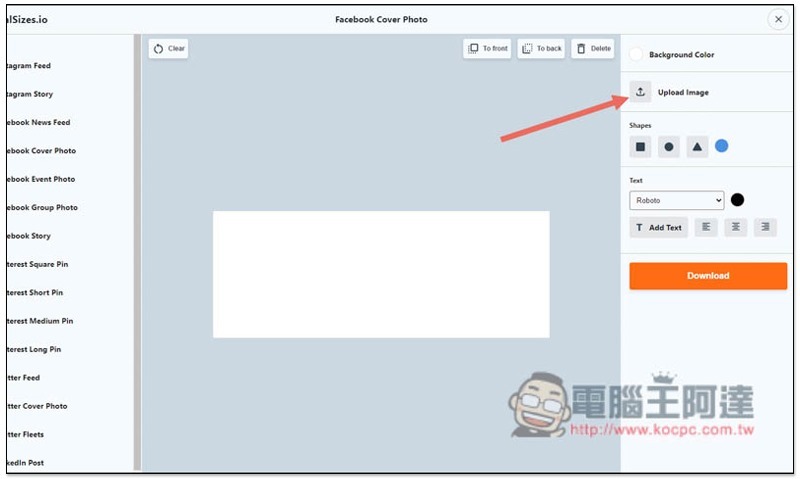
Then click Upload Image on the right to upload the image:
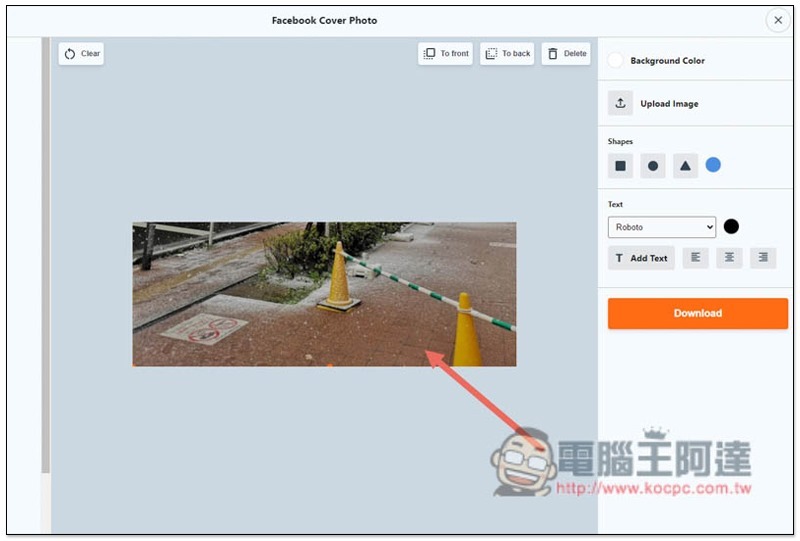
At this time, you can adjust the image to the appropriate position and also support zooming in and out:
There are some small tools on the right, such as shapes and text, see if you need them. If not, you can just click Download to download:
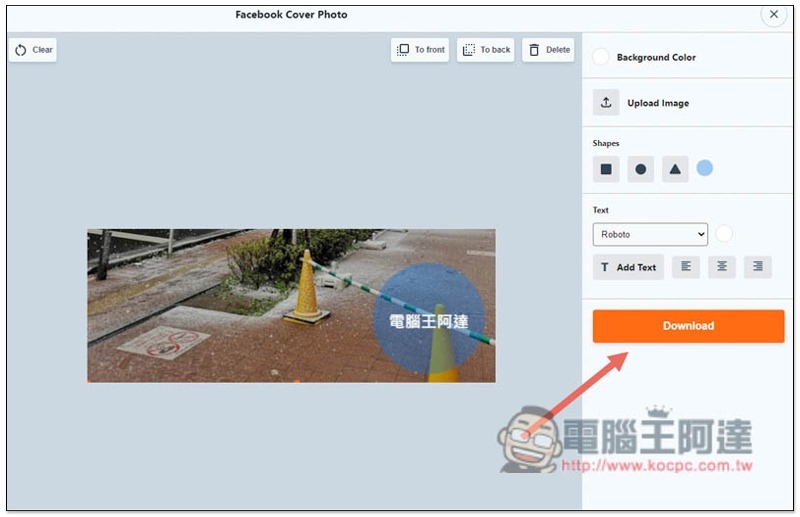
Click the community size type on the left, and the middle size will switch instantly. You don’t need to re-upload images and designs, all content will be retained:
A minor pity is that the operation of this website is through web functions. If you want to delete an object, you must click the Delete function at the top of the screen. Pressing the delete key on the keyboard will not react.
In addition to uploading images, you can also create community images directly through this tool.
Supplementary information
- Socialsizes.io website:Click here to go
Source: KOCPC Chinese