


You may think that the map has already supported the black theme. However, in the past, Google Maps only supported dark themes that supported maps and navigation. Although there are already map themes that are less disturbing at night, it feels like there is not much difference in changing the interface to dark. But it can match the comprehensive “blackened” user interface of the Android system, and it really feels good to use it! Continue reading Google Maps fully supports dark theme! How it looks and how it is used can be found in the report here.
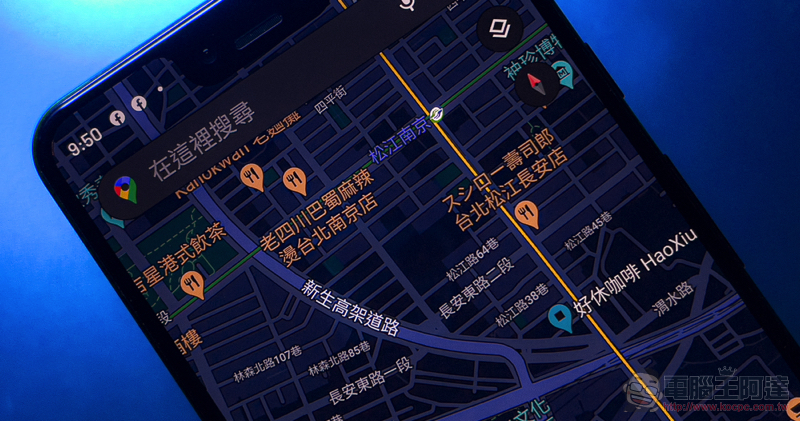
Google Maps fully supports dark theme! See here for how it looks and how to use it.
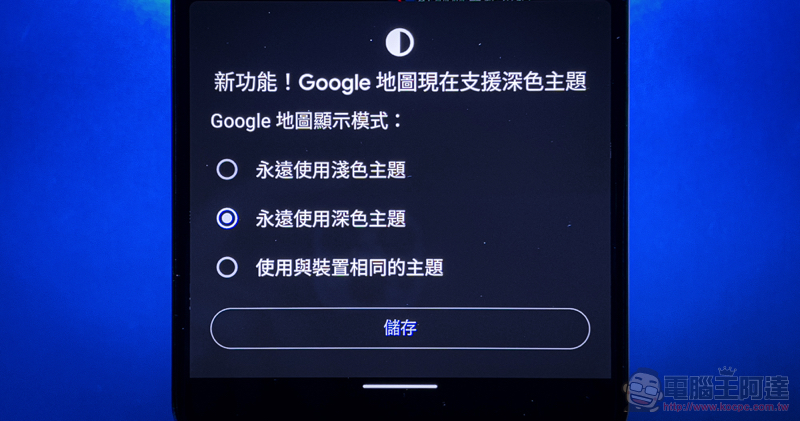
Have you used Google Maps recently? I believe that as long as you check for updates regularly, you should be able to see a window with a new function pop up in the app these days when you open it. Yes, since last yearGoogle Maps dark theme feature quietly being tested, it has now been confirmed to be fully launched.
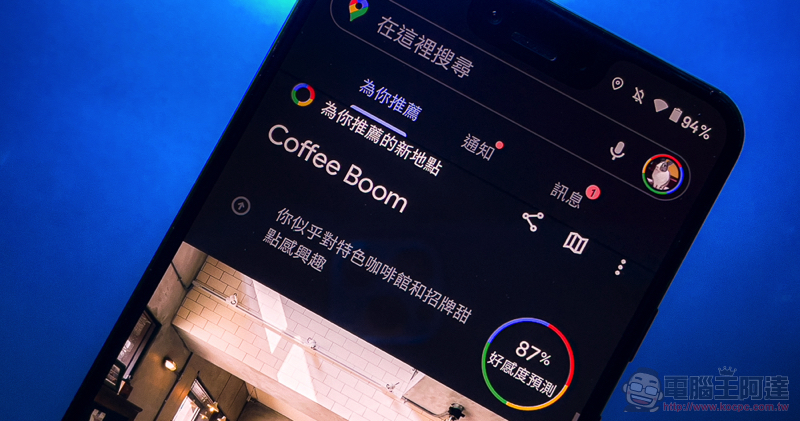
It is said that as long as the Android version of Google Maps is 10.61.2 or later, it should receive this completely black interface – after all, the map has been able to switch to dark mode before to avoid being blinded when driving at night, and now almost all interfaces can be browsed with a dark theme. The reason why I say “almost” is because the editor found that the message interface in Google Maps seems to have not been changed…
Enable dark theme manually
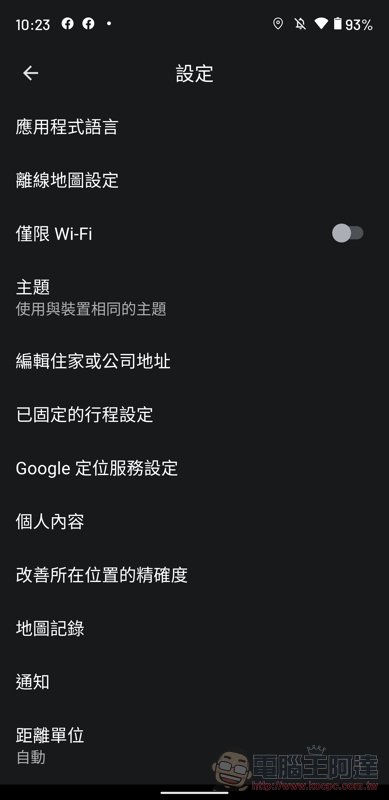
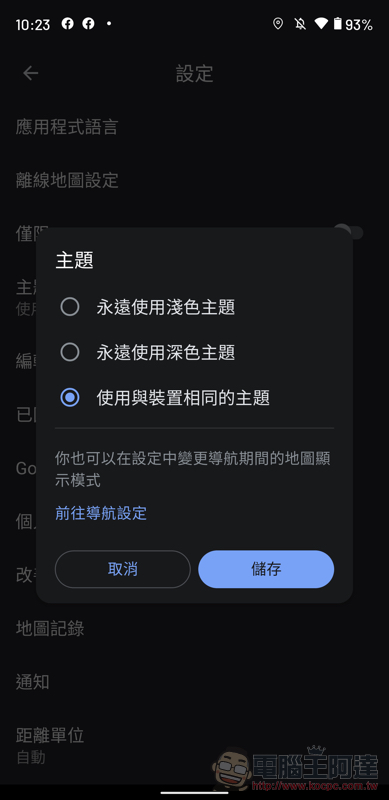
Friends who missed the pop-up settings can click on the account avatar in the upper right corner of Google Maps to find the relevant settings in “Settings > Theme”. You can choose to start with the dark theme at any time, or as the theme configuration of the Android system changes. What’s more interesting is that Google Maps also provides separate display settings for dark maps during navigation. Therefore, you can still switch the map mode according to day and night as before, and you can also specify the color of the map.
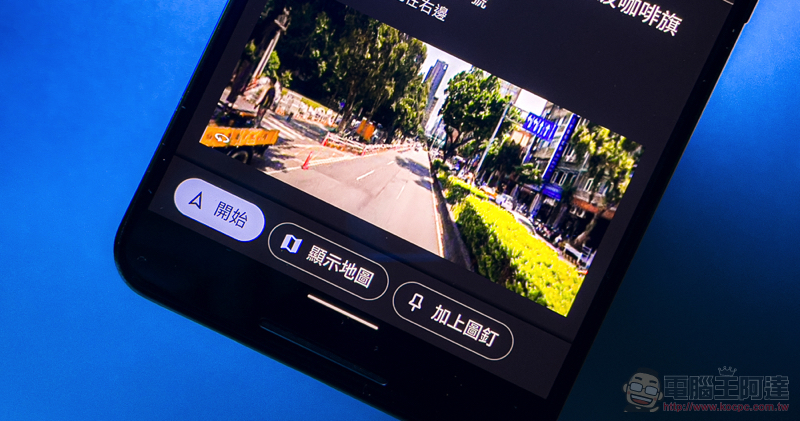
The dark theme interface is already supported on the Explore, Go, Saved, Contribution and Latest News pages. Of course, the basic map attractions page can also maintain the “dark” style to browse all information. It is a pity that the iOS version has not yet received similar interface functions before the deadline – alas, the new split-window street view is not yet available, and the function of previewing street view images in the navigation steps of the Android version is not given to iOS users. I have to say that the functional gap between the two systems of Google Maps has shown signs of widening recently…
What do we want? Dark theme! Where do we want it? Google Maps!
Dark theme is now available on @googlemaps. pic.twitter.com/V9FyjPLwES
— Android (@Android) March 18, 2021
Further reading:
Gwangyang ionex performance scooters S7 and S7R are launched, giving Gogoro more than just a look

Source: KOCPC Chinese