


all alongJapanevery time / wheneverNew YearDuring this time, people send greeting postcards to friends, relatives, elders, clients, or business partners. Although younger generations do this less often, it remains very popular in the business world. To help people quickly create their own personalized New Year greeting postcards, Japan Post has collaborated with Gemini In a joint release, they’ve launched a “Gemini New Year’s Card” featuring up to 9 different styles. Simply upload your photo, and the people in the image will be seamlessly blended into the New Year’s card. You can even modify it later using natural language, and it’s completely free for everyone.
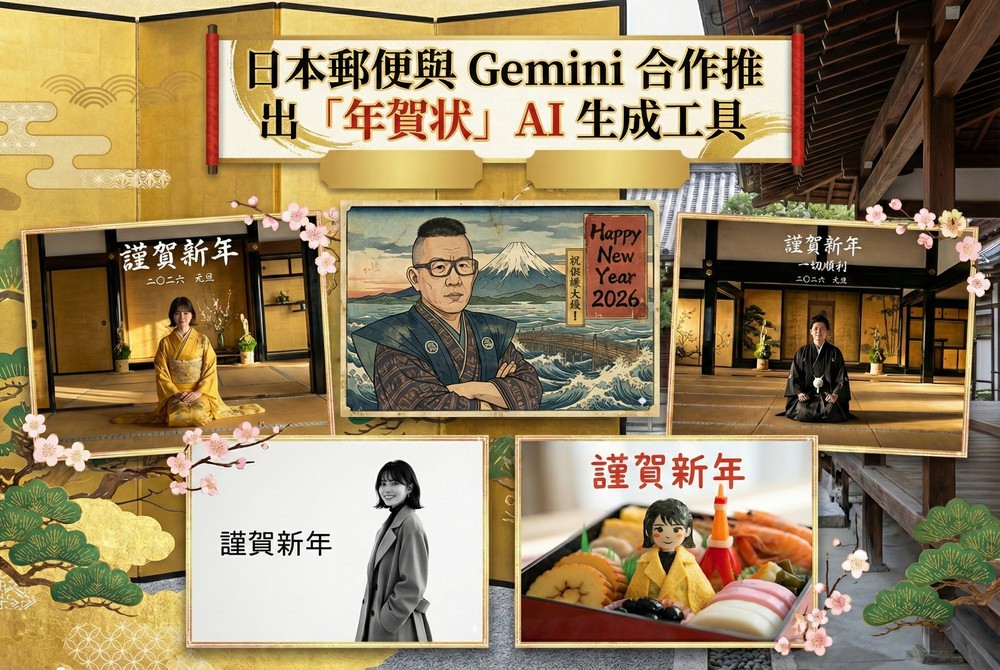
Japan Post Partners with Gemini to Launch “Nengajo” AI Generation Tool for Easy Creation of High-Quality Japanese New Year’s Cards
“Gemini New Year’s Card” is an AI-powered greeting card tool developed through a collaboration between Google Gemini and JP Japan Post, with the tagline “Create high-quality New Year cards quickly—no design skills or photo editing required.” Simply choose a template style, upload a photo or enter a simple description, and Gemini automatically understands the content, handles composition, arranges subjects, and optimizes the overall visuals.
Choose from a variety of New Year’s card styles—from traditional Japanese illustrations and ukiyo-e designs to modern photo-style cards and adorable pet greetings—all generated with one click. Perfect not only for New Year’s wishes but also for commemorating family photos, pet pictures, or holiday celebrations. Share online instantly, or if you’re in Japan, pair with Japan Post’s printing and mailing service for a seamless experience from AI generation to delivery.
Although the interface is only available in Japanese and English, it’s easy to use—you can create a professional-quality New Year’s card within minutes, even if you can’t read the language.
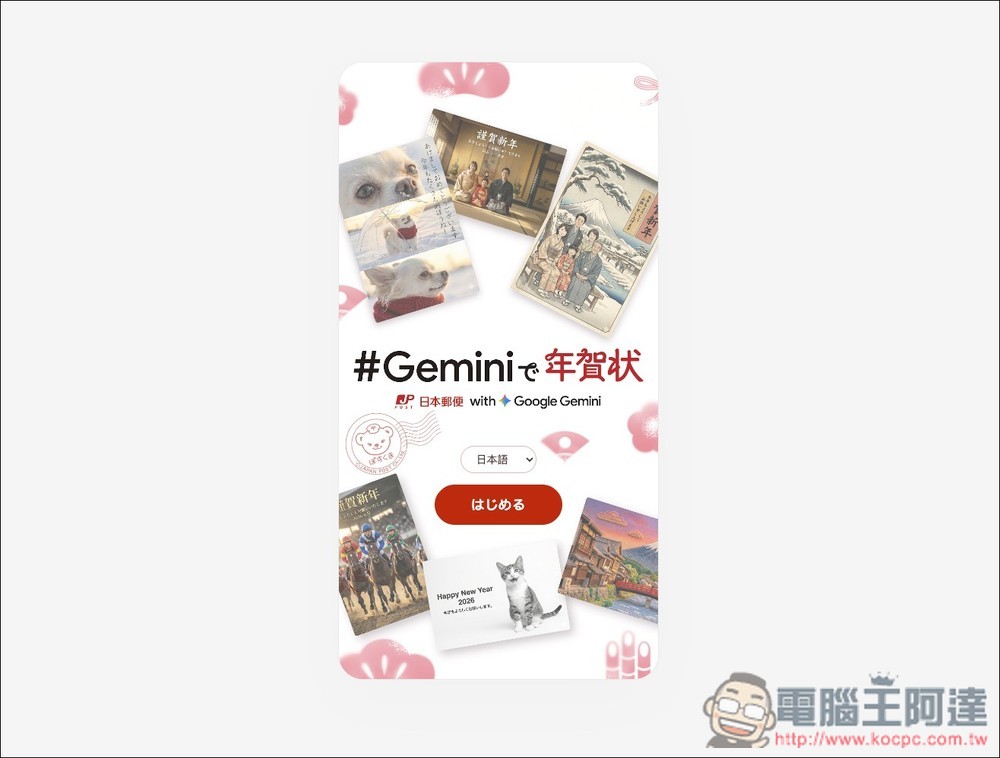
Follow the link above to access the Gemini New Year’s card, tap the red button in the middle to start. If Japanese isn’t your thing, you can switch to the English interface instead.
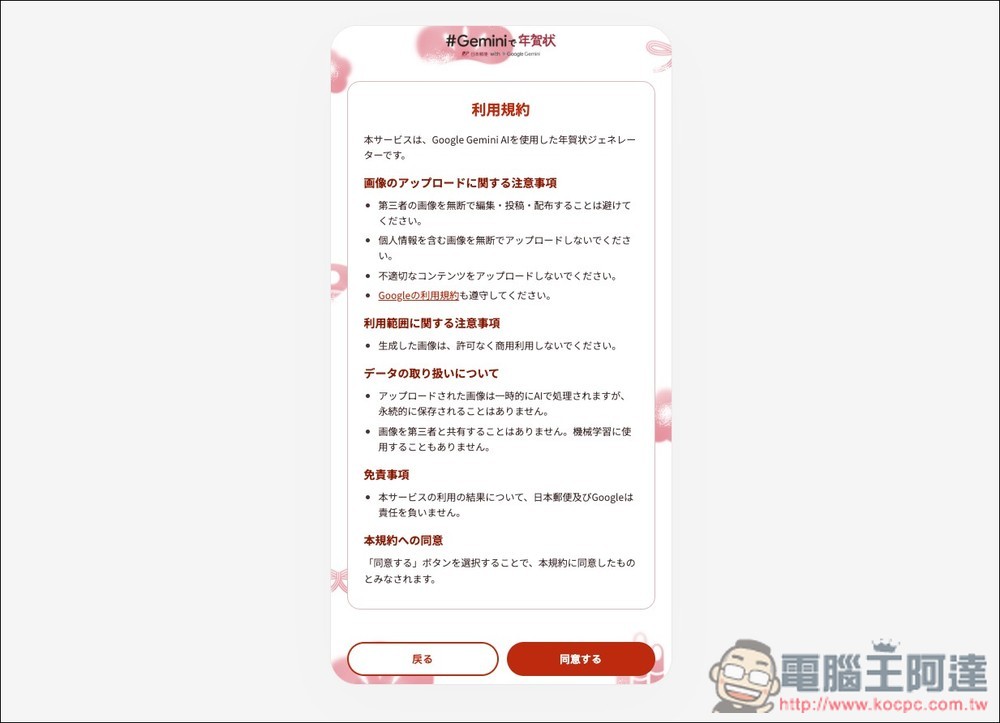
Then the terms of use will appear. Scroll down to the bottom, then tap Agree.
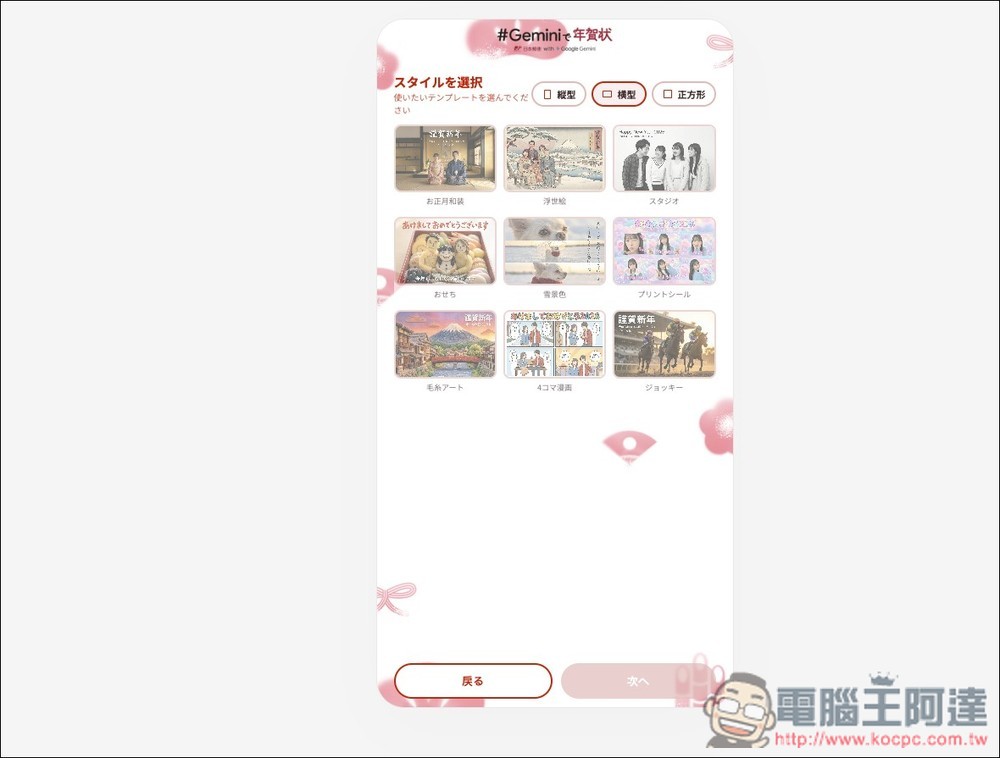
Next, you’ll choose the New Year’s card style. First, pick your size—portrait, landscape, or square—then select a design. Each style has a preview image, so it doesn’t matter if you can’t read Japanese. The most classic option is “Kimono (New Year’s Kimono)” in the upper left corner. There’s also the adorable New Year’s feast “Osechi,” and the “Snow Scene” that’s perfect for pets.
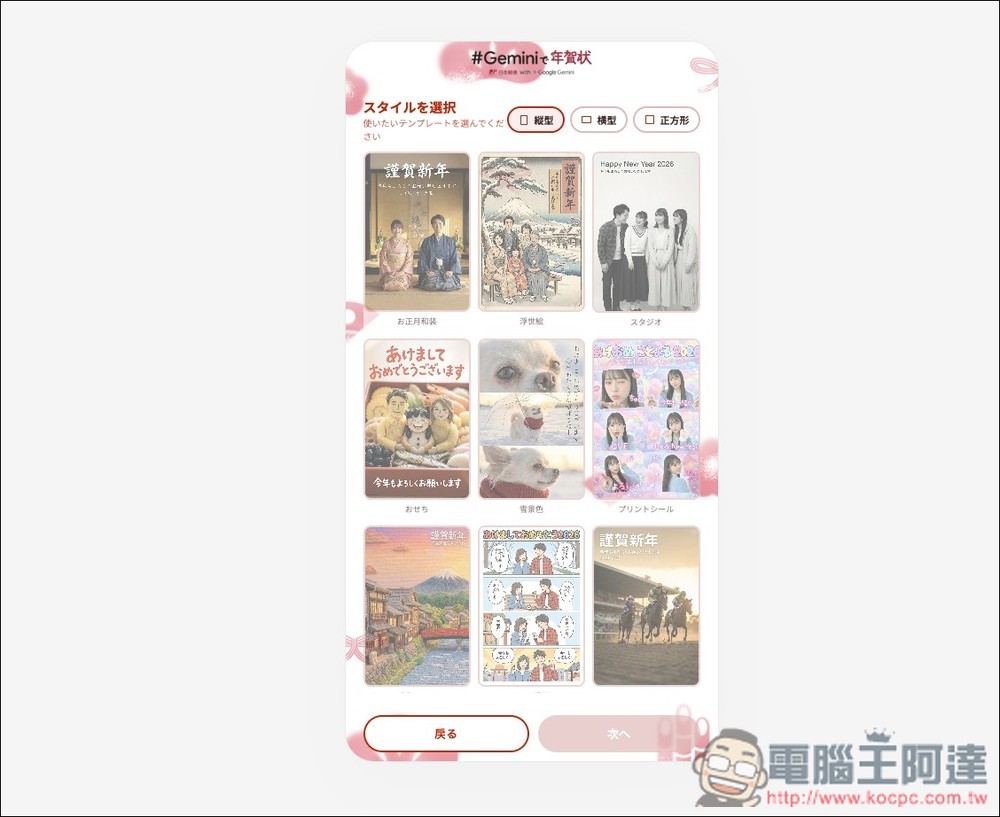
Every size comes in 9 styles:
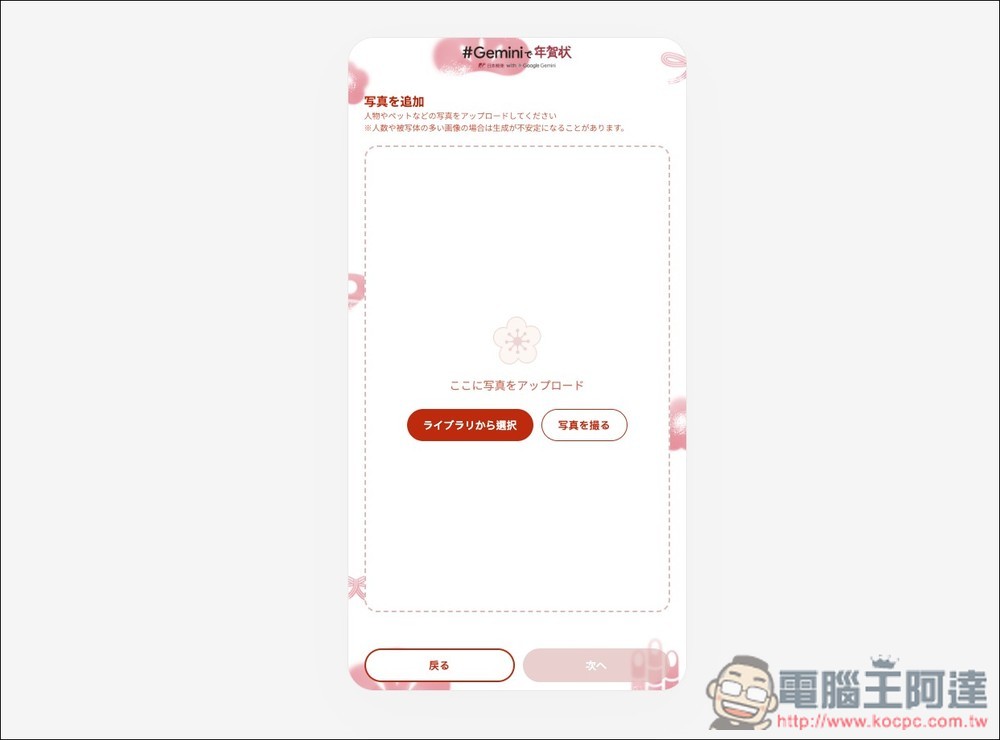
Upload the images you want to put on your New Year’s card, such as your own photos, photos with your partner, family photos, pet photos, and so on:
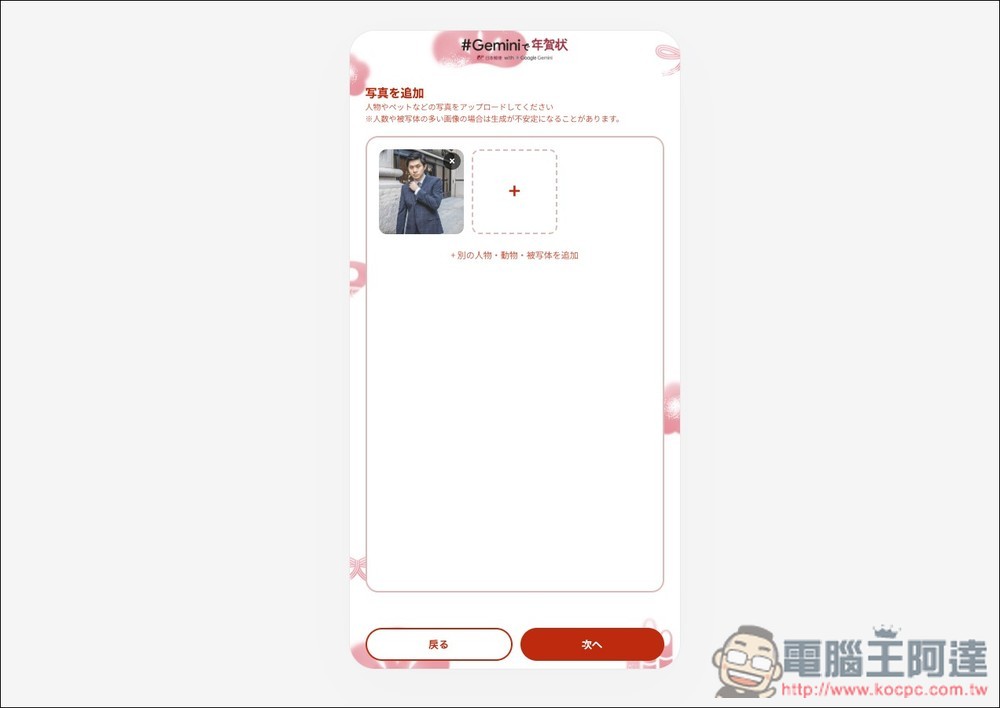
I uploaded my photo:
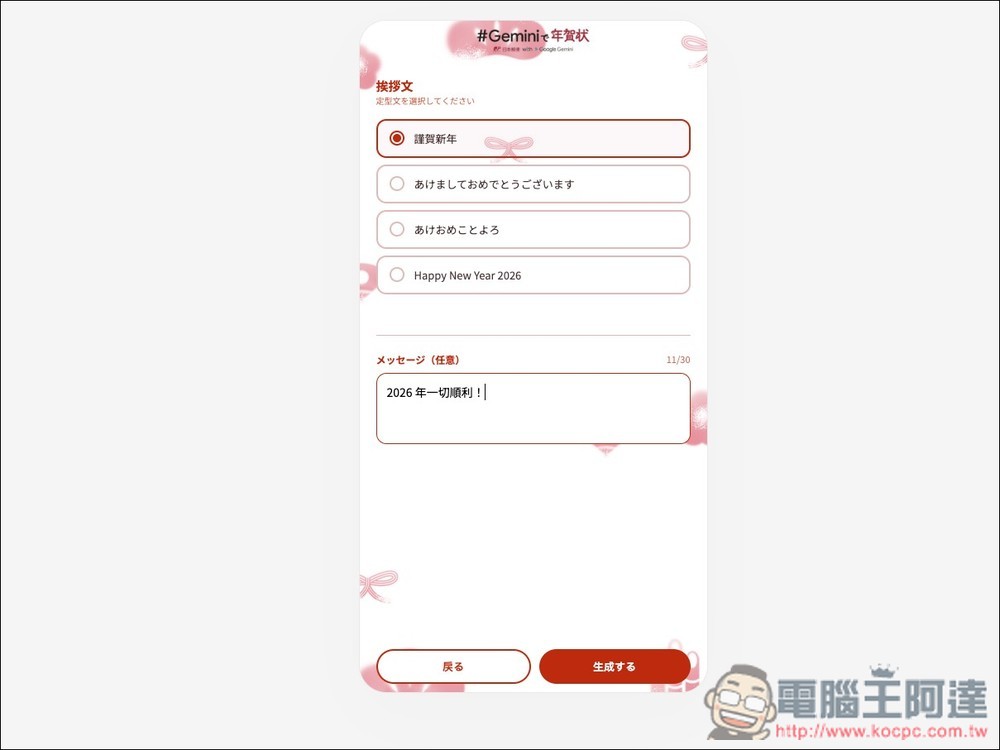
Next, select a greeting. There are four preset options available, including Chinese and English. You can decide whether or not to add the message below. I would like to add one more line: “Hope everything goes smoothly in 2026!”
Wait a few seconds for the greeting card to be generated. Click on the image for a larger preview. If everything looks good, press the red button below to download the original image:
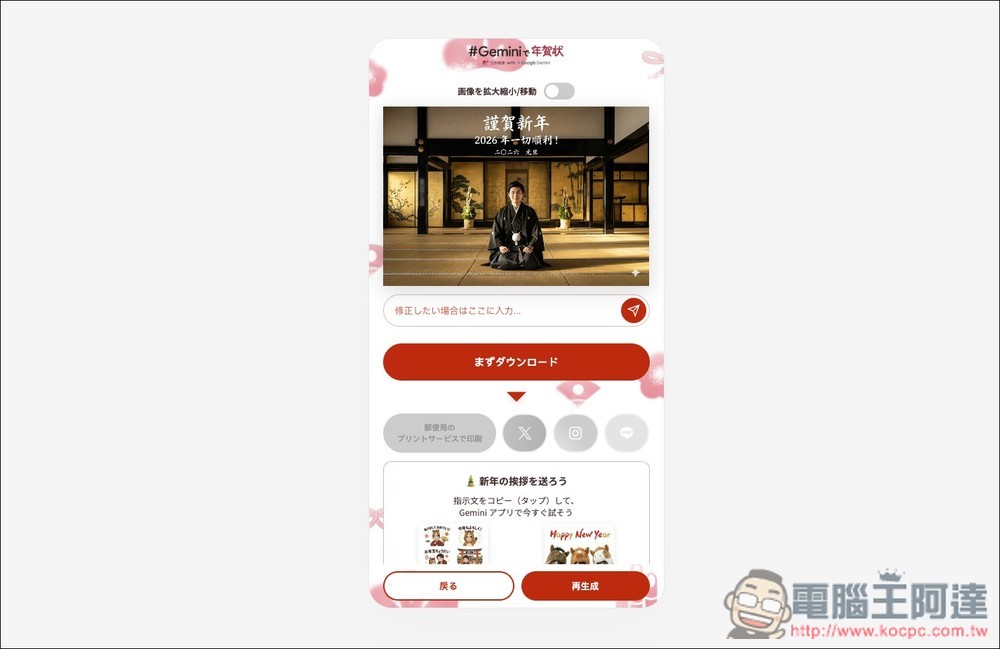
If you want to modify the content in an image, just enter your request in the input box below. I originally thought there was no “2026” on the image, but there actually was, so I asked Gemini to remove the year 2026.
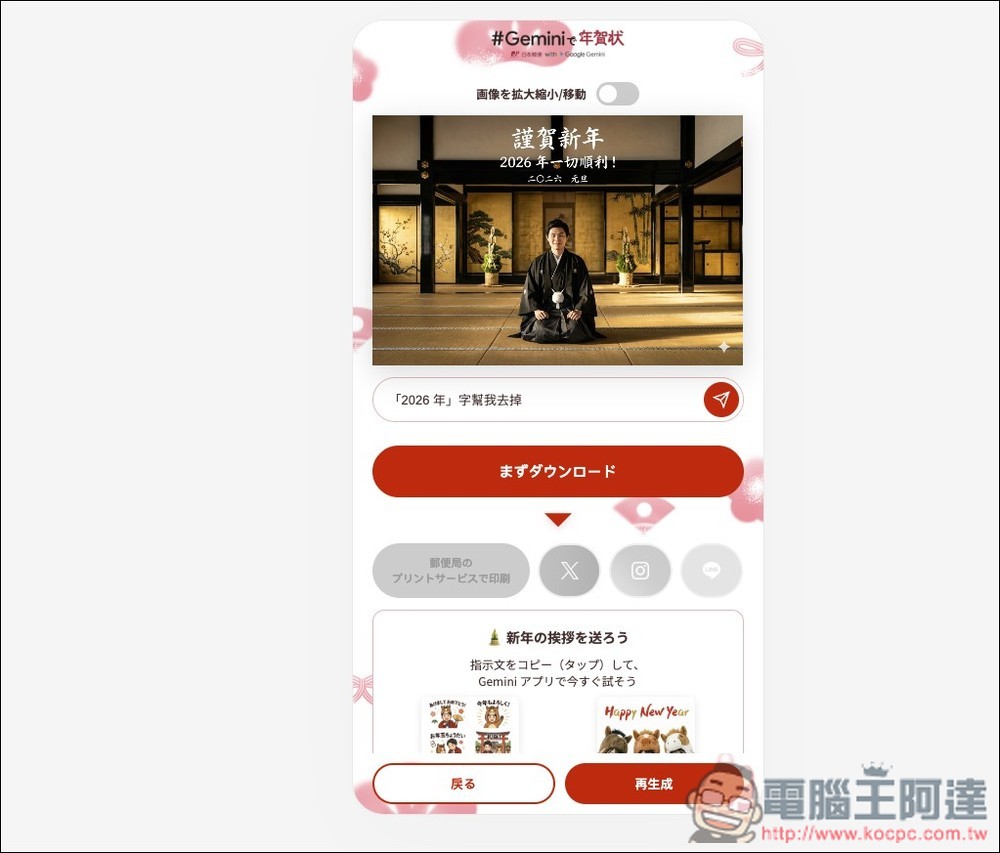
Gemini perfectly completed this request:
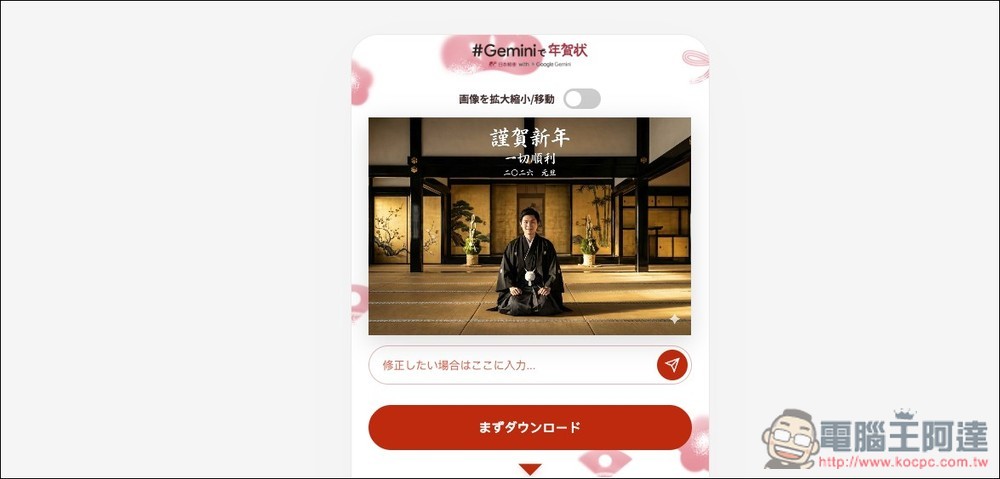
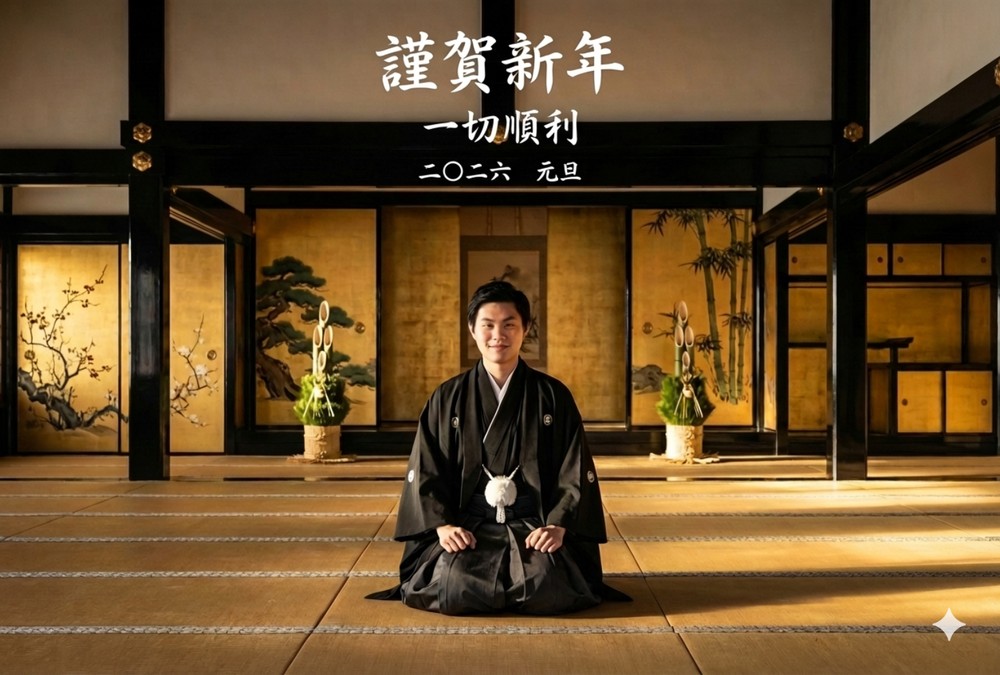
This is the final image I generated, though I feel the character doesn’t really look like me lol:
In Ukiyo-e style, I used Ada’s image and added “Wishing you big money!”
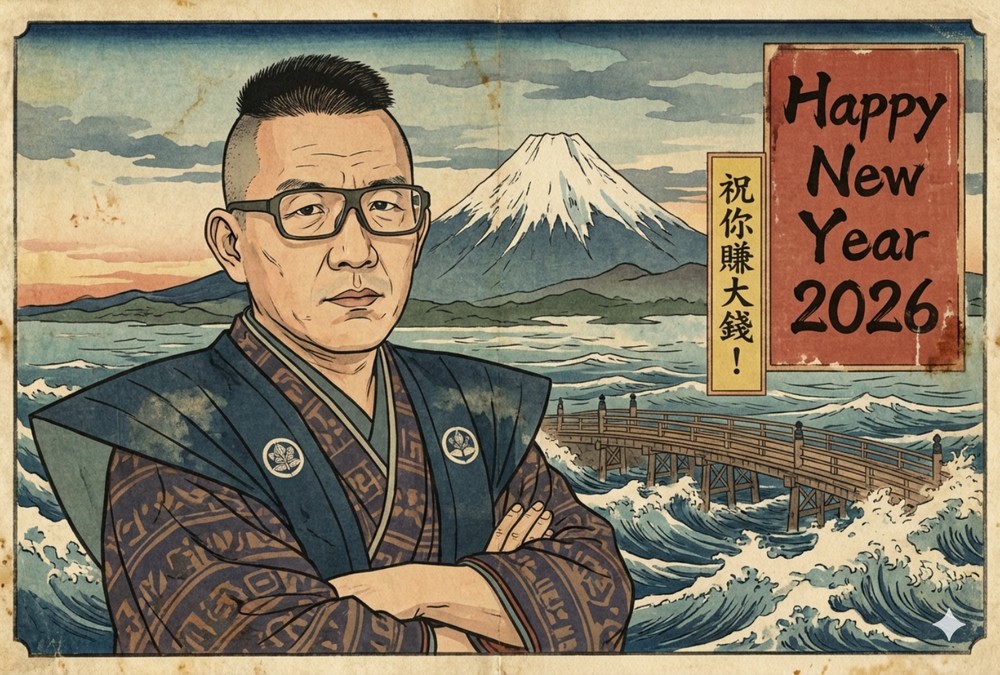
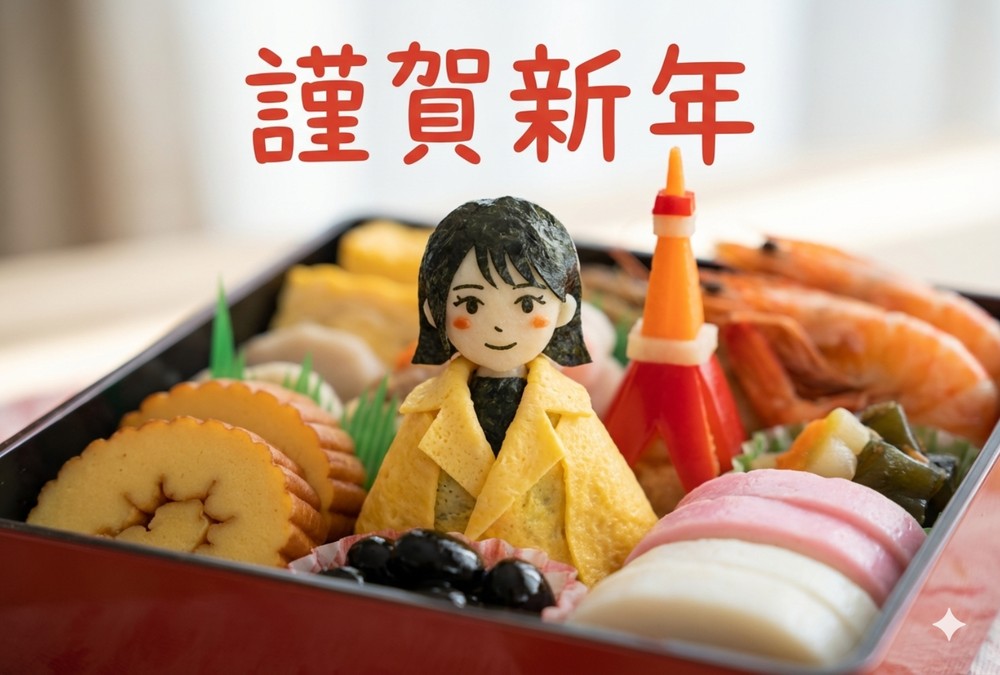
Cute Japanese New Year’s Dishes:
You can even use Grok’s image-to-video feature to turn a static New Year’s card into a short video clip:
Source: KOCPC Chinese