


When it comes to PDF-related applications, “Adobe Acrobat” will definitely come to many people’s minds. However, now Adobe series products have been changed to a monthly subscription system. Many people may only subscribe when needed. However, if you want to do PDF conversion and other actions, you may still have to find a program for a long time. Now Adobe Acrobat online service provides a free trial, which can quickly complete PDF operations in any browser.

Adobe Acrobat online service quickly completes PDF jobs in any browser
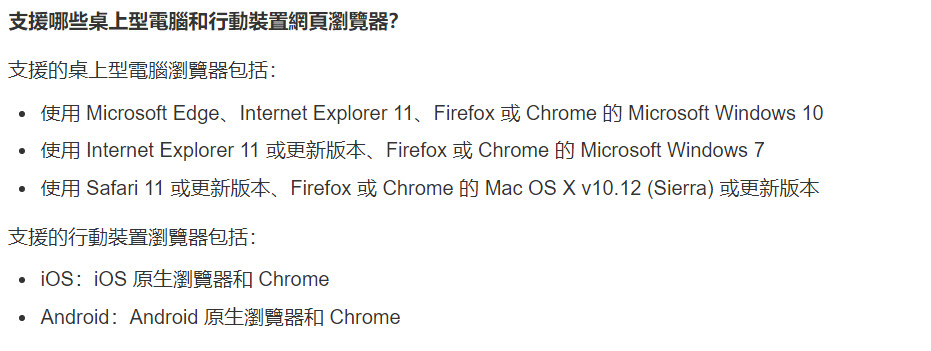
Adobe’s official website specifically explains the trial functions and restrictions of “Adobe Acrobat Online Service”. The supported desktop browsers and mobile device browsers include Microsoft Windows 10 using Microsoft Edge, Internet Explorer 11, Firefox or Chrome, iOS native browsers and Chrome, Android native browsers and Chrome. There are quite a lot of supported browsers.
If you click on “Adobe Acrobat Online Services”, you will find a “Log in or create a free account” window on the right. If you do not log in with an Adobe ID, some of the 19 online tools listed below cannot be used, and the functions that can be used can only complete one free process and download the result file once.
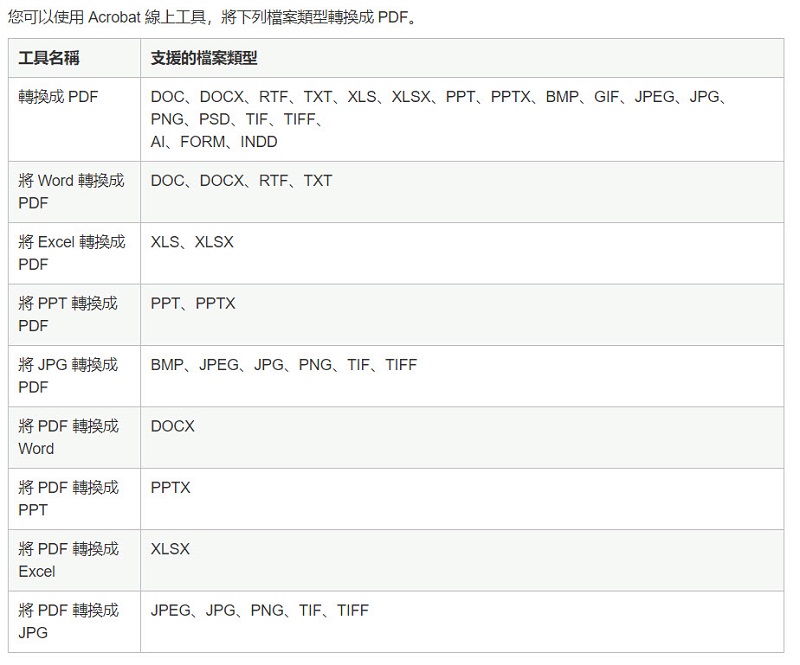
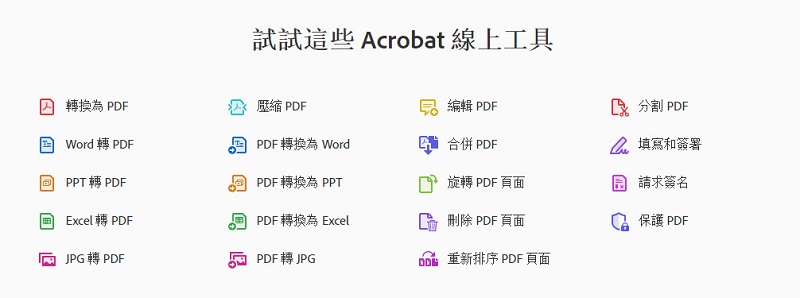
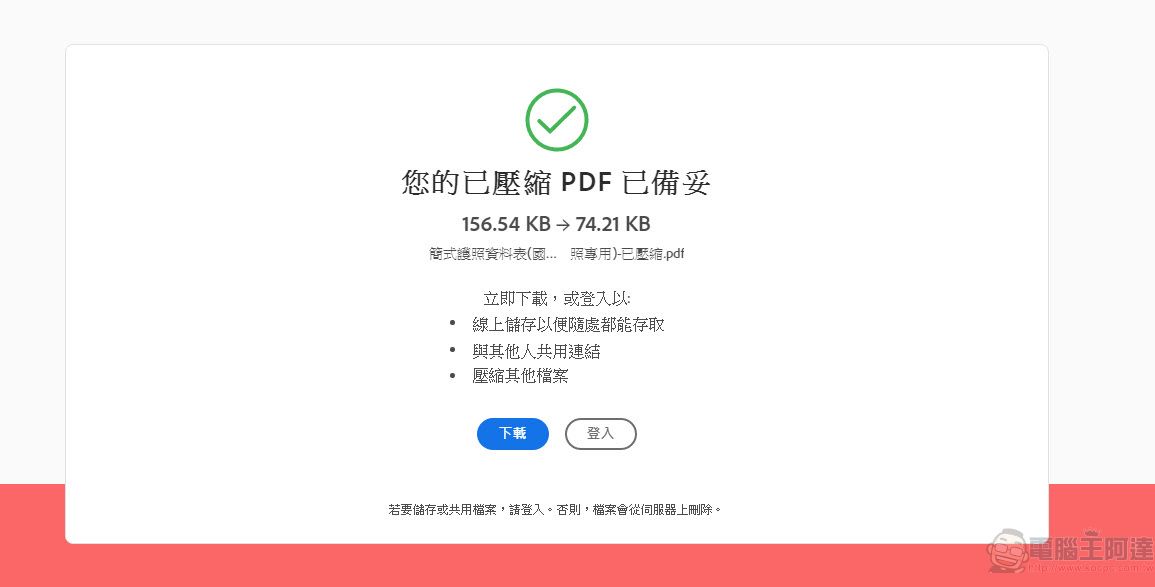
Taking practical “compressed PDF” as an example, you can upload, compress and download once without logging in, but when you upload it the second time and want to download, you will be told that you need to log in to download.
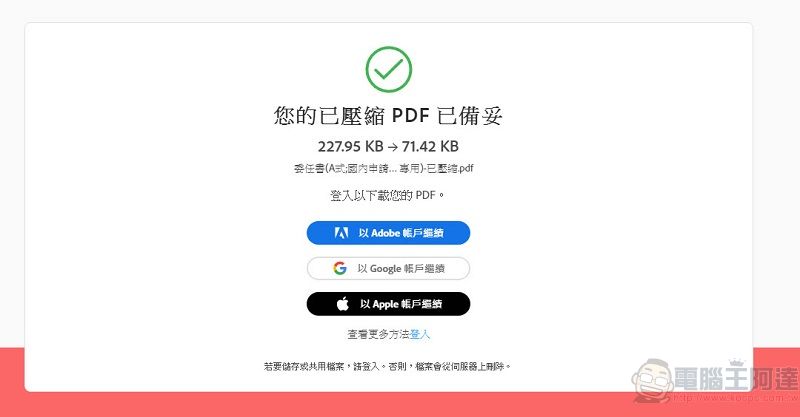
If you need the “fill and sign” function of Adobe ID login, you can edit the PDF. If you are not logged in, you can only go to the PDF upload screen, and you can continue after logging in.

However, if you use Adobe ID to log in, users of the free version also have quota limits such as “can complete two “request signature” processes every 30 days, and can perform up to 10 free processes every 7 days. If the free quota limit is reached, the system will notify you online.
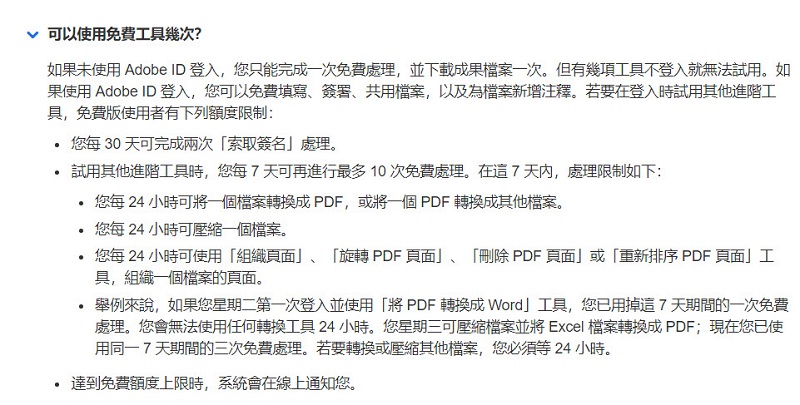
“Adobe Acrobat Online Service” is a free trial after all, and there are some restrictions. However, if you want to do some basic functions such as compression and conversion, an online service with Adobe’s reputation is quite practical.
“Adobe Acrobat Online Service”
Source: KOCPC Chinese