


Although Chrome browser has recently been in the desktop version of the security andSystem resource usageThe problem does make people less confident. However, Google’s efforts to provide users with thoughtful and innovative features are still very commendable. Recently, they have begun to bring a more advanced privacy protection feature to the developer versions of iOS and iPadOS, which will allow users to make private browsing mode (Incognito) tabs more private through Touch ID fingerprint recognition or Face ID facial recognition. Continue reading the text of the report on Google Chrome testing another (biometric) lock for incognito mode.

Google Chrome tests another big (biometric) lock for incognito mode
Although Chrome has not been updated on Apple’s mobile systems for a long time since November last year, it has led to speculation that Google is still struggling to find a solution for the new privacy policy features of iOS/iPadOS, or that it wants to wait and see the changes in the privacy debate between Apple and Facebook. But now it seems that Google’s pace of testing innovative features of its signature browser shows no signs of slowing down.
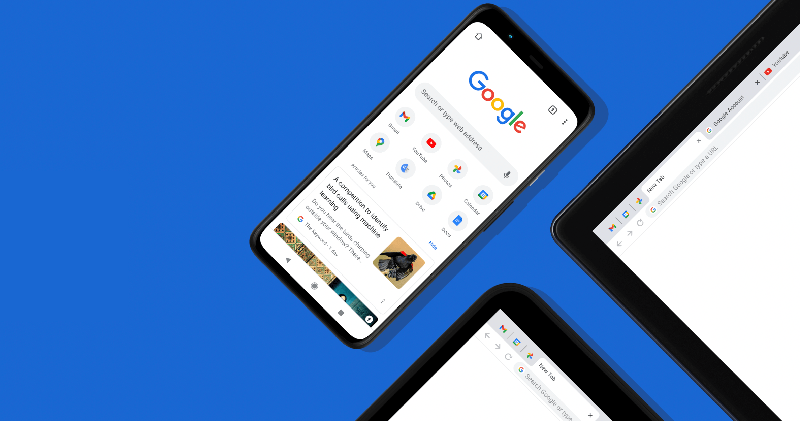
Recently, the Face ID or Touch ID locking function for privacy/incognito mode paging has been introduced in the Chrome Beta version for iOS and iPadOS, which will provide users with more advanced privacy protection capabilities.
▲Image source: 9to5Google
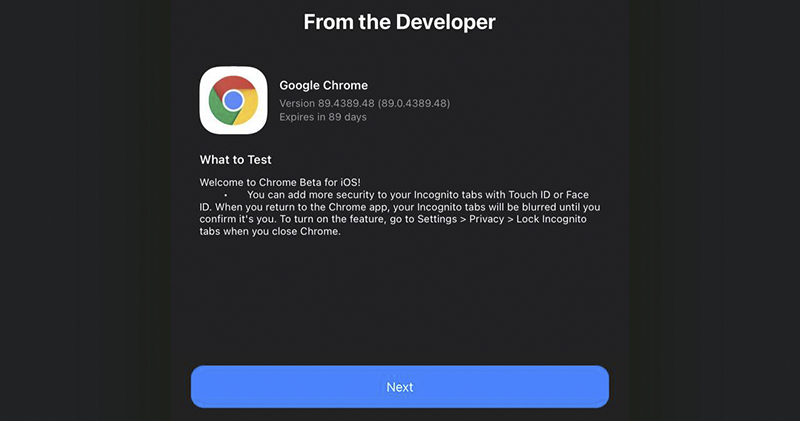
According to the update instructions for the Chrome 89 Beta test version, just find the option “Settings > Privacy > Lock incognito tabs when close chrome” in this test version and turn it on. In the future, as long as you use incognito tabs that do not record personal activity information, when you reopen Chrome, it will be locked with the default biometrics of iOS / iPadOS, and the relevant page content will be protected from direct view through a blur effect.
In this way, you can prevent others from deliberately snooping on private browsing content, but directly enter the private incognito tab and see it clearly at a glance.Veteran drivers always forget to turn off paging.
▲Image source: 9to5Google
Pictures/sources cited in this article
Further reading:
Intel’s official Twitter released an ad teasing the M1, these are the things you can’t do on a Mac

Source: KOCPC Chinese