


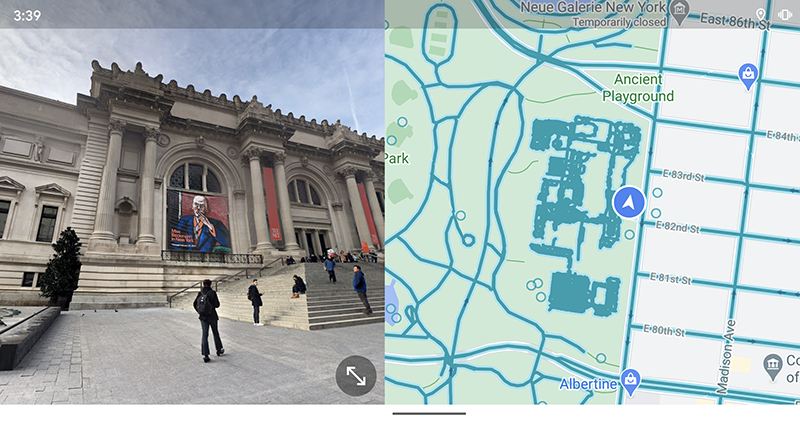
If you use Street View on your mobile phone to check directions every time, you will find it very troublesome to constantly switch between maps! Then please update your Android phone as soon as possible. Because Google has officially brought the desktop web version’s super convenient display method of mixing maps and street views in the window to the mobile system (like it). Continue reading the text of the report that Google Maps Street View split display supports Android version.
▲Picture source:
Google Maps Street View split display now supports Android!
Google Maps is a highly used service across platforms, and their Street View service is really continuing to evolve. Not long ago, evenThe street view mode information display function makes people feel as if they are wearing combat glasses.By being brought into it, people can more intuitively grasp the relative positions of various attractions and shops in Street View.
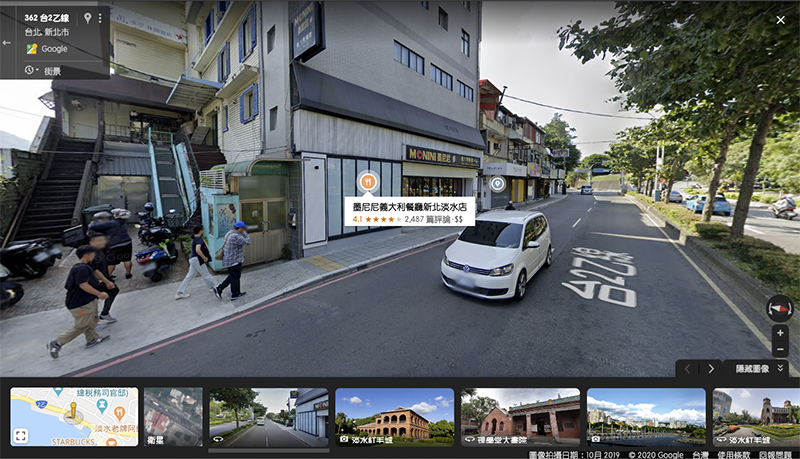
However, it is really convenient to find your way while immersed in Street View mode. But if it can be used with a flat map for reference, it is actually a good way to use it. For some, it might make using a map more efficient — a bit like pulling out a map for reference in a virtual world. This kind of split-screen experience is now confirmed to be pushed to mobile platforms from the desktop web version.
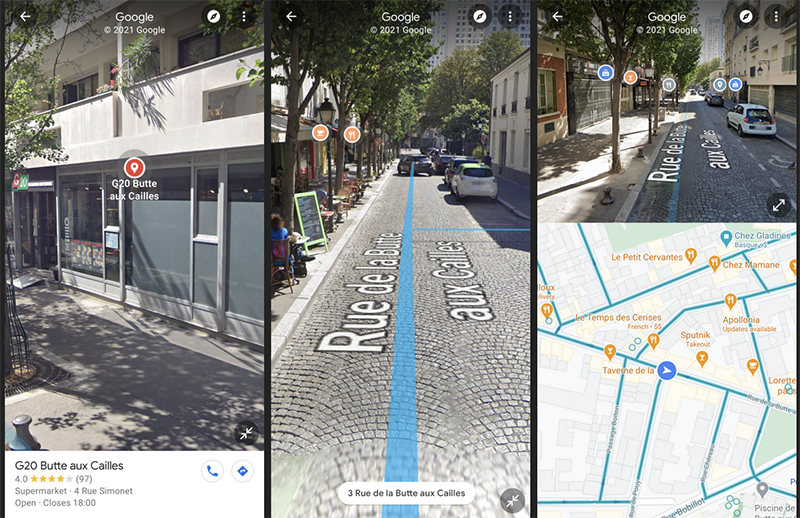
▲Image source: Android Police
In the latest v10.59.1 Android version of Google Maps (Android Police APK download is available:Click me on the portal), officially introducing the Split-screen split display mode in which half of the flat map and half of the street view are displayed. Street View modes that support this feature will have an inward-pointing split screen button found in the lower right corner of the screen as the “opposite” of the full screen button.
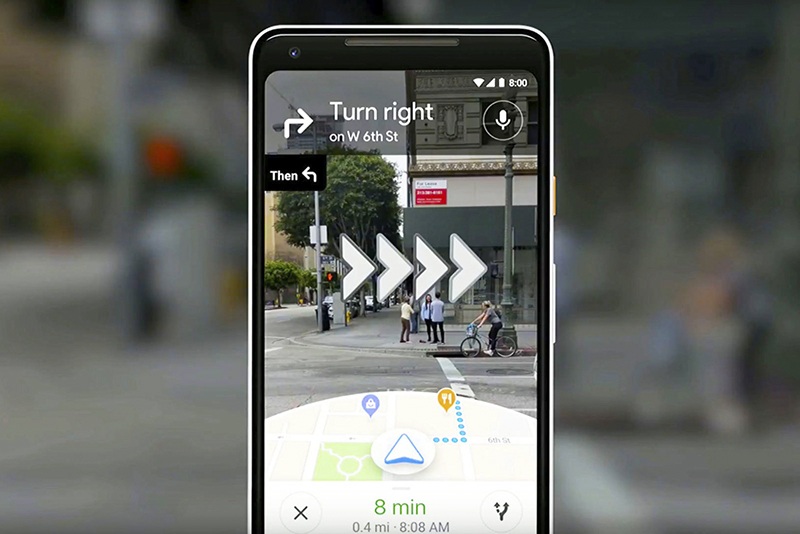
▲Picture: Compared with the AR mode of real-time recognition, the street view split screen display allows you to do your homework better in advance.
After pressing it, you will see a flat map of Google Maps appear at the bottom, allowing you to use positioning reference points with direction display and a bird’s-eye view, allowing you to better find the direction you want to go in the virtual space of Street View. This feature is said to have started to be pushed to all users who can update to the latest Android version. I wonder if you have received it?
Pictures/sources cited in this article
Further reading:
Don’t be afraid to explore, Apple’s New Year short film “A Nian” is here

Source: KOCPC Chinese