


Although Android phones that support high screen refresh rates are now very common. But the mysterious startup timing always tests everyone’s eyesight (when in doubt, just swipe the phone quickly and vigorously XD). Now, everyone finally no longer has to go through such trouble, through the free downloadable Display Checker with Real-Time Refresh Rate (Google Play Portal), you will be able to monitor the current (Refresh Rate) status of the phone or the external screen of the phone directly on the Android phone. Continue reading the content of the report using Display Checker, a real-time screen update rate checker, to let you know if your phone is lazy(?).
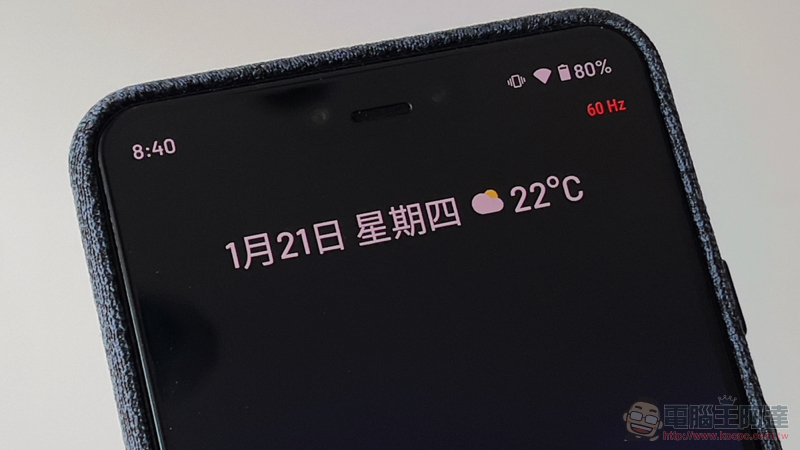
Use Display Checker, a real-time screen refresh rate checker, to let you know if your phone is lazy (?)
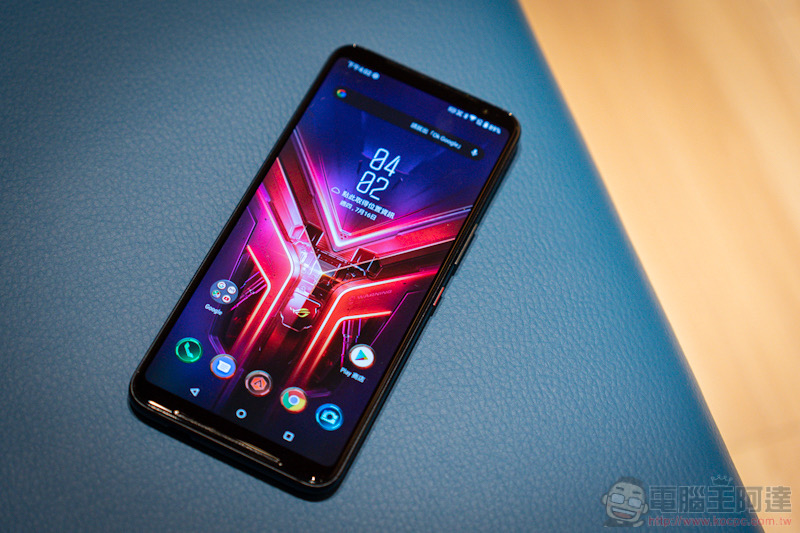
Speaking of the specifications that make the new generation of mobile phones consume a lot of power, in addition to 5G connections, another one is getting higher and higher from e-sports mobile phones to flagship phones, but once you are used to it, you may not be able to go back to 120Hz or even 144Hz high refresh rate screens that may be even more difficult than 5G. However, some people are particularly concerned about the fact that some mobile phones that are relatively aggressive about power saving often switch back to the normal refresh rate of 60Hz based on various factors, and may even think that they are just buying a mobile phone with high specs.
Now, some developers have created applications that people can monitor at any time:Display Checker with Real-Time Refresh Rate. We also conducted a simple trial.
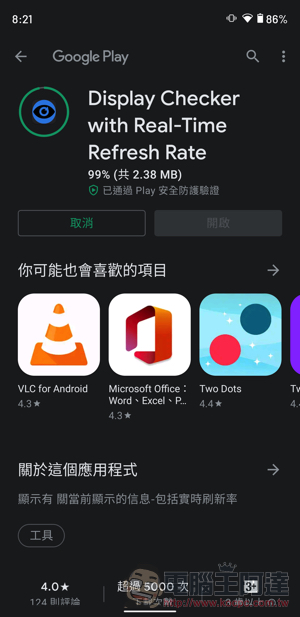
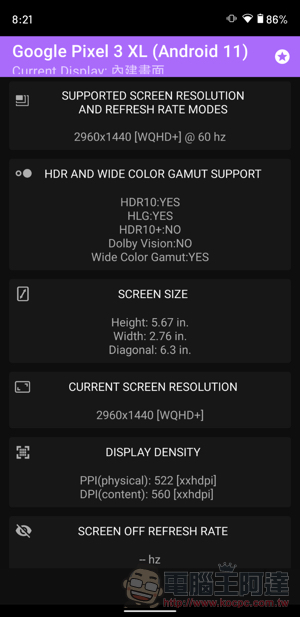
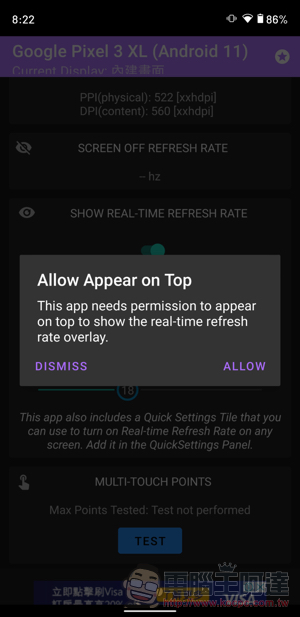
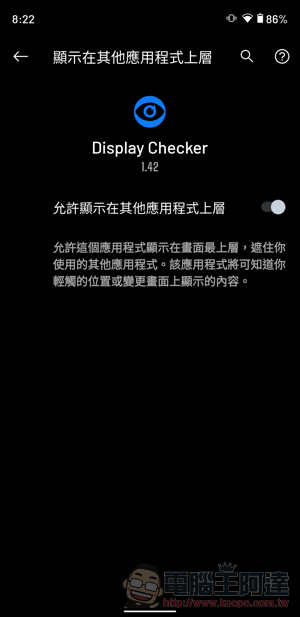
After installing the app and launching it, the page will list the screen specifications of your Android phone (or start the app when connected to Samsung DEX or Huawei Desktop) – in addition to basic specifications such as resolution and size, it will also list HDR-related support. In addition, if you want to keep the update rate display on top, you will need to jump to the Android system to set it.
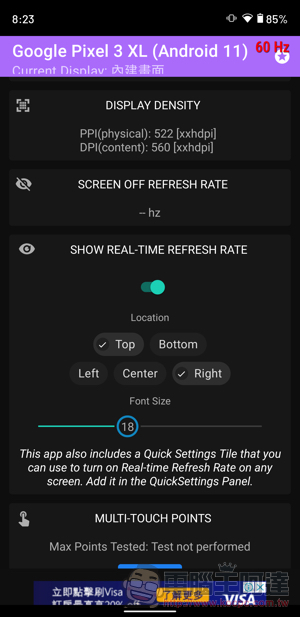
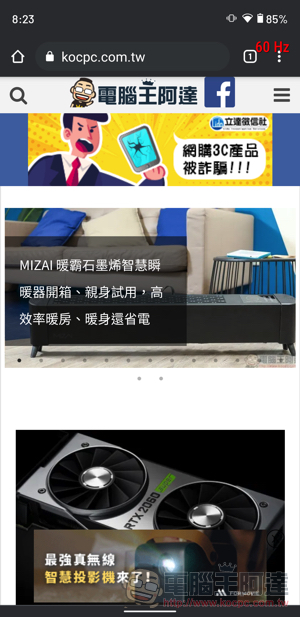
You can also fine-tune the display at the bottom of the app, and you can choose the position and size at the edge of the screen. After the setting is completed, you can see the real-time screen refresh rate status on the screen – the editor is using a Pixel 3 XL, so it basically only displays a red (low standard) 60Hz (old phone QQ).
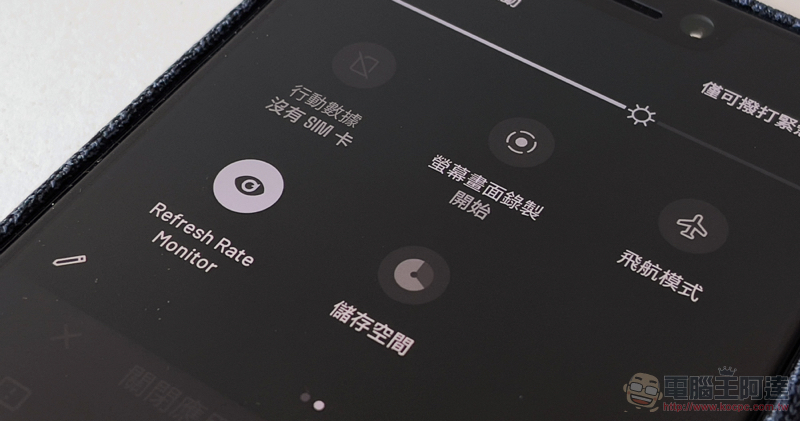
Finally, I would like to share a little tip, that is, you can add the monitoring quick switch of Refresh Rate Monitor from the drop-down screen quick control bar. In this way, you only need to start it when you want to know the current update rate performance.
Conclusion
Overall, Display Checker with Real-Time Refresh Rate is a very convenient system monitoring application. Whether you want to confirm whether your mobile phone has high refresh rate specifications, or you can’t find the reason why it consumes too much power, you can consider giving it a try.
Download Display Checker with Real-Time Refresh Rate (portal)
Further reading:

Tesla wants someone to put out the fire of Elon Musk’s social complaints, but…

Source: KOCPC Chinese