


ChatGPT’s image generation capabilities are now incredibly powerful, which is why many people use it for creating images. However, the free version doesn’t offer much quota, and some people may run out pretty quickly. That’s where the HeyTop AI extension comes in as a great alternative. Each account provides 10 free daily credits for GPT Image 2 Free image generation, meaning if you want to generate more images, you can simply sign up for multiple accounts. These credits can also be used for conversations with GPT-5.4.
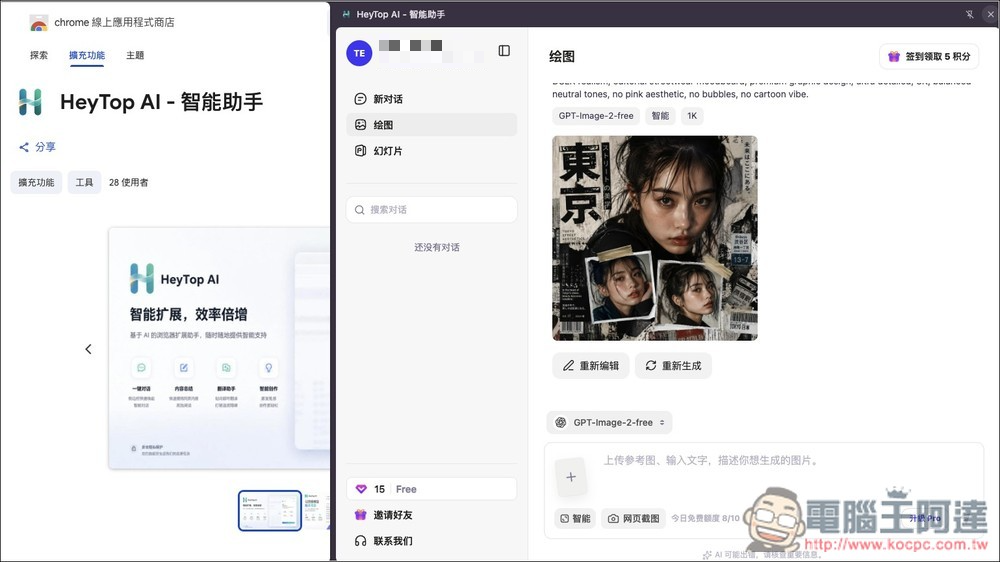
HeyTop AI Free Extension Introduction and Tutorial
HeyTop AI is a Chrome extension that lets you use AI directly in the browser sidebar—no need to switch tabs. Simply open the AI assistant alongside the webpage you’re currently browsing. It’s perfect for users who frequently read web content, organize information, write articles, translate text, or need to generate images quickly.
The biggest highlight is “10 free uses per day,” which can be used to try image generation with GPT Image 2 Free, or have conversations with GPT-5.4.
When you come across content on a web page that you don’t understand, or want to quickly summarize key points, you can directly select the text and let AI help you explain, summarize, rewrite, translate, or expand on it. In addition to text processing, it also integrates image generation and AI PPT creation features, allowing you to convert text inspiration into images or generate presentation outlines and visual content based on topics or web page content. This is very practical for content creators, students, researchers, and office workers.
Key Features
- 10 free uses per day
- Supports GPT Image Free image generation, GPT-5.4 conversation
- The sidebar works right out of the box — no need to switch tabs.
- Fetch web page content to assist comprehension
- Right-click to quickly process text, allowing AI to search, explain, rewrite, translate, or summarize
- Built-in AI-powered PPT creation feature that helps generate presentation outlines, content, and visual directions based on topics or webpage content.
Visit HeyTop AI Official Website
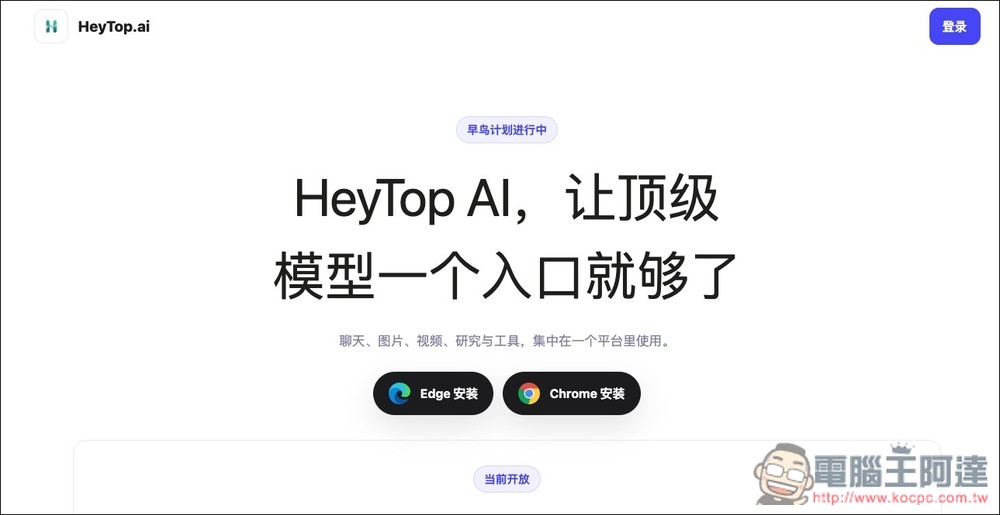
Click the link above to go to the HeyTop AI official website, and you’ll see installation links for Edge or Chrome, depending on which browser you’re using:
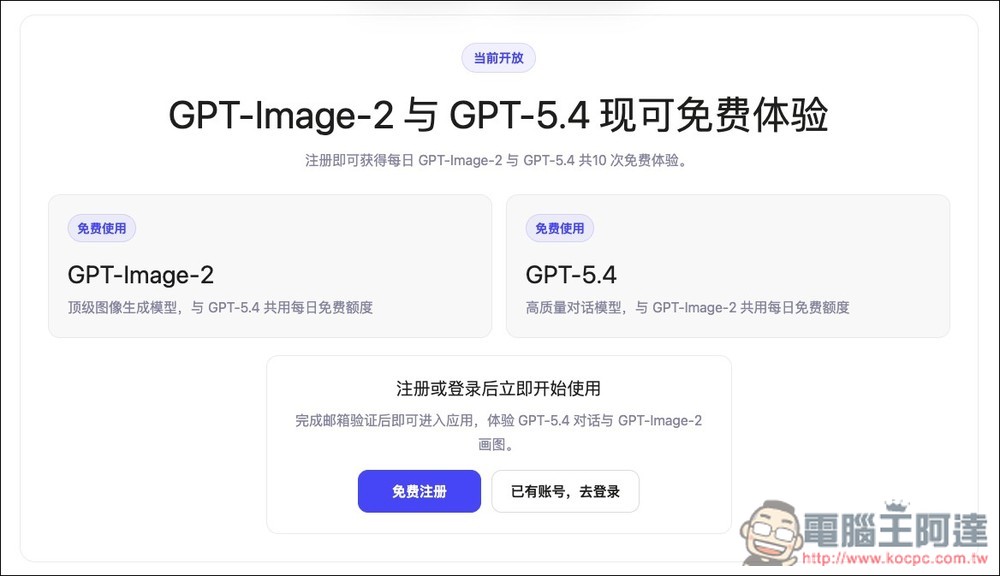
You can also see more by scrolling down. GPT-Image-2 and GPT-5.4 are currently free to use. Besides these two models, the extension also offers other popular models, but using them deducts credits.
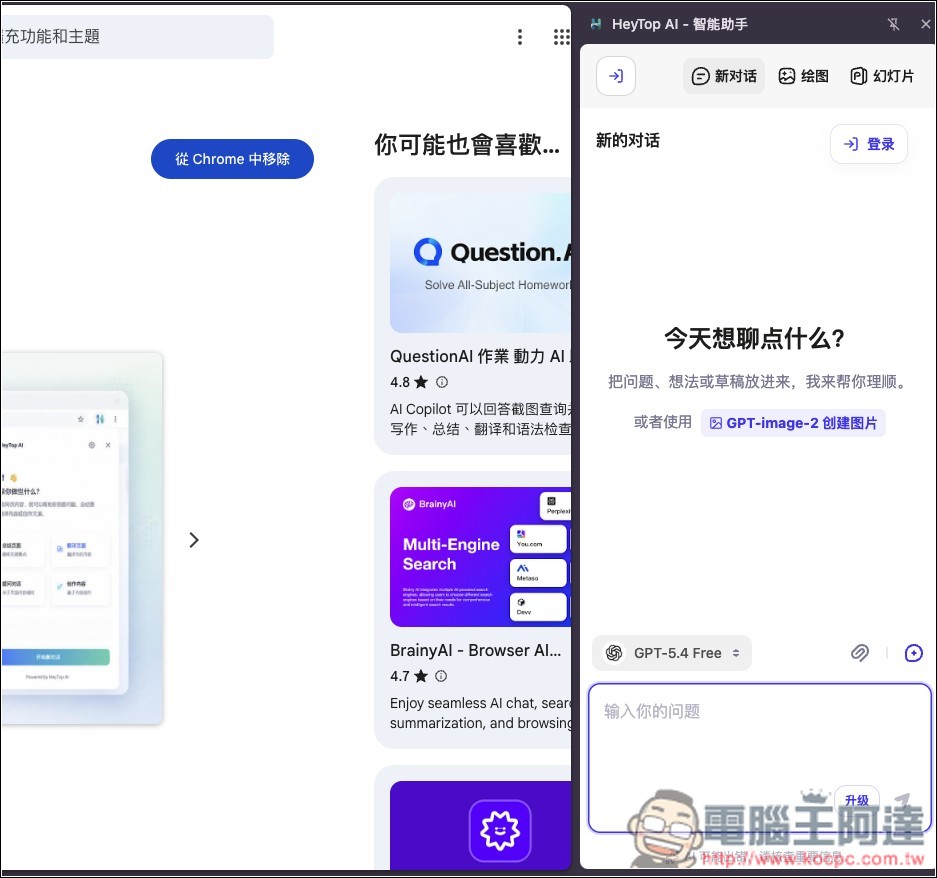
HeyTop AI will open in the sidebar with a new conversation by default. If you want to generate images, select Drawing:
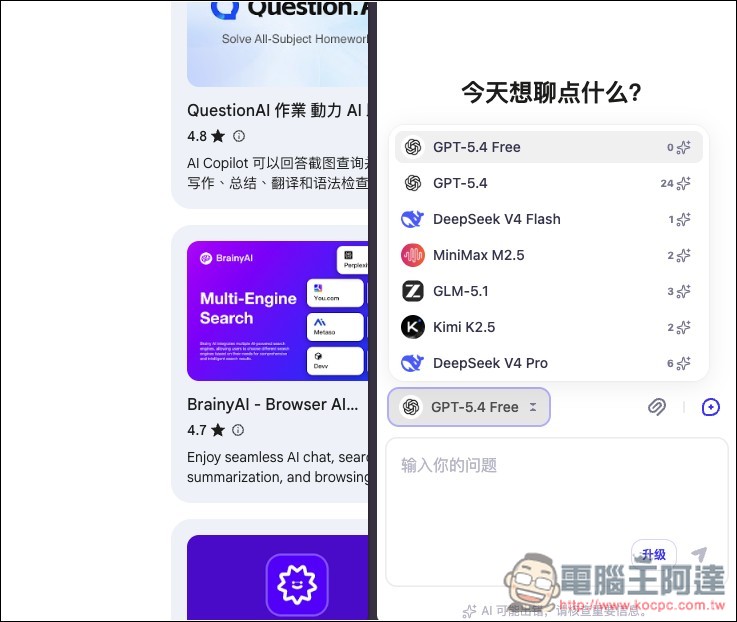
There are currently 7 options for chat models: GPT-5.4 Free and Paid, DeepSeek V4 Flash, MiniMax M2.5, GLM-5.1, Kimi K2.5, and DeepSeek V4 Pro, with the required points shown on the right. Registration gives you points, and you can also earn points by checking in daily:
After switching to drawing, the default is GPT-Image-2-Free, with other options that deduct points: GPT-Image-2, GPT-Image-2-Max, Nano Banana 2, and Nano Banana Pro:
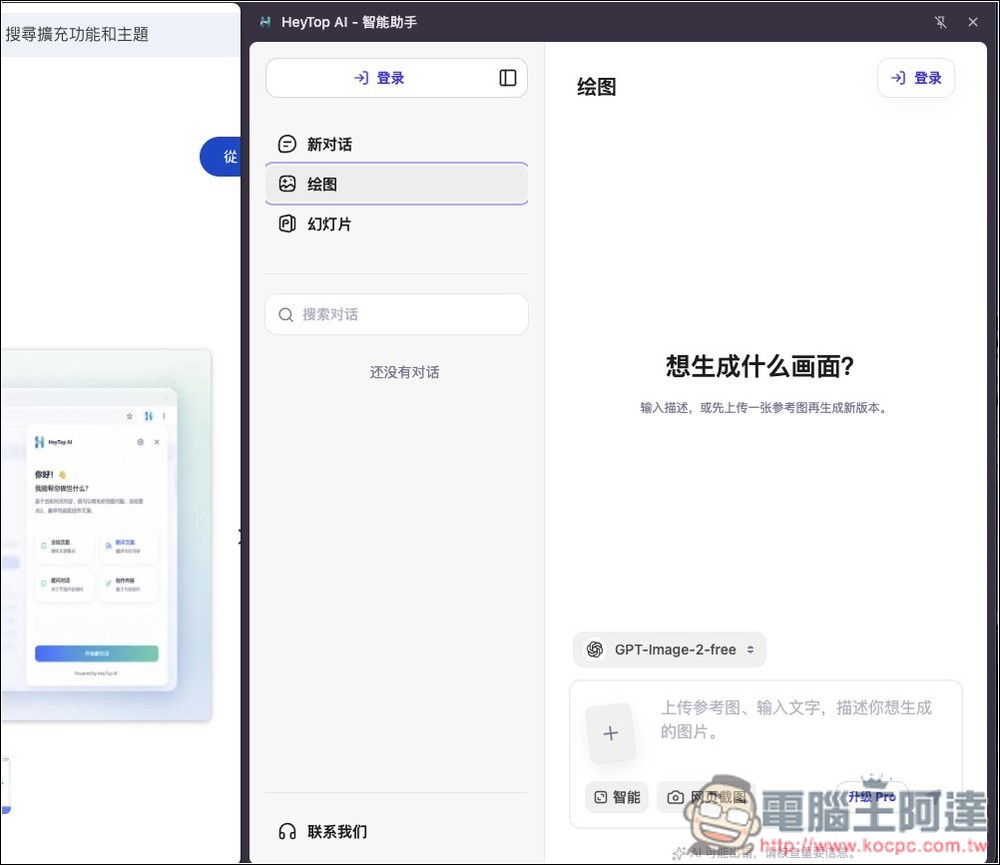
Account registration is required to use; supports quick sign-up with Google account:

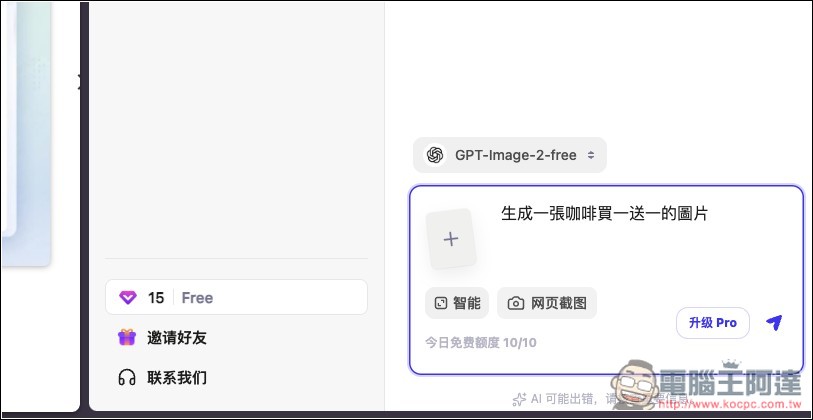
Then you can start generating images, and the chat box below will show how many free credits are remaining:
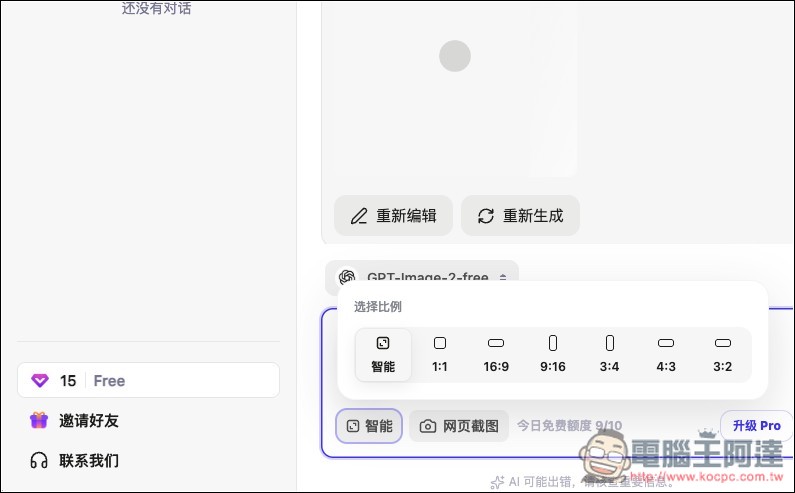
You can also specify the image aspect ratio:
Real test confirms successful generation, and it really is GPT-Image-2 — Chinese text is perfect:
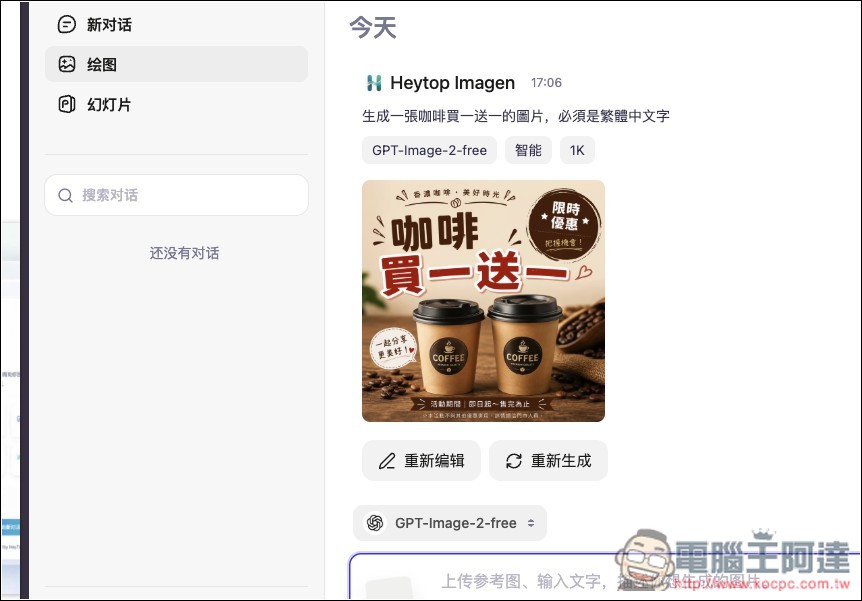
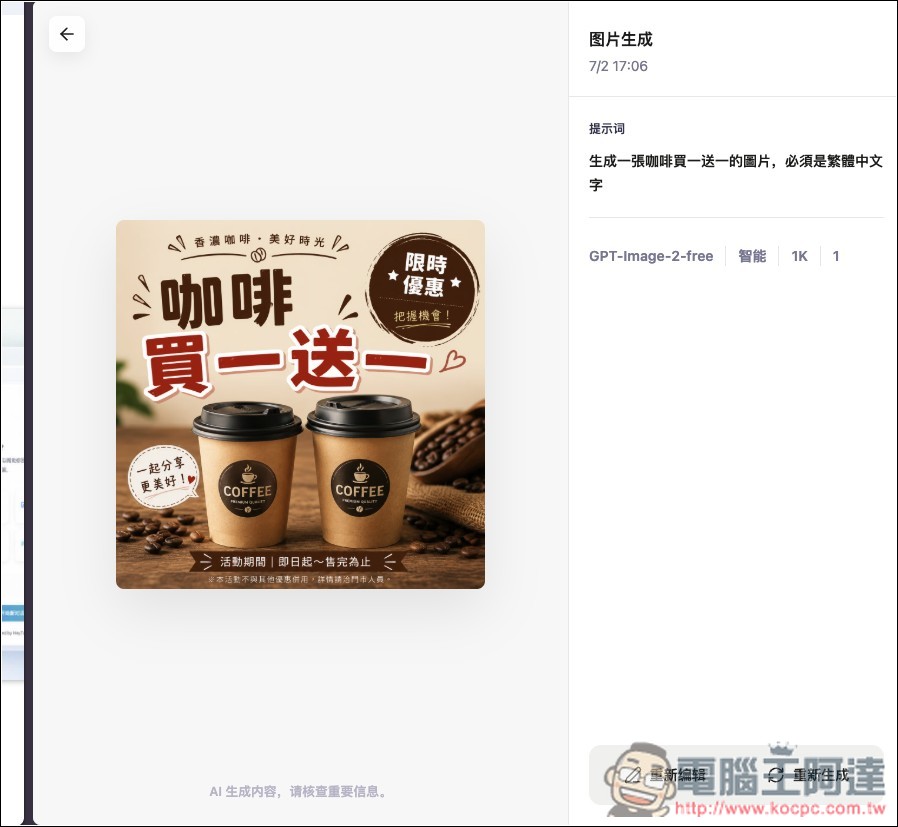
More importantly, the images don’t have watermarks. HeyTop AI has even more features than this—those interested can explore further:
Source: KOCPC Chinese