


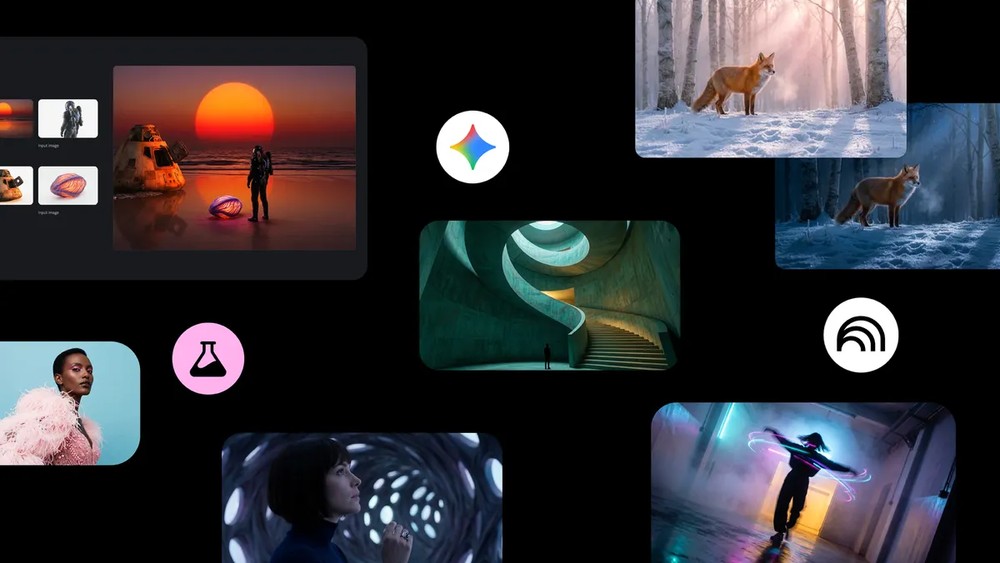
Most people use Nano Banana Pro When generating images, it should always just be Gemini Actually, used withinGoogle Many of the recently launched services already support Nano Banana Pro. Google has recently compiled a list of 6 services that offer Nano Banana Pro image generation – worth bookmarking for those who need it.
6 Google services compatible with Nano Banana Pro
1. Gemini app
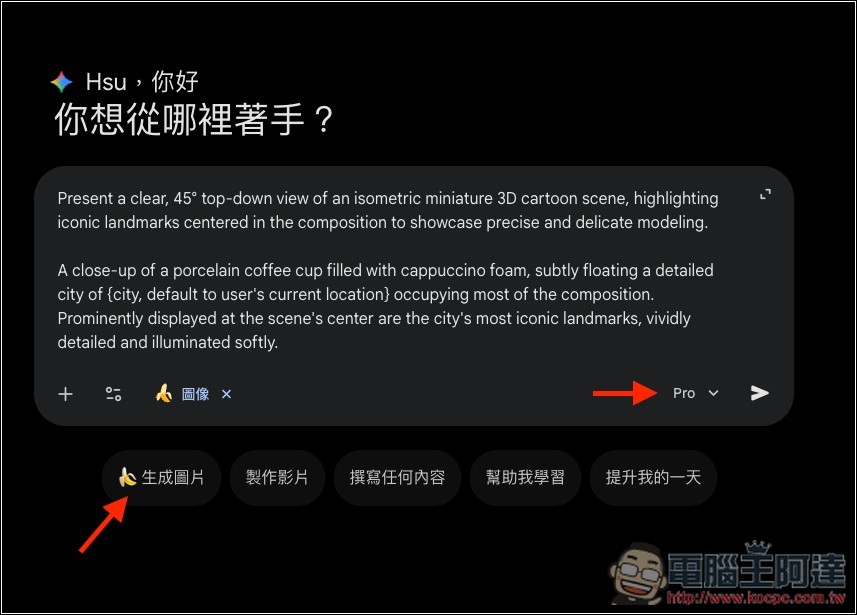
First of all, of course, is Gemini, which now supports Nano Banana Pro image generation on both the web and mobile versions.
The usage is quite simple – switch the model to Pro in the bottom right corner of the chat box and enable the “Create Image” mode to activate Nano Banana Pro. However, free users have a limit on the number of generations, with a maximum of only three per day. Once the limit is reached, the app will automatically switch back to the original Nano Banana.
2. AI Mode for Search
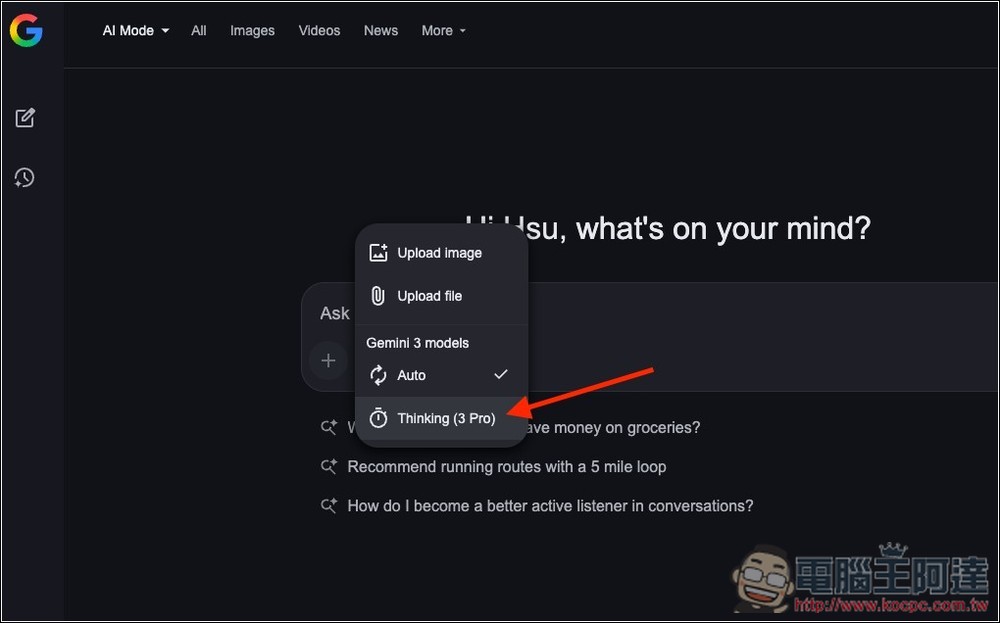
If you’re in a supported country and using a supported language, you can also enable Nano Banana Pro image generation in Google Search’s AI mode.
After logging into your Google account, go to AI mode, select “Thinking with 3 Pro” from the dropdown menu, and press the + symbol to enable “Generate Image Pro.” Then you can enter the image prompts you want to generate.
However, note that currently only Google AI Plus and Pro users aged 18 or older can use Nano Banana Pro in AI mode. It’s not yet available in the free version.
3. NotebookLM
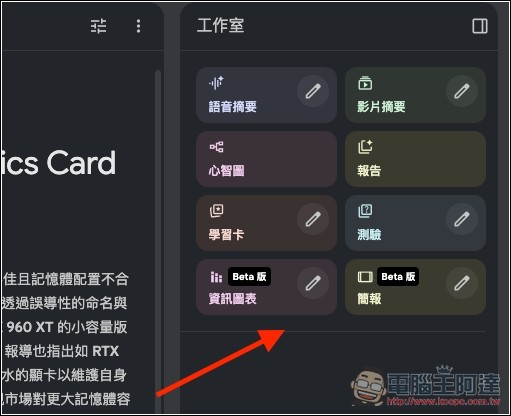
Many people have probably already experienced NotebookLM’s presentation generation feature, which is powered by Nano Banana Pro, and the same goes for infographics.
Google says the presentation feature lets you quickly convert document content, even key notes, into formatted presentations for easier reading or presenting. This feature is especially useful when organizing new information.
For example, you can first run a Deep Research query, then create a presentation to visualize what would otherwise be complex content, without having to slowly read through a pile of reports yourself.
4. Google Slides and Google Vids
Google paid users can now also use Nano Banana Pro in Google Slides and Google Vids. (I tested and the free version of Google Vids supports it too)
In Google Slides, just click the “banana icon” on the right, and you can use Nano Banana Pro to generate images, infographics, charts, and more content.
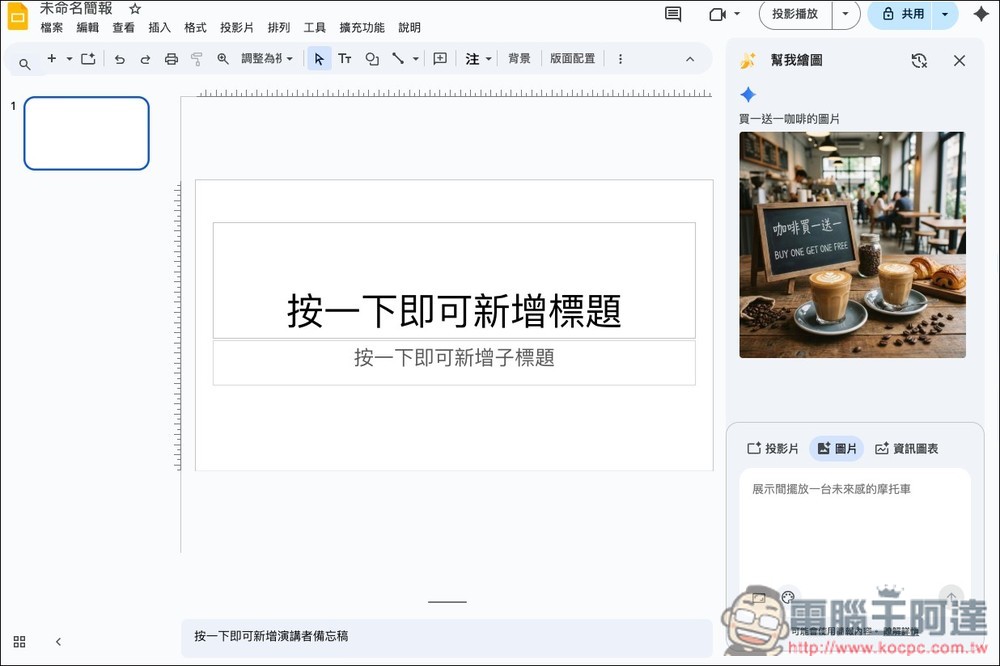
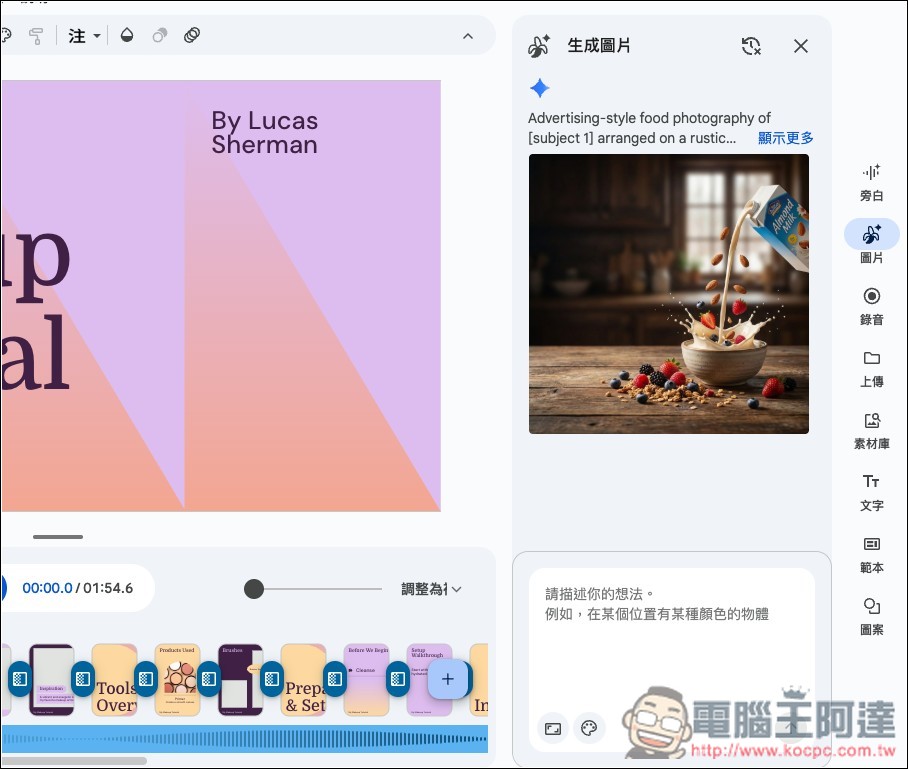
For Google Vids, click the “Image” icon on the right side to find the image generator powered by Nano Banana Pro. Although Google Vids is a video creation tool, you can right-click to download any generated images.
5. Flow
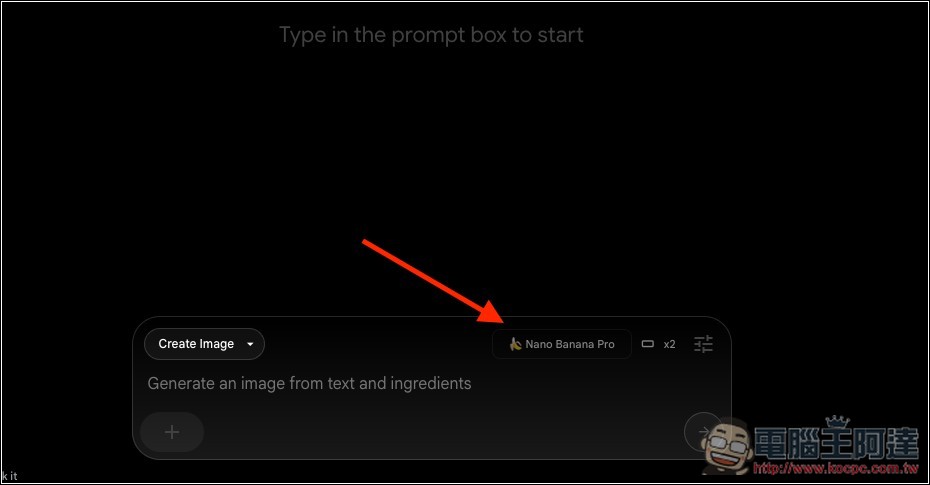
Flow is Google’s AI video creation tool. For paid users, when selecting the “Create Image” mode, it automatically uses Nano Banana Pro, while free users still use Nano Banana Pro:
6. Mixboard
Mixboard is an experimental tool from Google Labs that helps users more easily explore, extend, and organize their ideas.
Mixboard’s interface is a canvas where you can visualize different ideas using images or text, such as DIY projects, product designs, or holiday party menus and decoration plans. And Nano Banana Pro has been integrated into the latest “Presentation” feature, which can directly convert your board content into a presentation.
Source: KOCPC Chinese