


The one introduced today “RocketDock“The software is a software that has been with me for more than ten years since I used Win7 → Win10. Friends who have used Mac will know that Mac has a very convenient and beautiful toolbar “Dock” that can keep your Mac desktop clean. For me, who has been using Windows for a long time, desktop organization is a big problem, especially if you want to put many shortcuts on the desktop, it will be an absolute mess! Through RocketDock, you can have Mac-like toolbar functions, and it does not occupy system resources. The highlight is that it also supports Traditional Chinese and is free! !
RocketDock is easy to use and makes your desktop clean
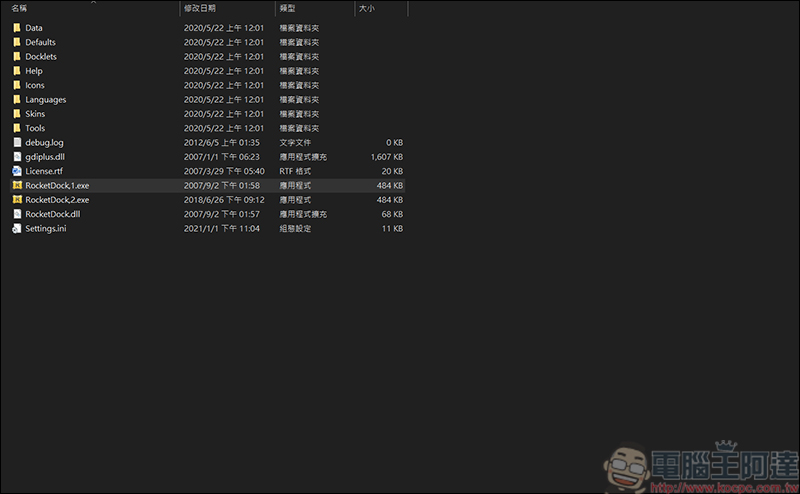
First of all, please go toRocketDock“Download the software. After downloading and installing, the following files will appear. Just click RocketDock1:
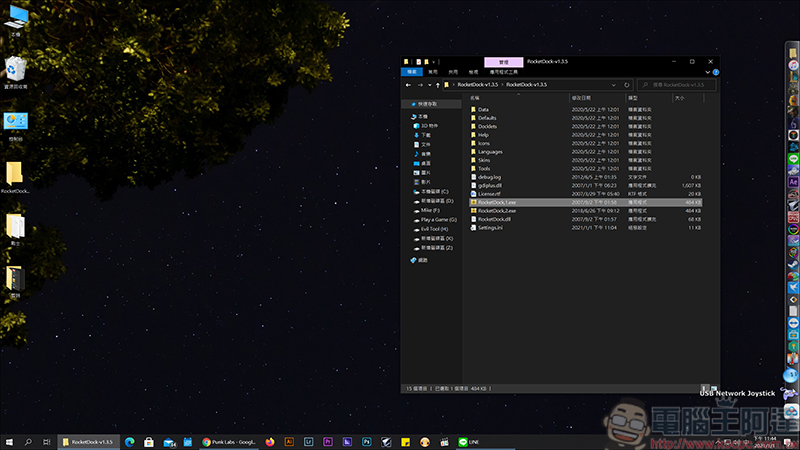
After execution, a Mac-like toolbar will appear. Since my interface has been set up for a long time, I will not change it here. But what you can see is that I can put many tools that I must execute into RocketDock, which can reduce the clutter of many icons on the desktop:
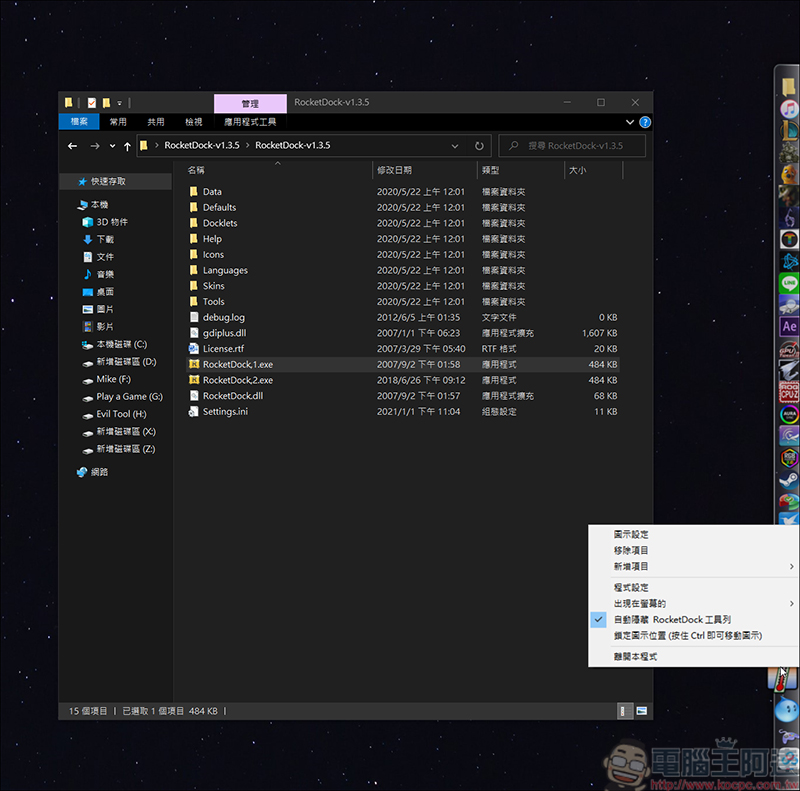
You just need to pull the icon of the program you want to execute into RocketDock. Friends who are just starting to use it can right-click on RocketDock to control it internally. However, one thing to note is that when executing some full-window screens, when you move the mouse to the RocketDock position you set, RocketDock will automatically pop up. You can choose to right-click to turn it off, or press Ctrl+Alt+R to quickly turn it off/enable:
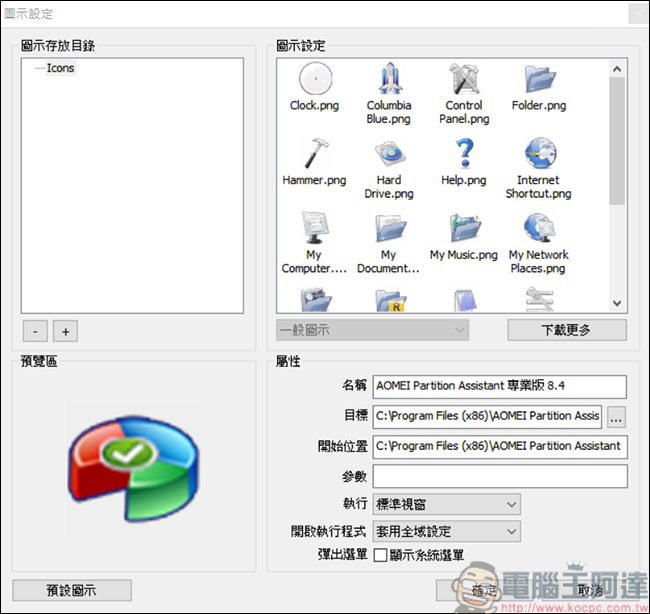
In the first icon setting section, you can change the application or folder to the icon you like (Kaspersky cannot display the icon correctly in RocketDock):
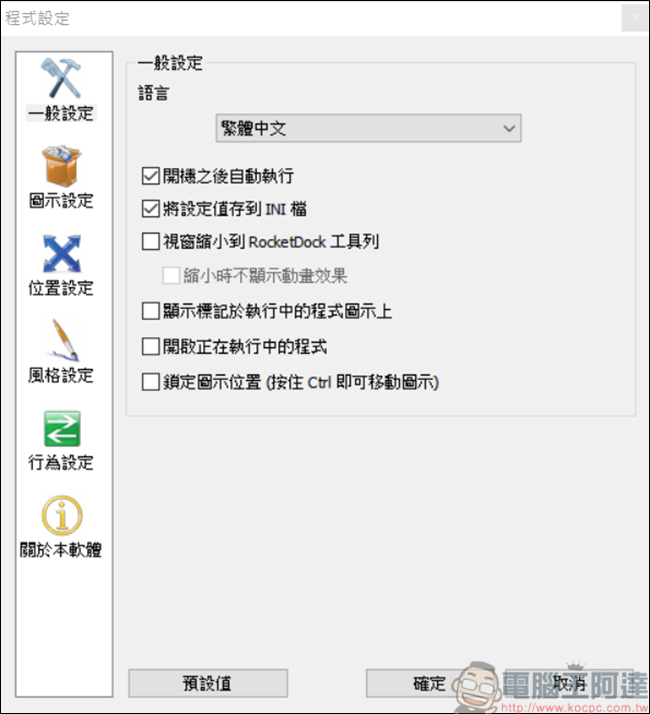
Then enter the RocketDock program settings. You can change the language to Traditional Chinese for easier control. It is recommended to execute it automatically after booting, so that you will not have to execute the program every time you boot:
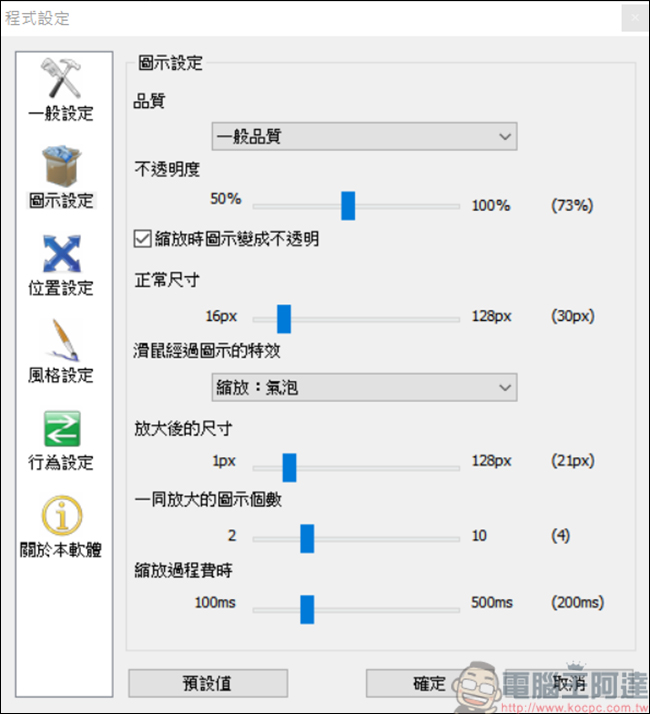
In the icon settings, you can adjust the special effects when the icon in RocketDock passes by:
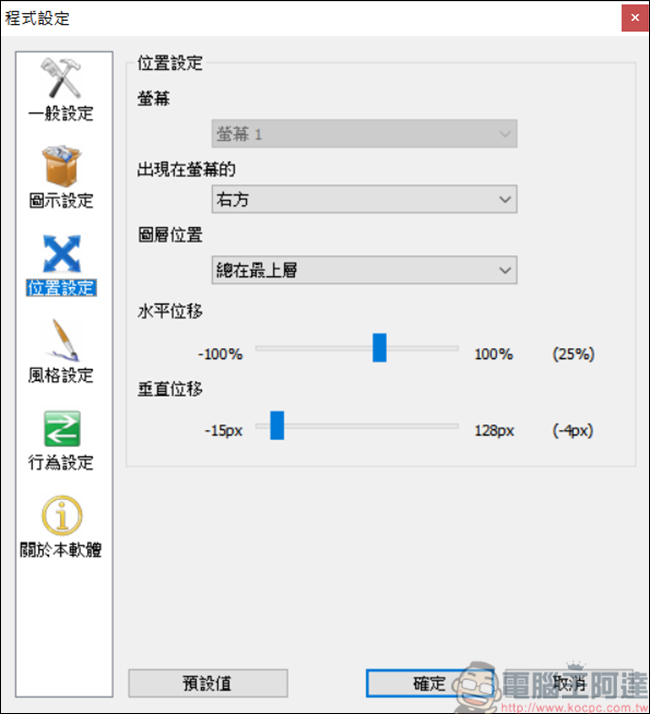
Of course, the screen desktop is square, and RocketDock also allows you to choose the orientation of up/down/left/right. For example, if I set it on the right, just move the mouse pointer to the far right of the screen and RocketDock’s functions will appear:
Think the RocketDock window is too simplified? You can also change the theme through settings:
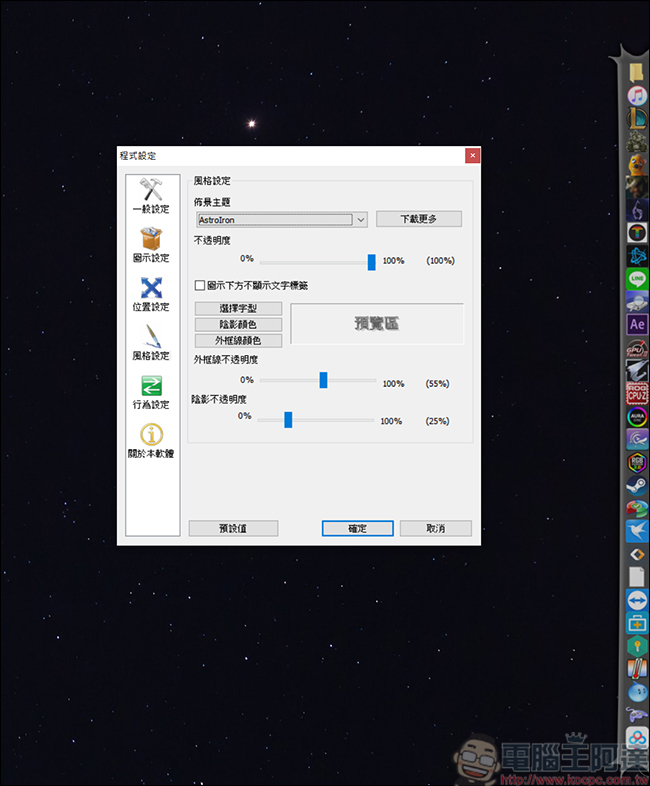
Click on each icon to set its effect:
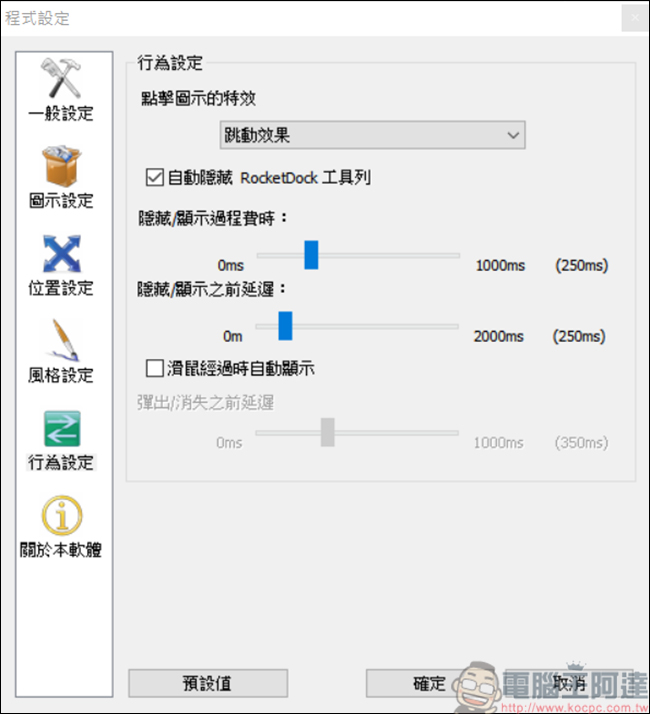
If you are a Windows user, and like me, your desktop is chronically messy, the free RocketDock is definitely for you! The point is free! Allows you to enjoy Mac toolbar on Windows.
Source: KOCPC Chinese