


Nowadays, most headphone manufacturers are very particular and will launch corresponding exclusive applications along with their products in order to provide users with a better listening experience. However, many headphones or earplugs still lack an equalizer function that can fine-tune the timbre of their preference. The application “Wavelet” I will introduce to you today can be applied to most headphones or earplugs, allowing your ears to enjoy a better music experience according to your preferences.
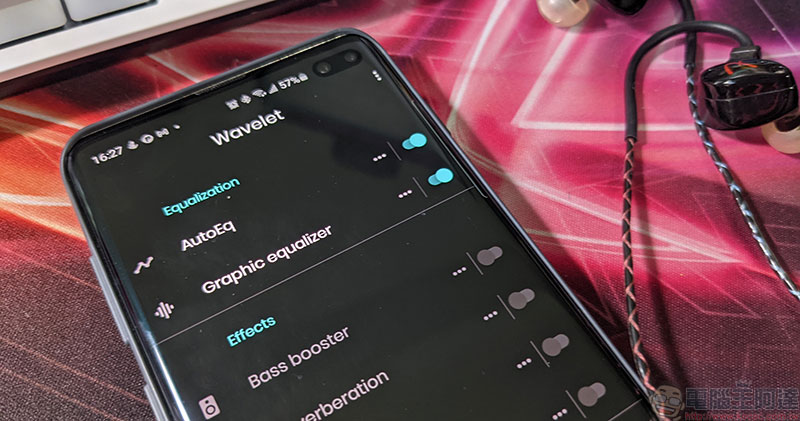
The universal equalizer app “Wavelet” upgrades your music listening experience!
Although there are many equalizer-like applications in the Play Store, the “Wavelet” we are going to introduce this time will use more detailed equalizer functions to bring your existing headphones or earbuds to a new level, and allow you to adjust the best audio effect according to various devices. Although there are paid options in this application, if your ears are not too picky, all the preset graphics modules in the free project are enough for everyone.

Android download:Click here
After installing the app, you must first connect your headphones, open the music player and start playing music, and then launch the Wavelet app. The interface is very simple, and all the main functions can be seen from the beginning, without any scattered paging or complicated operations. In the free version, you can use the AutoEQ at the top, the Graphic equalizer and the left and right ear channel functions at the bottom, etc.
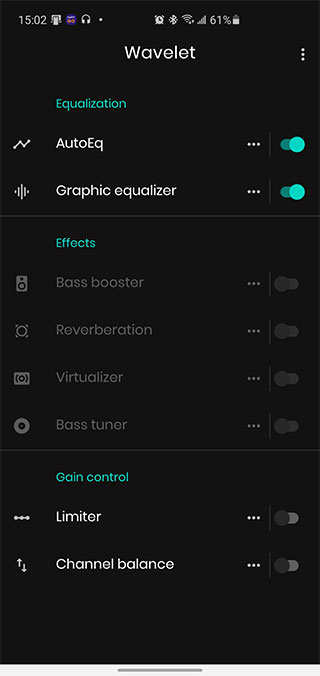
AutoEq can adjust the sound quality with the most balanced curve, without having to manually select it; if you want a more different effect, the most commonly used one should be the Graphic equalizer. Through the various built-in graphics modules, you can directly adjust various sound effects with just a click. If you are lazy like me and unwilling to just plug in the basic sound effects of headphones and want to better suit your taste, this function is quite good.
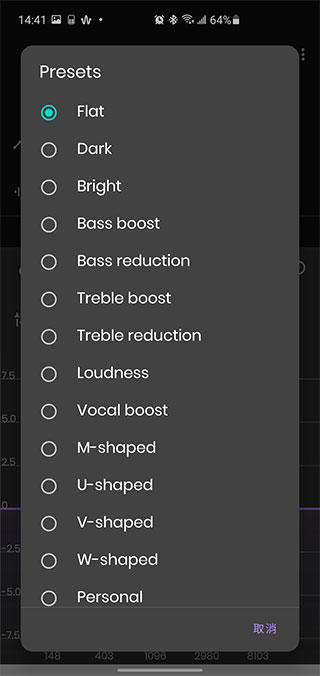
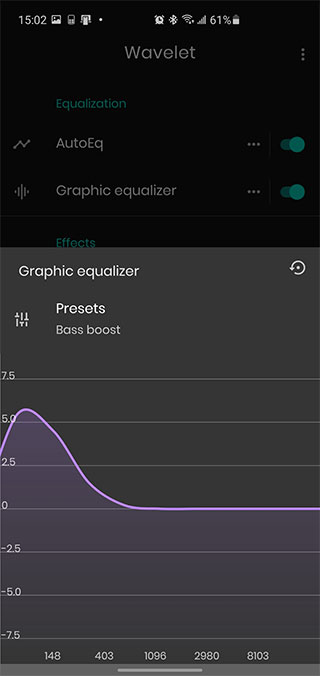
If you are an audiophile, you can spend 160 yuan to unlock the full functionality and use the 9-segment waveform equalizer to fine-tune the sound effects you want in more detail and save them for quick selection when listening to music at other times.
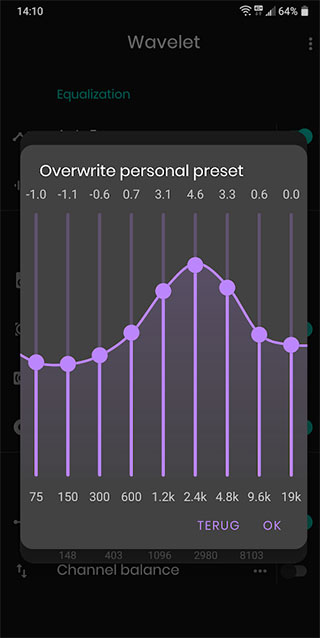
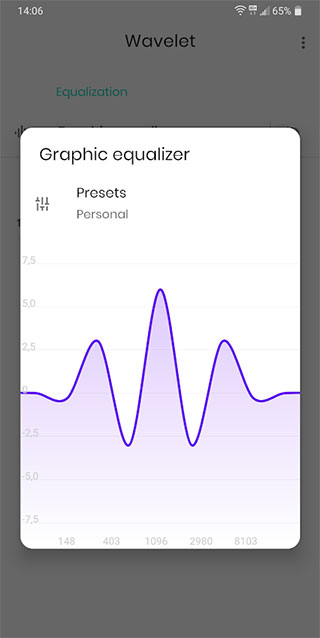
The Wavelet app has more than 2,700 sound effect modules and a variety of personally customizable options for the mainstream headphones and earbuds currently on the market. It mainly depends on the device and equipment you are using.
Source: KOCPC Chinese