


Although the price of YouTube Premium is not expensive, for students or people with a tight budget, paying more than 100 yuan per month is still a big burden. If this is your current situation and you don’t want to install some unknown apps or plug-ins, then the Brave browser recommended in this article is quite good. It focuses on returning privacy and security to users. It is fast and has a built-in ad blocking function. In actual testing, no ads will appear when watching YouTube videos, whether in the desktop or mobile version.

Brave is a free browser that allows you to watch YouTube ad-free without installing any plug-ins.
Brave is available on almost all platforms, such as Windows, Mac, Android and iOS, and the installation fileYou can click here to download from the official website, I will demonstrate the Windows and iOS versions below.
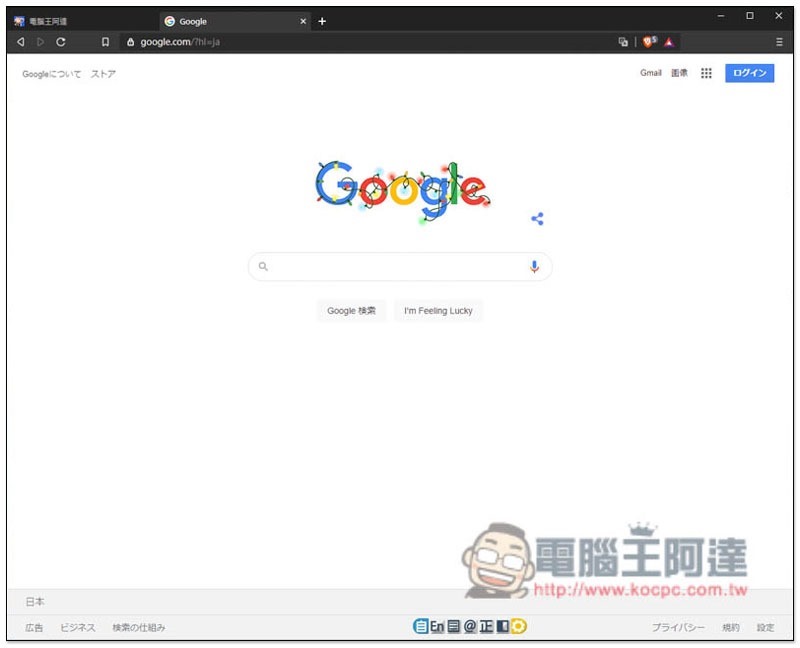
The operating interface of Brave is very similar to Chrome, and it also has Traditional Chinese language, so it should not be difficult to get started:
In the picture below, I use the Edge browser to open the YouTube webpage. You can see that there are very large advertisements at the top. Advertisements also appear from time to time between each recommended video:
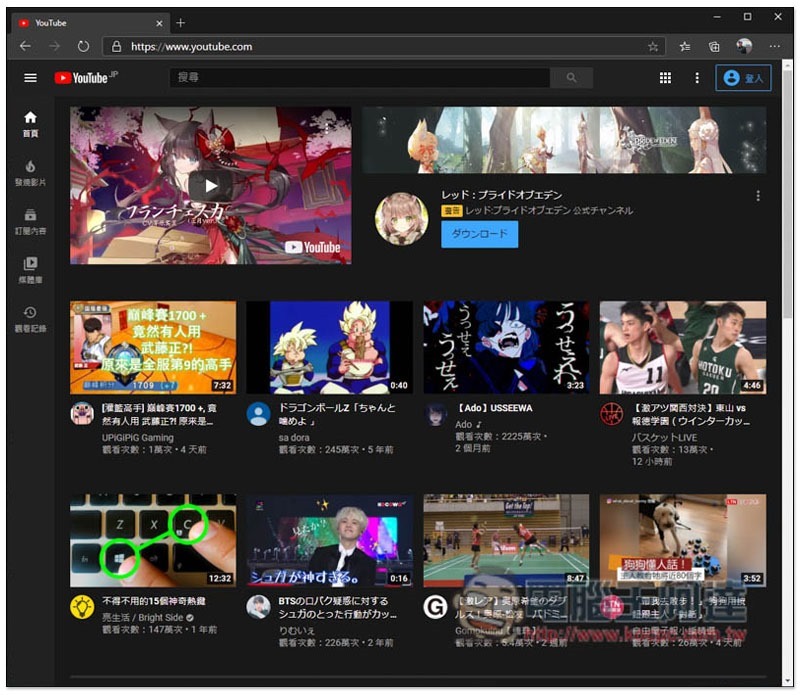
After switching to the Brave browser, all ads disappeared:

The same goes for watching videos. It stands to reason that ads will be displayed at the beginning of this video:

After switching to Brave, the video will start playing directly without any ads in the middle:

Even the advertisements are the same. Some videos will have advertisements at the bottom halfway through:

With Brave, it won’t appear, allowing you to watch from beginning to end attentively:

Of course, this ad blocking function is not only effective on YouTube, but also on other websites, which means that you will almost never be affected by ads when surfing the Internet. However, if possible, it is recommended not to block ads. After all, many content creators rely on this for income.
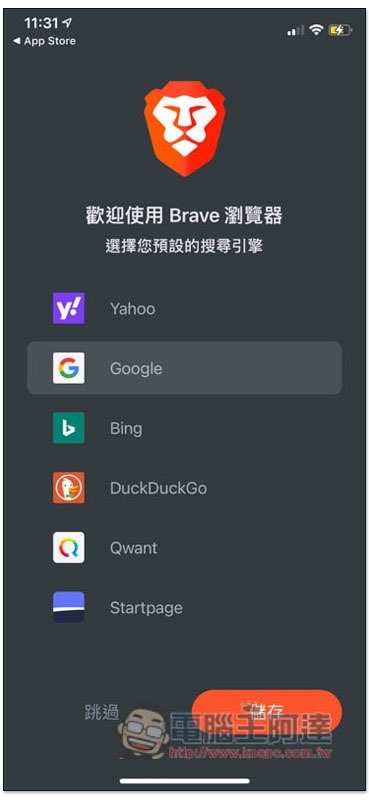
Next is the mobile version. iOS will ask you which search engine you want to default to at the beginning:
After entering the YouTube mobile version ads, unlike the desktop version, there seems to be no way to block ads on the mobile version web pages. I see this on many web pages:
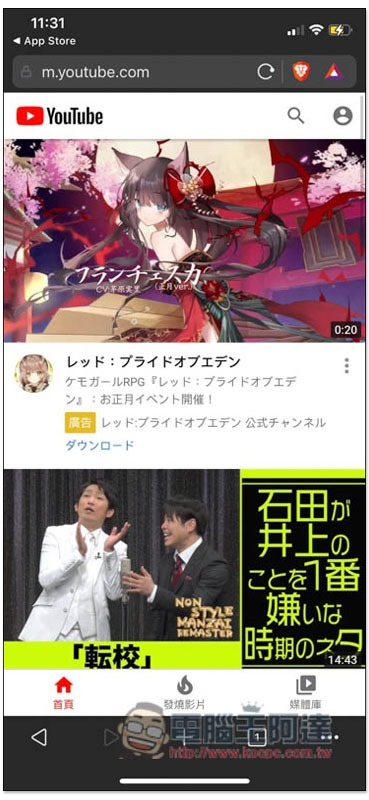
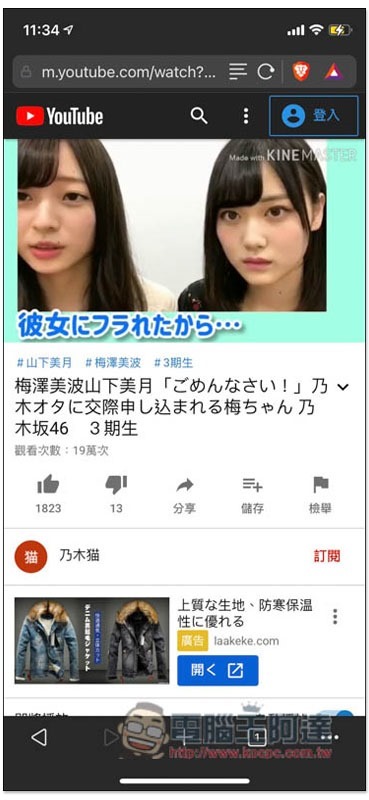
However, the ads that block videos work normally. I tested many videos and they didn’t appear:
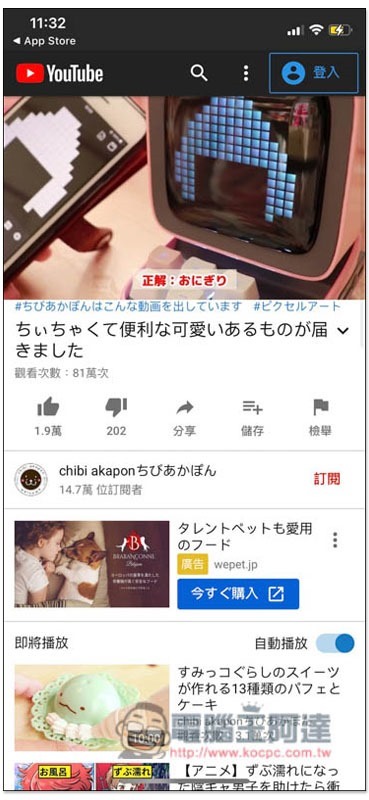
This one is also:
Supplementary information
- Brave official website:Click here to go
- App Store:Click here to go
- Google Play:Click here to go
Source: KOCPC Chinese