


Summer is always full of little joys to look forward to—vacations, travel, outdoor activities, and a whole season’s worth of movies to watch. But alongside these pleasant moments, summer also brings some inconveniences, and one of the most commonly overlooked is the effect of high temperatures on smartphones. Most modern phones operate best within a temperature range of 0°C to 35°C. Once the internal temperature exceeds this range for extended periods, battery degradation accelerates and performance may gradually decline. To prevent your phone from suffering damage during the hot season, here are several protection tips worth noting.

Summer heat is quietly draining your phone battery — here’s how to prevent the loss
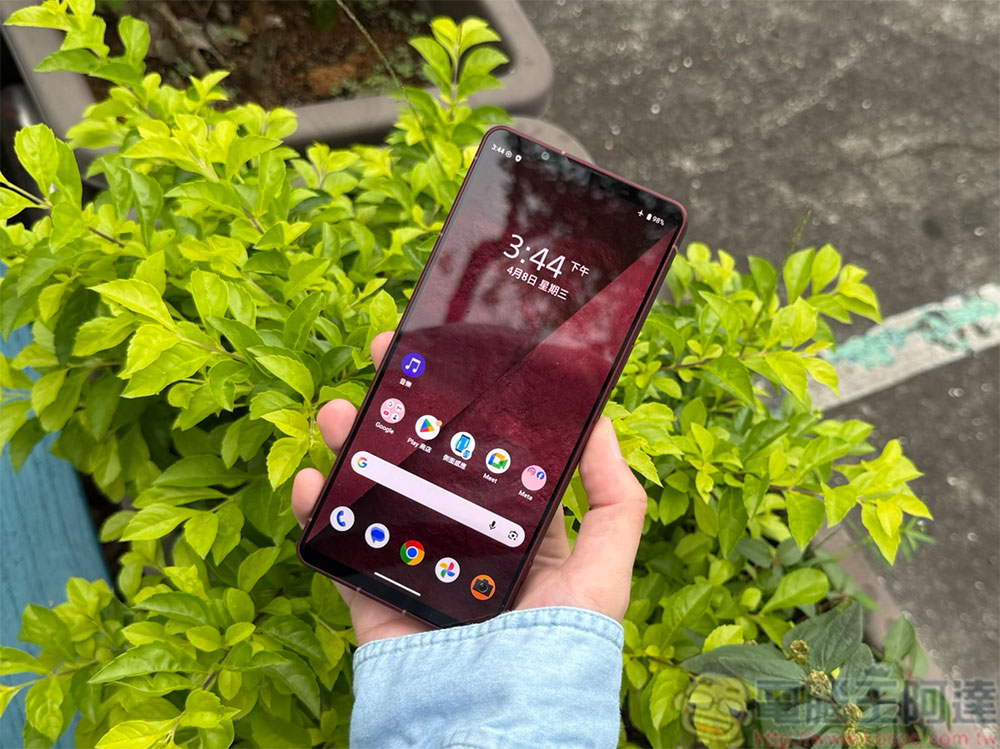
Avoid Direct Sunlight: The Most Basic Yet Most Important Rule
This is the simplest yet most critical of all heat protection measures. Whether you’re at the beach, in the mountains, or just driving somewhere, placing your phone in direct sunlight will cause temperatures to soar. Phone batteries are extremely heat-sensitive, and prolonged exposure not only accelerates aging but can even trigger emergency shutdowns. When driving daily, avoid leaving your phone on the dashboard holder for too long. It may seem convenient, but under the blazing sun, the temperature there is often much higher than you’d expect. If you really need to leave your phone in the car, be sure to place it in a cool, dry spot, such as under the seat or in a bag.
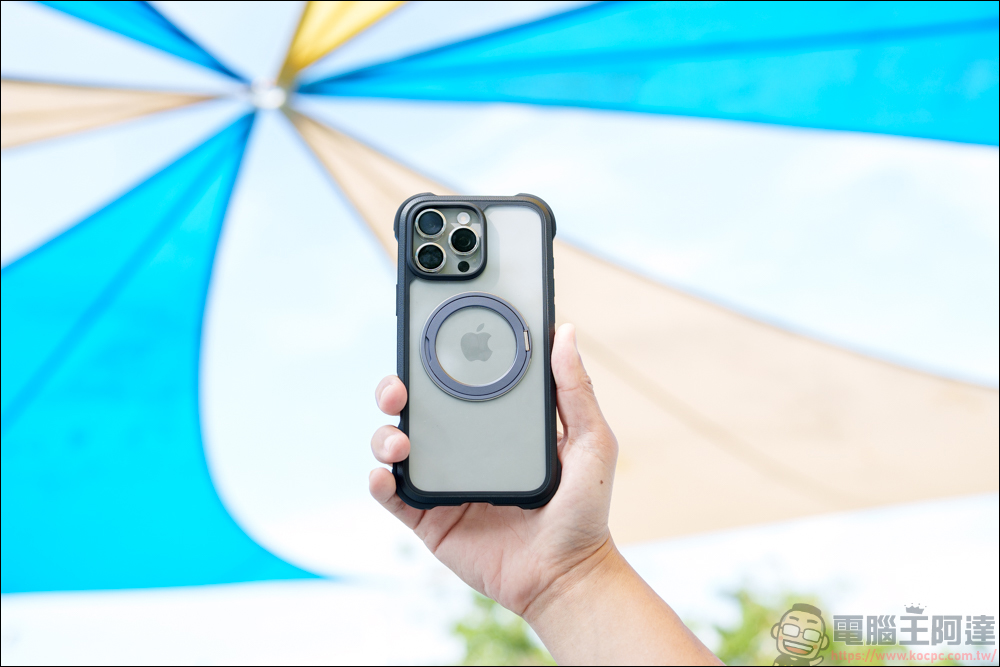
Check if your phone case is blocking heat dissipation
Many people overlook the impact of phone cases. While thick, rugged cases can protect against drops, they often have poor heat dissipation, making it harder for your phone to cool down. The case itself doesn’t directly cause overheating, but it does trap heat more easily during charging or in hot environments. If your phone shows an overheating warning or feels unusually hot to the touch, try removing the case first—this usually helps it cool down faster. If you live in a hot climate or want to be extra cautious, consider materials with better heat dissipation, such as thin silicone, TPU, or polycarbonate.
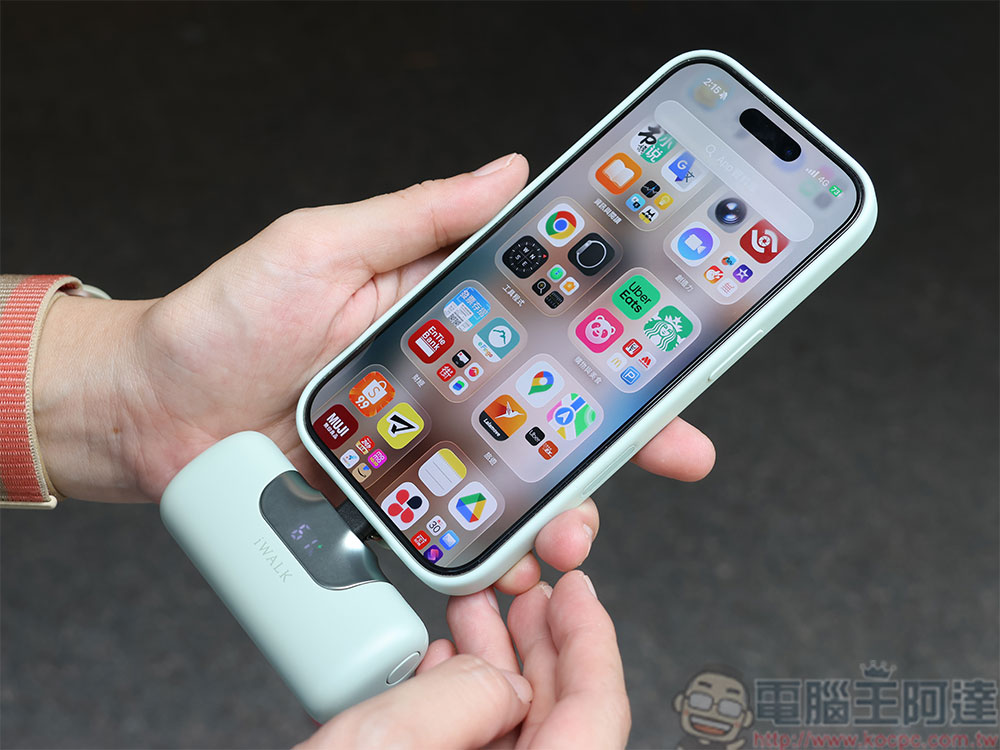
Don’t charge your phone when it’s overheating
When your phone is already hot, charging will only make things worse. Charging itself generates heat, and if you charge your phone while it’s overheating, the battery temperature will continue to rise, which over time will noticeably shorten the battery’s lifespan. This is especially true for wireless charging, which requires extra caution during summer. Wireless charging typically generates more heat than wired charging, so during hot weather, it’s recommended to use a wired charger instead. When charging, also avoid placing your phone under a pillow, in a bag, or in any other enclosed space. It’s best to place it on a hard, ventilated surface and keep it away from direct sunlight.
Avoid heavy usage outdoors
Beyond ambient temperature, how you use your phone also affects heat generation. Playing games, editing videos, streaming high-definition content, or video calling for extended periods puts greater strain on the processor and battery, causing temperatures to rise naturally. If you need navigation during a road trip, mount your phone near an air conditioning vent to let the cold air help cool it down. When outdoors, take regular breaks and pause resource-intensive apps to effectively prevent your phone from overheating.
Additionally, enabling power-saving mode or low-power mode can reduce background activity and processor load, which also helps lower heat generation. I also adjust some settings myself, such as lowering screen brightness, turning off unnecessary location services and background refresh, and reducing motion effects—all of which help your phone get through the hot season more easily.

Ways to cool down an overheating phone
If your phone is already overheating, here are the safest and most effective ways to cool it down:
- Stop using immediately and move to a shaded area.
- Avoid direct sunlight
- If it is currently charging, unplug it immediately.
- Close all high-load applications
- Place it in a well-ventilated area or next to a fan to cool down faster.
- When in the car, you can direct the AC toward your phone.
As long as the temperature returns to the normal range, your phone will be able to function normally again. It’s worth noting that when the phone’s temperature exceeds the safe threshold, the system will automatically display an overheat warning. When you see this warning, it’s important to take it seriously, as it means your phone is already in an unhealthy temperature state. The good news is that by following these simple preventive measures, you can significantly reduce the risk of your phone overheating in the summer, keeping it in good condition throughout the season.
Source: KOCPC Chinese