


Simply HDR is an app that provides a lot of high-quality HDR effects, and each effect can be fine-tuned according to your own needs. The effects are very good. In the past, you had to pay NT$90 to get it. However, it has recently launched a limited-free promotion. Before returning to the original price, every iOS user can get it for free. It is highly recommended that you get it as soon as possible. Here is a brief introduction to you.
There is also an Android version of this game, and Android users who want to play it can search for this name on Google Play.
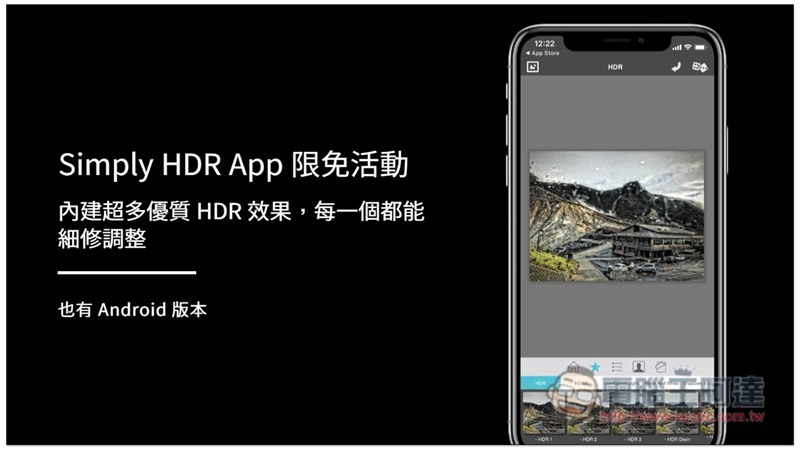
Simply HDR Limited Free Event and App Introduction
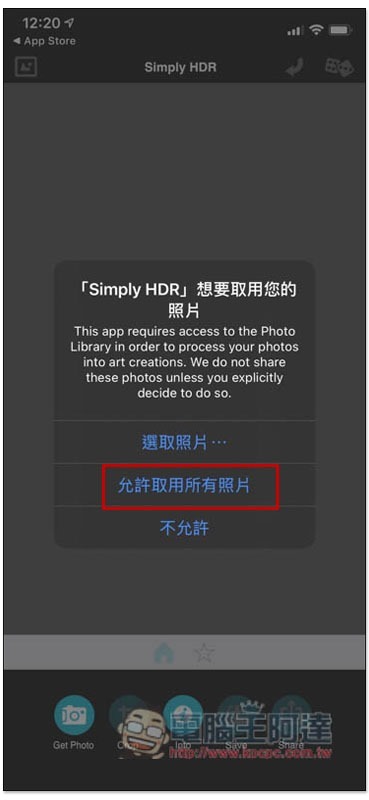
Although Simply HDR does not yet have a Chinese interface, the operation is very simple, even if you don’t understand English well. When you open it for the first time, you will be asked to access photos. Remember to select “Allow access to all photos”:
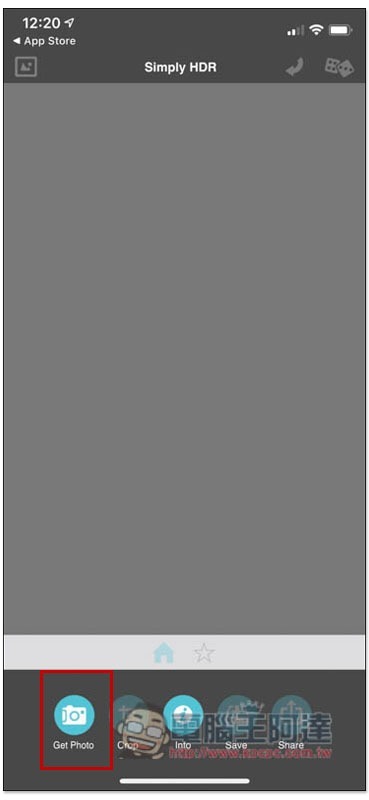
Then you will enter the main screen, click Get Photo to select the photo you want to apply the HDR effect:
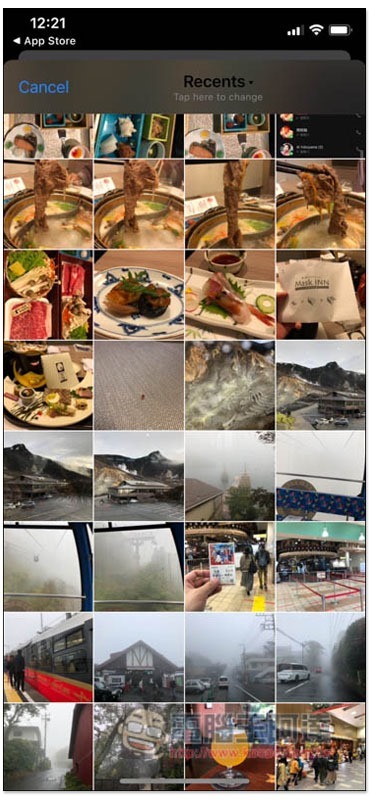
As shown in the picture below, the iPhone photos will be opened:
After being read in, the preset HDR effect will be automatically applied to this photo. Click the photo icon in the upper left corner to view the original image. The dice in the upper right corner will randomly apply other HDR effects. If you feel that the HDR effect is too strong and you want to adjust the details, please click the middle function below:
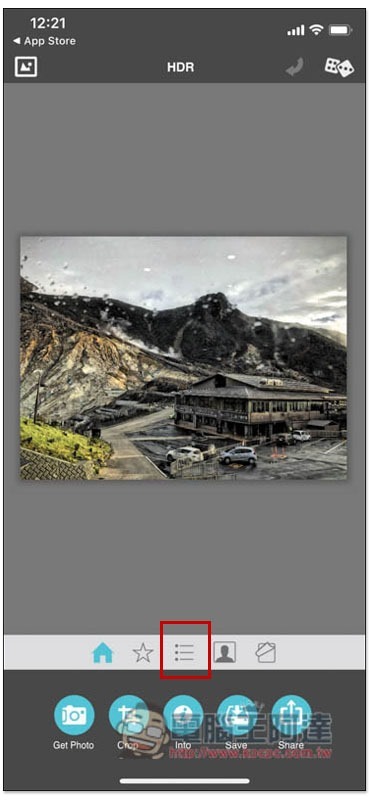
You will enter the adjustment function of HDR Area and HDR Strength:
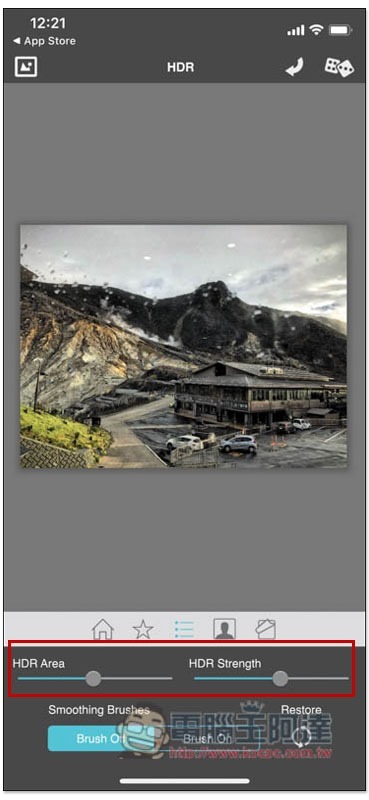
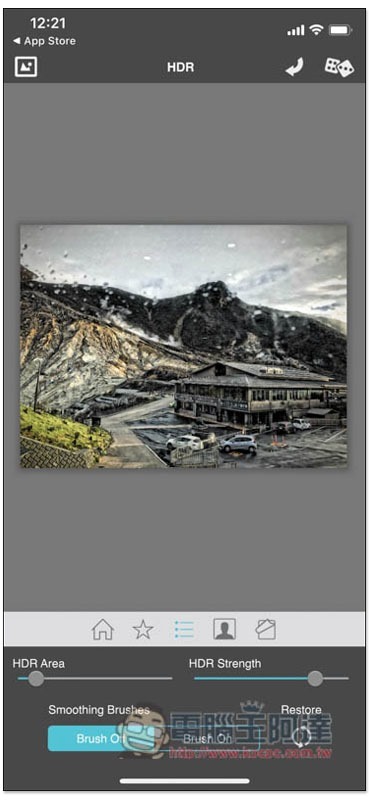
While sliding the slider, the screen will display real-time effects:
Click on the star function to find more HDR effects, and each category has a large number. It will also display a small preview of the applied image, which is very good:
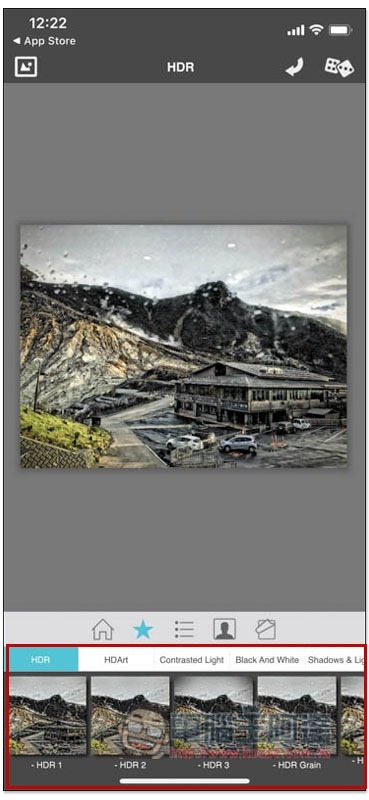
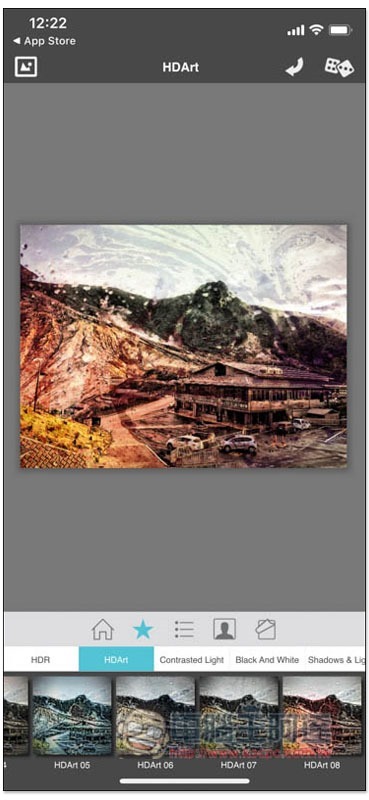
HDRArt artistic photos are quite special. It is rare to see this kind of HDR effect:
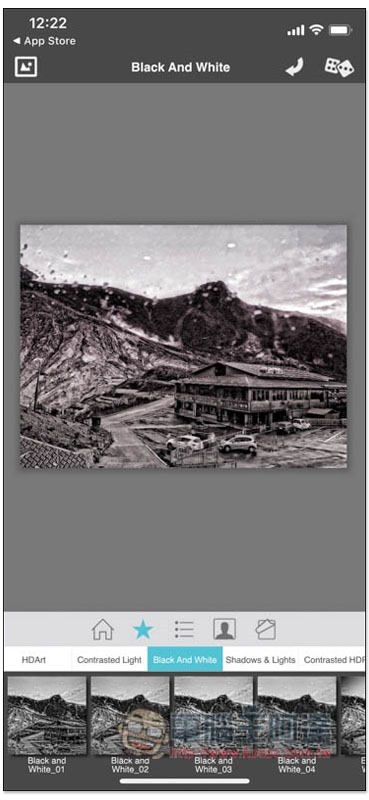
Even black and white HDR effects are available:
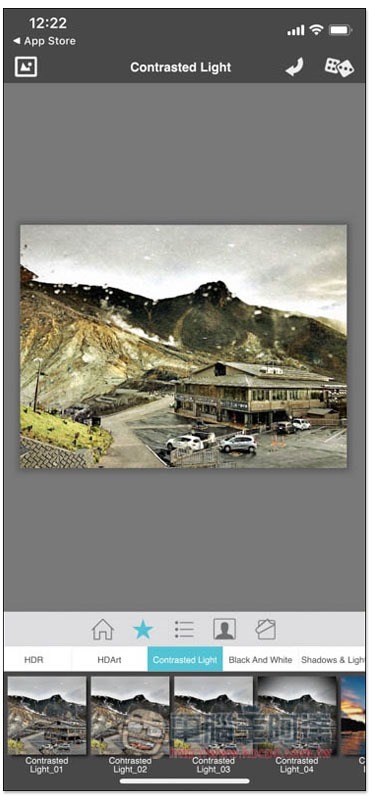
And there’s this HDR effect:
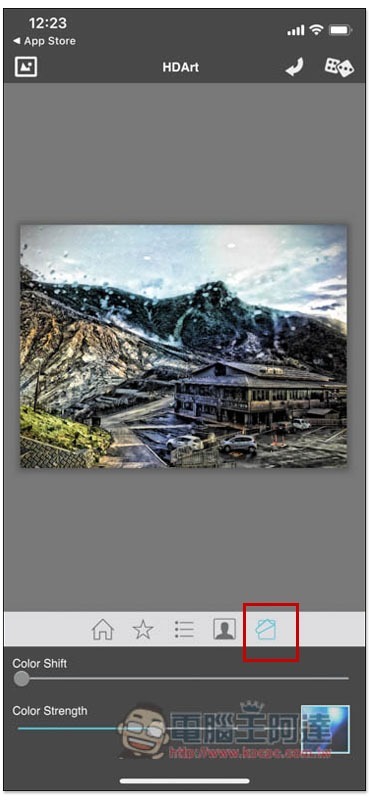
In addition to HDR intensity, the HDR color part can also be modified. Click on the function on the far right to find Color Shift and Color Strength:
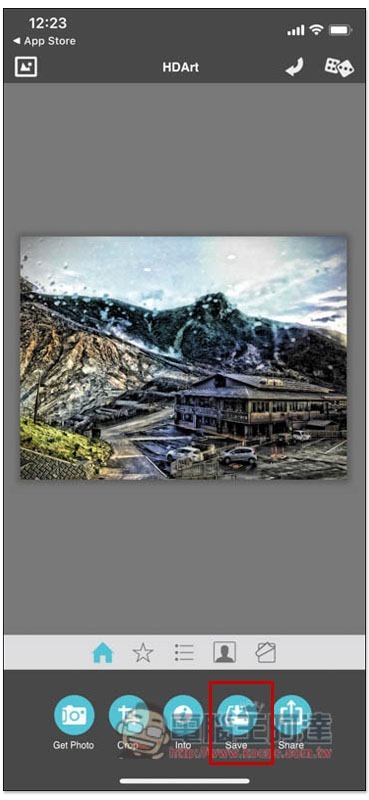
Once everything is set up, press Save and it will be saved to your iPhone photos:
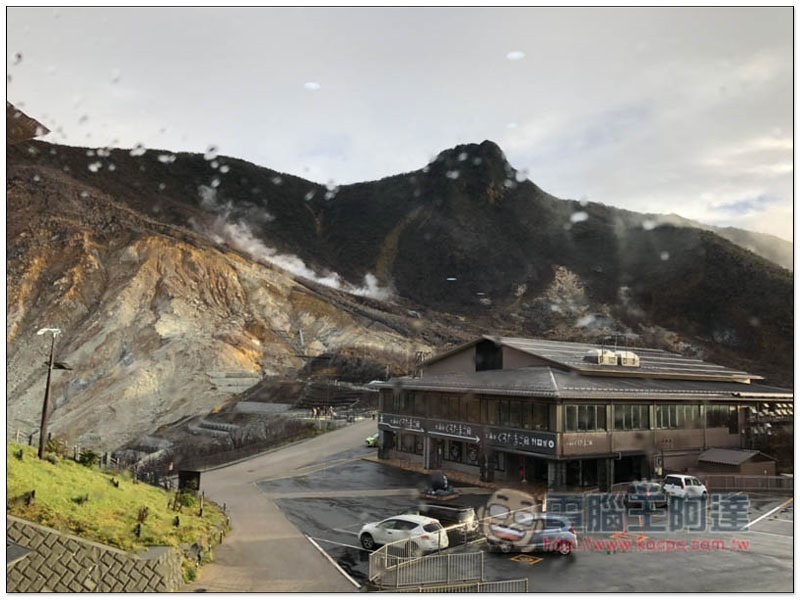
Below is the original picture of my demonstration:
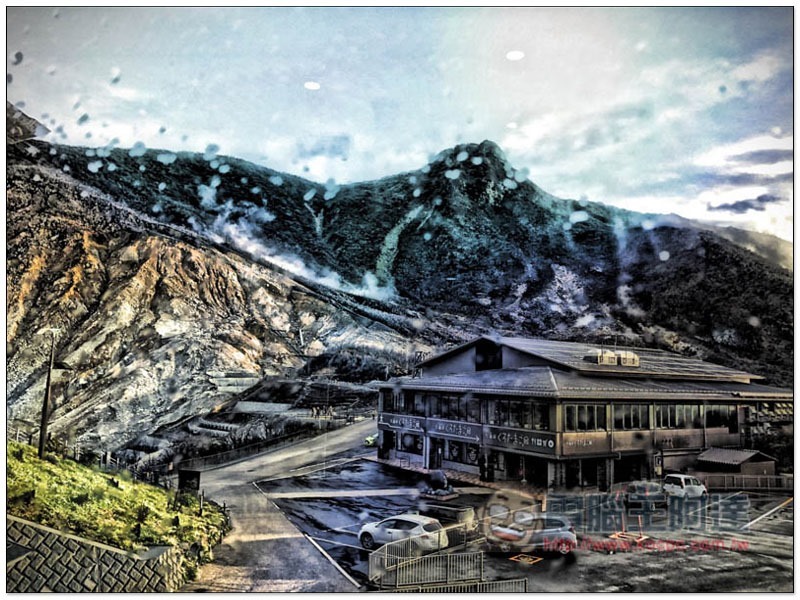
The effect after applying HDR:
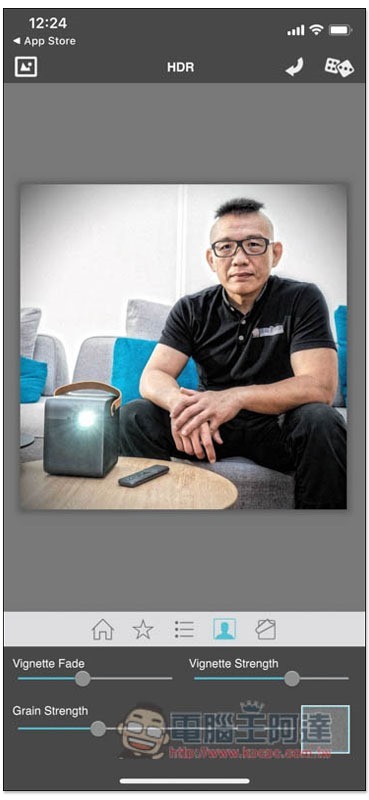
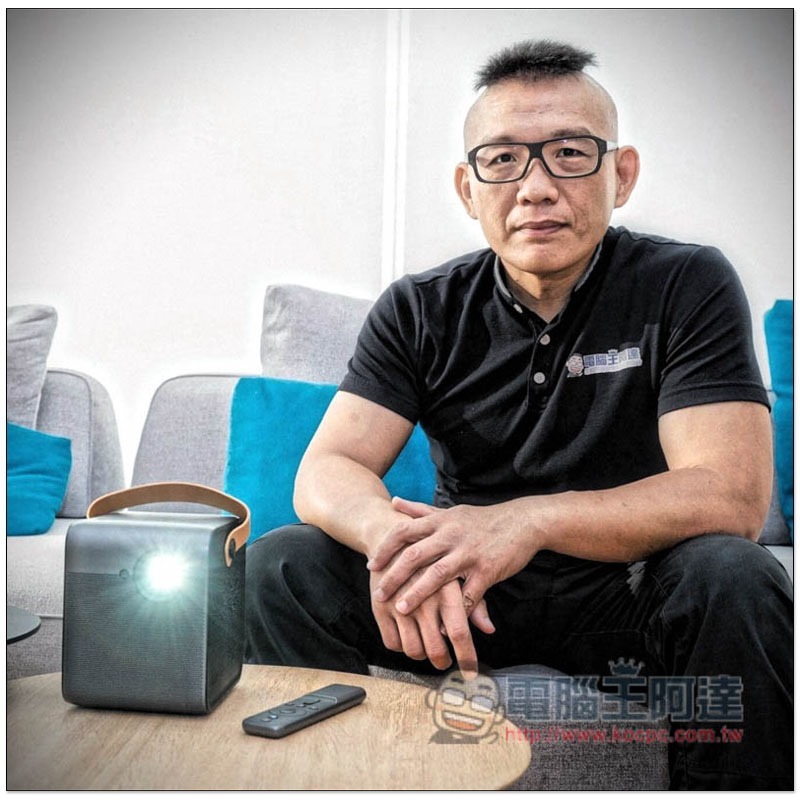
The portrait part is also available, and can be specially adjusted for Vignette Fade, Vignette Strength and Grain Strength:
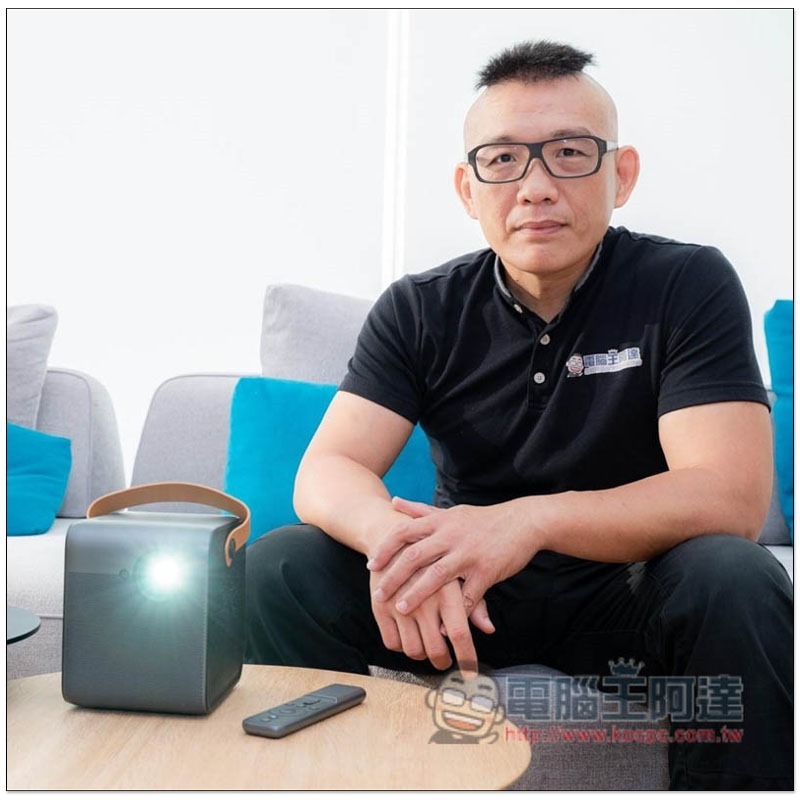
Original portrait photo:
After applying the HDR effect:
Supplementary information
- Simply HDR download page:App Store
Source: KOCPC Chinese