


Let me introduce to you a super easy to use free parking space finding service ” Parking Go Find a parking space ”, many people have cars at home, and they may need to drive whether they are commuting on weekdays, picking up children, shopping or traveling on holidays. However, driving is not a problem. The bigger problem is “traffic jam”; the more serious problem is “parking”. Sometimes it is difficult to reach the destination, but after a long journey around and unable to find a parking space, it really makes people doubt their life. Today I will share an official LINE account for finding parking spaces, “Parking Go”. It not only allows drivers to instantly check whether there are free parking spaces nearby, but also provides navigation to take you to grab a spot immediately, reducing the trouble of wasting your life by circling around to find a parking space. It can also save vehicle fuel consumption while taking into account environmental protection. The most important thing is that it is not only free, but does not even require installation of the app. You can use it as long as you open it with LINE!
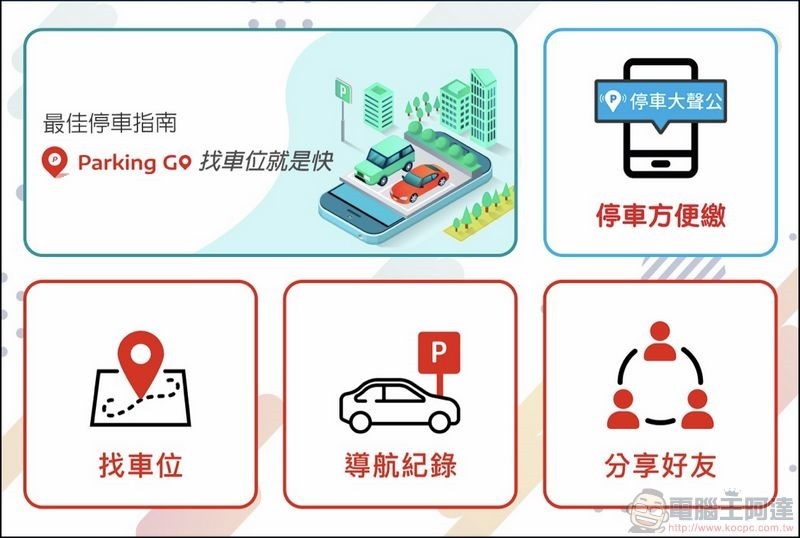
Free and no installation required! Super easy to use Parking Go tutorial guide for finding a parking space
Ada also used Parking Go to find a parking space.Actual test video, you can take a look, it’s really awesome (Welcome to subscribe to Computer King Ada channel):
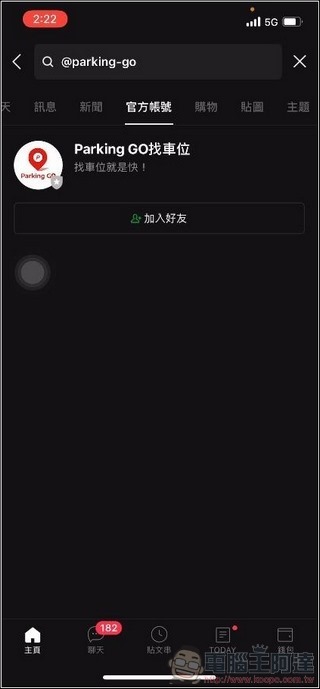
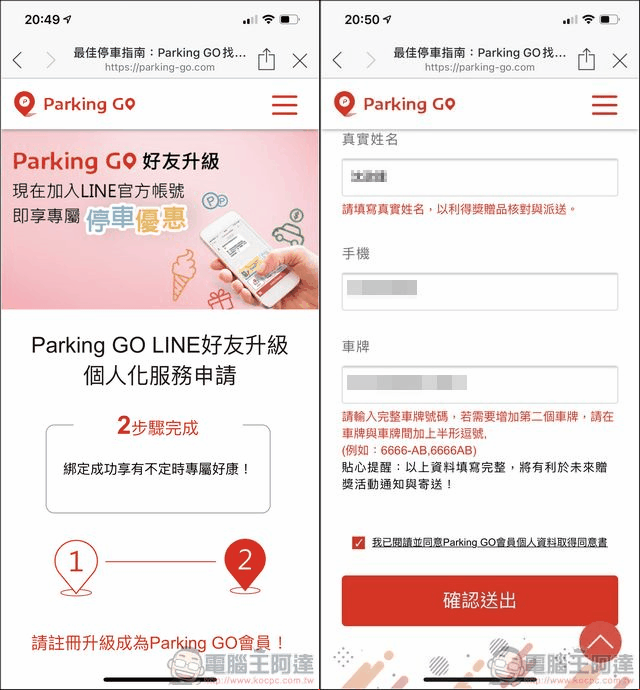
Parking Go is super easy to use. You don’t even need to install the app. Just open your LINE App, then use the search function to enter “@parking-go”, and you can see “@parking-go” in the official account options.Find a parking space with Parking Go」(Or you can click me on your mobile phone), remember to grant access to LINE after adding friends, otherwise you will not be able to use:
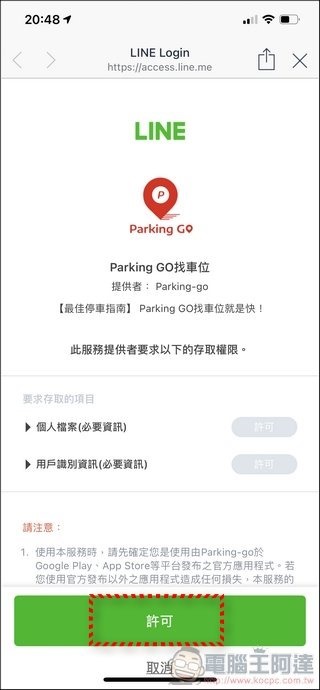
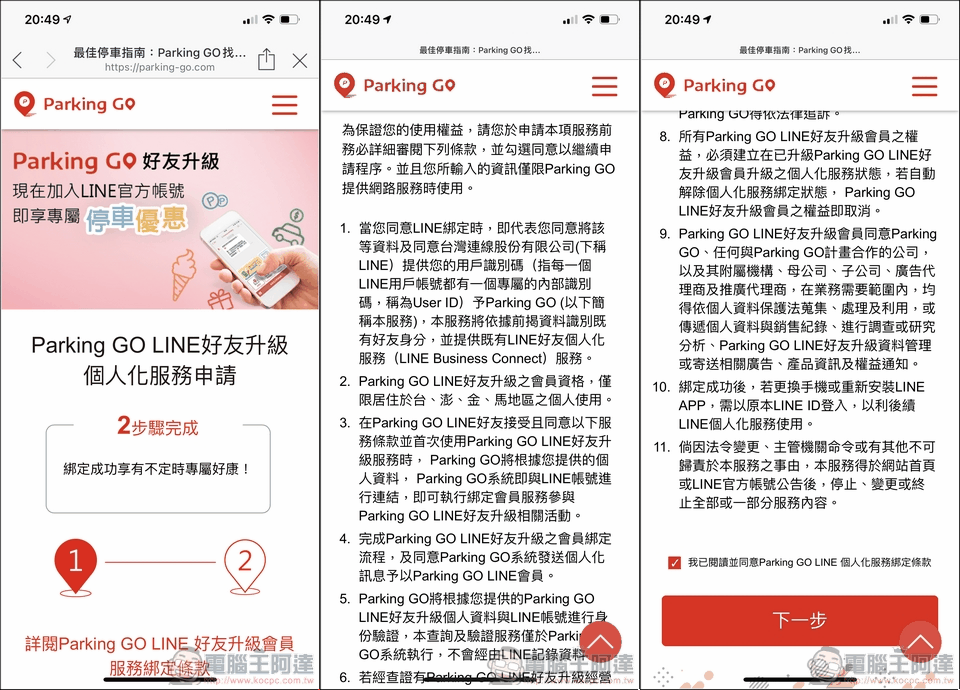
The next step is to agree to the use agreement and enter personal information and license plate number. If there is an event, you will have a chance to draw a lottery:
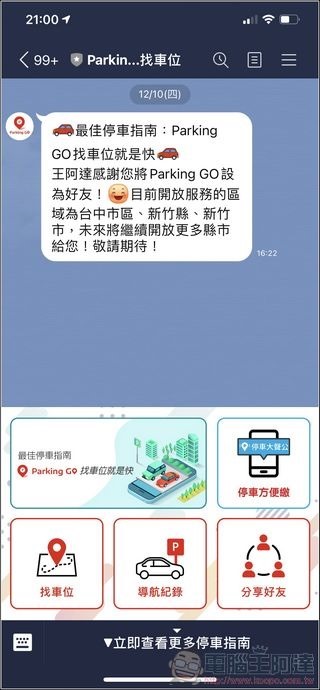
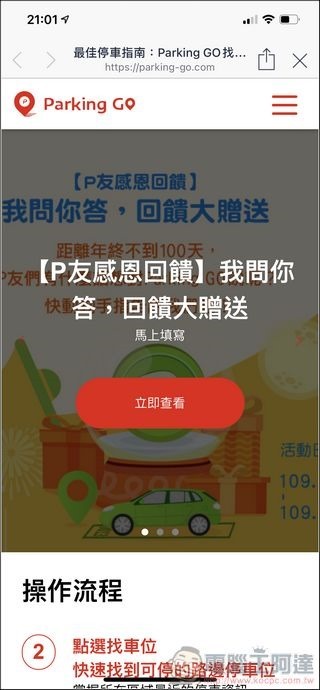
After registration is completed, you can enter the Parking Go main menu. The first one is an introduction to the operation process, which also contains some lottery information. In addition, there is also a download of Parking Go (the basis of this service is what we have introduced before).Stop the car loudly, but now it is combined with Internet of Things information and becomes more powerful):

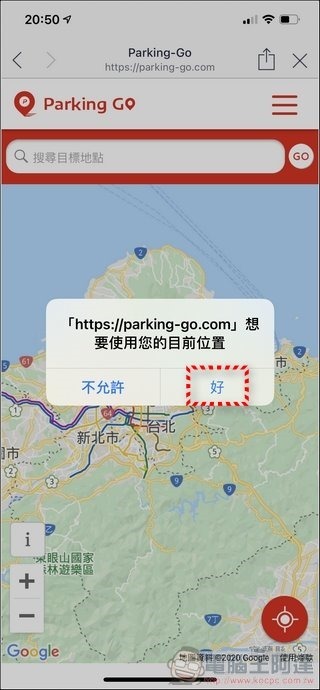
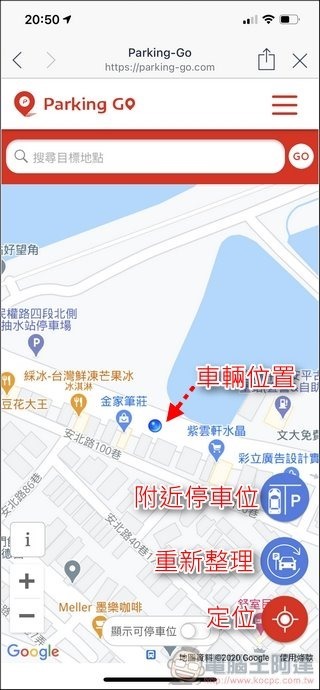
When using it for the first time, the system will ask for your current location (GPS permission), remember to give it. Then click “Location” on the screen to display the user’s current location:
Parking Go practical experience of finding a parking space
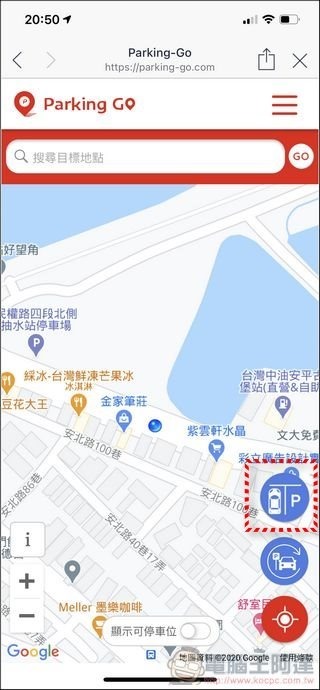
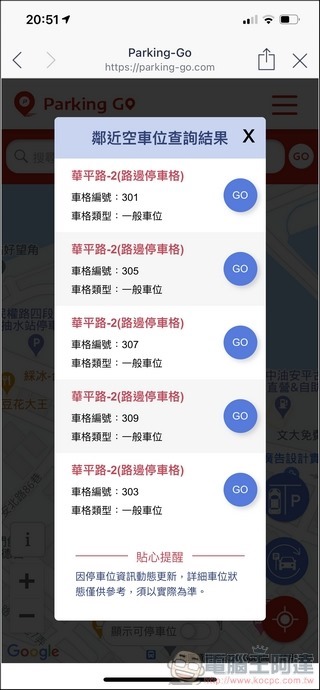
For example, if you want to find a parking space nearby, just park the car on the side of the road or ask your co-driver friend to help you press the “Nearby Parking Spaces” function, and the system will automatically help you find parking spaces that are currently available near your location. It is quite simple:
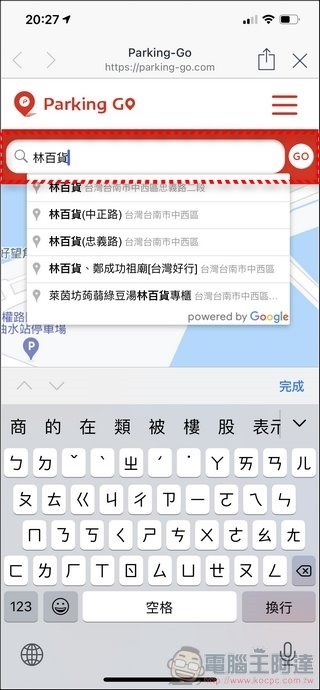
Or if you want to find out if there are any parking spaces near your destination, just enter the name of the attraction and press “GO”:
The system will display all the parking spaces and parking space numbers near the attraction. Don’t be happy just because you see so many parking spaces. If you zoom in on the display area, you will see green dots and red dots. They represent whether there are vehicles parked on the parking space. From this screen, there is only one position left:
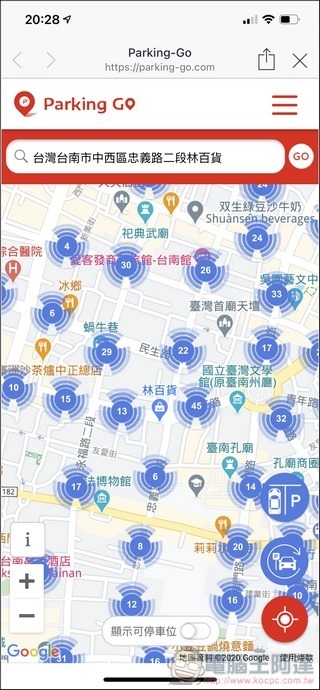
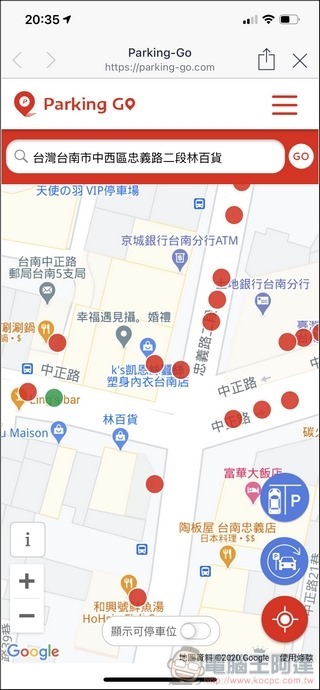
In order not to waste your time, you can directly turn on the “Show available parking spaces” below, so that the system will exclude the occupied parking spaces. You only need to select the car space with a green dot:
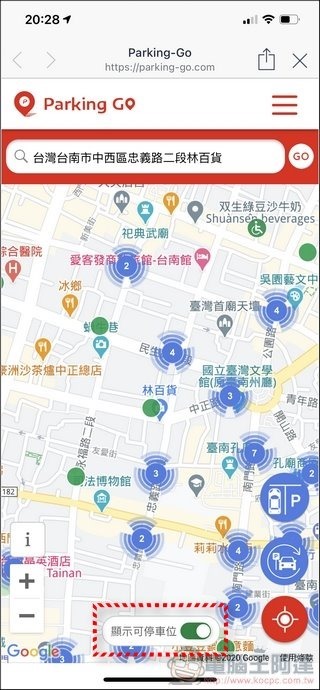
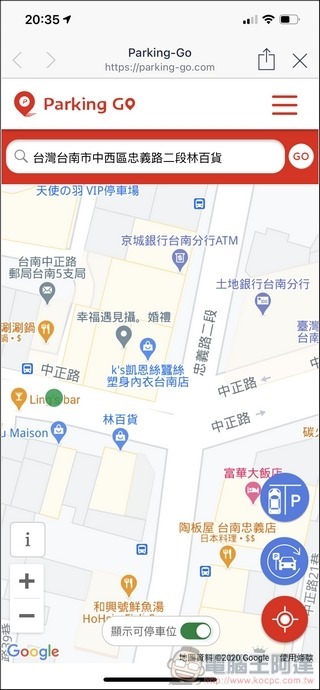
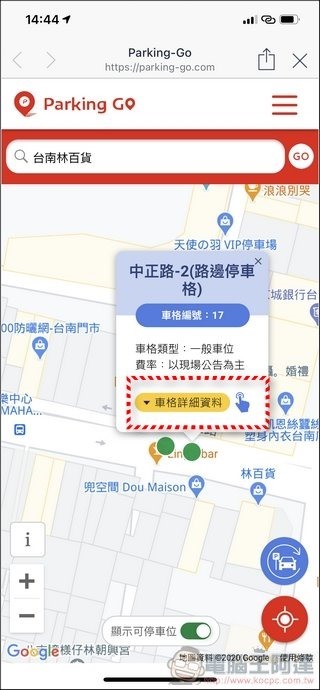
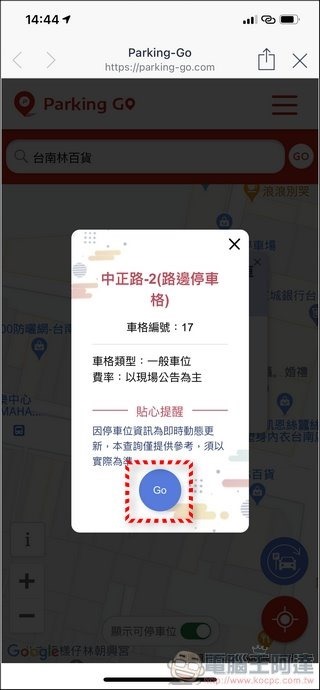
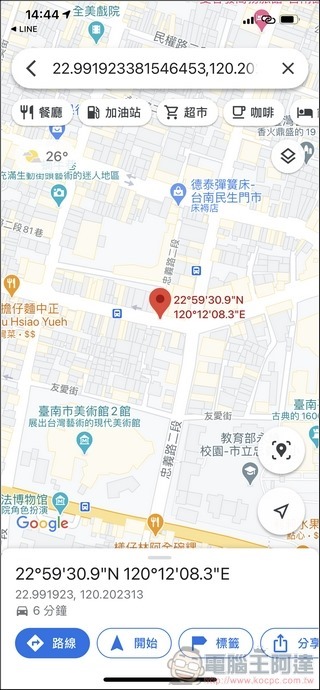
After selecting the location where you intend to park, click on the green dot to display the parking slot location, type and rate. Click on the parking slot details to switch to Google Maps to navigate there:
Parking Go functional verification
Then for the convenience of collecting information, Ada found parking spaces near Tainan University to see if Parking Go is really that powerful. The following picture is an example. In addition to showing which parking spaces are occupied and which ones have spaces, it even distinguishes the parking spaces for people with disabilities:
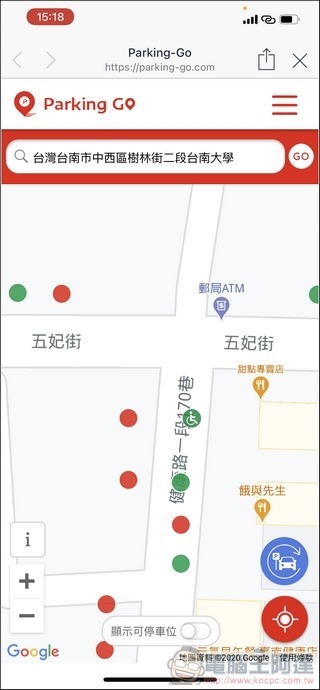
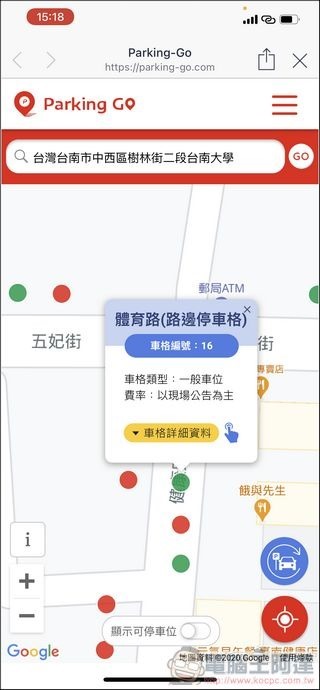
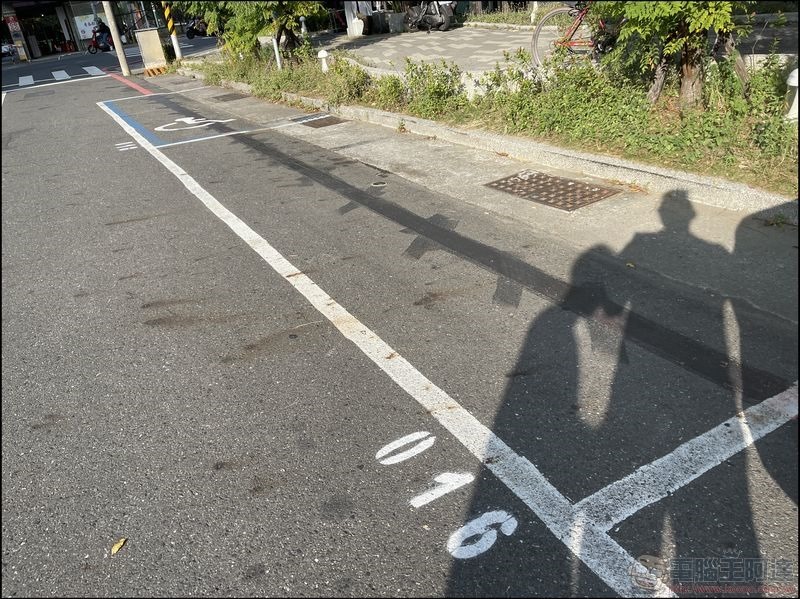
When we arrived at the location, the numbers were the same, and there were parking spaces for people with disabilities in front of them, which was really impressive:
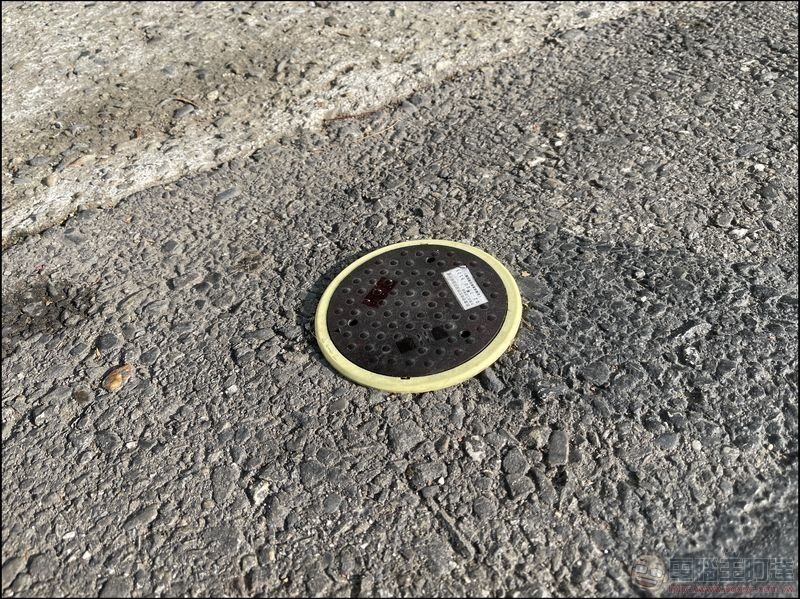
The main reason isFar EasTone Telecommunications cooperates with Tainan City GovernmentThousands of “geomagnetic detectors” have been installed in Tainan city through IoT technology, mainly distributed in Tainan East District Nanfang Shopping Center, commercial hotspots, Dadong Night Market crowded areas, as well as Tainan Central and Western District Art Museum, Chihkan Tower, Confucius Temple, Grand Tianhou Temple and other historical sites, Baoan Road Guohua Street food business district, and through NB-IoT IoT technology, the detected parking space vehicle entry and exit status is sent back to the host, and passers-by can use “Parking” You can check the real-time parking status with GO Line official account and Tainan HaoStop App:
In fact, from my own observation, in addition to roadside parking spaces, many public parking lots in Tainan City are also equipped with geomagnetic detectors. Almost all roadside parking spaces on major road sections have geomagnetic detectors, but they are not 100% online yet. In some areas, I have seen that they have been installed but Parking Go has not shown them yet. I really hope that this service can be popularized throughout Tainan City and other counties and cities, so that everyone can drive more conveniently:
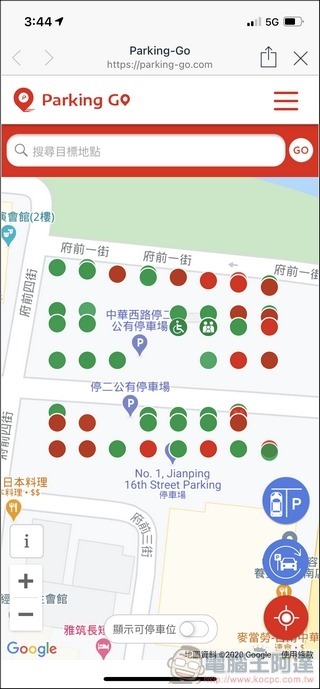
In addition to Tainan, Far EasTone has also set up tens of thousands of “geomagnetic detectors” in other counties and cities in Taichung, which can be queried through the Far EasTone “Parking GO” Line official account. Currently, there are more than 110,000 members, and the query service exceeds 3.87 million times. Seriously, I hope that if all parking spaces are installed in Taiwan, everyone will be able to escape the nightmare of detouring all day long to find a parking space.
Source: KOCPC Chinese