


Although the “badness” that was revealed this time is said to have been around for a long time – in fact, it was revealed by the media as early as 2009 that the mysterious Keystone component developed by Google performed many “weird things” in Mac computers, so it was not news. But when it comes to why many people suddenly want to boycott Google Chrome recently, it is thanks to the promotion of the “Chrome is Bad” page created by a godly developer. Continue reading Why is the easy-to-use Chrome being boycotted? Because some people think “it’s bad” and even made a lazy report.
Why is the easy-to-use Chrome being boycotted? The god pointedly pointed out that “it is bad” and even made a lazy website
In fact, if you understand English, you can go directly to this page, because the author Loren Brichter directly put a very short lazy talkat the beginning of the article。
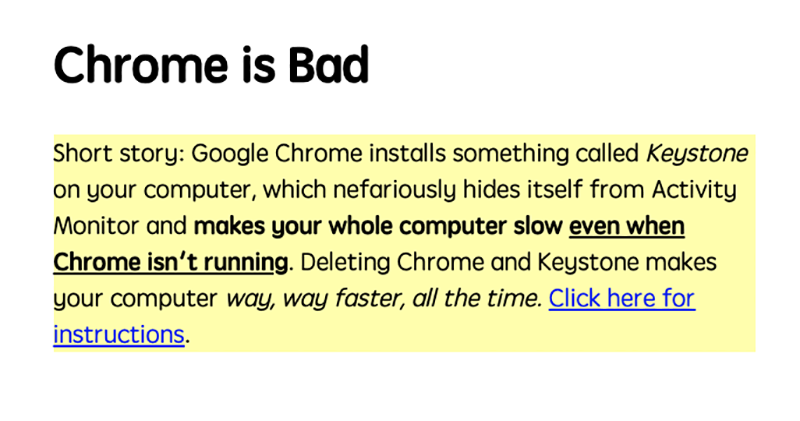
In short, the author discovered that the Chrome browser silently installed a Keystone component that could not be properly monitored by the system. The point is, if you close Chrome then you’ll be fine. In fact he foundEven if the app is closed, this component will still continue to execute “badly”. The whole thing makes you watch “WindowServer” taking up system performance, but you still can’t figure it out.
Hmm… Thinking about it carefully, the editor has the impression that this kind of thing has happened to me, and I even tried to turn off WindowServer!(Laughter, add an X!)

▲ Picture: Have you ever encountered a situation where WindowServer’s CPU usage keeps jumping even though all applications are closed? you are not alone.
As for what this Keystone is? In fact, it is just responsible for the automatic update function of Google Earth and the Chrome browser this time. Although it all sounds harmless, Loren Brichter is most puzzled as to why Google lets him secretly occupy so many resources behind his back, and even cause other computers to crash in the past. (But the reason why he is so angry is probably because he bought a new MacBook Pro 16 Apple released the M1 Mac (oh no), but because of this bug, he searched the entire system to find the problem that slowed down the computer)
Because of this, he finally found out the problem and chose to spend money to build this lazy website, hoping to wake Google to face up to this problem – but he also questioned whether it had not been corrected for 11 years, did it mean that it was “not a problem”? I hope that people with knowledge of the matter are willing to jump out and give you an answer.
I mean, how trustworthy is this page? In fact,Hiraku also has a brief introduction to the fan club. Basically, the author Loren Brichter is the person who invented functions such as “pull-down updates”. The Tweetie app he developed after leaving Apple was officially bought… so there should be no need to worry that this is a messy website – not to mention he also provided a solution to the problem: not simply remove it, but delete it “completely”.
How to completely remove Chrome
Regarding this, you can see How to remove Google official page. But Loren Brichter also provides more “eradicating” Keystone teachings. The editor below also briefly summarizes:
1. Close the Chrome app
2. Find the location of Chomre app in Finder and delete it (throw it into the trash)
3. Find “Go > Go to Folder” in the Finder menu, enter and go to “~/Library/Application Support/Google/Chrome” (without colon), and then throw the folder into the trash
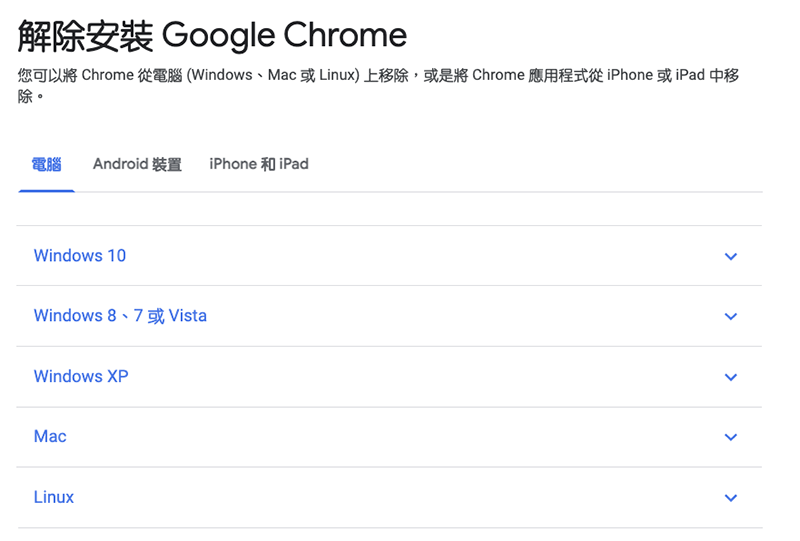
Next is the solution to Chrome is Bad
4. Also find “Go > Go to Folder” in the Finder menu, go to “/Library” and “~/Library” (note that there are two types), and then find the following folders:
LaunchAgents
LaunchDaemons(<- This is not in “~/Library”)
Application Support
Caches
Preferences
Then delete all Google folders and files starting with “com.google…” and “com.google.keystone…”. (Note: The editor did it myself. Some folders may not have these files, and some may be related to other Google Apps, such as Drive or Earth. I deleted them all at once… I have not encountered any problems, but you can consider whether you really want to delete them so harshly)
5. Empty the trash and restart the computer
6. Enjoy the speed your Mac deserves
You must use an alternative to Chromium
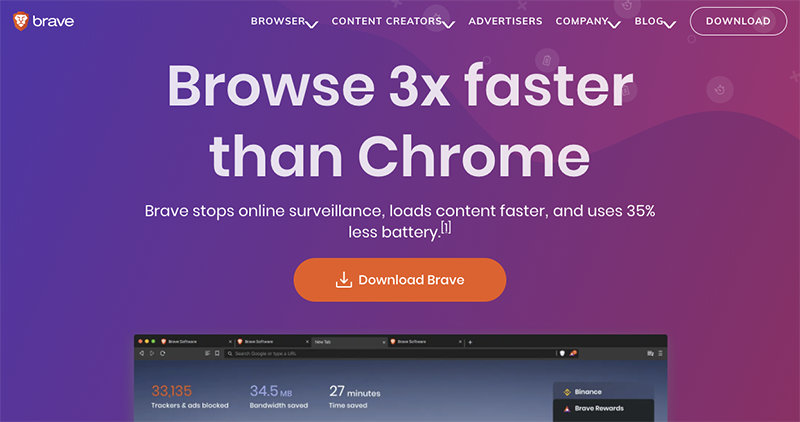
This Loren Brichter mentioned that you can choose Brave or Vivaldi. Pi Le also mentioned that Microsoft Edge could be considered. Of course, there are many non-Chromium options, including Mac-native Safari and Firefox, which are options that can be considered.
Conclusion
I have to say that the editor is also a heavy user of Chrome. But after a thorough understanding of the situation (especially the fact that Google has shelved Play for more than ten years…), now you should consider switching to Safari first – it also saves power and is very fast in Big Sur recently. But I feel a little sad that Safari can’t change web fonts…
Further reading:

Source: KOCPC Chinese