


We have introduced many AI face-changing apps in the past, such as:REFACE、Morphin, but these usually focus on European and American movies and video clips, and the acting apps recommended in this article mostly focus on Asian movies and videos, and even provide still photos, allowing you not only to instantly become a movie star, but also to change your face into handsome photos and online beauty photos, available on Android and iOS.
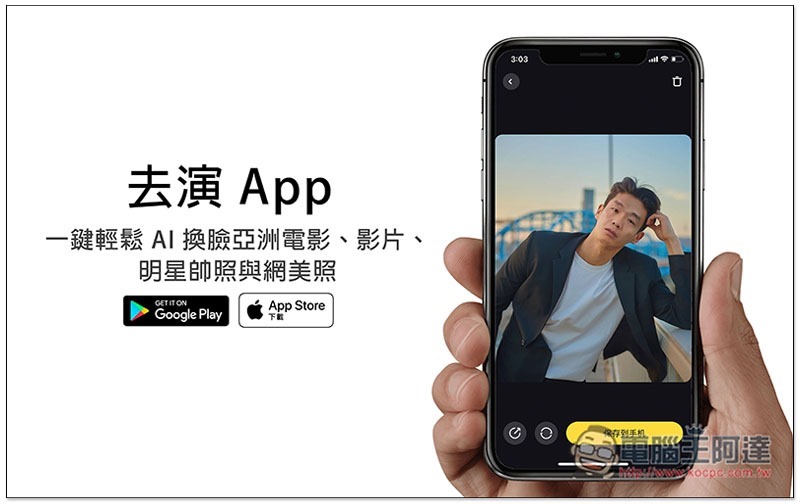
Introduction to Go Act App
Before I start the introduction, let me remind you that this app was developed by a Chinese company. Those who mind can skip it directly. I will use the iOS version as an example below.
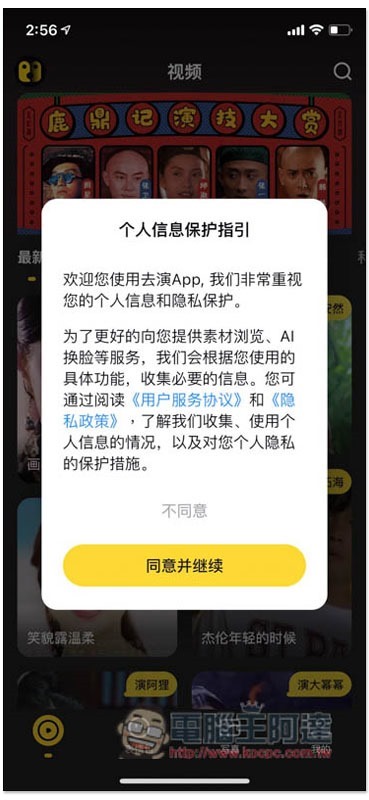
When you first use it, a privacy policy statement will pop up. It indicates that they will collect some personal usage information, so it is recommended not to upload photos that are too private. Click Agree to continue:
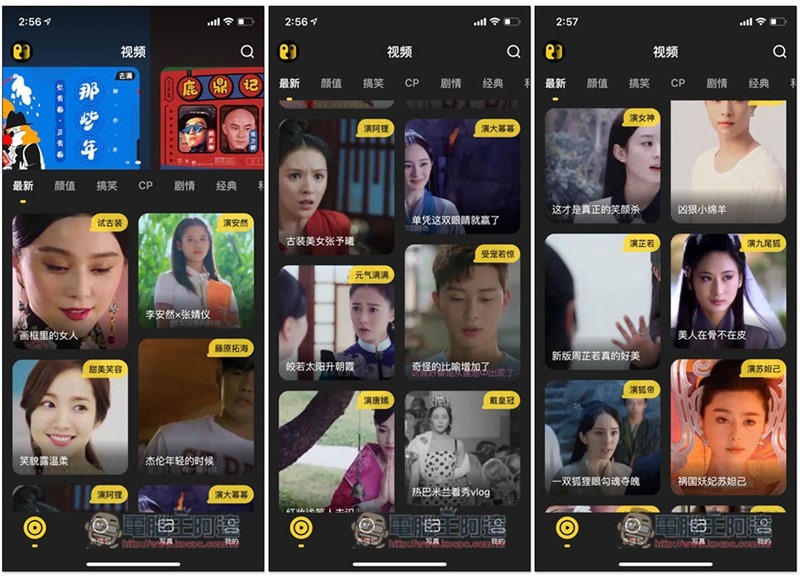
Then you can start browsing all the video clips that can be changed by AI. Most of them are Asian movies. There is a short description in the upper right corner of each one:
There are classification options at the top, such as: appearance, comedy, CP, plot, classic, etc. It will be easier to find from here:
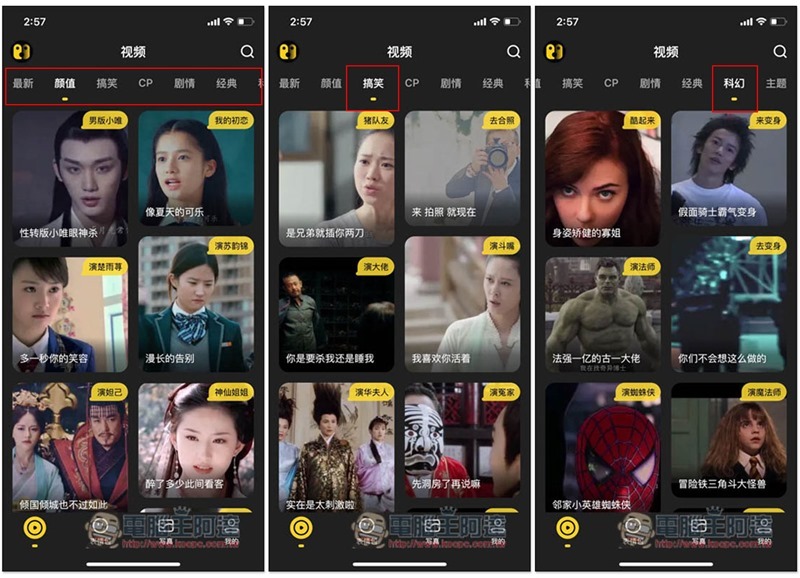
The theme part should be loved by many people, even Wei Xiaobao played by Stephen Chow in the classic movie:

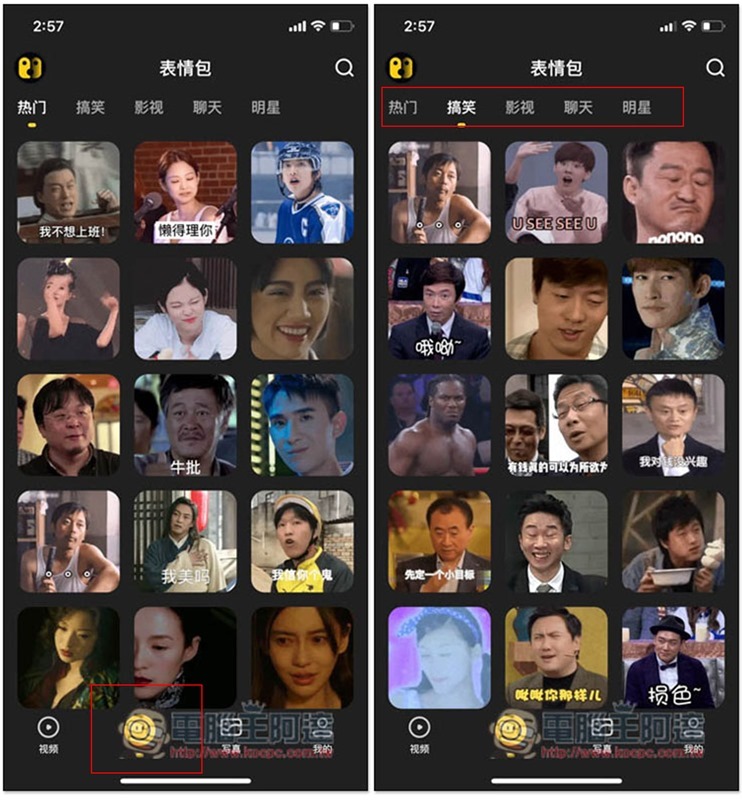
There is also a large category at the bottom. In addition to videos, there are also emoticons. There are also quite a few categories:
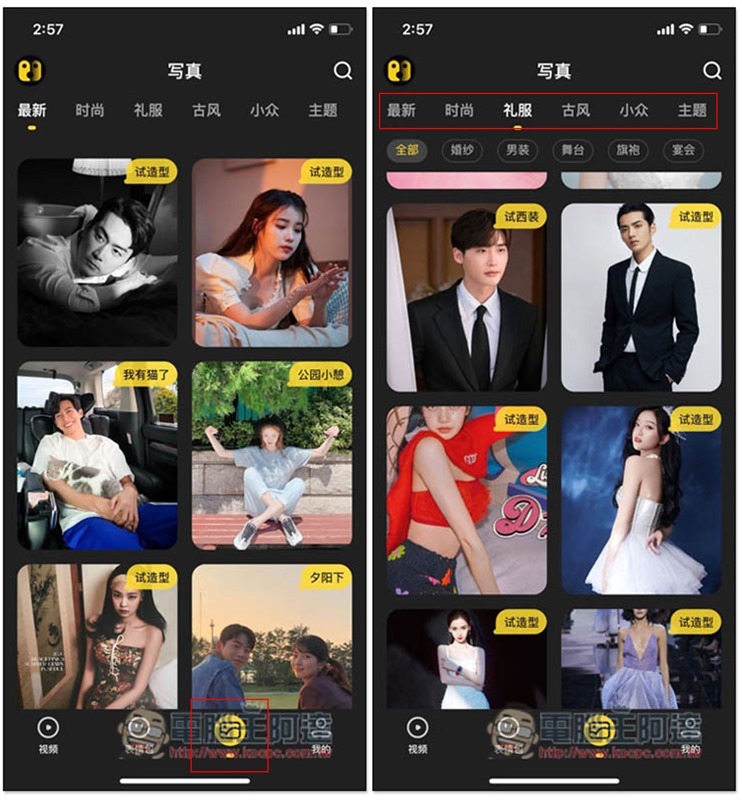
Photos are still photos, and they are all photos of Internet handsome men, Internet beauties, and celebrities:
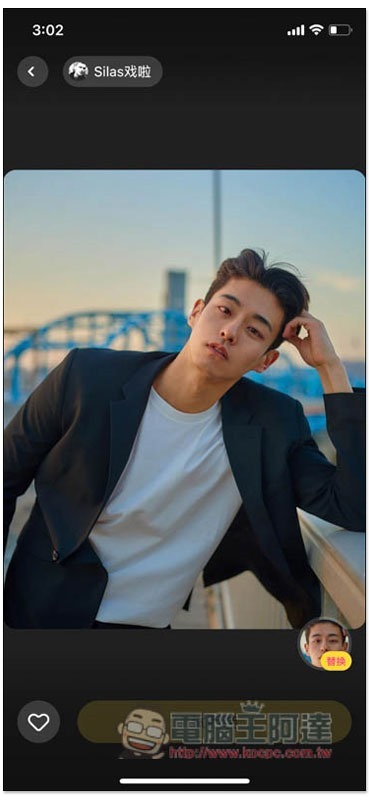
After finding the photo you want to change the face, click Replace in the lower right corner:
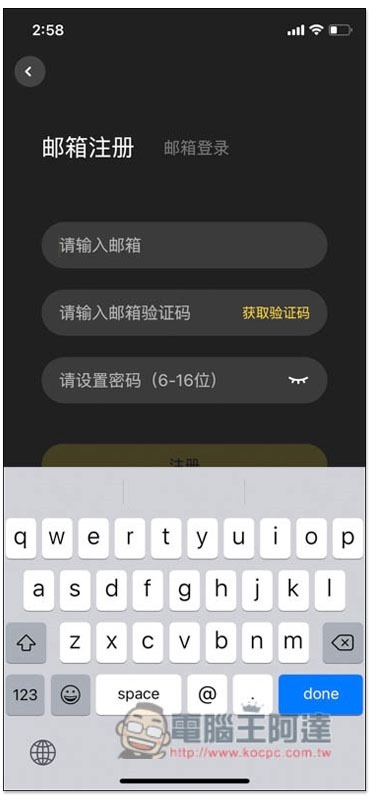
You need to register an account to continue, enter your email and password:
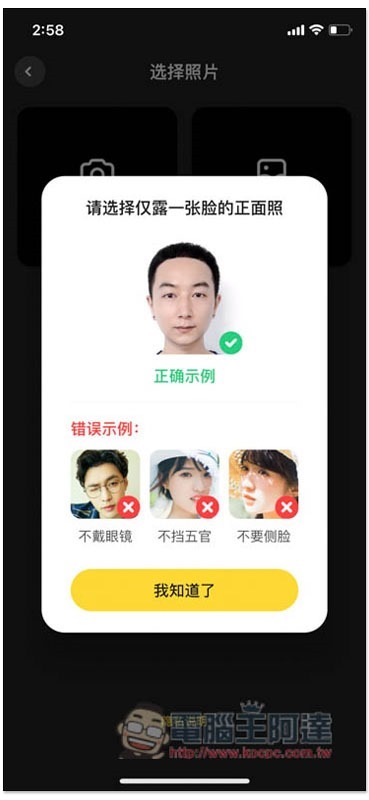
Then you can choose the photo you want to change your face. Remember to only use frontal photos, not side photos or photos with your face covered:
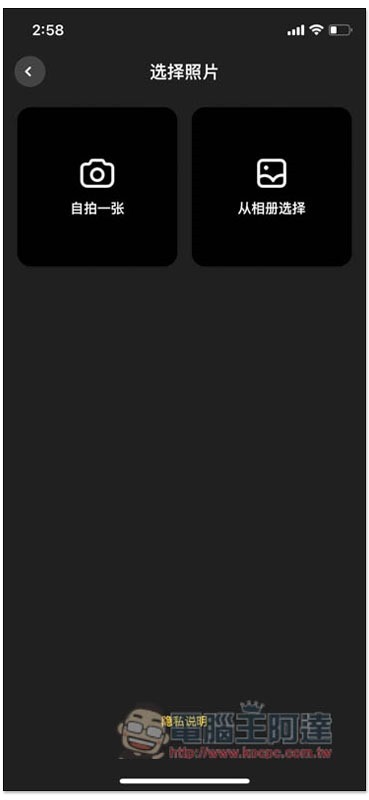
Take a selfie or choose from photos:
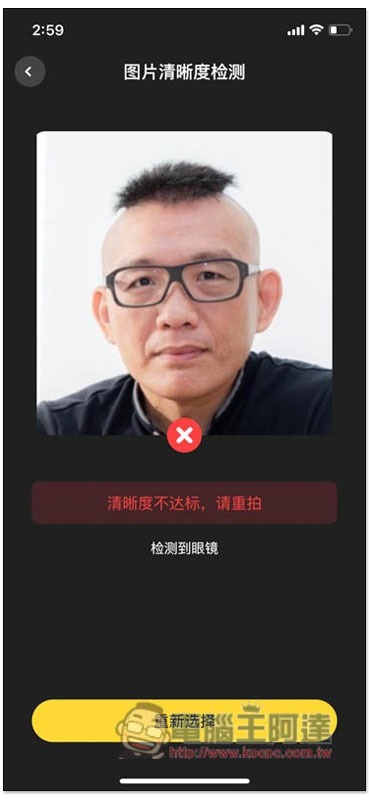
At first, I tried this mug shot, but because I was wearing glasses, I couldn’t use it. I thought this was a bit unreasonable. For people with too much myopia, they basically can’t see clearly when they take off their glasses, making it even more difficult to take selfies:
Changing it to another one without glasses will be no problem:
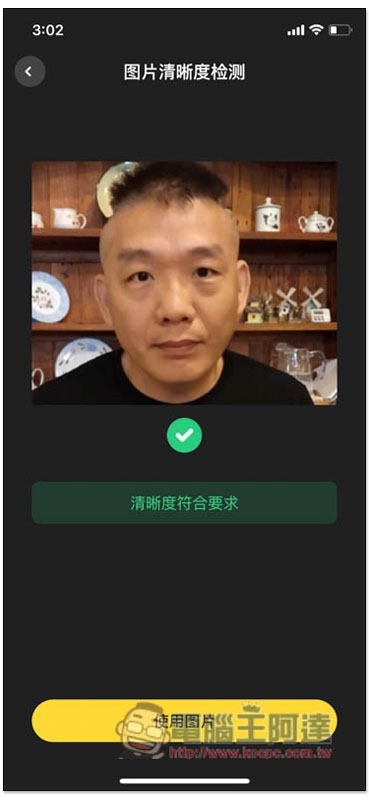
Then you will enter the stage of verifying the identity. If it is your photo, just click on verify the identity:
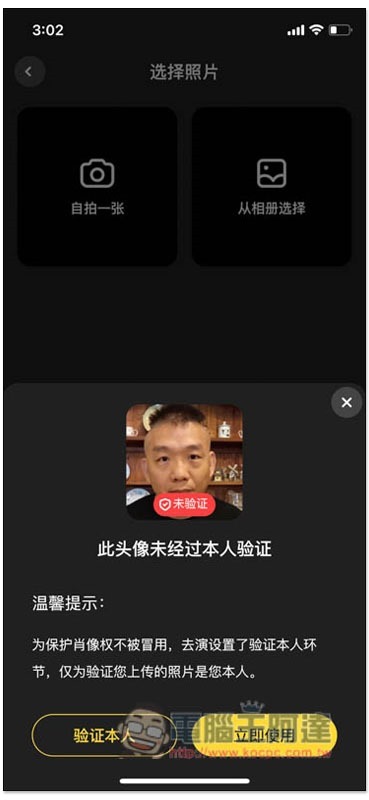
The AI face-changing program will begin:
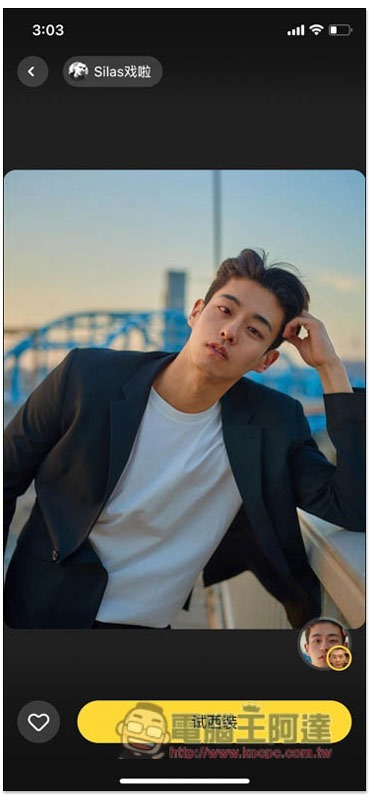
The photo was taken quite quickly and was completed in just a few seconds. Ada instantly looked decades younger (laughing):
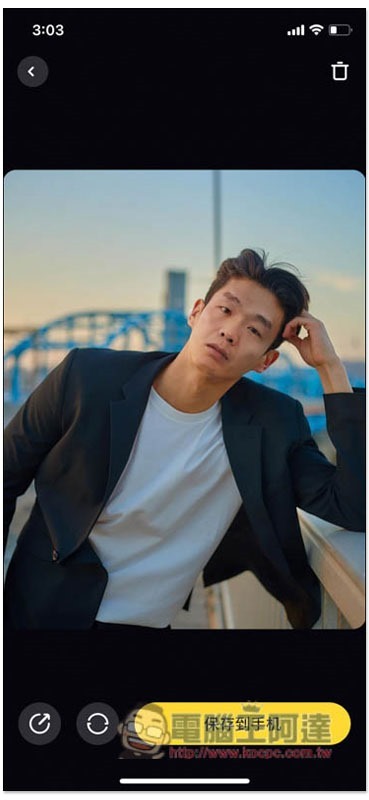
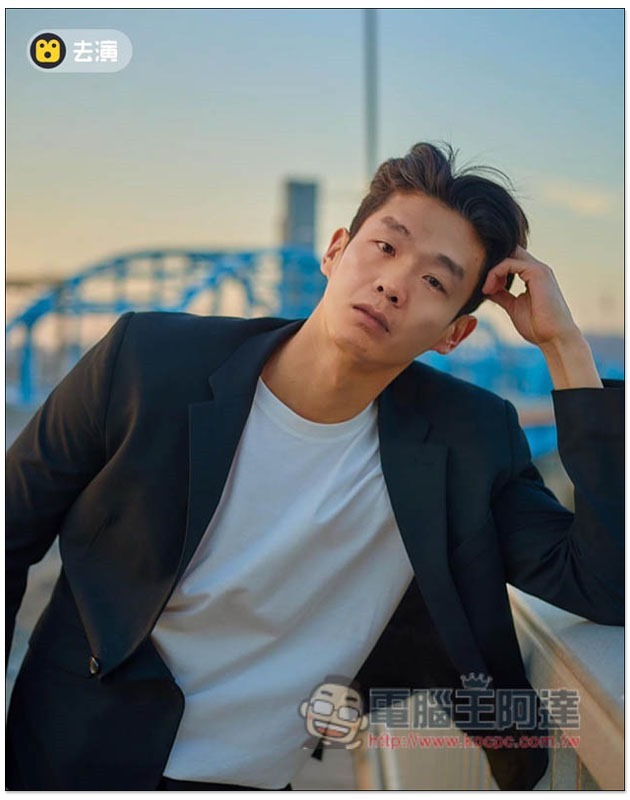
The exported photos will have the logo in the upper left corner:
The same goes for the video section. Once you find the video you want to change your face, click the icon in the lower right corner, and the previously used headshot will be displayed directly below. Click to use it quickly:
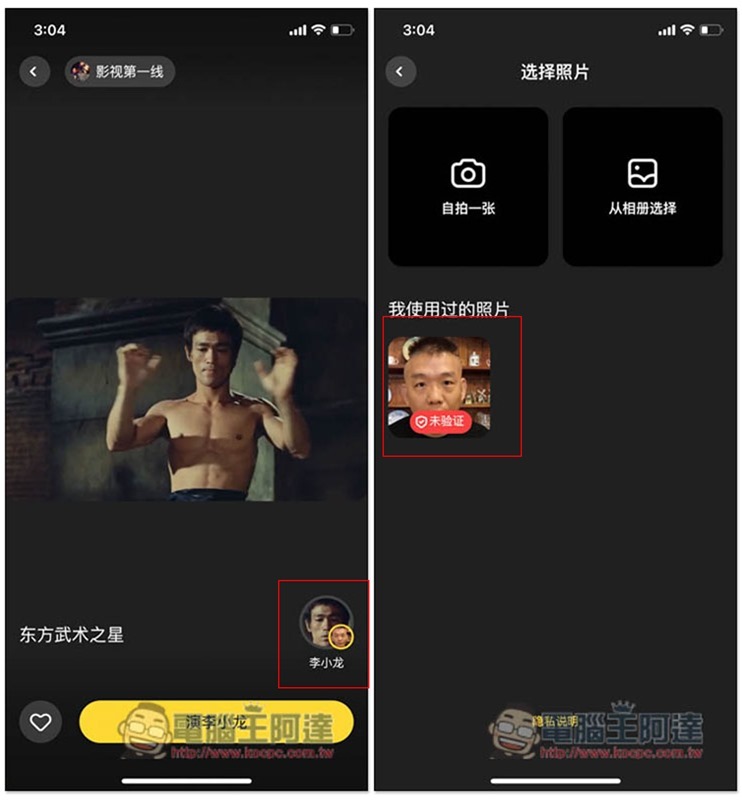
The video will take a long time, about a few minutes:
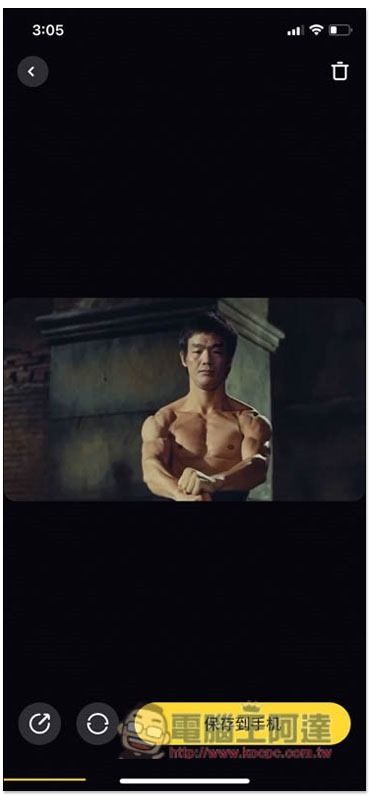
A clip of Ada turning into Bruce Lee:
Supplementary information
- App Store download page:Click here to go
- Google Play download page:Click here to go
Source: KOCPC Chinese