


The M1 chip of this new Mac series has become an ARM architecture, so most x86 applications are not currently supported. Although Apple has produced a Rosetta 2 compiler that allows users to convert x86 applications into ARM code, it is not natively supported after all, and compatibility and performance are still poor. In addition, not every set of applications can be converted. For those who want to buy an M1 version of Mac Friends of the series must be confused. Are their commonly used applications supported? Is it possible to convert via Rosetta 2? For this reason, some foreign netizens have created the “Is Apple silicon ready?” website to sort out how well various applications currently support M1, so that everyone can quickly check.
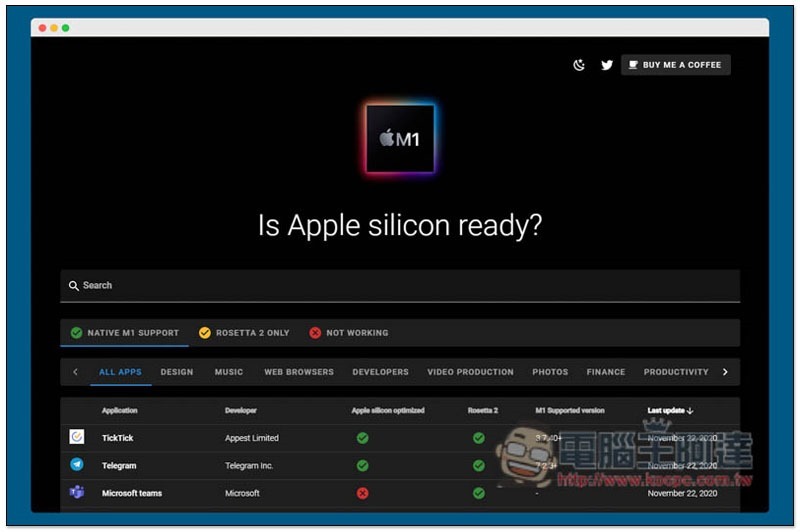
Is Apple silicon ready? Website introduction
Is Apple silicon ready? adopts a dark color design and the layout is also quite exquisite.After entering the website, all the Apps currently organized by him will be listed below, and they are also categorized:
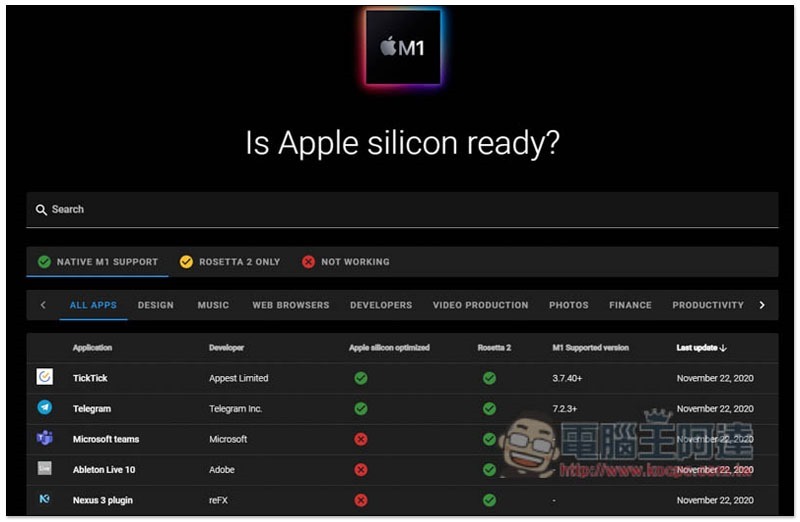
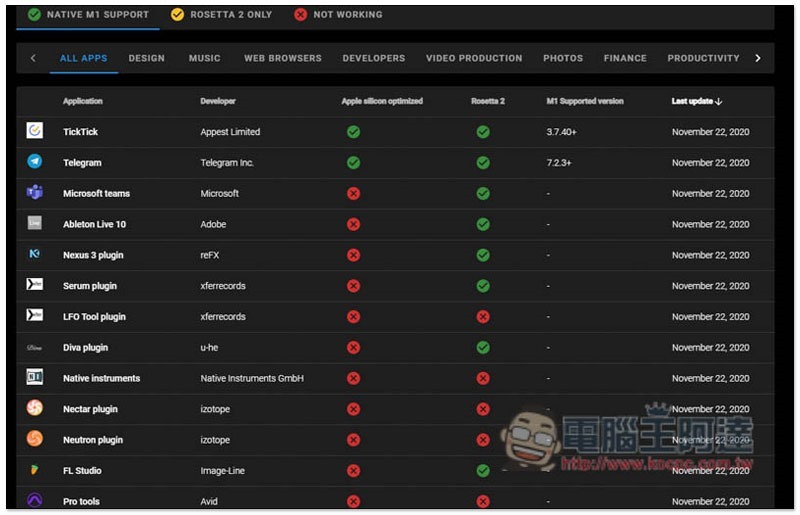
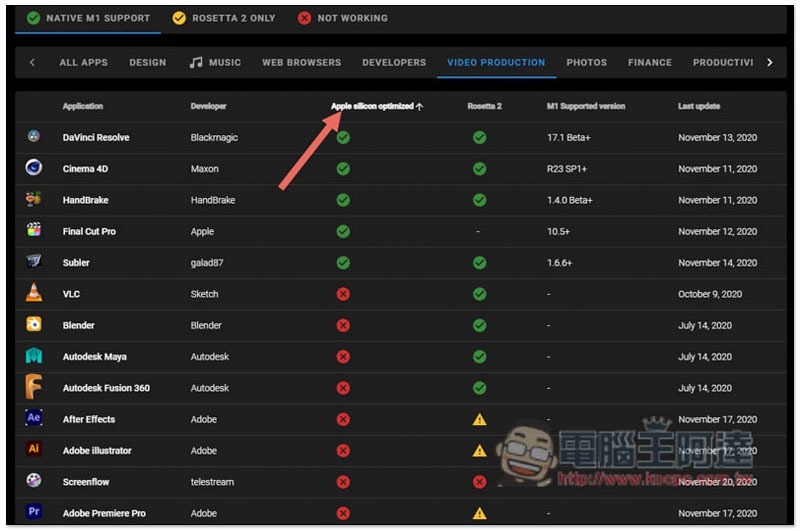
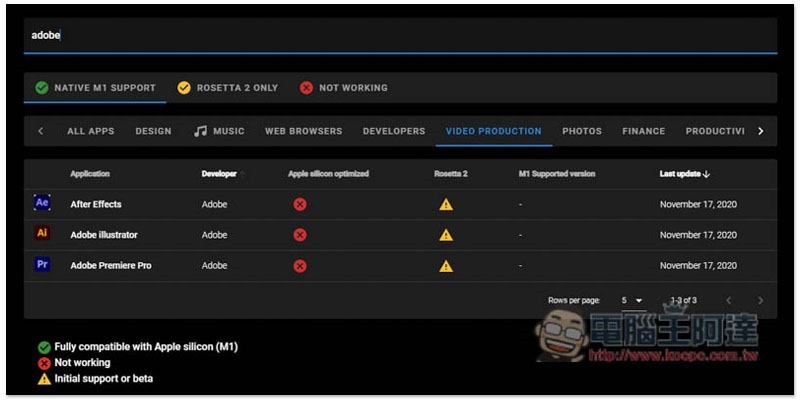
Each App in the list will provide “Application name”, “Developer”, “Apple silicon optimized for Silicon processors”, “Can it be used on Rosetta 2”, “M1 supported version” and “Latest version”. It can be clearly seen that some Apps not only do not support M1, but also cannot be used with Rosetta 2, so if this is the case with your commonly used one, you may want to think about alternatives first:
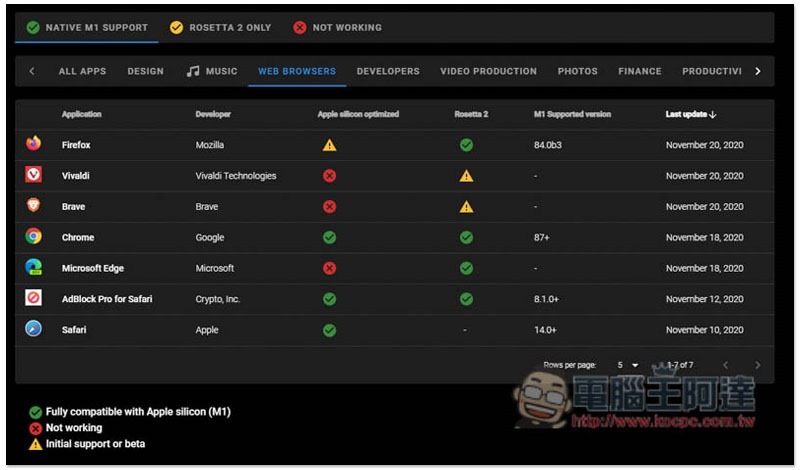
You can click on the categories above to quickly find the Apps you want to use, such as: WEB BROWSERS browser, MUSIC music, DESIGN design, etc.:
The sorting part can also be adjusted. For example, after clicking Apple silicon optimized, the supported ones will be ranked at the top or bottom:
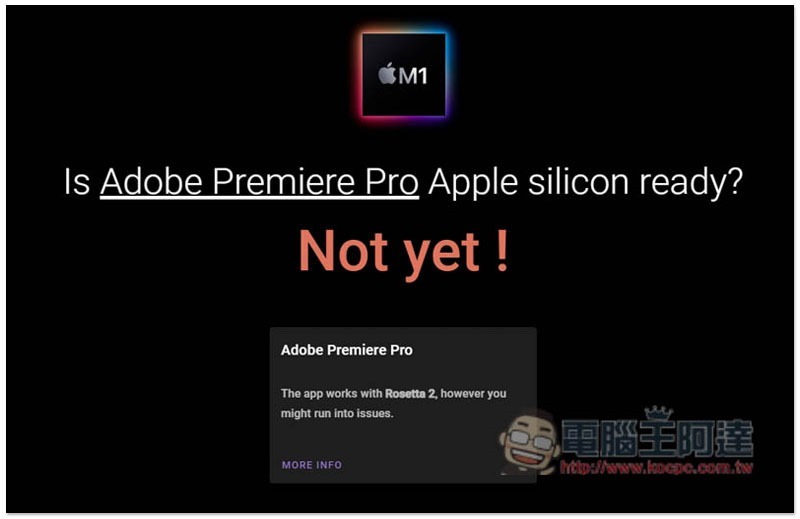
You can also view instructions by clicking on the software name. Adobe Premiere Pro is not yet supported, but you can use Rosetta 2 for conversion, but you may encounter some situations:
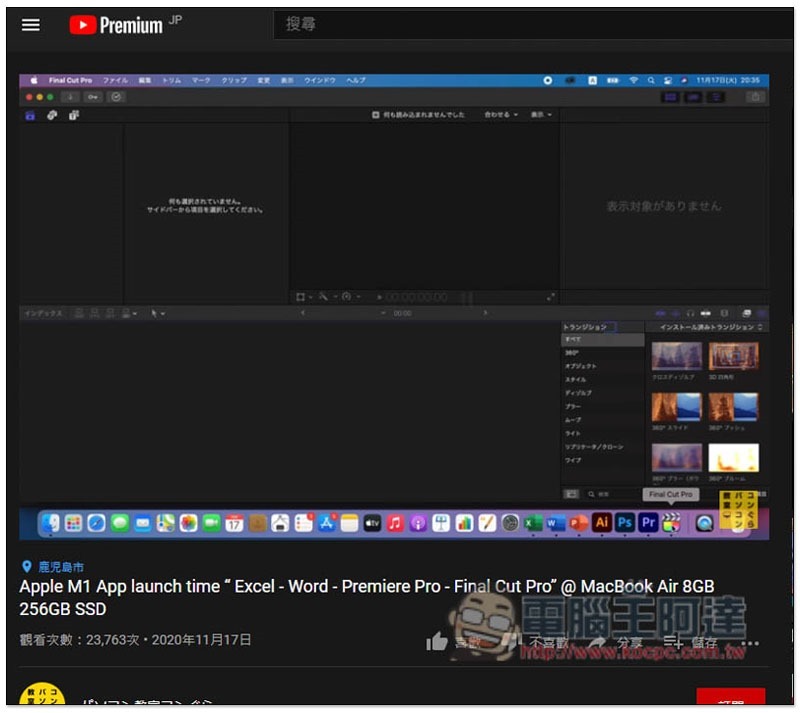
The More info under each app is quite interesting. It will open the instructions of other websites, and they are all different. Premiere Pro will play this YouTube video:
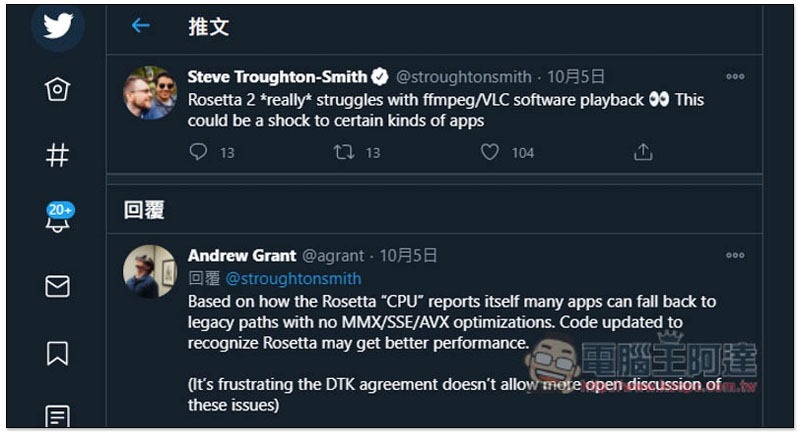
VLC player opens this series of Twitter tweets, which shows that the creator of this website is very careful in collecting relevant information from everywhere:
It also provides a keyword search function. The Apps collected so far are not comprehensive, and some have not been sorted out yet. Adobe only has Effects, Illustrator and Premiere Pro:
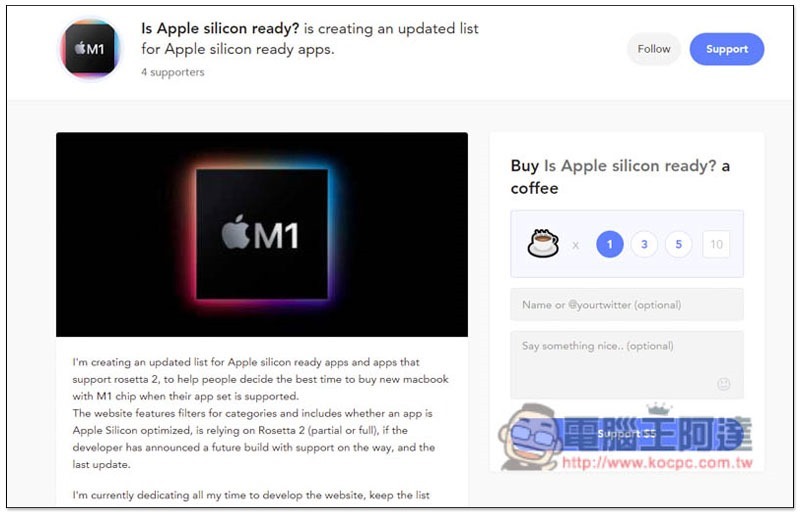
Because it is a completely free and ad-free website, people who think it is good can sponsor the creator:
Supplementary information
- Is Apple silicon ready? Website:Click here to go
Source: KOCPC Chinese