


follow Google Photos、Google NewsAfter that, three other popular Google Apps: “Gmail”, “Google Drive” and “Google Fit” finally support iOS 14 widgets, which means you can quickly click to compose new emails, search emails, view cloud drive files, or understand your today’s exercise status directly from the desktop. Let’s teach you how to join and use them.
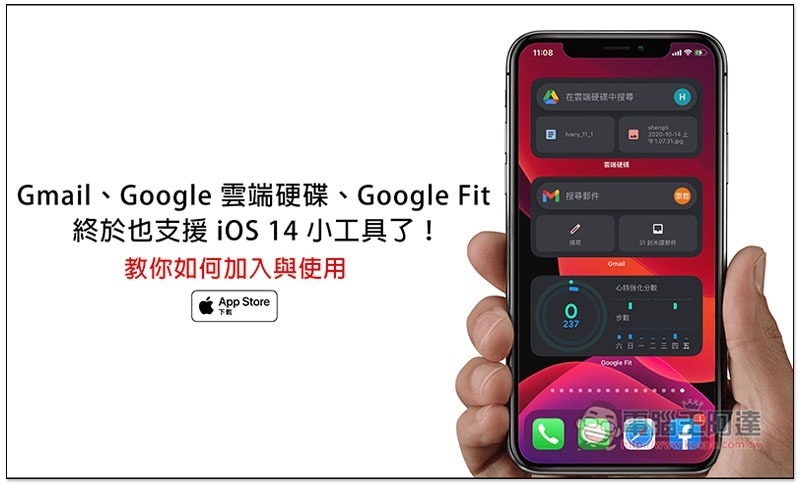
Tutorial on iOS 14 gadgets for Gmail, Google Drive, and Google Fit
How do I add Gmail’s iOS 14 gadget?
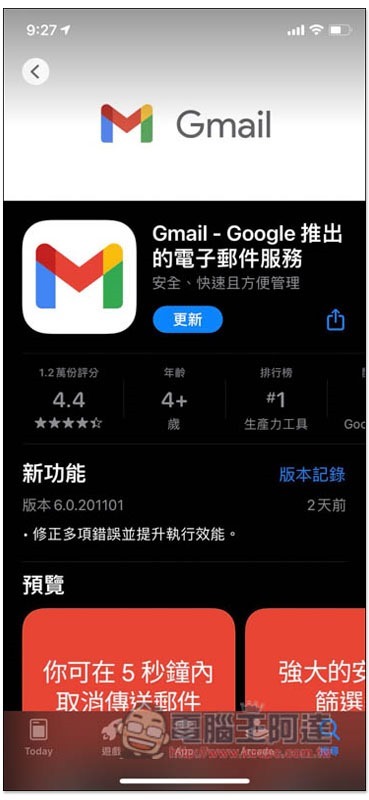
Before joining, Gmail must be upgraded to the latest version. If you have not manually updated it in the past two days, please go to the App Store to check if there is a new version. In addition, after updating, you also need to open the App once so that the Gmail option will appear in the gadget:
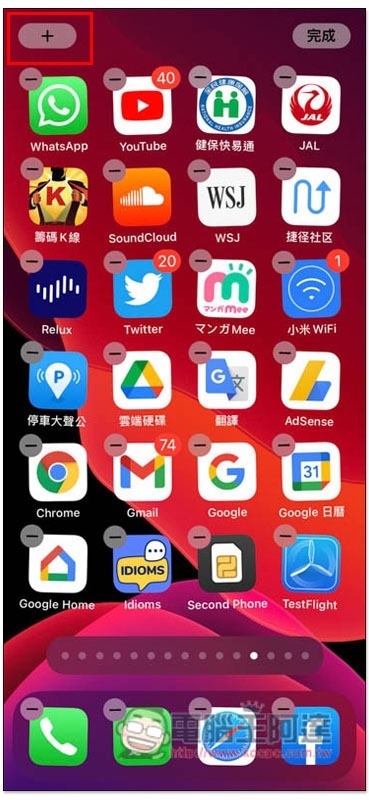
Then press and hold any blank space on the home screen to enter jump mode, then click + in the upper left corner to add the widget function:
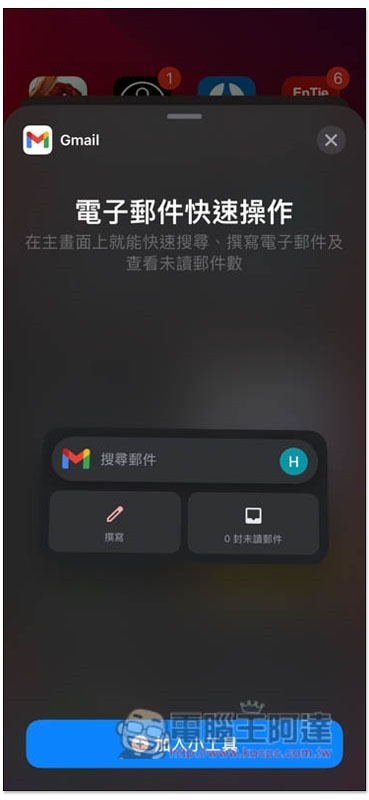
You will see the Gmail gadget option. If not, you can scroll down to find it:
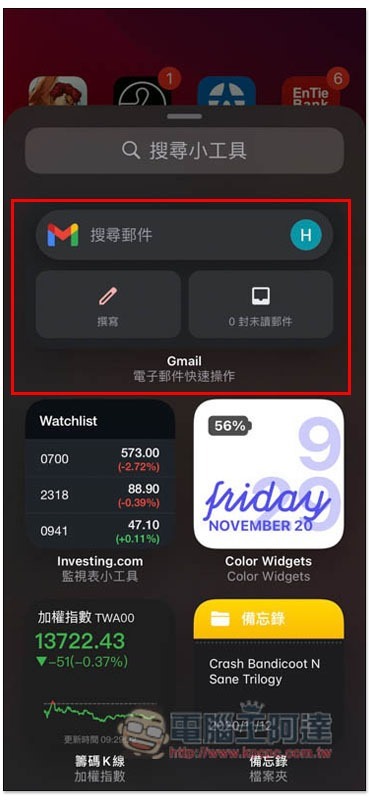
However, the size cannot be selected, there is only one style, click “Add Gadget” below:
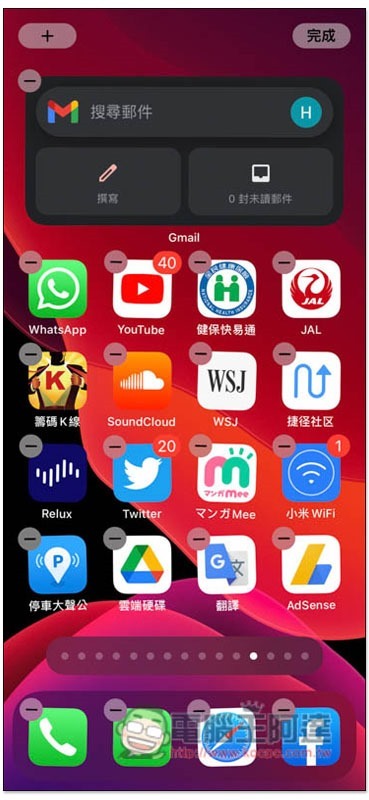
It will appear on the main screen! Currently there are only three functions, searching emails, composing new emails and displaying several unread emails. It’s a pity that there is no way to browse emails from the main screen, which would be even better. After clicking on each function, Gmail will automatically open and enter the function directly:
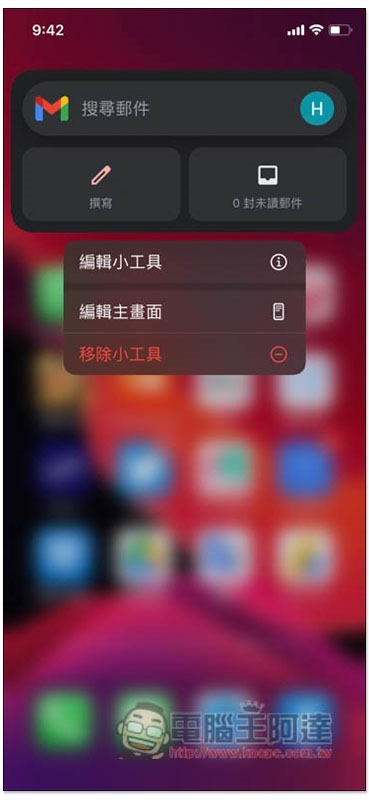
In addition, if you are like me and have multiple accounts logged into Gmail, and the default account for the gadget is not the one you want to use, please long press it to open the menu and click “Edit Gadget”:
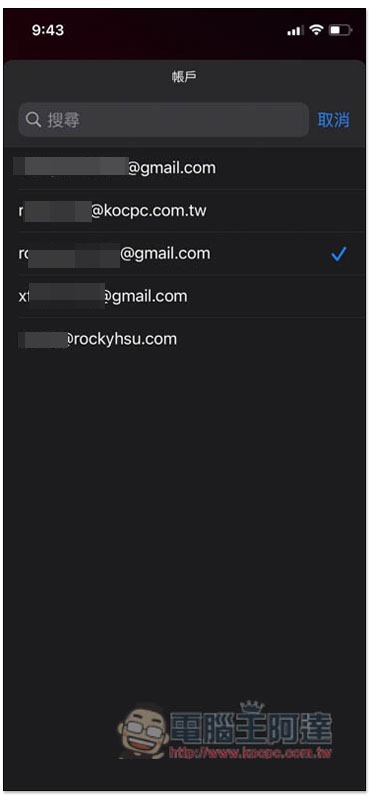
Account options will pop up, click on it:

Then you can choose the Gmail account you want to use:
How to join iOS 14 gadgets in Google Cloud?
First, just like Gmail, please go to the App Store to update to the latest version, and then open it once.
After entering the gadget page, you will see the option of “Google Drive”:
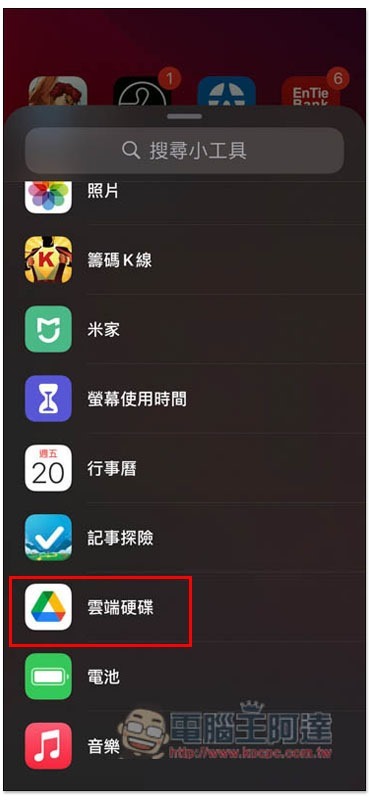
However, it is also impossible to select the size and display type. Currently there is only one type. Click “Add Gadget” below:
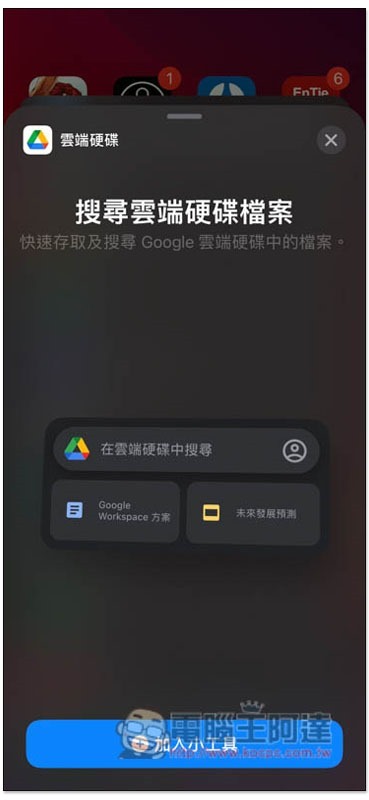
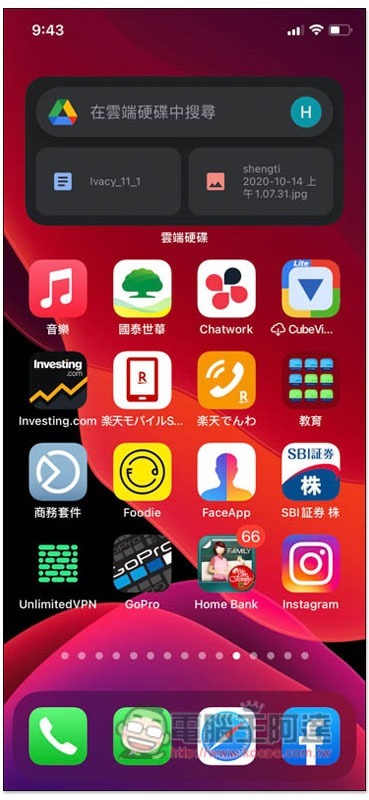
The main screen will appear, displaying the search function and the latest uploaded files:
How to join Googe Fit’s iOS 14 gadgets?
Also update to the latest version first, and then open the Google Fit App.
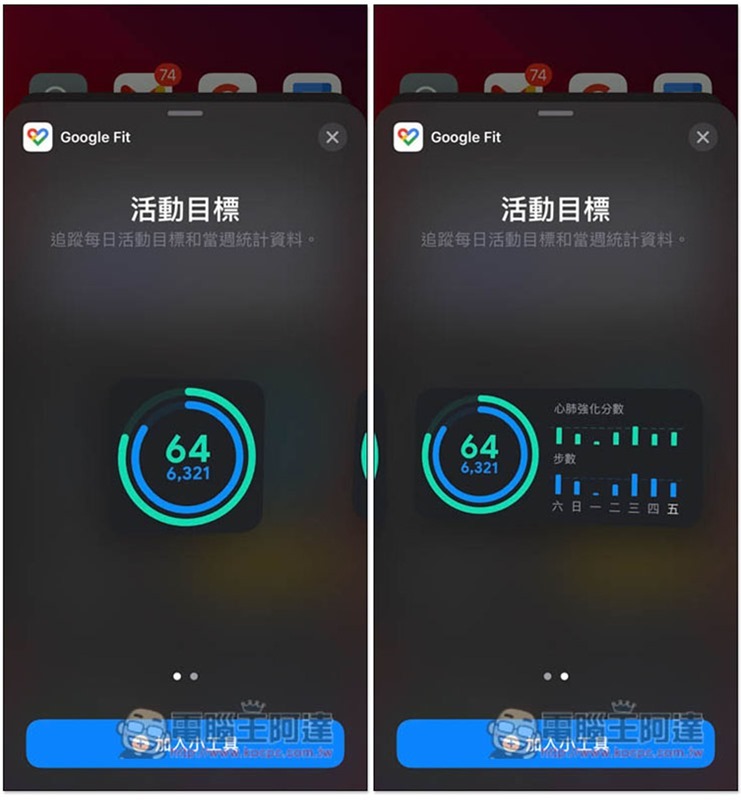
Open a gadget window to find Google Fit:
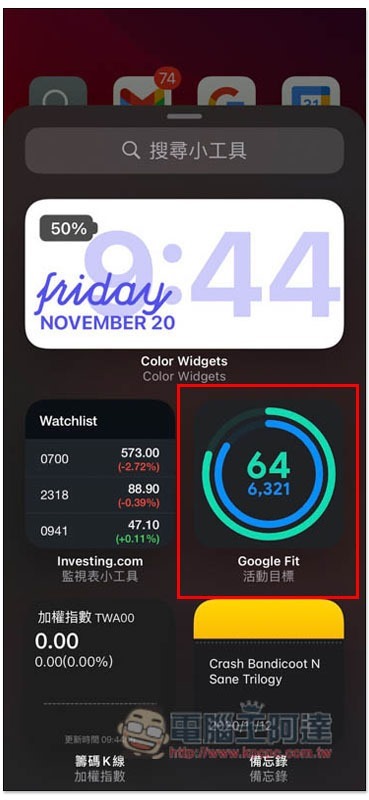
Different from Gmail and Google Drive, Google Fit has two display styles. The first one only shows the step count and cardiorespiratory strengthening score for the day, and the second one adds daily values for a week, depending on which one you like:
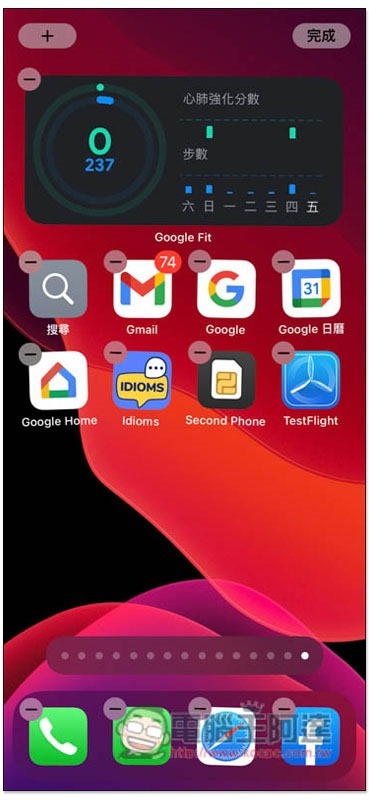
In the future, you can quickly learn how many steps you took today from the main screen:
Supplementary information
- Gmail installation and update page:App Store
- Google Drive installation and updates page:App Store
- Google Fit installation and update page:App Store
Source: KOCPC Chinese