


Although forThere seems to be a lack of interest in bringing iOS apps to Mac, but the Chrome browser, which is basically the “core” of many Google services, released a desktop version for Apple Silicon / M1 chips very quickly in version 87 – However, we still encountered some problems just after it was released. We have been advised to return the x86 version that needs to be converted through Rosetta 2 first.(Update: It’s back!). Continue reading The M1 Mac version of the Chrome browser is now launched, with native support for Apple Silicon and efficiency worth looking forward to.
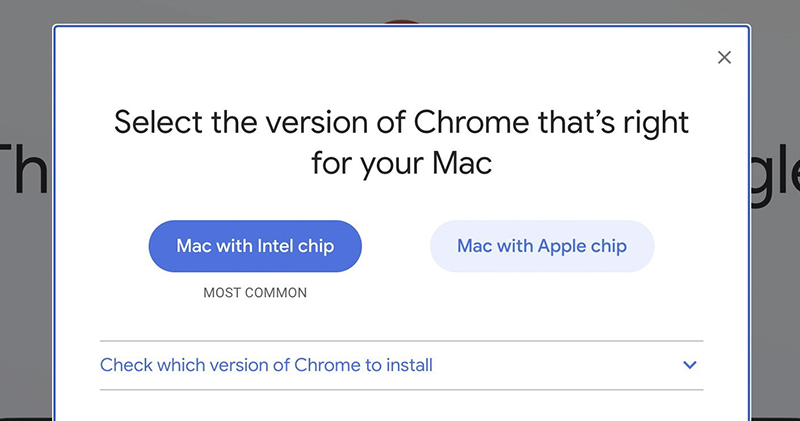
▲Picture source:Elvin (@elvin_not_11)
M1 Mac version of Chrome browser is now launched, with native support for Apple Silicon and high efficiency worth looking forward to
In fact, judging from the current foreign users and related reviews, the terrible performance of the M1 SoC is better than expected with the efficiency of the Rosetta 2 hard-wired x86 – at least it is still usable after waiting for the application icon to flick and switch in the Dock for tens of seconds (you know, this should theoretically be just a basic processing chip… it is really powerful). It has essentially eased many people’s concerns about switching to Apple Silicon Mac laptops and desktops.
However, I believe everyone will still look forward to software that natively supports the ARM architecture, which can bring better improvements to the user experience, including performance and battery life. Now, Google has officially updated their signature browser Chrome to provide such support.
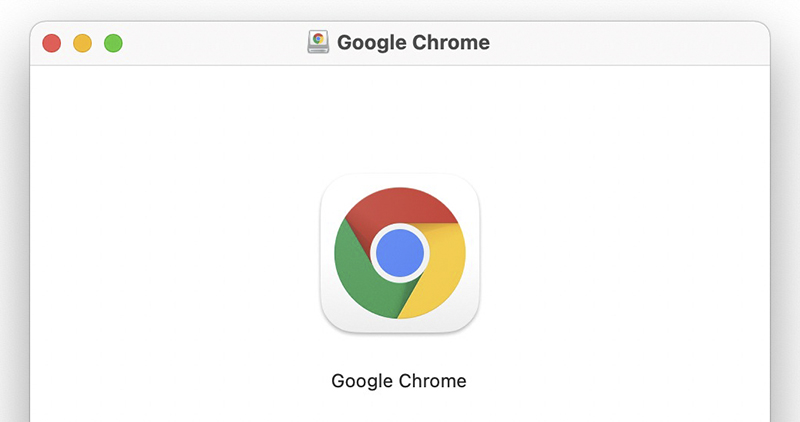
▲Image source: 9to5Google
In today’s (11/18) Chrome 87 update, Google officially brings support for the ARM architecture to Mac computers with Apple Silicon / M1 chips (currently the basic MacBook Pro 13, MacBook Air and Mac mini) – Oh, and the design of the application icons is also consistent with the system design language of macOS Big Sur. Although it was temporarily removed as soon as it was put on the shelves because it caused an “unexpected crash” problem, it was recommended that M1 Mac users who had already upgraded could switch to the x86 version first.
But obviously, this version only needs to be corrected in subsequent updates and can run normally. Google has previously started to control background tab throttling to increase CPU usage efficiency by 5x, and said it will bring about 1.25 hours of battery life improvement based on native support for Apple’s own chips. I believe we can look forward to greater improvements in battery life and performance – although it should not be better than the original Safari, for users who rely heavily on Chrome, Google’s quick support this time should be regarded as removing the biggest obstacle to switching to M1 Mac!
Further reading:
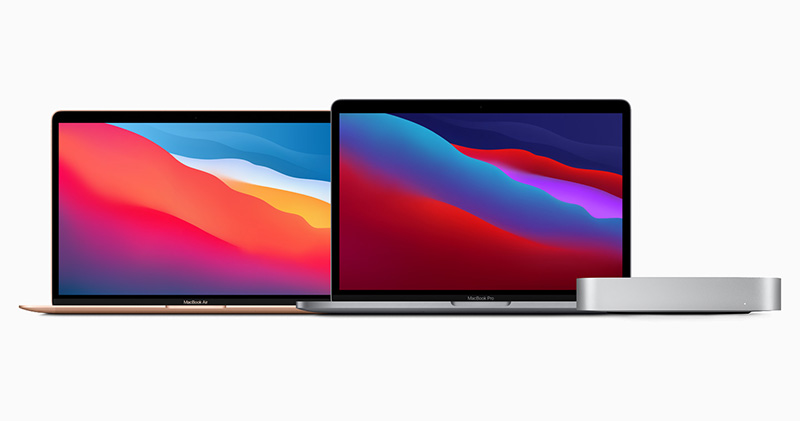
Source: KOCPC Chinese