


Although Adobe Lightroom is a very easy-to-use image editing software, it must be paid, and it is based on a monthly fee system, which is a big burden for infrequent users or students. The good news is that Luminar 3, a professional image and photo editing software that is comparable to Lightroom, is now offering a limited-free discount on its official website. You only need to fill in your email to get it. It is available in Windows and Mac versions. Those in need can’t miss it. You can save US$67, which is about NT$1,800.
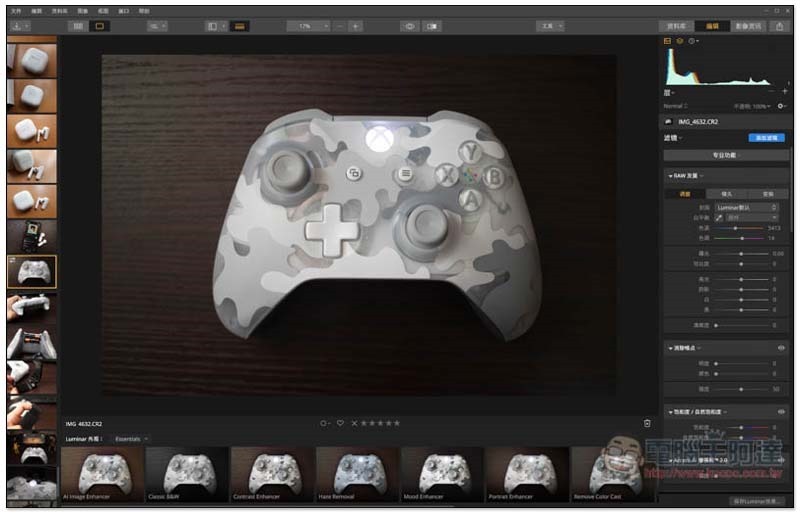
Luminar 3 professional image and photo editing software is free for a limited time
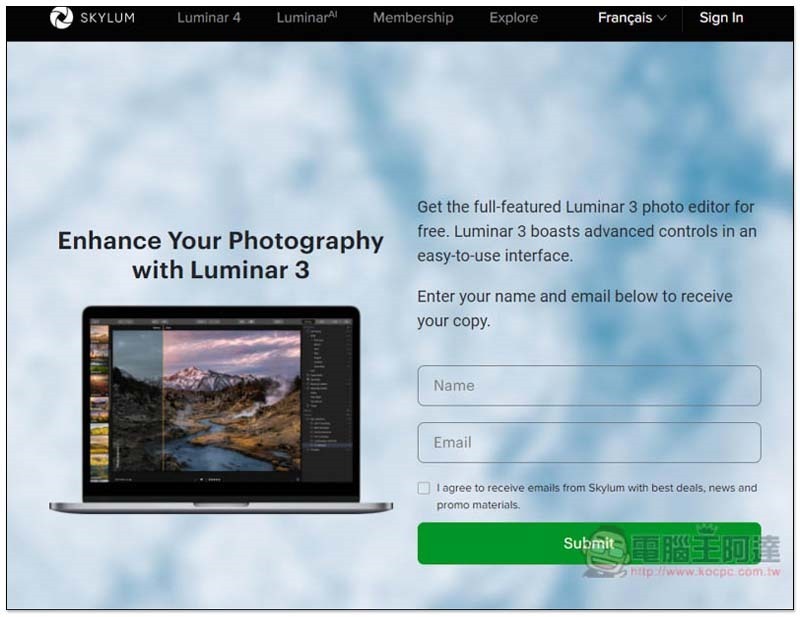
Click here to enter the Luminar 3 official website limited free event page, you will see a message to get the full-featured Luminar 3 for free on the right (Get the full-featured Luminar 3). Fill in your name and email in the field below, and then click Submit:
You will receive this letter when you open your mailbox. It doesn’t matter if you don’t understand the content. This letter is for verification. Click the blue button in the letter:
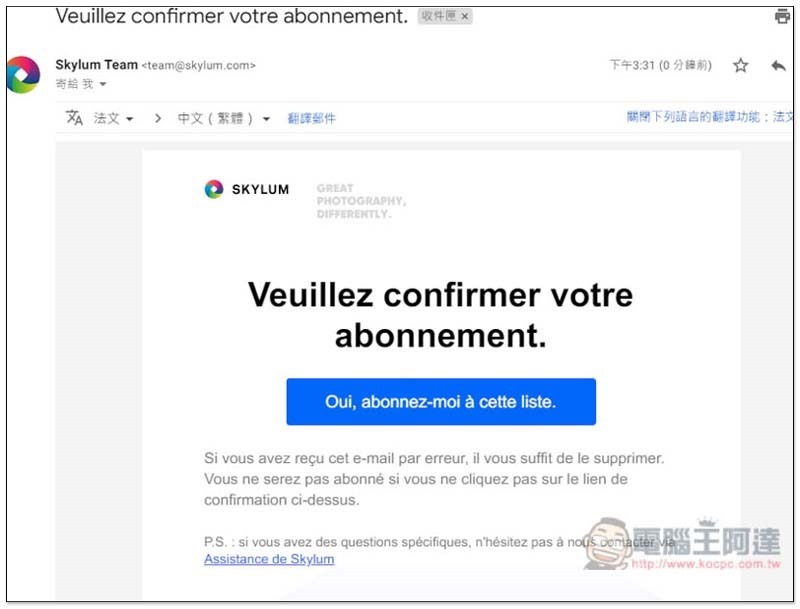
This page will automatically open with a subscription confirmation:

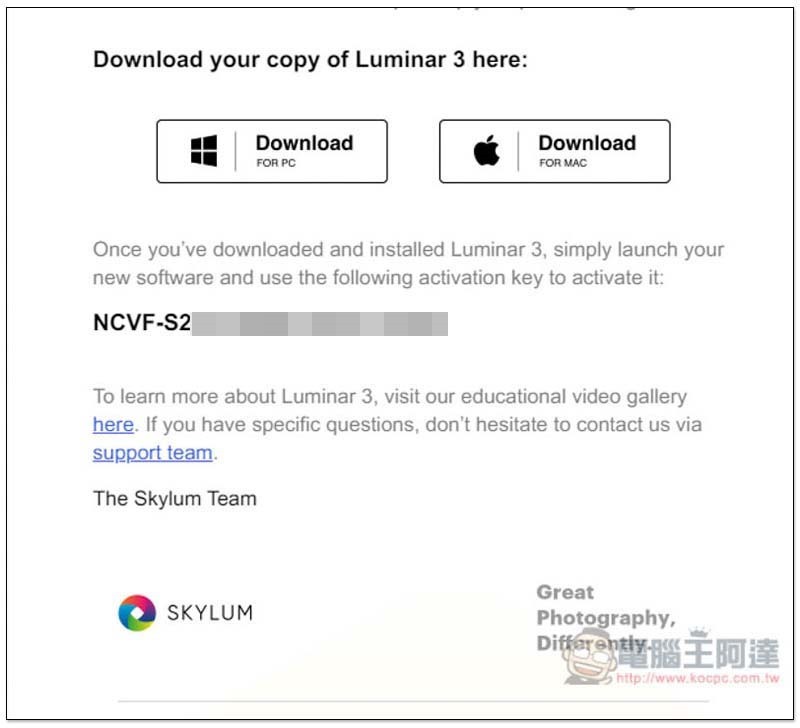
After returning to the mailbox again, you will receive a letter with the serial number and software download point:
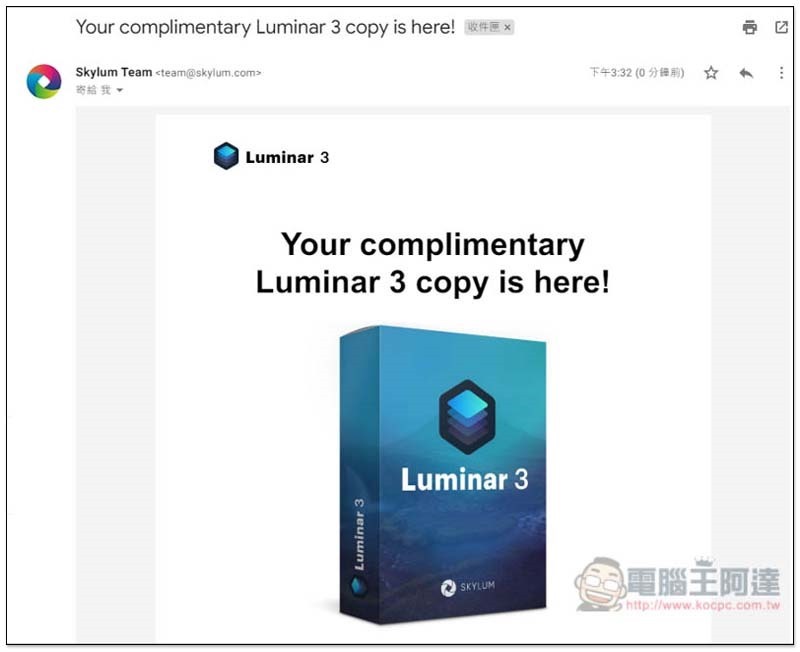
Scroll down to find:
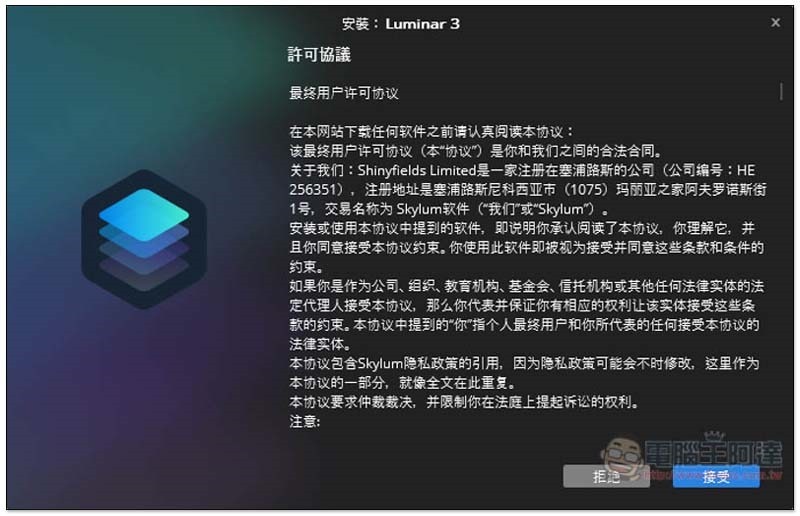
This set supports Simplified Chinese interface, so you don’t have to worry about not being able to understand English. Just keep pressing Next during the installation process:
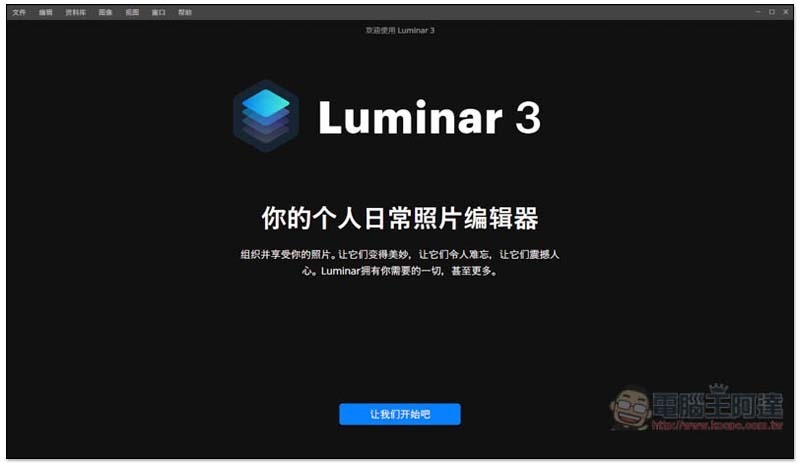
After installation, this screen can be closed directly without entering an email:

After opening the Luminar 3 software, there will be a brief introduction and setting of the image storage location:
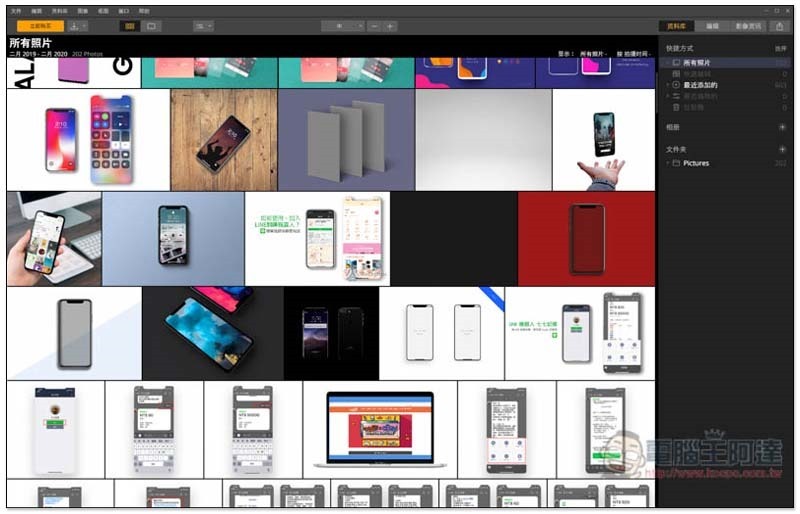
It is still not started. There is a yellow “Buy Now” button in the upper left corner, please click it:
Then click “Activate” in the lower right corner:

Click “Activate” again:
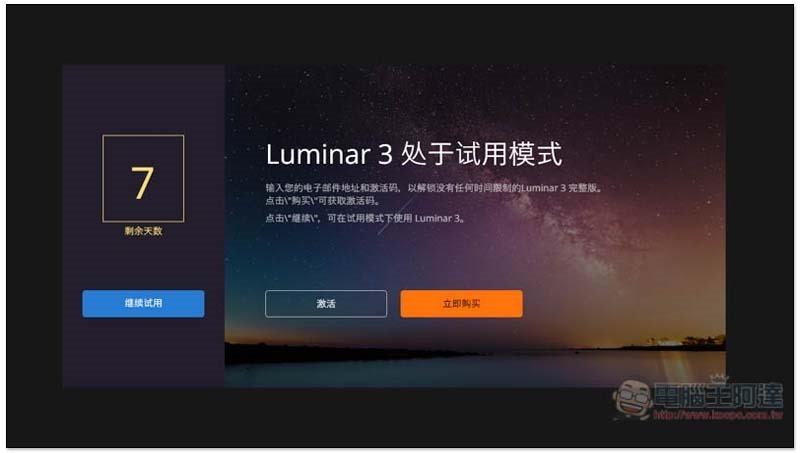
Fill in your email and the software serial number you just obtained, and click on the lower right corner to activate:
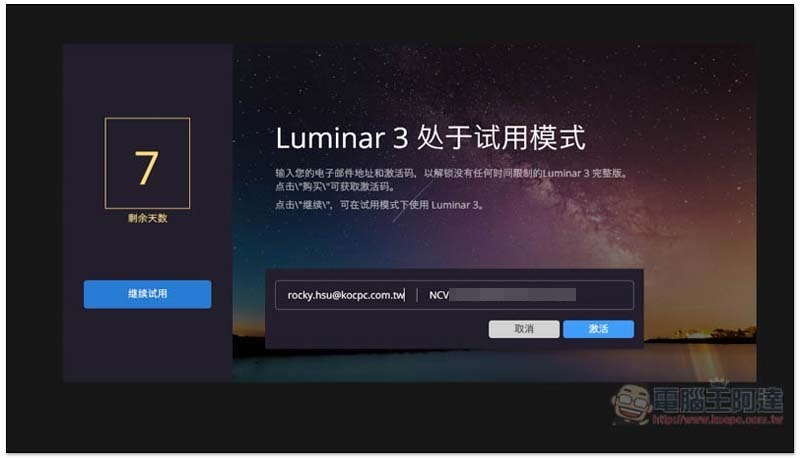
This completes the activation and you can start using it:
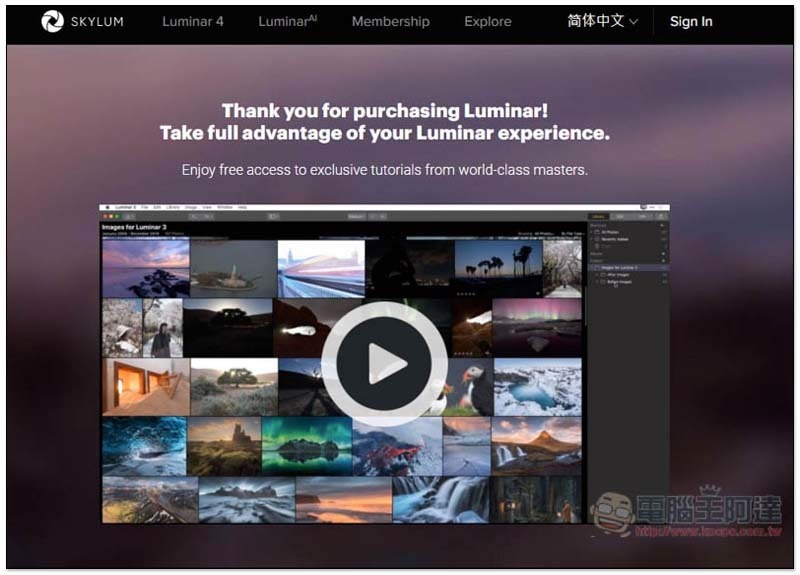
The Buy Now button in the upper left corner will also disappear:
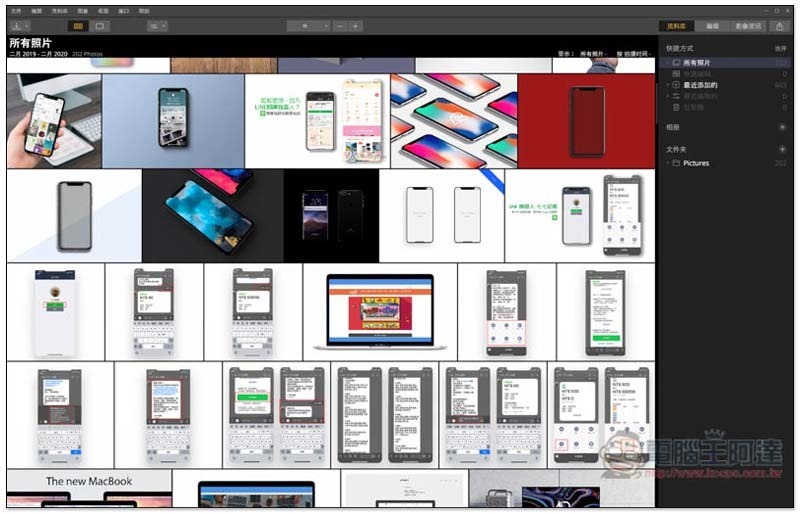
Click on any picture you want to edit, press Edit in the upper right corner, and you will find the adjustment tools:
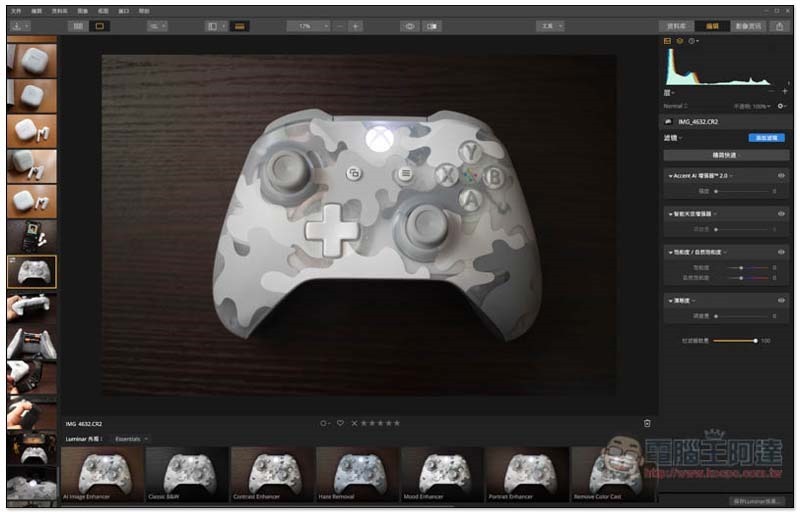
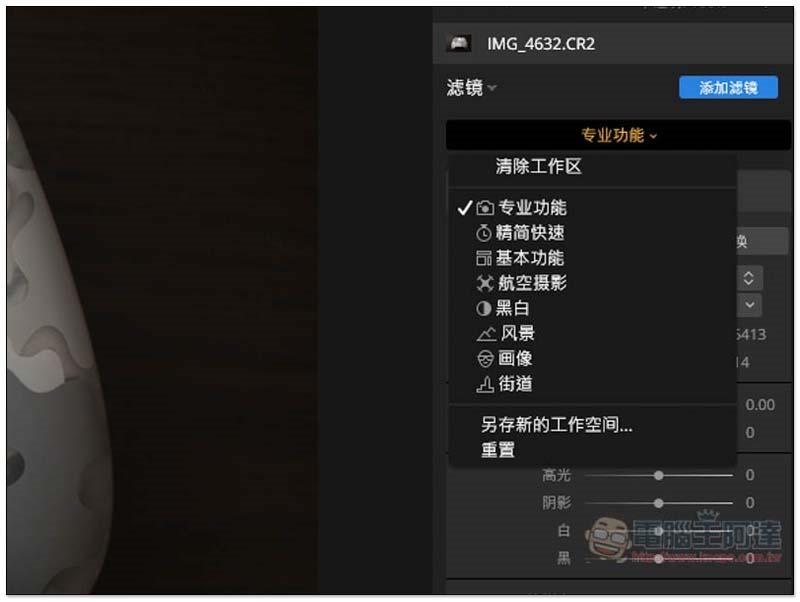
There are multiple modes to choose from. The default is streamlined. Those who want more adjustment tools can switch to professional functions:
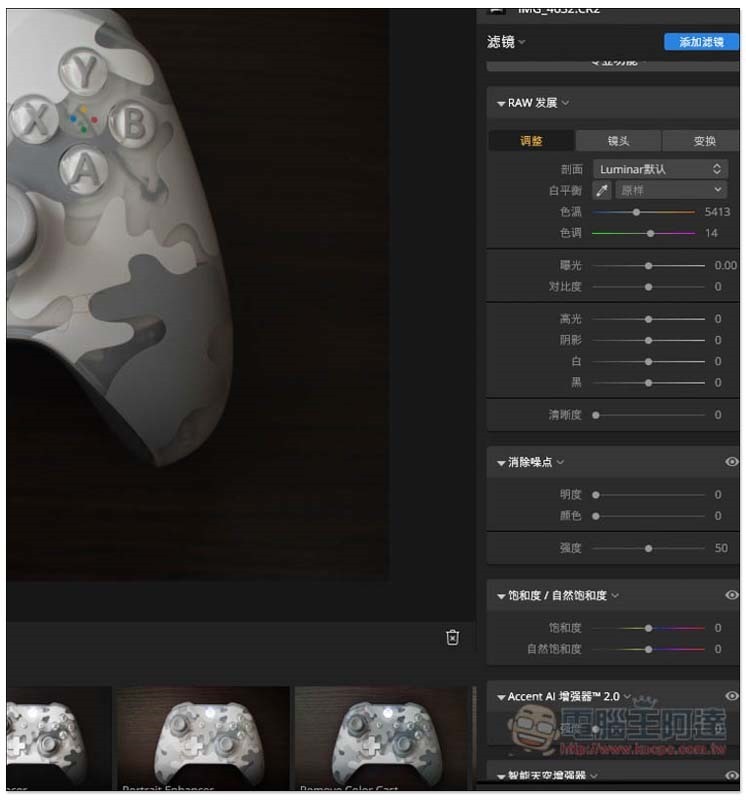
A bunch of adjustment tools will appear on the right:
We are not sure how long this limited exemption event will last. It is recommended that those who are interested hurry up and get it first, and complete the installation and activation. Usually this kind of limited exemption serial number has a time limit, and it cannot be activated if it is exceeded.
Supplementary information
- Luminar 3 limited free event page:Click here to go
Source: KOCPC Chinese