


In recent years, Apple’s latest services have been introduced to Taiwan at an increasingly rapid pace. Previously, it launched induction reservations with the vehicle sharing service GoShare. Apple Pay NFC. Now, you can quickly use functions without downloading and installing the complete App. This App Clips / lightweight App launched with iOS 14 has also been quickly introduced to Taiwan to start the service. Today we went to Burger King in Guanghua, Taipei, to experience the ultra-convenient function of “scanning” NFC/QR Code to order food provided by them in cooperation with the coupon platform. Continue reading iOS “Lightweight App” Burger King is the first to play! You can click on the Chocolate Whopper Oh Oh Oh (App Clips experience) report content.
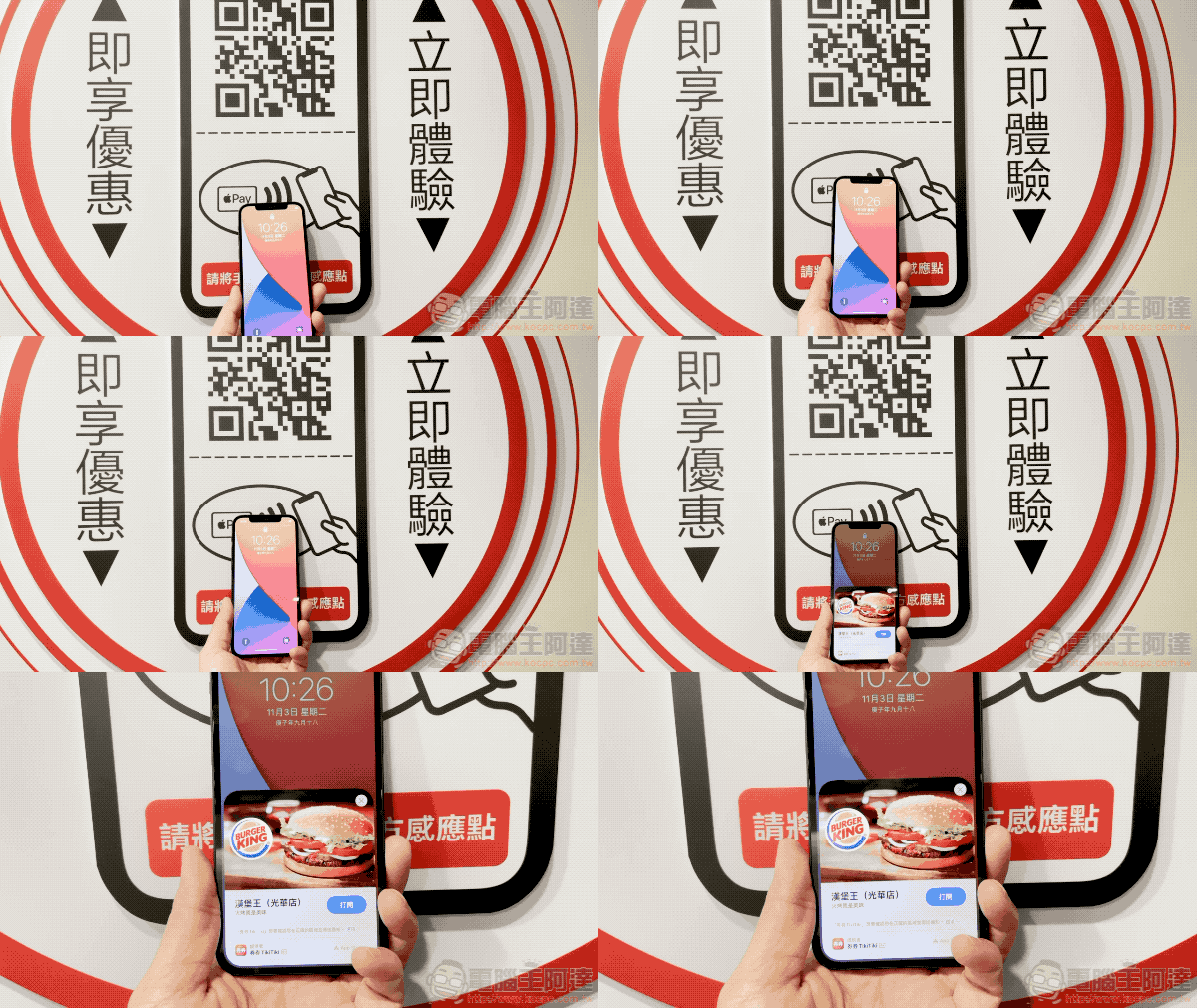
Be the first to play Burger King’s “Lightweight App” for iPhone! You can order a chocolate Whopper (App Clips experience)
Before experiencing it, I must review the features of App Clips / lightweight apps. To put it simply, it is a bit similar to the quick start function of iOS to start AirPods pairing or iPhone backup transfer – the card interface that pops up at the bottom is also very similar! It’s just that the trigger condition becomes the NFC tag of App Clips. App Clips can be used in an extremely lightweight way, allowing you to access some of the functions of the complete app after clicking to open it – taking the first example of the cooperation between Burger King and Quantum, it is to realize the function of ordering food at the table.
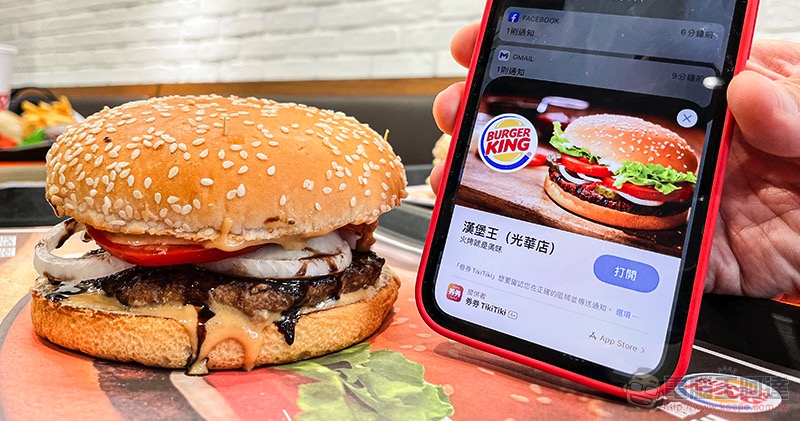
Burger King’s App Clips experience will allow users to first find the location in the store, and then just scan the QR Code on the table or “light up the screen > scan the NFC sensor area with the top of the phone” to access the store viaNo need to apply for membershipalsoNo need to download AppApp Clips (have you already felt how “light” it is) to order food. The best thing is that after ordering, you don’t have to wait on the spot like you usually do when ordering at the counter. Because App Clips can also support push notifications, it can report the status of the user’s meal at any time.
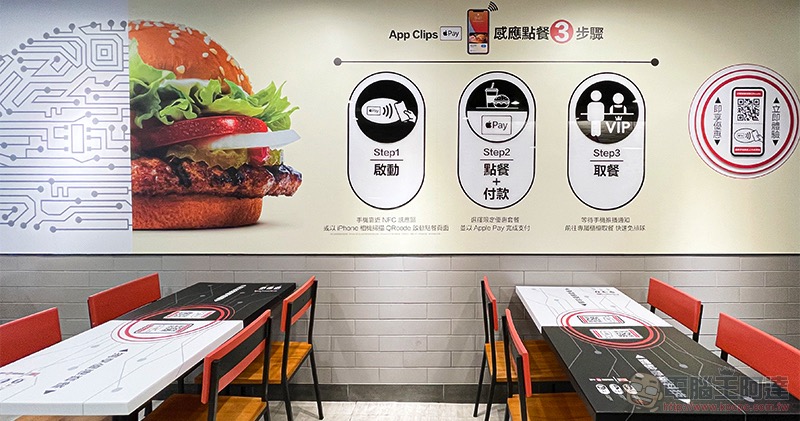
▲Picture: The seats in Burger King Taipei Guanghua store have been fully equipped with App Clips sensor blocks, allowing consumers on the seats to order food at any time.
Burger King App Clips Ordering Experience
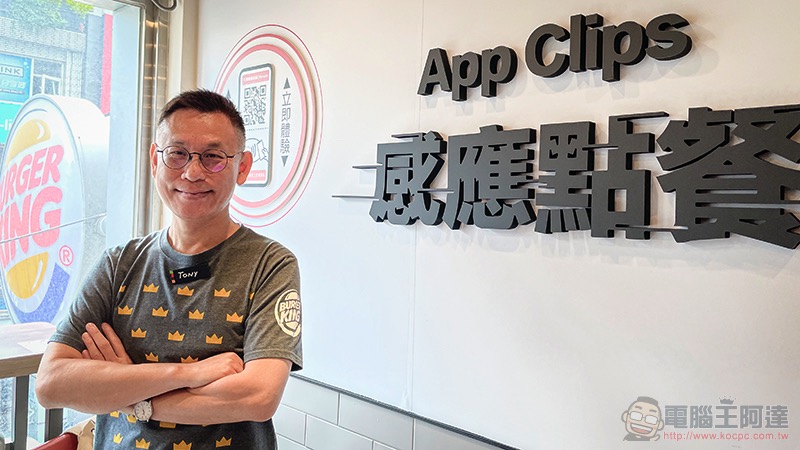
Basically, the first condition for ordering food using App Clips is to go to a store that supports it (nonsense XD). According to Burger King CEO Tony, at this stage, only Guanghua stores have introduced this feature for the first time. However, in the future, we will consider whether to introduce this tableside ordering function in cooperation with coupons in more stores across Taiwan based on consumer response.
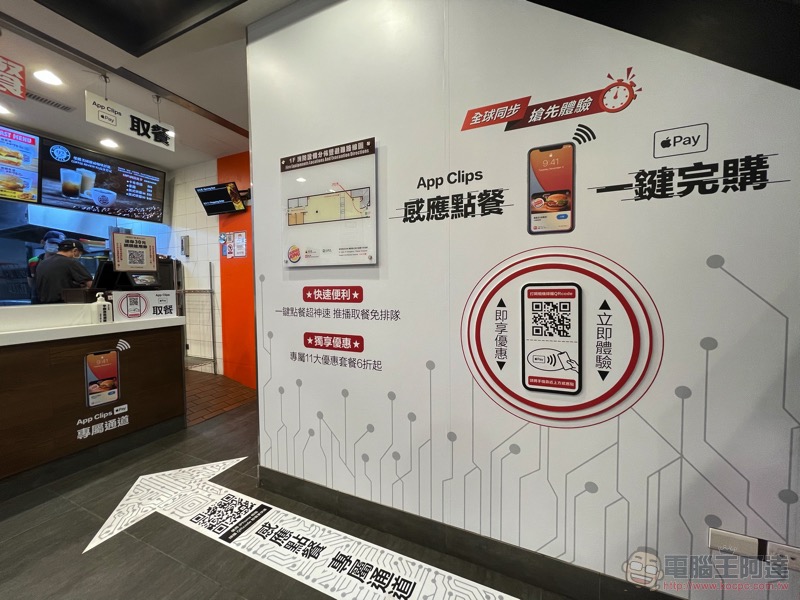
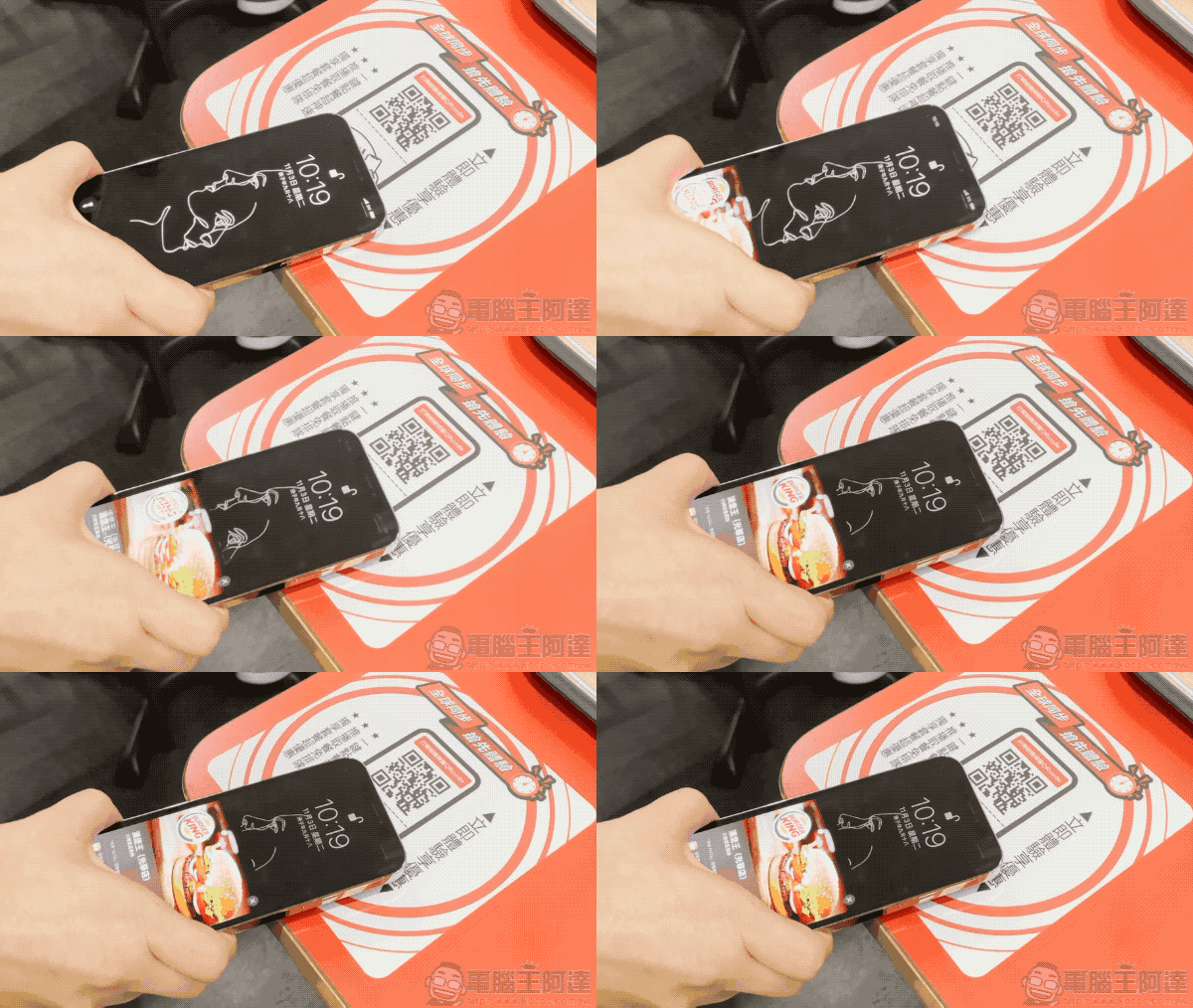
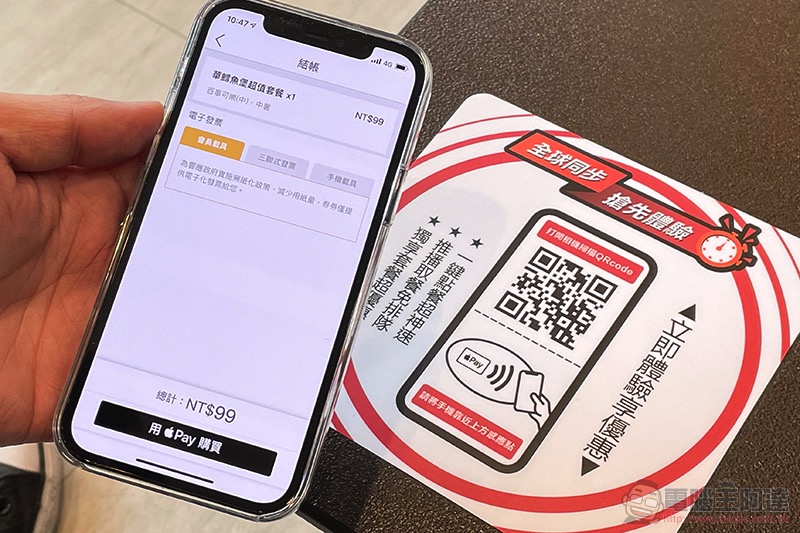
The way to use App Clips is really simple. Just light up your iPhone and approach the icon with the Apple Pay NFC tag to launch Burger King’s App Clips:
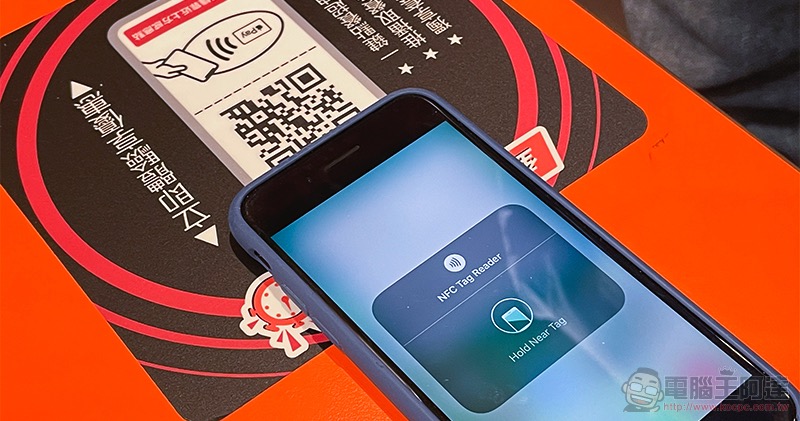
Models before the iPhone :
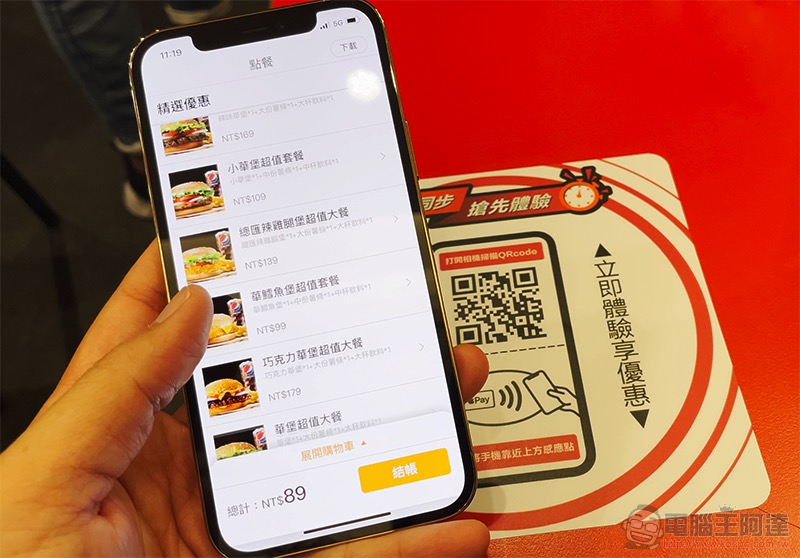
After signing in with Apple, you can start selecting meals and adding them to your shopping cart – to celebrate the first support for App Clips, Burger King has also brought various discounts and brought back the “Chocolate Whopper”! :
Once you’ve completed your order, you can quickly check out via Apple Pay:
After the order is placed, the order number and current meal preparation status will be displayed:
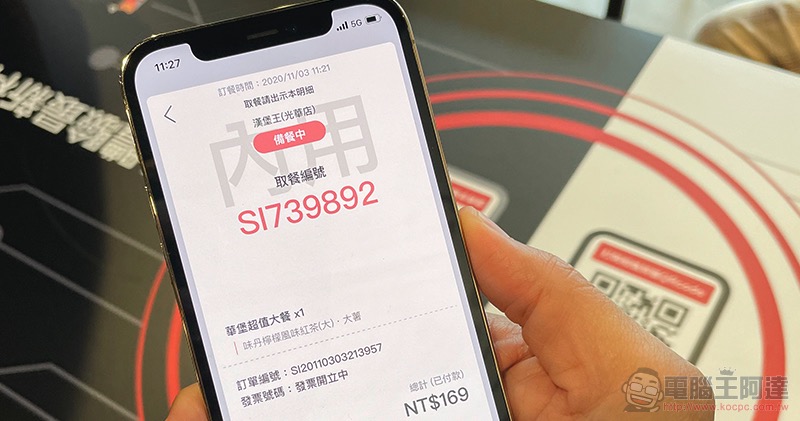
Have you noticed that all this experience is not only smooth and simple, but also can be completed by just sitting in the dining area, completely skipping the process of ordering at the counter, which is really very convenient:
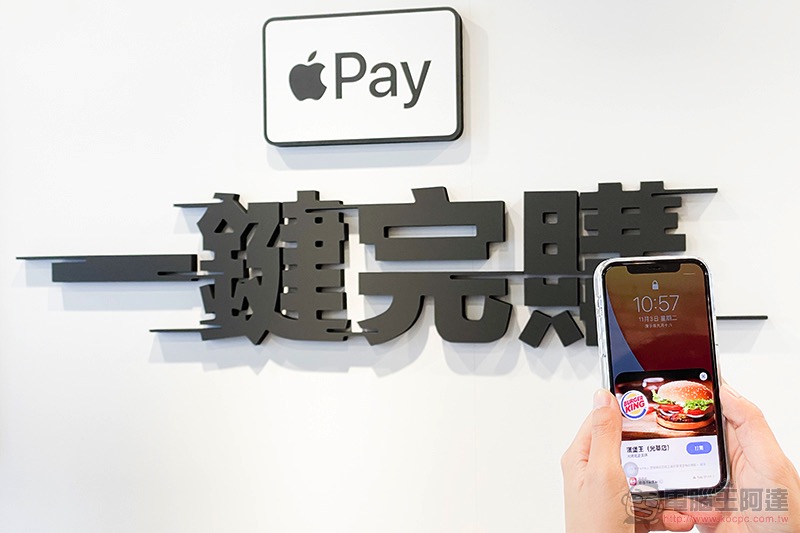
After ordering, you can chat as much as you want, because there will be a push notification when the meal is finished:
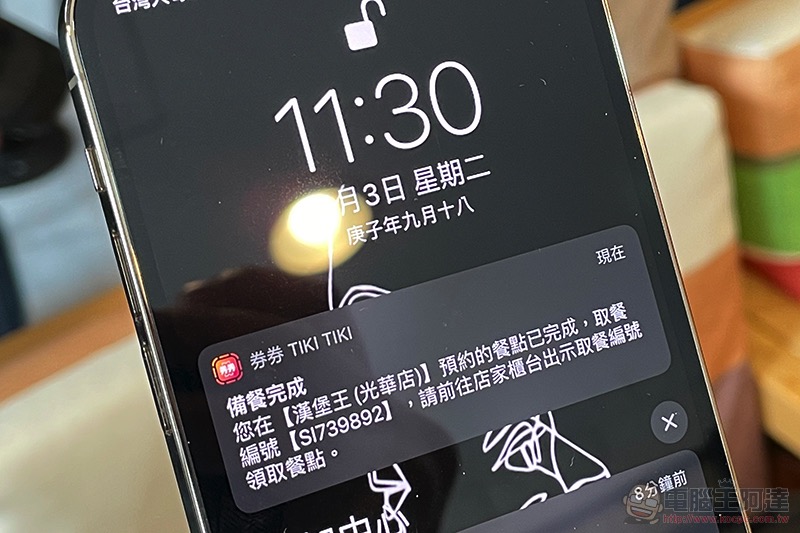
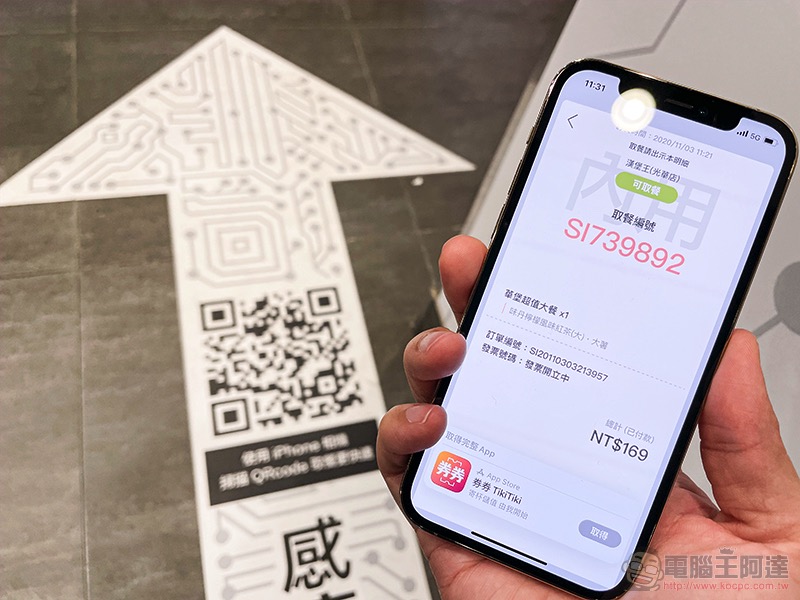
Then, you can elegantly walk into the VIP pick-up counter of App Clips and show your phone pick-up number, then you can go back to your seat and enjoy your meal:
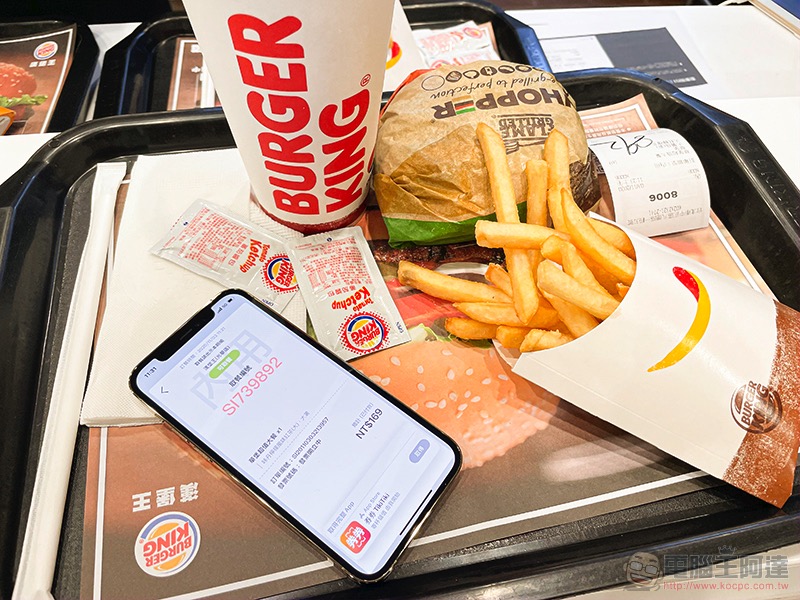
Oh, by the way, if you are worried that the card application of App Clips will jump due to answering a phone call or other situations, in fact, you can recall this interface again by simply scanning the QR Code in the food pick-up channel, so don’t worry. We also asked Qianquan whether we can add more points after ordering, and the answer was no problem. You can add more points at any time and get another meal pickup number after checkout:
Conclusion

To be honest, it was really hard to imagine that we could experience Apple’s latest features so quickly in Taiwan. After Apple Pay was officially introduced to Taiwan, the interesting experiences of various Apple ecosystems have become more and more real-time, and more services and applications (including ChargeSPOT and Chemoji) are more willing to accept the introduction of these awesome features.
Personally, I think that, like many Apple services, as long as you have experienced the convenience of App Clips/light apps in your life, I believe that everyone will be more willing to scan and use these NFC tags whenever they see them. The whole concept is so easy to use that you can never go back, and this will make more services willing to consider importing such functions.
Further reading:
Elon Musk teases new Cybertruck design, wait another month to see it

Source: KOCPC Chinese