


Although the new version of Facebook looks really good overall, compared with the old version in terms of operation, many people still prefer the old version, and the ones we introduced earlier Old Layout for Facebook Expanding the plug-in, there are no false alarms recently. I am not sure whether it is blocked by Facebook, soYesterday we also urgently taught another simple method to switch back to the old version., but if you still prefer the intuitiveness of expanding plug-ins, this Switch to Classic design on Facebook is currently feasible, and I will introduce it to you below.

Introduction to Switch to Classic design on Facebook
Chrome and Firefox There is this Switch to Classic design on Facebook extension plug-in. I use the Chrome browser as an example. Click me to enter the extension plug-in store page, and click Add to Chrome on the right:

This message will pop up above, click “Add extension” to install:

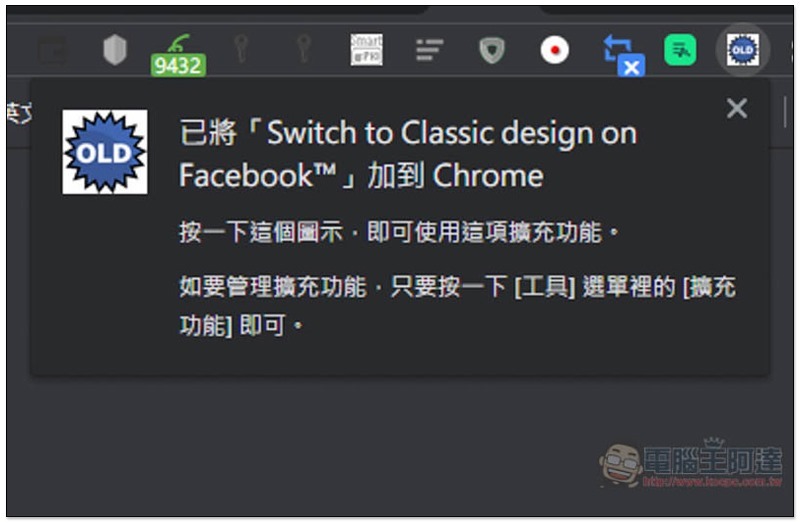
When this message appears in the upper right corner, the installation is complete:
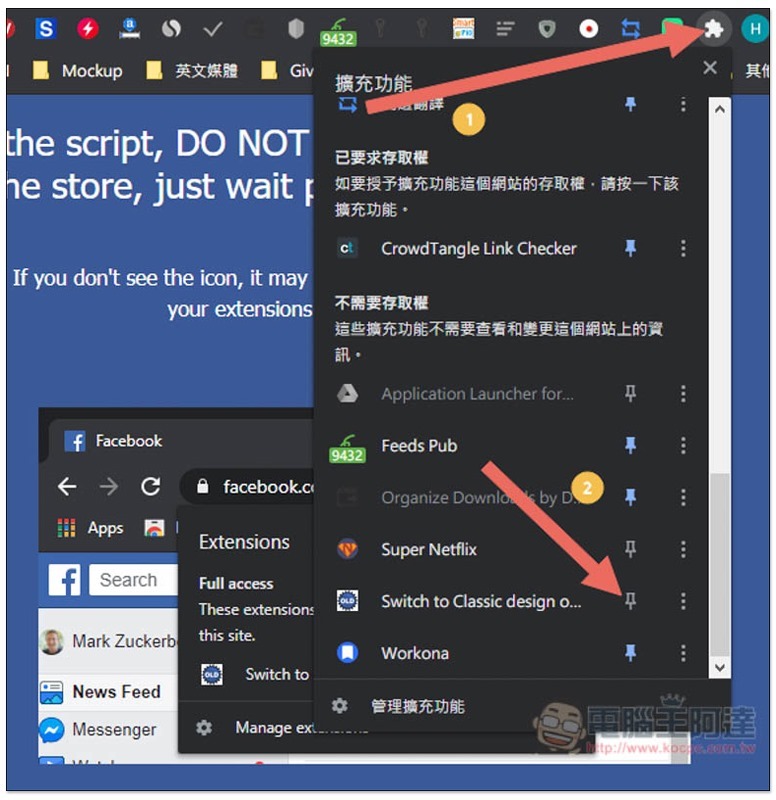
If yours is like mine, the icon will disappear from the upper right corner after installation. Please click on the puzzle function on the far right to open the extension management menu. After scrolling down to find this plug-in, click on the push pin on the right, and the icon will appear again:
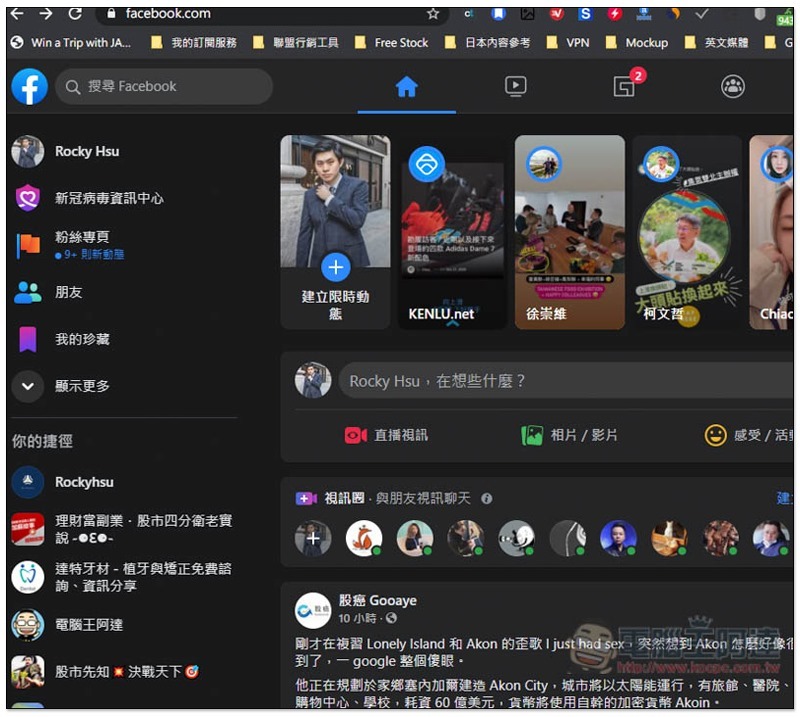
The method of use is very simple. After opening Facebook, you will see the new interface at the beginning:
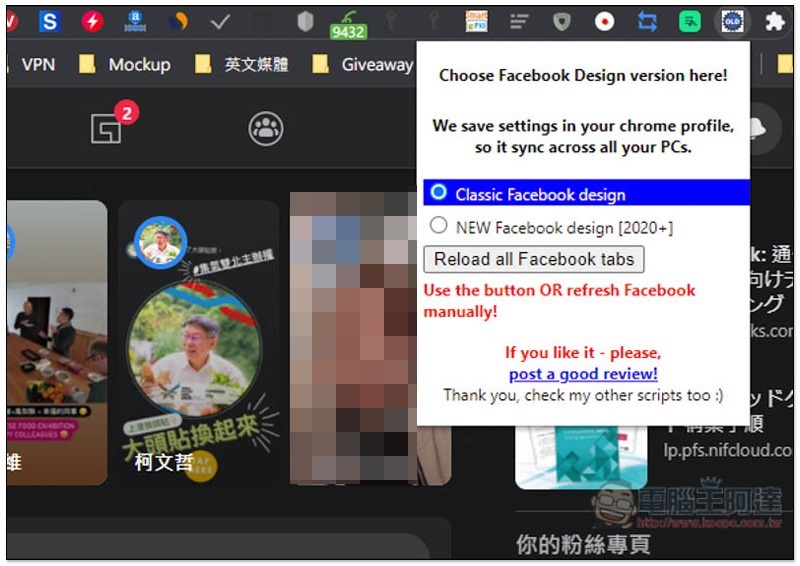
At this time, please click on the extension plug-in icon, and you will see a Classic Facebook design option. This is the old version of the interface, and NEW Facebook design [2020+] is the new version. After setting, click Reload all Facebook tabs below:
It will switch back to the old interface:

In fact, the switching method of this expansion plug-in is the same as what Ada taught yesterday, which is to enter https://upload.facebook.com/ This URL is just switched through an expansion plug-in. If you are too lazy to install it, you can also directly click on the URL to enter the old version interface.
Supplementary information
Source: KOCPC Chinese