


Recently, YouTube The official blog announced that its YouTube Music music streaming service will be officially supported on watchOS on Apple Watch. It is undoubtedly very convenient for Apple Watch users who use YouTube Music to be able to directly select the YouTube Music music they want to listen to on the watch.
Although YouTube is the first to provide YouTube Music to watchOS systems instead of Google’s own WearOS, it has recently caused dissatisfaction among many WearOS smart watch users, but is YouTube Music on smart watches easy to use? This article will bring you some simple hands-on experience sharing.
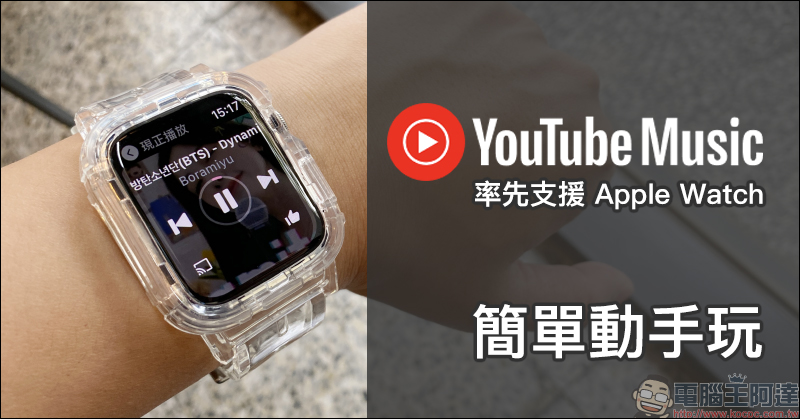
YouTube Music takes the lead to support Apple Watch (easy to play)
In order to integrate its streaming music services,Google has announced that it will officially shut down the Play Music service at the end of October this year, instead focusing entirely on streaming music on its YouTube Music platform.
However, currently, in addition to Apple’s own Apple Music, other mainstream music streaming platforms such as Spotify or KKBOX also support watchOS to control music playback on Apple Watch. Recently, YouTube officially announced that its YouTube Music will also follow up to support Apple Watch. This is indeed great news for users who choose YouTube Music to listen to music!
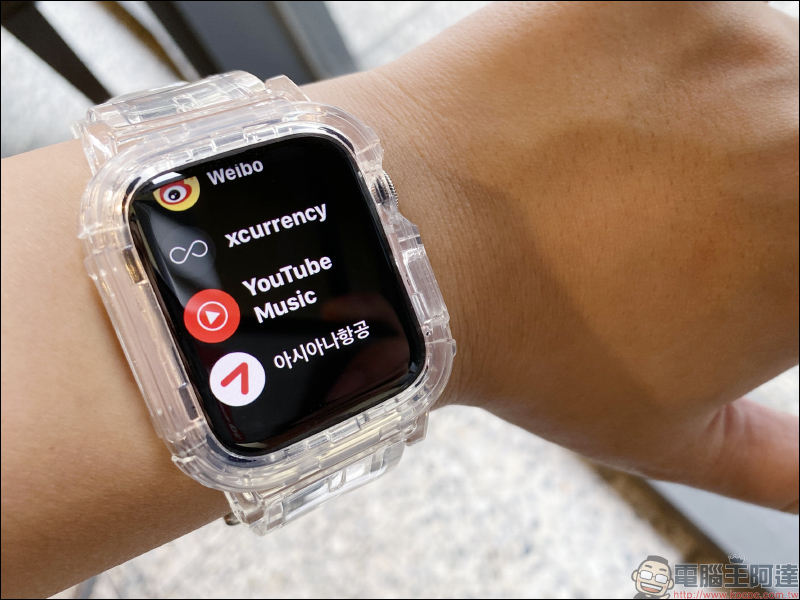
Since YouTube Music on Apple Music can use applications such as background playback, offline download playback, etc., there are also some conditions for using YouTube Music on Apple Watch, in addition to being a YouTube Premium or YouTube Music Premium subscriber. In terms of device, it must be an updated model of Apple Watch Series 3 (inclusive) or above, and a model running watchOS 6 (inclusive) updated version.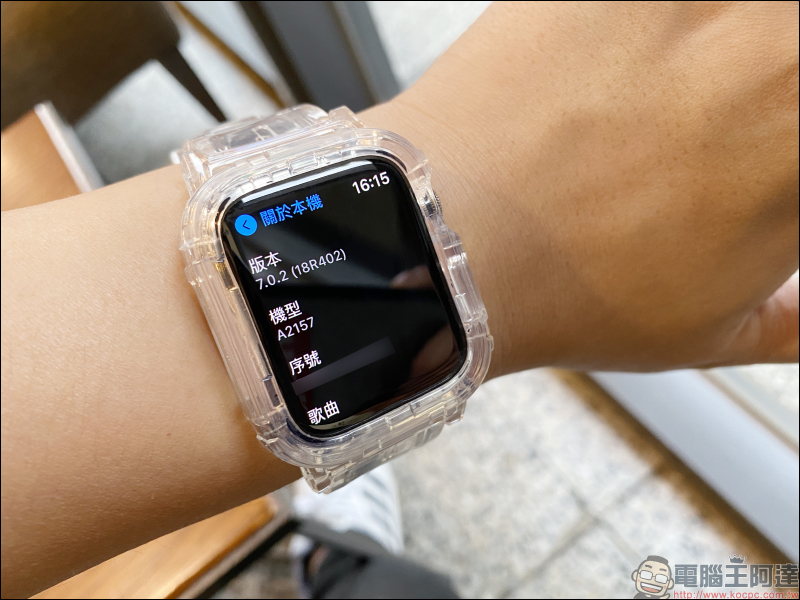
Even on Apple Watch, YouTube Music provides fairly adequate features:
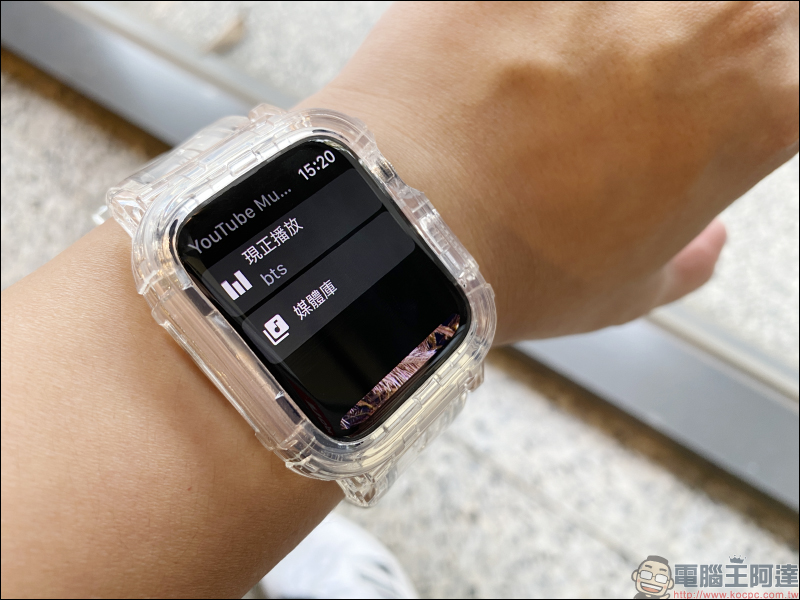
For example, the “Media Library” can quickly select the last played, the following content, playlist, or quickly select the music you want to play based on the collected songs, artists or subscription content:
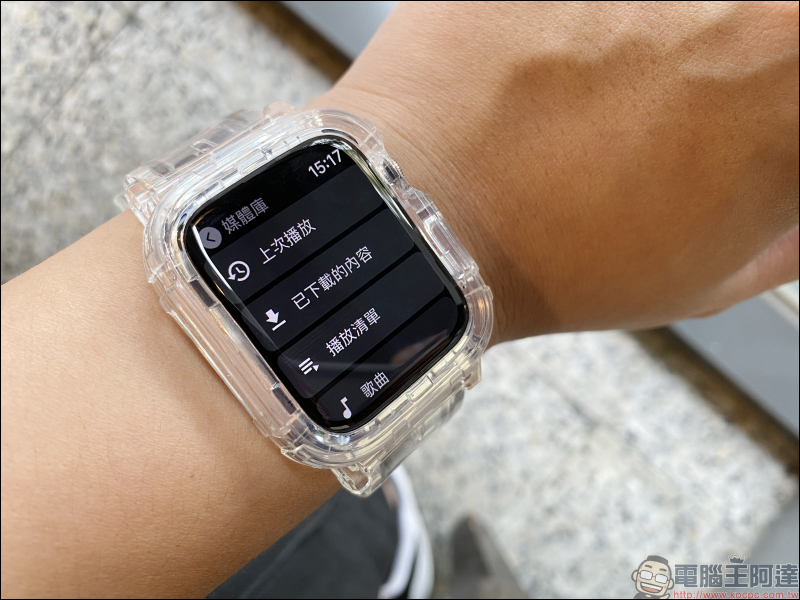
YouTube Music also organizes playlists such as recommended new songs based on users’ listening habits, making it easier for users to choose their favorite music faster.
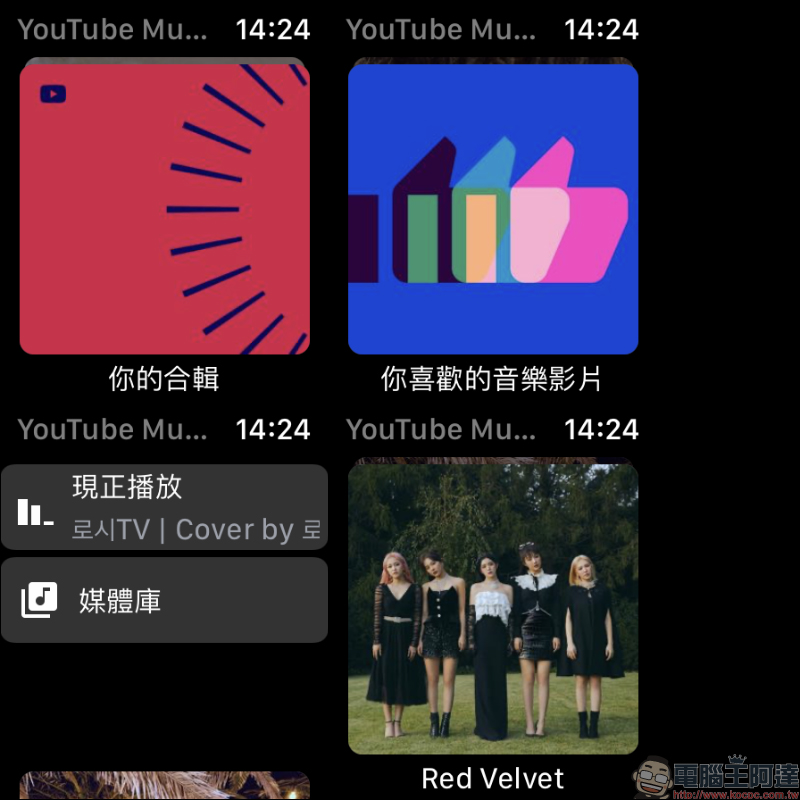
Users can slide the playback card on the YouTube Music homepage to select the music content they want to listen to:
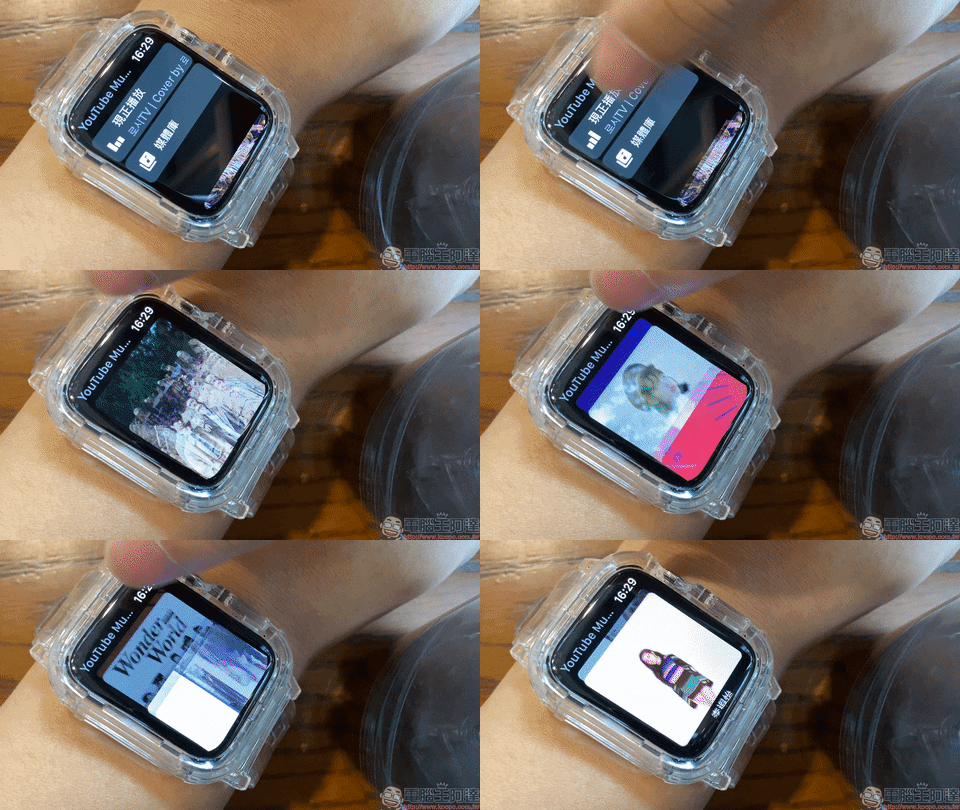
If you want to quickly select your favorite performer, just subscribe to the performer on YouTube Music and you can click on the picture card to randomly play the songs sung by the performer!
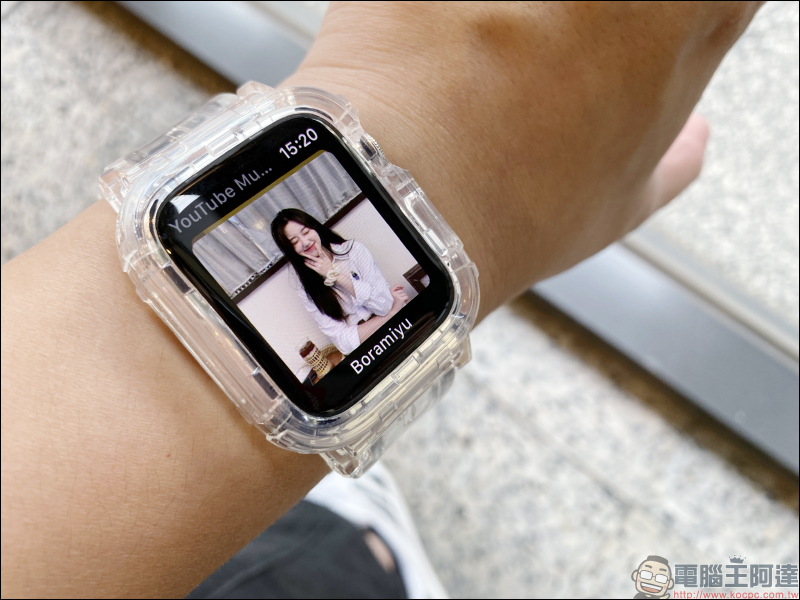
On the “Play Now” page, a basic music player and music cover background are provided. In addition, users can also cast music directly from the mobile phone to the speaker for playback with one click: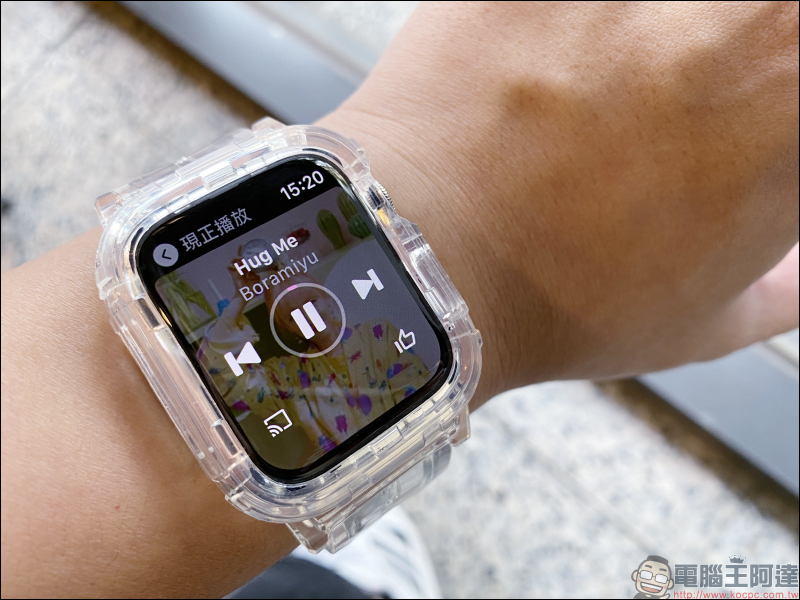
YouTube officials also stated that this is just the beginning of YouTube Music on smart watches. In addition to the current watchOS support on Apple Watch, smart watches with WearOS system will also be supported through updates in the future.
In addition, we have just shared “Spotify officially supports iOS 14 desktop gadgets (settings tutorial)”, so far, neither YouTube nor YouTube Music supports desktop gadgets for iOS 14. I wonder if YouTube will meet the expectations of iOS users and launch desktop gadgets?
Source:YouTube Official Blog
Further reading:
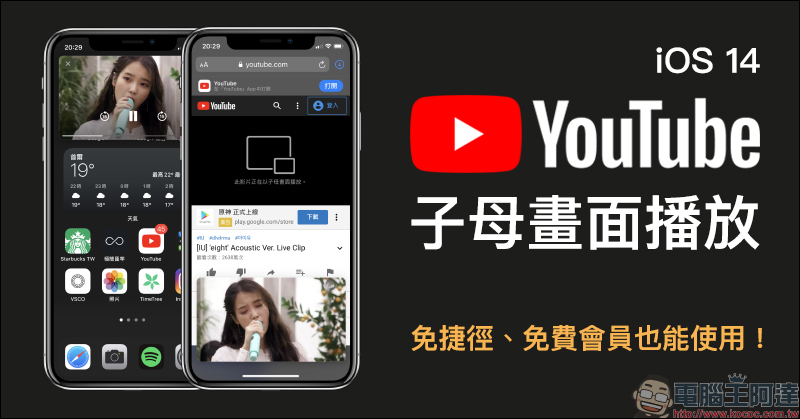
YouTube silently resumes free members and can also use the iOS 14 “Picture in Picture” function, which can be used without shortcuts and fees.
Searching tips for watching YouTube 4K videos on iPhone (tutorial)
Source: KOCPC Chinese