


Some time after the official launch of iOS 14, many users who were using Spoitfy also wanted to add widgets to the iOS desktop. However, the official Spotify app did not yet support the widget function at that time, so we also introduced one TuneTrack App Solve the worries of Spotify gadget needs. But now, the official Spotify app finally supports iOS desktop gadgets! Come and see what the official version looks like? How to set it up!
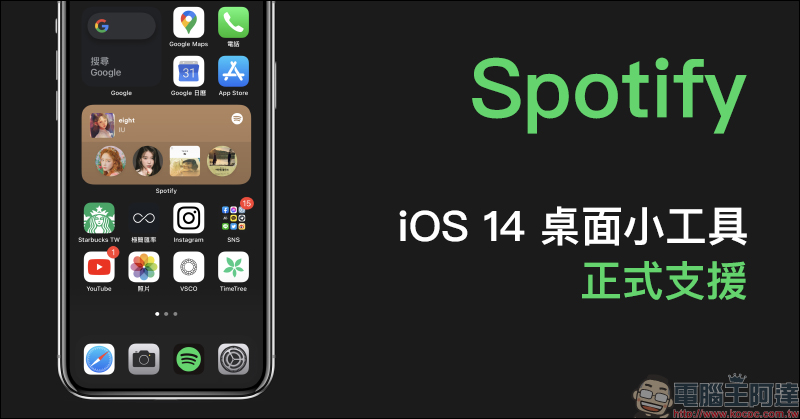
Spotify officially supports iOS 14 desktop gadgets (settings tutorial)
Before Spotify officially supported iOS 14 desktop gadgets, only the built-in “Music” app, that is, Apple Music users, could use the built-in gadget function. But now that Spotify also supports it, the majority of Spotify users can finally use the official version of desktop gadgets!
If Spotify is not found in the menu of adding a gadget or cannot be found by searching for gadgets, just open the Spotify App and search again, and you can find it in the menu of adding a gadget!
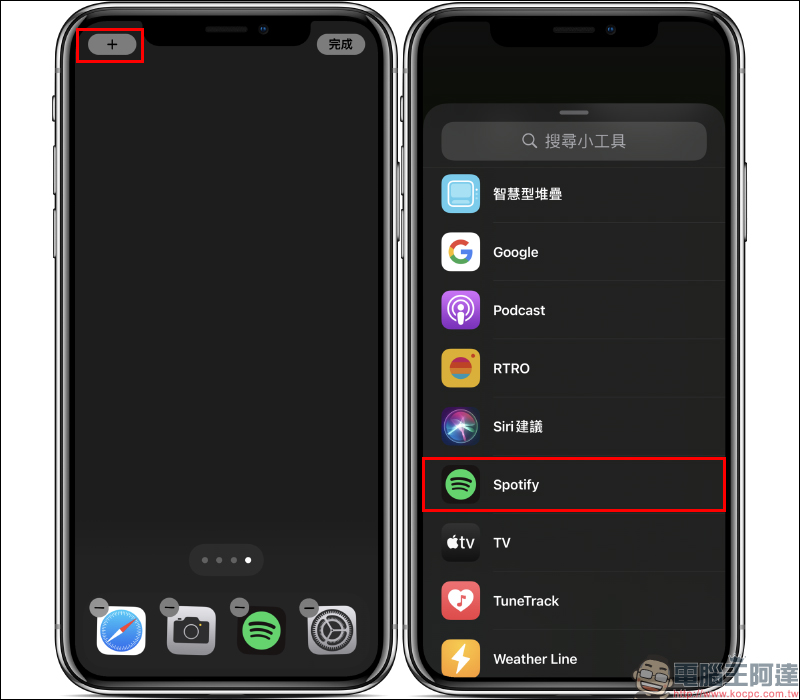
Currently, Spotify’s official version of the widget offers two widget size options, which can display recently played music content, such as playlists, artist songs, albums or podcasts:
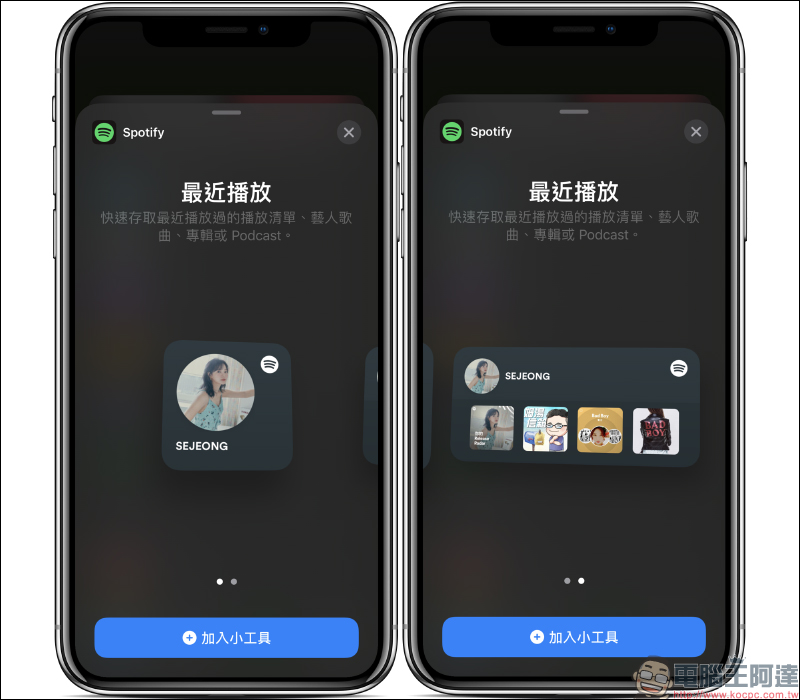
The mini version of the gadget can display the most recently played content, but it cannot display the content of the past few times:
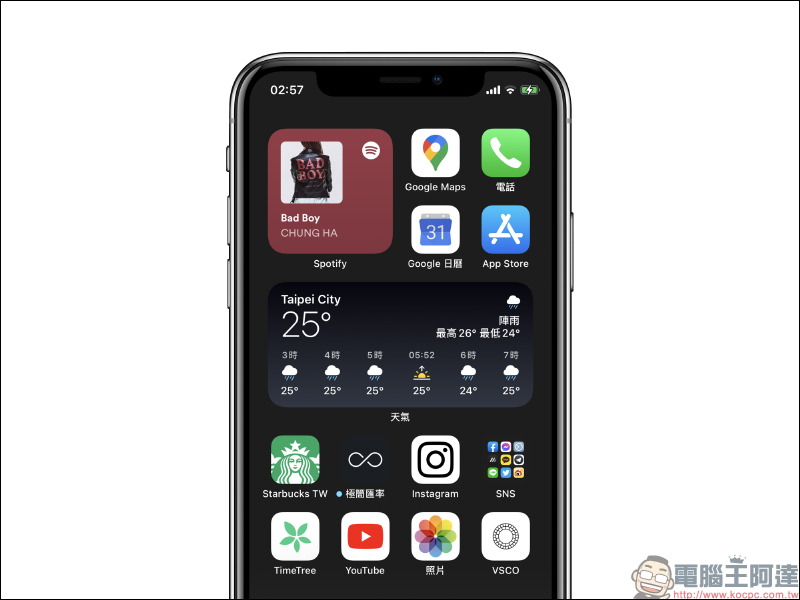
If you choose the larger version of the gadget, the last 5 music plays will be displayed. However, I would like to remind you here that the Spotify desktop gadget displays the “recently played” content. Even if the same track is played, it will display the playback content based on the user’s playlist. For example, if the playback is based on albums, then the recently played items displayed in the gadget will be displayed based on albums:
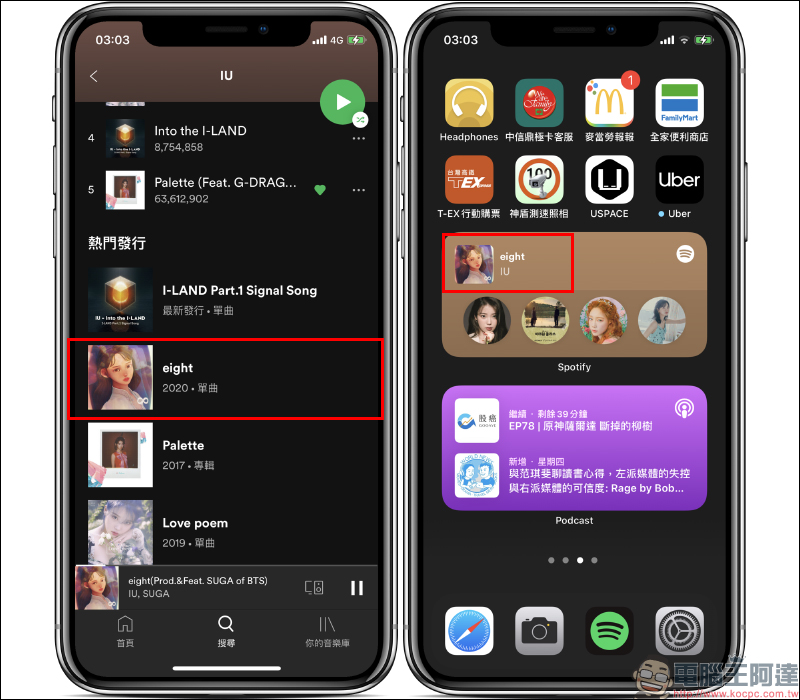
If you select a playlist, the widget displays the playlist. This part may be somewhat different from the concept that some users need to know the song being played. This is something that everyone must be familiar with before using it. In the same way, if the same song is selected directly from the playback ranking below the artist, then the photo of the “singer” will be displayed in the gadget instead of the song itself.
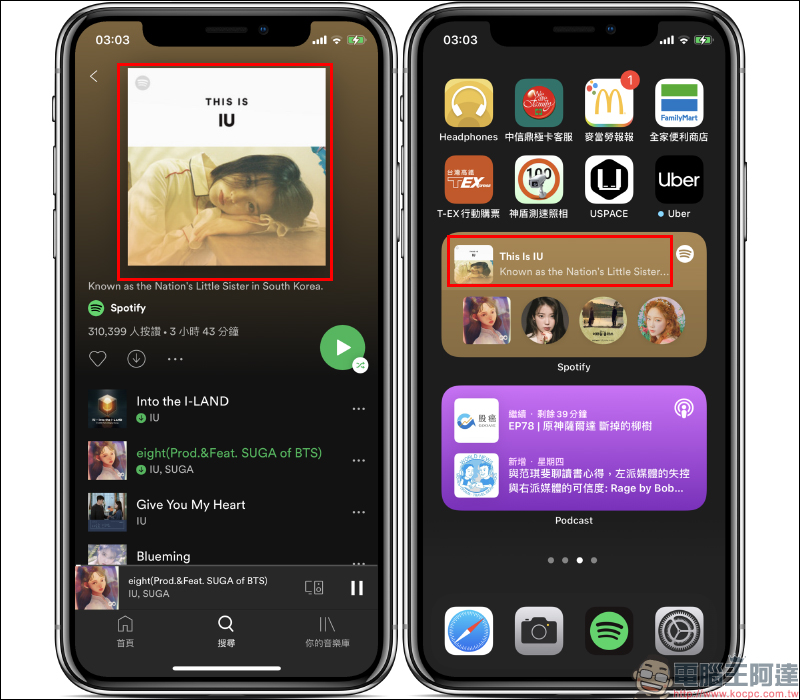
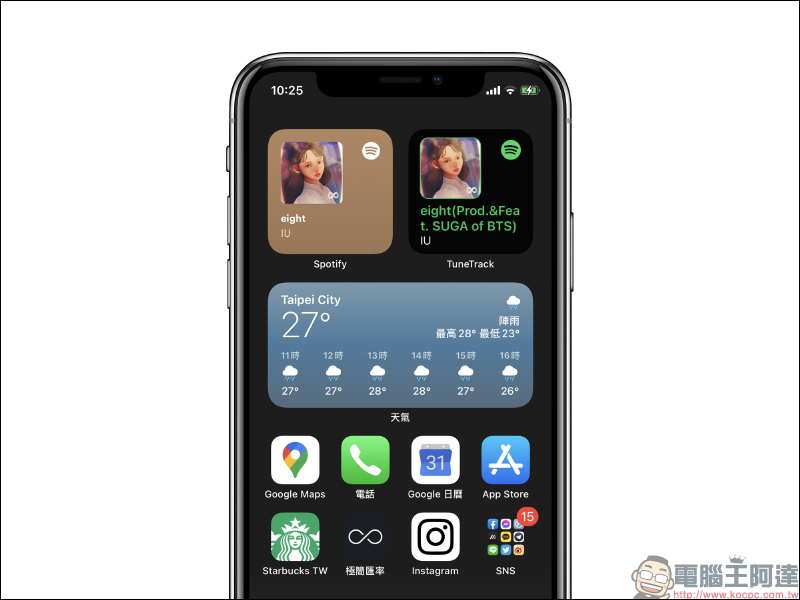
Finally, compare the official version of Spoitfy with the TuneTrack gadget introduced before. The official version currently only displays content such as singers, albums, and playlists. But TuneTrack can display the played tracks, but TuneTrack updates every 5 minutes, and sometimes there is a bit of a delay in pursuing immediate synchronization.
Further reading:
Get a sneak peek at YouTube’s new experimental feature! Watch videos on the iOS “Homepage”, search for videos by voice on your computer, and filter content topics in other languages
Source: KOCPC Chinese