


There are many QR Code generation tools on the market, but most of them have a single purpose. For example, they can generate QR Code for WiFi wireless networks, QR Code for website addresses, and QR Code for social media accounts. The QR Code Generator Free App that I would like to recommend is the most versatile and feature-rich app that I have ever used, and it also provides a lot of templates. Basically, it can be said that this one has all the QR Code functions you need, and it is currently only available in the Android version.
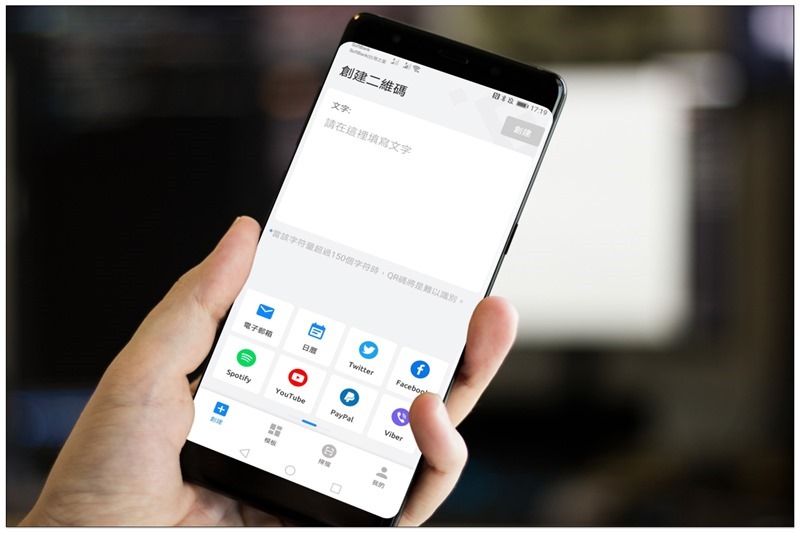
QR Code Generator Free App Introduction
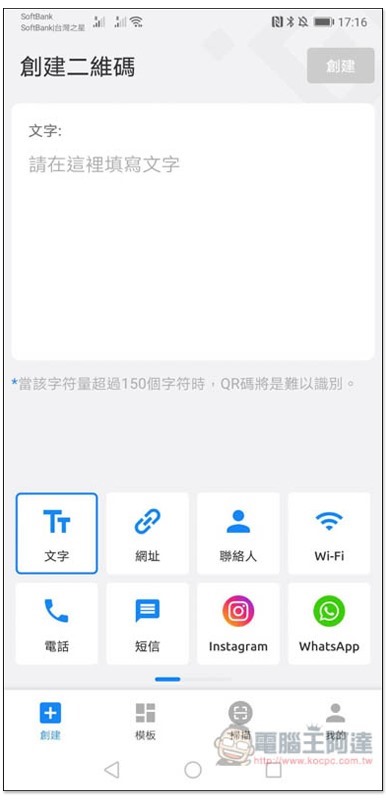
After opening the QR Code Generator App, you can select the content you want to create below, such as: text, website, contact, Wi-Fi or phone, etc.:
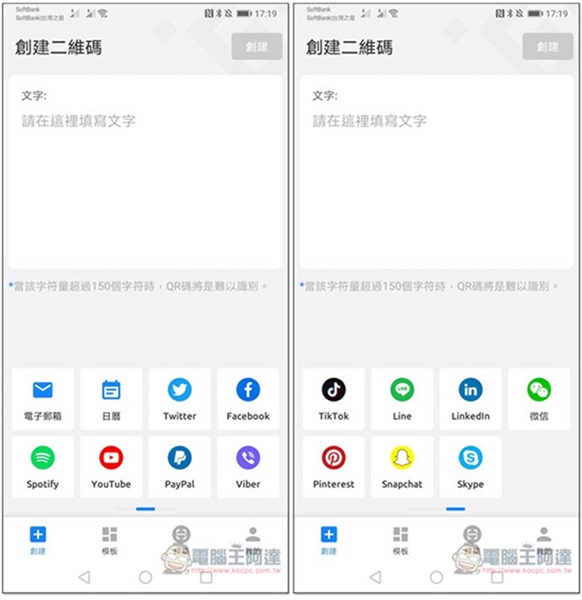
You can also view other content by swiping left or right. Even Spotify, YouTube, PayPal, email, LINE, etc. can create QR Codes. I never thought that these things can be turned into QR Codes before:
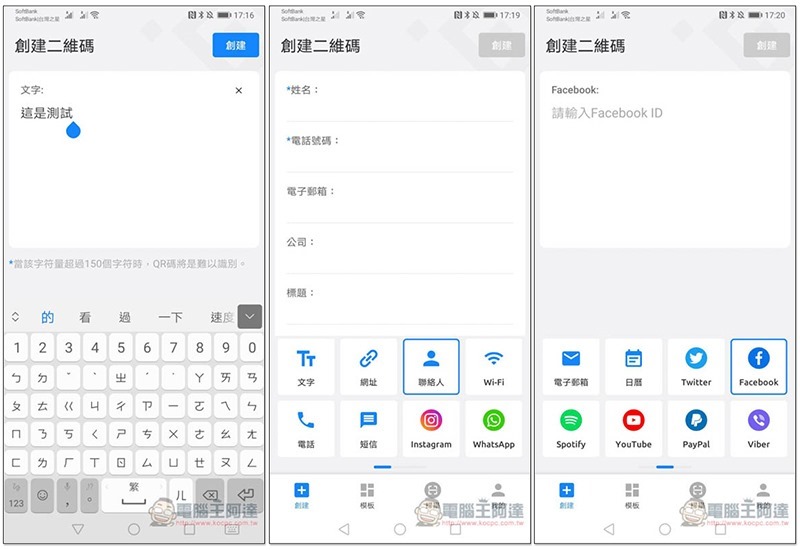
Each content needs to enter different things. For example, the text is pure text, the contact person has name, phone number, email address, etc., and most of the social media are account IDs:
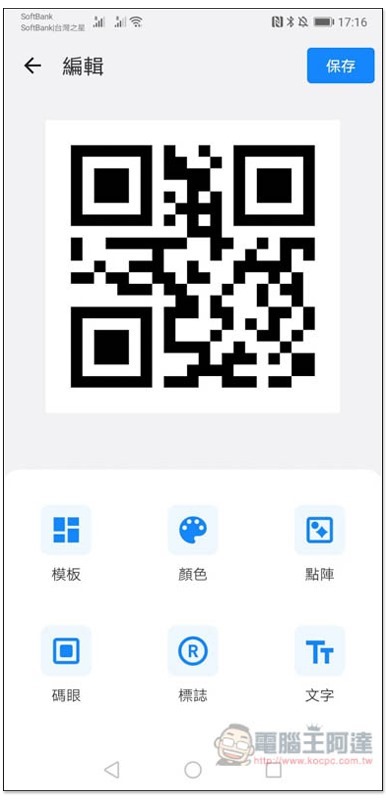
Then you will enter the QR Code editing page, which provides six major functions: “template, color, dot matrix, code eye, logo and text”. People who are too lazy to design by themselves can directly apply the template:
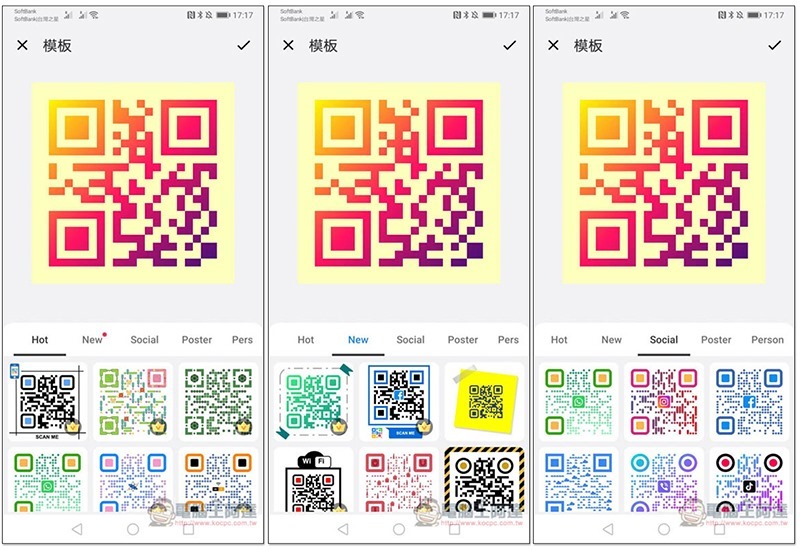
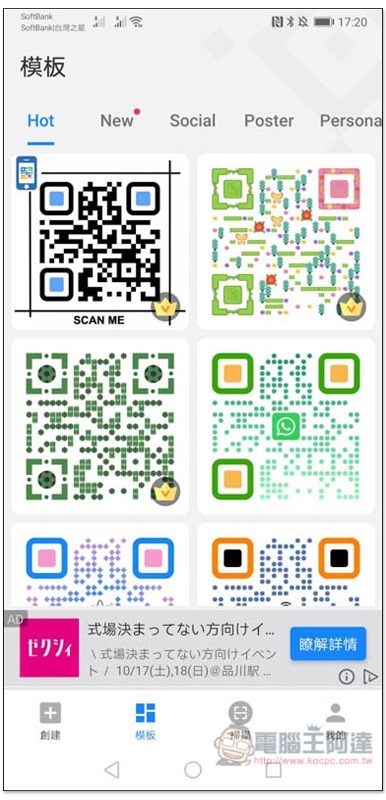
Provides a wide range of templates to choose from, as well as categories, such as templates suitable for community use, poster types, and newly added templates:
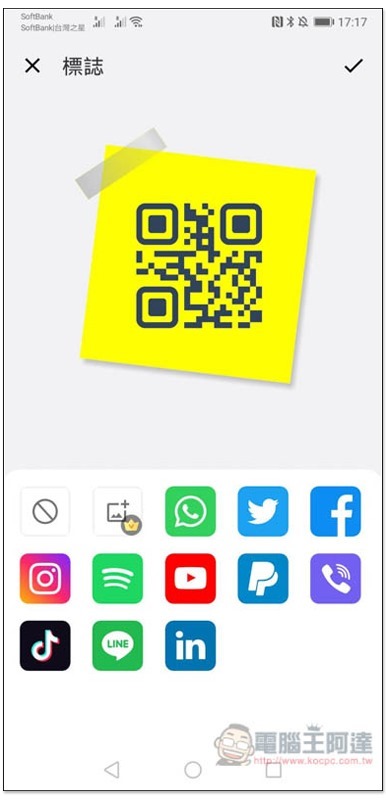
The logo option provides icons for mainstream social media:
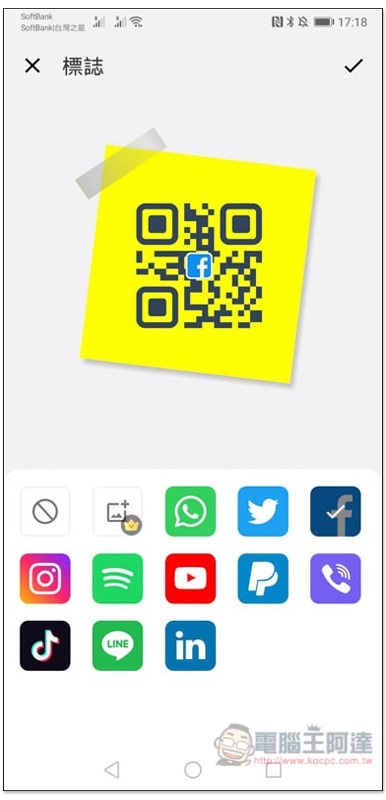
Can be added to the middle of QR Code:
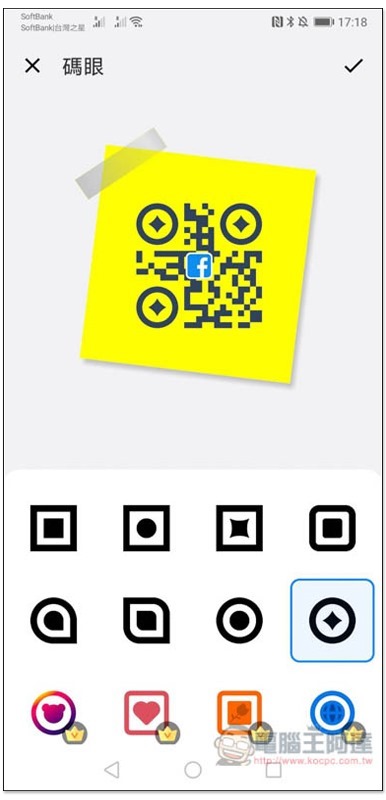
The code eye is used to modify the large pattern on the QR Code. In addition, you can also notice that some materials have a crown pattern in the upper right corner, which must be upgraded to the paid version to use:
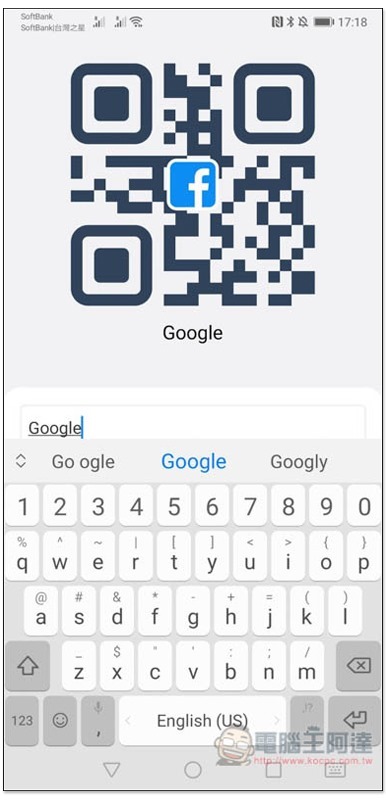
You can also add text, which will be displayed below the QR Code, but this makes it impossible to use the template:
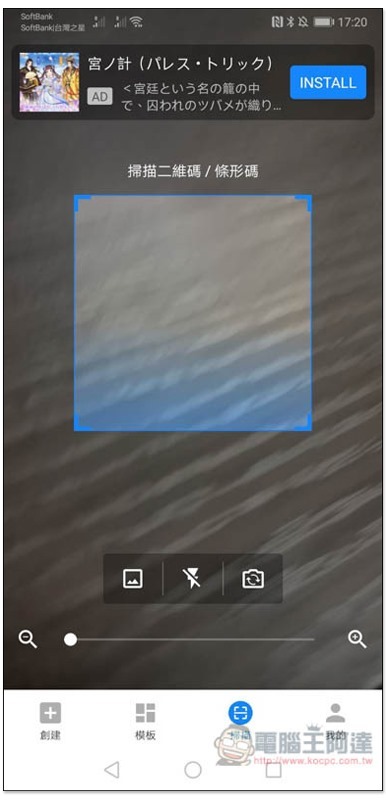
In addition to creation, this App also provides the function of scanning QR Code:
There is also an exclusive page for templates. If you find what you like, you can directly click to modify it:
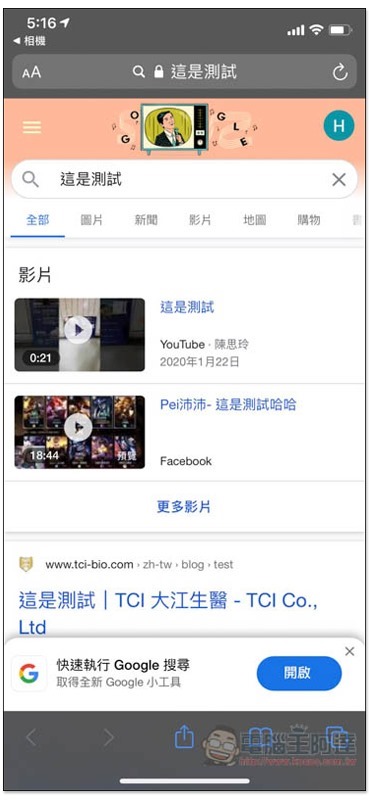
And I actually created a QR Code text of “This is a test”, and after scanning it with another device, it turned out that I directly searched Google for this keyword:
I have to say that this app is really easy to use. It has rich functions and is easy to operate. More importantly, it doesn’t have many ads, which is great for a free app.
Supplementary information
- App Name: QR Code Generator
- Nature: free, paid
- Google Play download page:Click here to go
Source: KOCPC Chinese