


Although there are many Apps on Google Play that can realize YouTube background playback through the “floating window” method, a video window will appear on the screen, which is somewhat inconvenient to use. This article will recommend a YMusic free Android App that can not only truly give YouTube background playback function, but also support MP3 music and MP4 video downloads. It is very easy to use, keep reading!
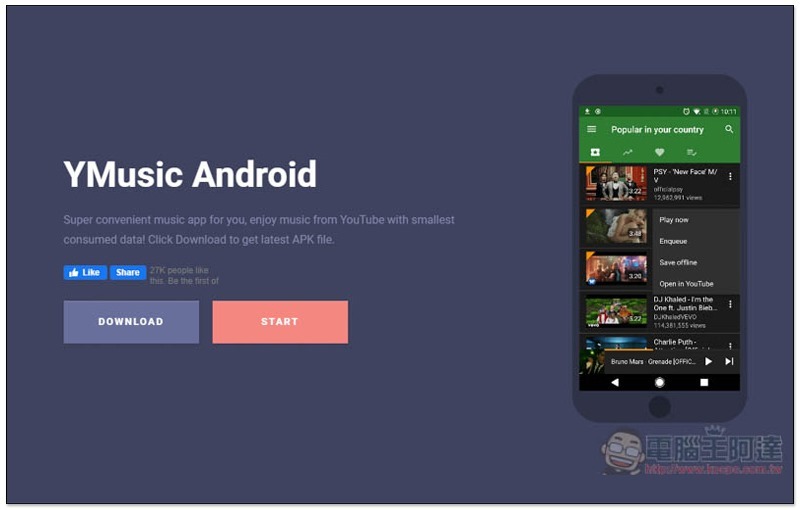
YMusic App Introduction
Since it can be downloaded, of course it means that this YMusic is not on Google Play (otherwise it would have been removed from the shelves). You need to download the APK file from the official website and install it manually. If you mind, just skip it.
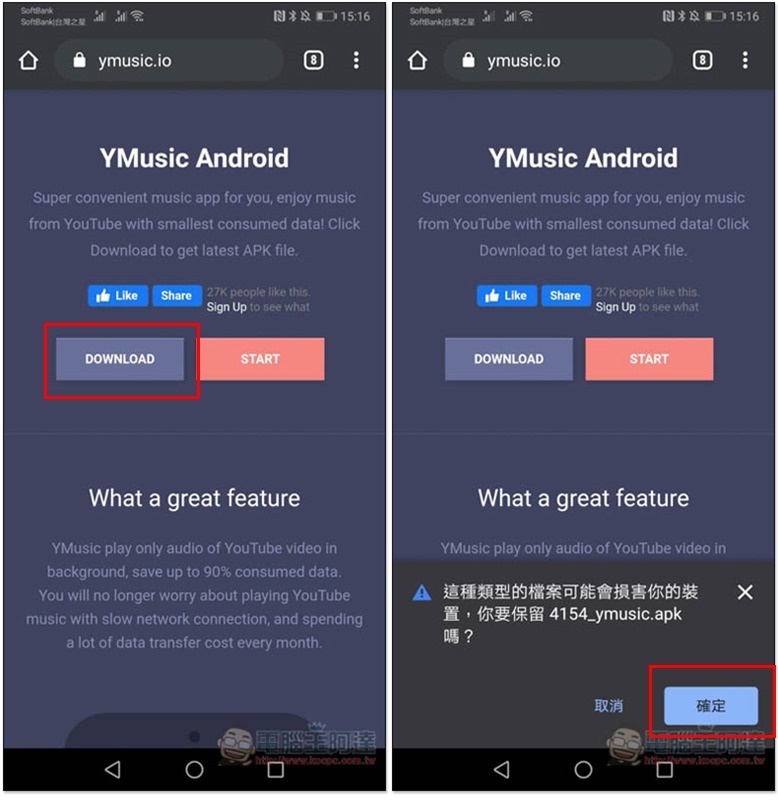
Click me to go to the official website, click below DFOWNLOAD in the screen and you will see the download message:
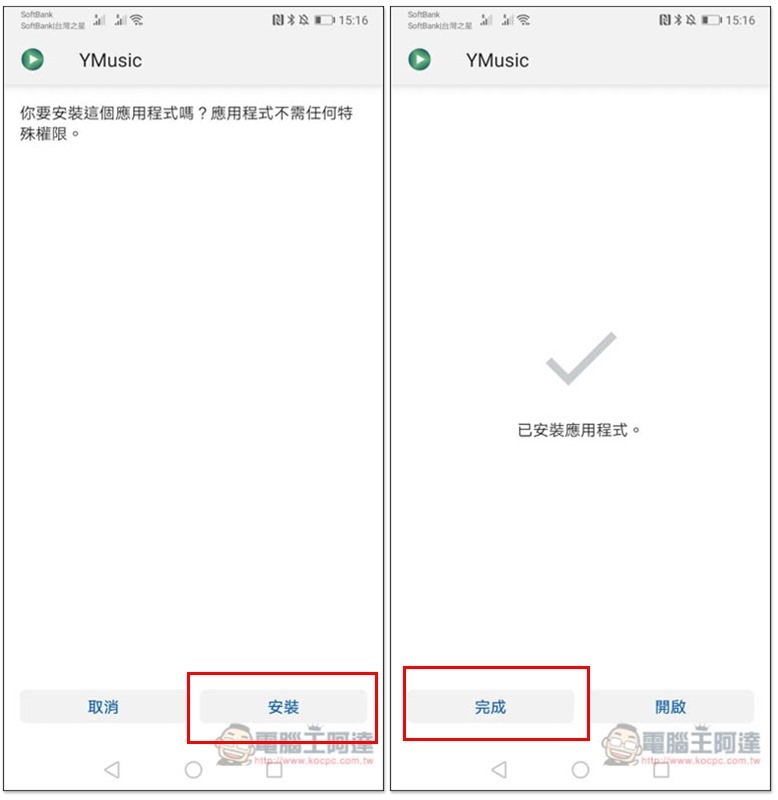
After clicking Install, you’re done:
The first time you use it, you will be asked to allow some permissions. Each one has a description of what it is used for, which is quite good. For example: downloading videos and music requires permission to access device content:
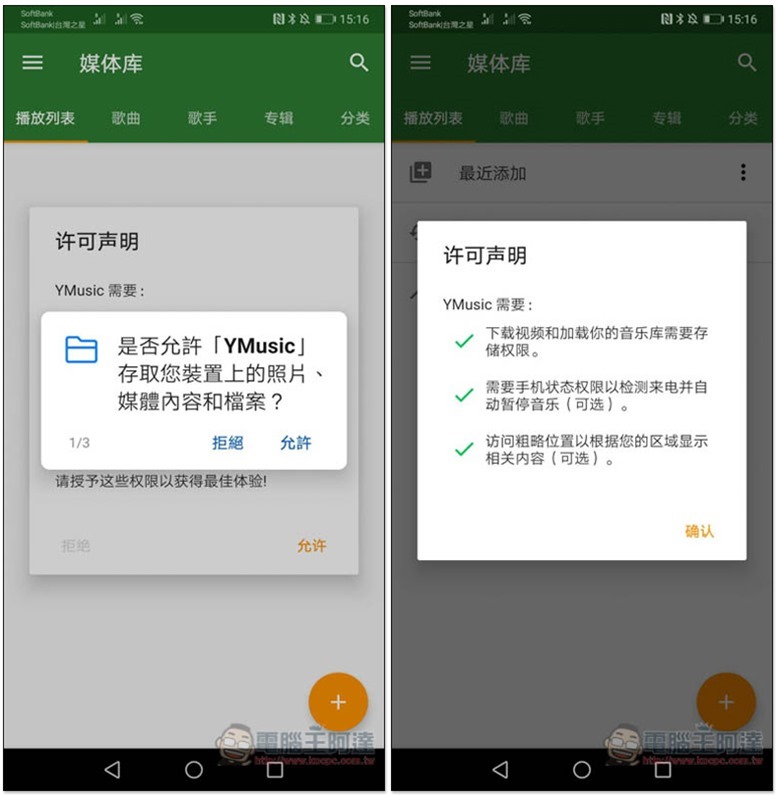
Then you will enter the media library menu, which will display the music stored on your phone. The YouTube part is not here. Please click on the three lines in the upper left corner for the main menu:
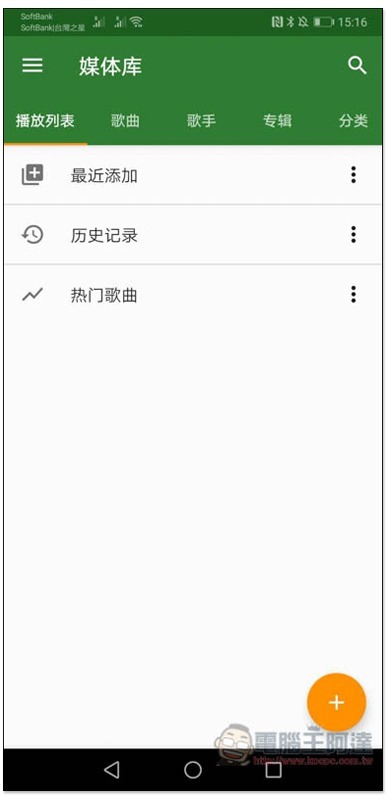
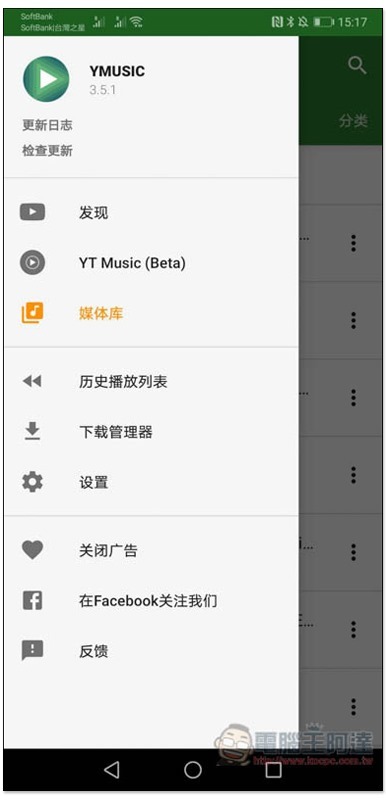
The first “Discover” menu is YouTube:
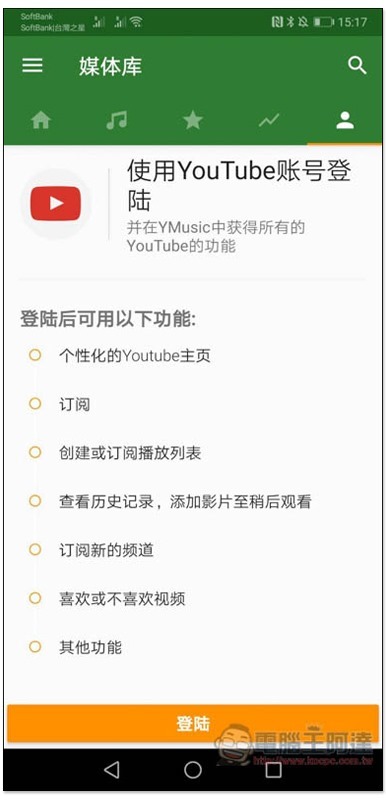
It also provides the function of logging in to your YouTube account. Those who need it can log in:
Actual testing confirms that you can log in:
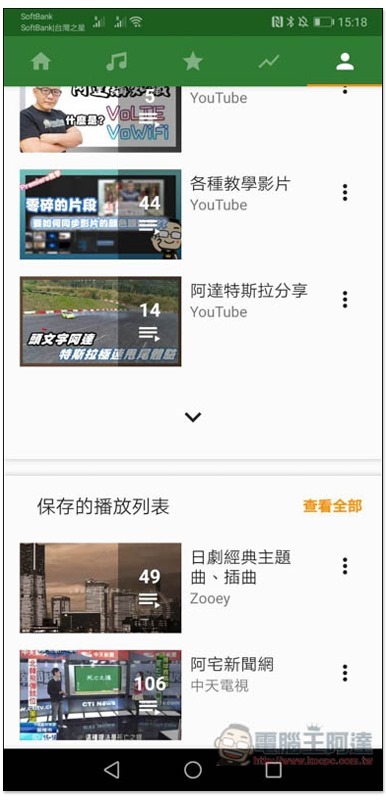
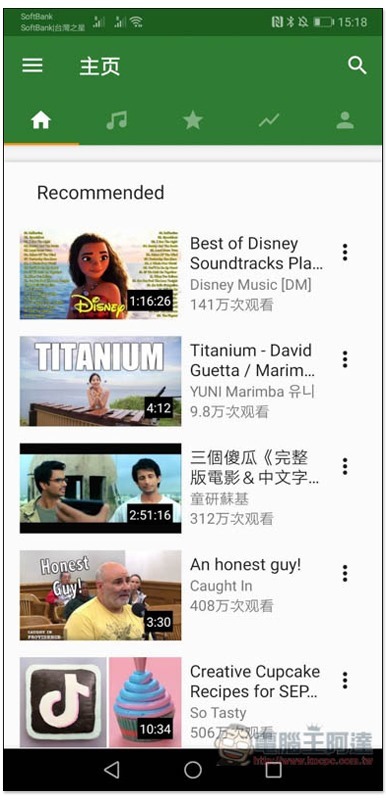
After returning to the homepage, videos that may be of interest to you will be listed, just like the official YouTube website. To search for songs, click the magnifying glass icon in the upper right corner:
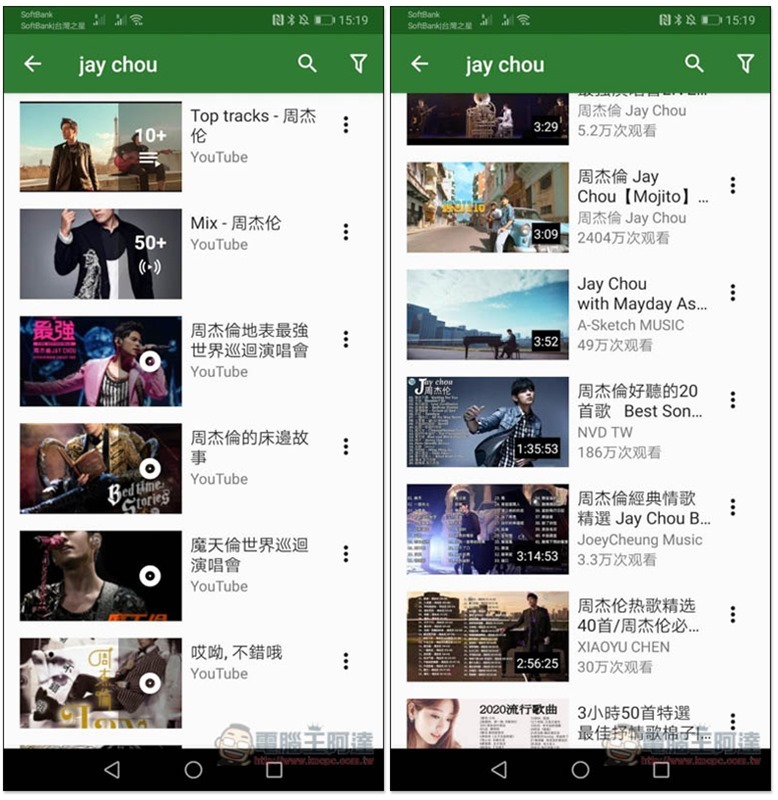
At the top of the search results is the playlist, scroll down to see the video:
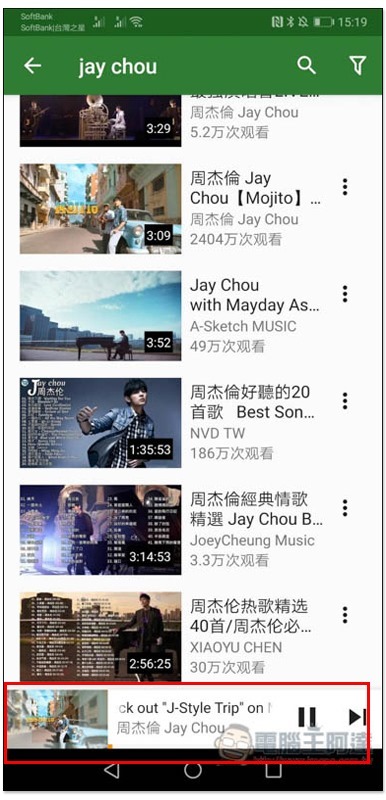
After clicking on any video you want to listen to, it will start playing, and the playback controller will also appear at the bottom:
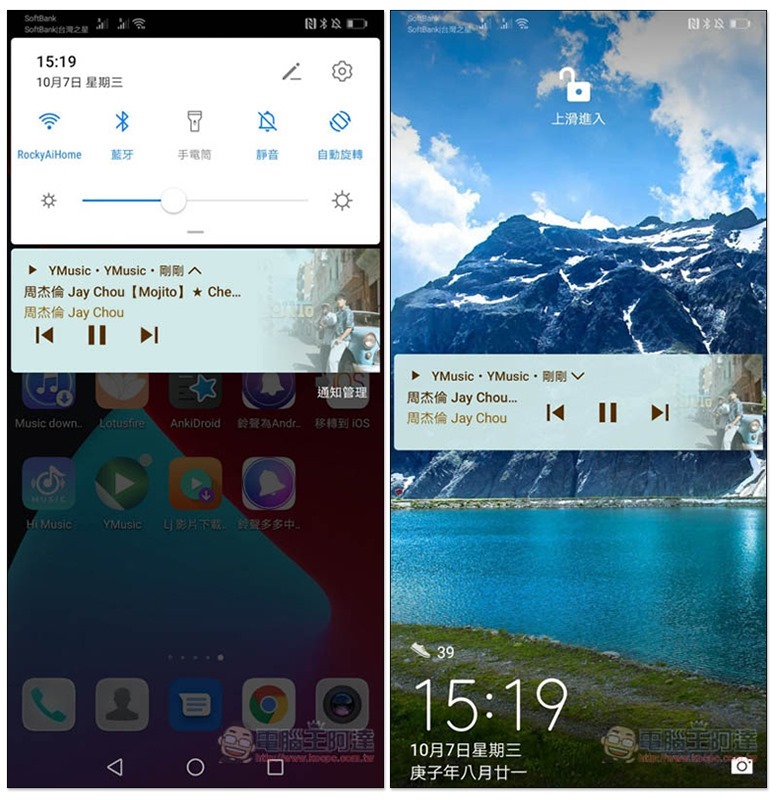
There is no problem with the measured background and standby playback:
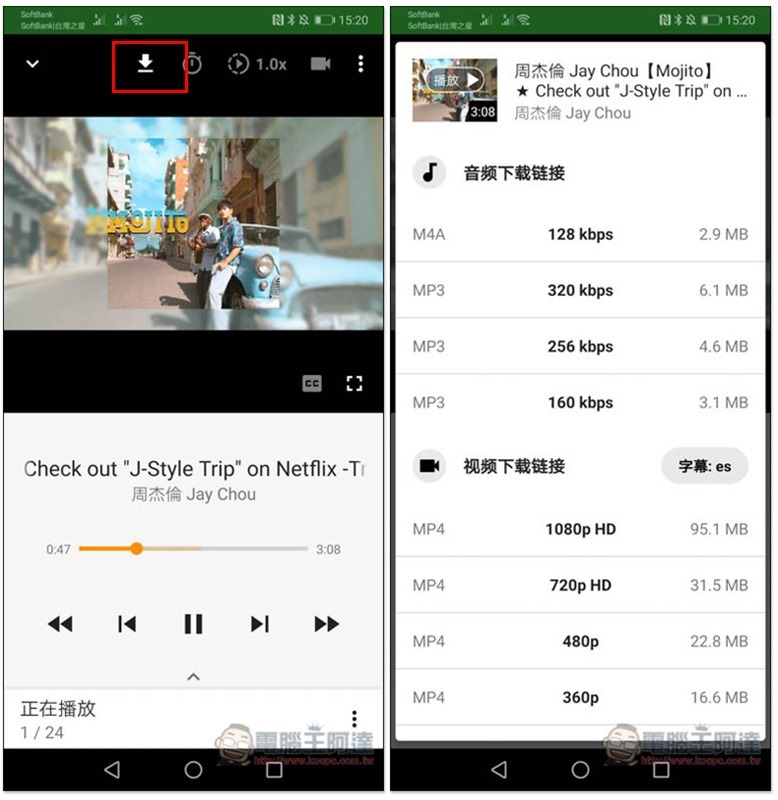
After entering the inner page of the video, there is a download icon at the top. After clicking it, you can choose to download music or videos. The music is available in M4A and MP3 formats, and the highest audio frequency is directly supported up to 320kbps. The video section is available in MP4 in 1080p quality, and in Webp format in 2K or 4K quality:
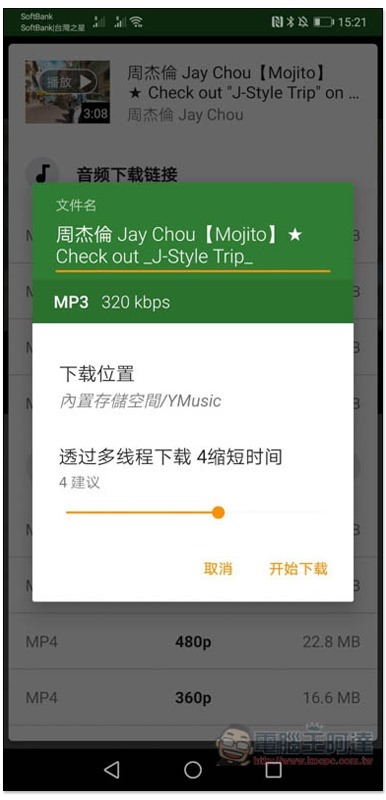
The file name is defaulted to the video name, which can be modified by those who need it. There are also download location and multi-thread download settings:
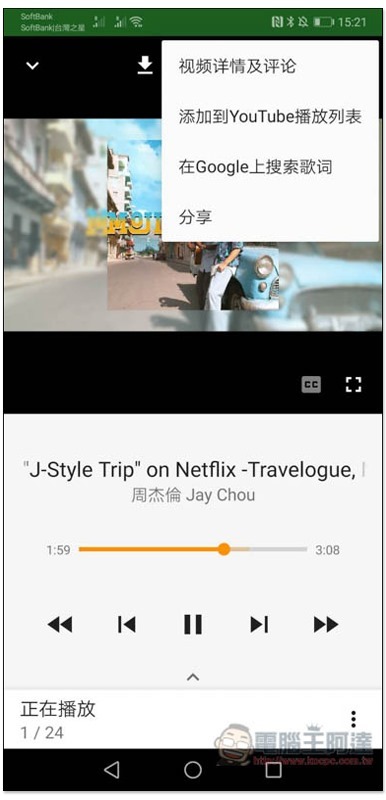
This also provides a quick lyrics search function, which can be found by clicking on the menu in the upper right corner (search for lyrics on Google):
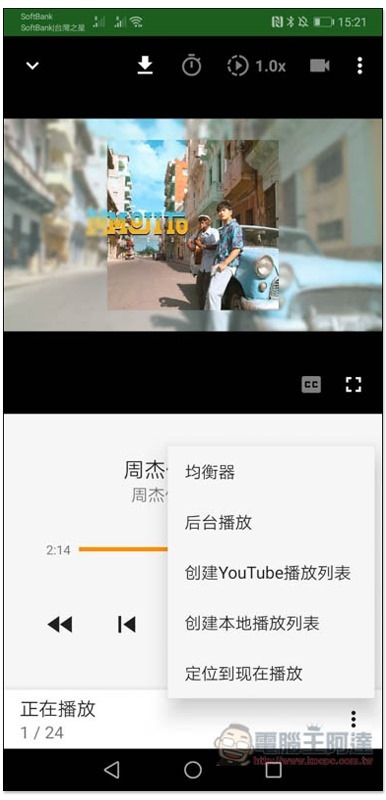
Equalizer, creation of YouTube or local playlist functions, etc. are located in the menu in the lower right corner:
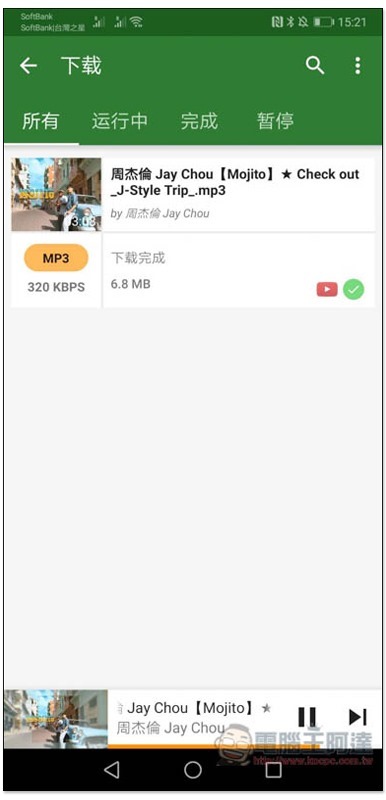
The actual download was also successful, and the download option will be placed in the main menu:
In addition to the above, this App also has other good additional functions. The rest is for everyone to play with and see.
Supplementary information
- YMusic official website (APK file download page):Click here to go
Source: KOCPC Chinese