


From time to time, some iPhone users report that they find that they see unfamiliar schedules and calendars in their iOS calendars. These are probably caused by accidentally pressing “Subscribe Calendar” on some web pages in the past, so some calendars with advertisements are included in their calendars, and some notification reminders will pop up from time to time, causing trouble to users. However, this kind of spam advertising calendar is not a recent phenomenon.
With the recent release of the official version of iOS 14, the settings for canceling and deleting calendars have changed slightly. This article will teach you how to cancel it quickly!

iOS app tips: Has your iPhone calendar been kidnapped? This is a quick way to unsubscribe from your calendar! (Applicable to the latest iOS 14)
In addition to some people who prefer “Google Calendar”, many iOS users still prefer Apple’s own calendar app. In addition to adding new itineraries to the calendar, users can also find calendars released by many kind-hearted people on the Internet (such as annual national holiday calendars). However, sometimes you regret and want to unsubscribe after subscribing to a calendar, or you accidentally come into contact with a spam calendar. This article will share how to easily remove it.
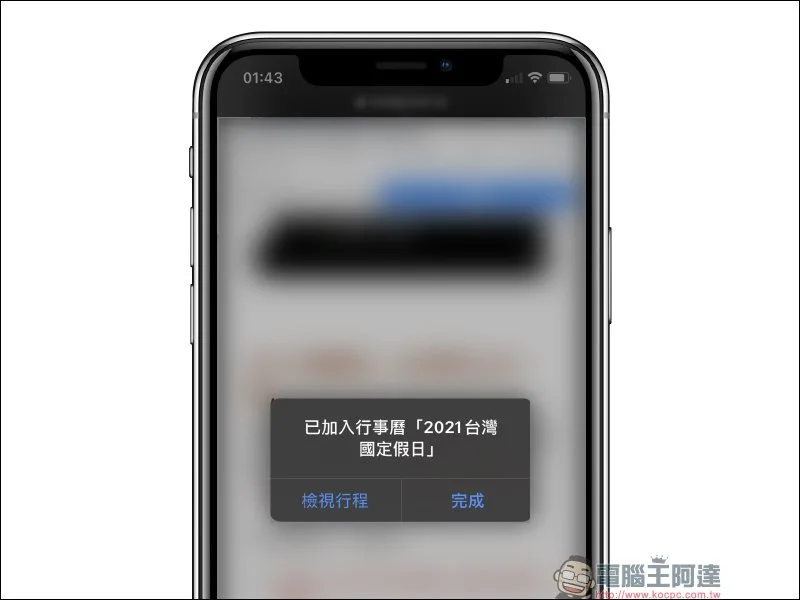
The author first uses a “normal” calendar found on the Internet as a demonstration. The subscribed calendar is like an independent calendar and is organized in the same calendar app. Users can easily distinguish each itinerary content through different color settings. If you no longer want to see it, in addition to hiding the calendar in the app, you can also simply delete the calendar directly.
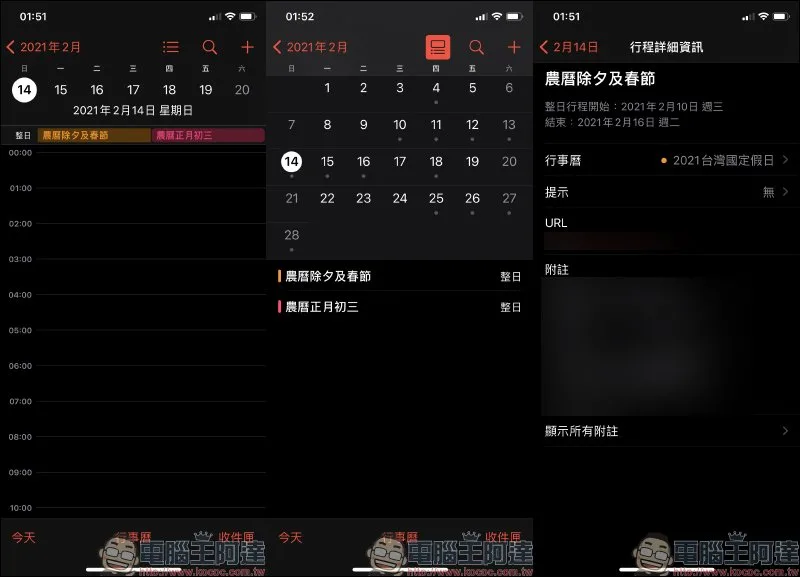
The steps to unsubscribe from a calendar are actually much simpler than you think, but the setting path is slightly different in the latest iOS 14 and in the past in iOS 13.
Taking the latest iOS 14 as an example, users first open “Settings” and then find the “Account” option in “Mail” or “Calendar” (the path for iOS 13 is “Settings” > “Passwords & Accounts”):
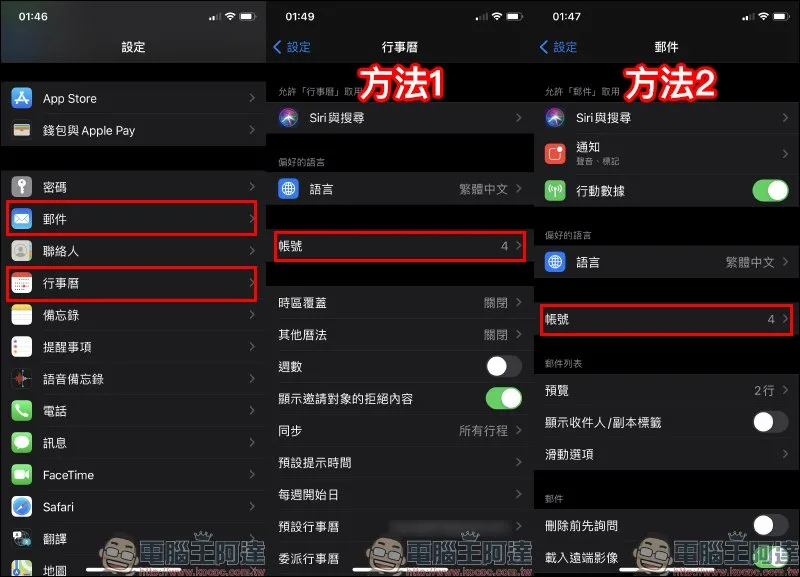
After entering the “Account” page, click “Enter with subscribed calendar”, find the calendar you want to delete, and select “Delete Account”:
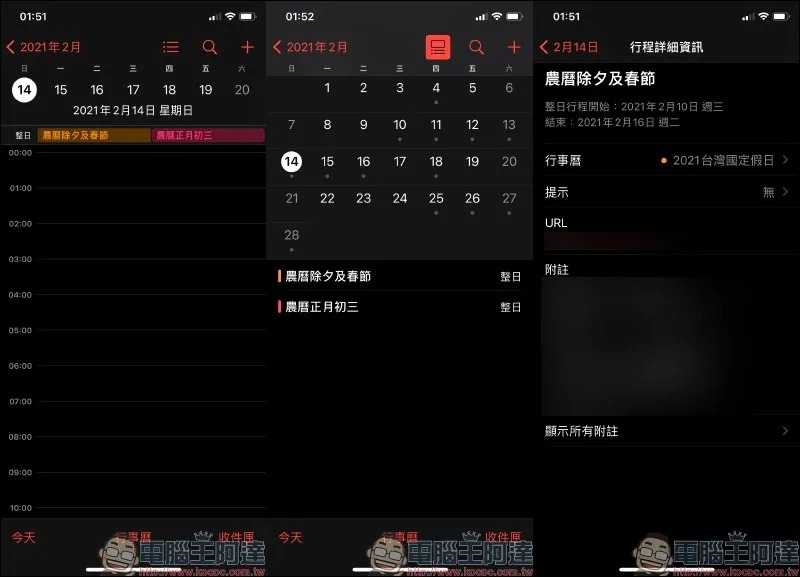
In this way, you can easily remove the calendar subscribed in the Calendar App! Finally, I would like to remind everyone, do you usually see unknown pop-up windows on various websites saying “Want to subscribe to calendar XXX”? Before pressing subscribe, it is best to double-check whether there is anything wrong with this unknown calendar.
Don’t worry if you accidentally swipe to subscribe to the calendar. Just remember not to randomly click on the URLs in the calendar itinerary to avoid being exposed to these scam websites.
Source: KOCPC Chinese