


Facebook quietly launches new features! This time, “virtual avatar” is something that many people will be interested in. Simply put, you can create your own virtual character, which can be adjusted from face shape, eye shape, hairstyle, clothing, and even wrinkles. After creation, this virtual avatar will be used to automatically generate multiple sets of stickers, turning them into stickers that are exclusive to you. They can be used in any Facebook message box. It is very fun. I will teach you how to operate it below.

An introduction to Facebook’s new “virtual avatar” feature
The virtual avatar function has actually been launched abroad for a long time, and it has only recently quietly entered Taiwan. Now if you see a virtual avatar shared by a friend on the graffiti wall, there will be a “Try it” function below, and you can start creating it with just one click. If not, click on the “smiley face” icon in any message, and you will see the “Create a virtual avatar” function:
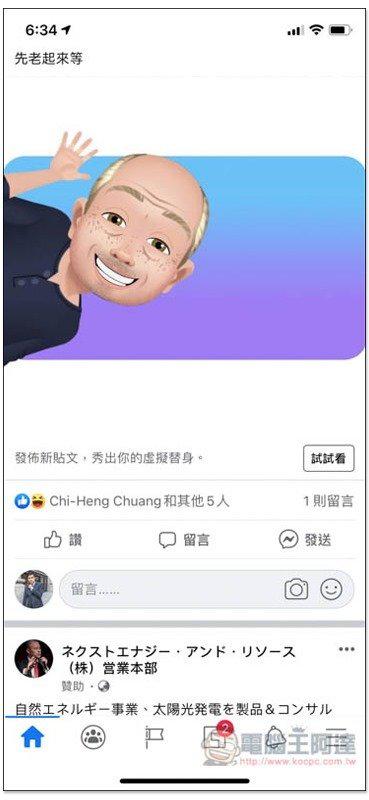
Click “Continue” to create your own character:

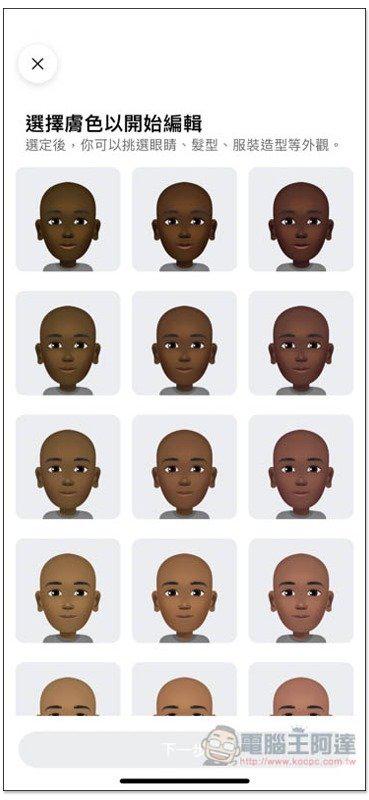
Start by choosing your preferred skin tone:
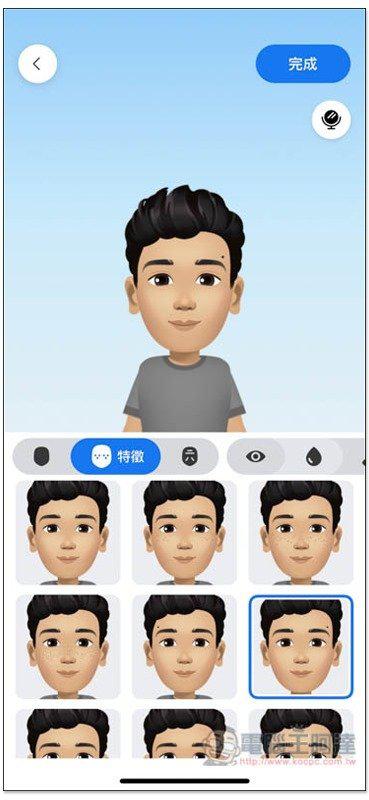
Then you will enter the setting screen for facial shape, features and other facial features adjustment. There are many choices for each, but some differences are not big:
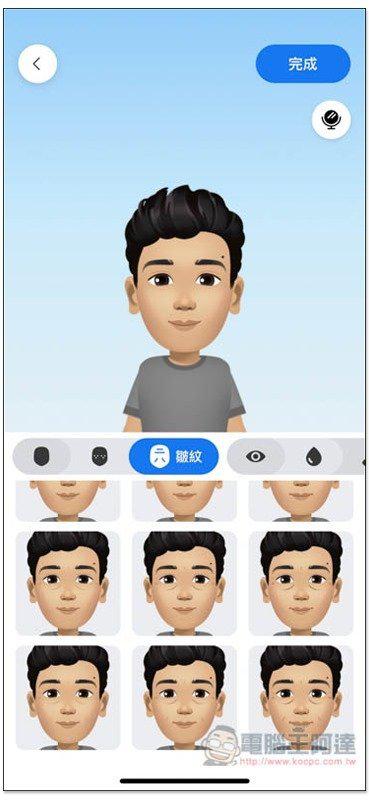
Even wrinkles can be added, and it seems that there are different ages, the wrinkles become more obvious as you go down:
There are also many eye shapes, including single eyelids and double eyelids, but here I have trouble choosing, some are similar in length:
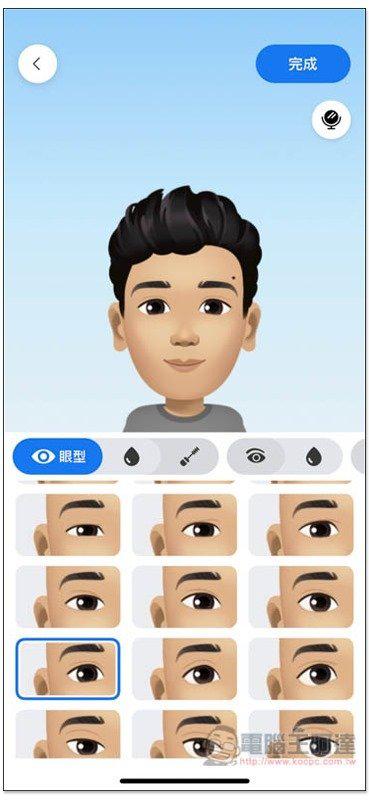
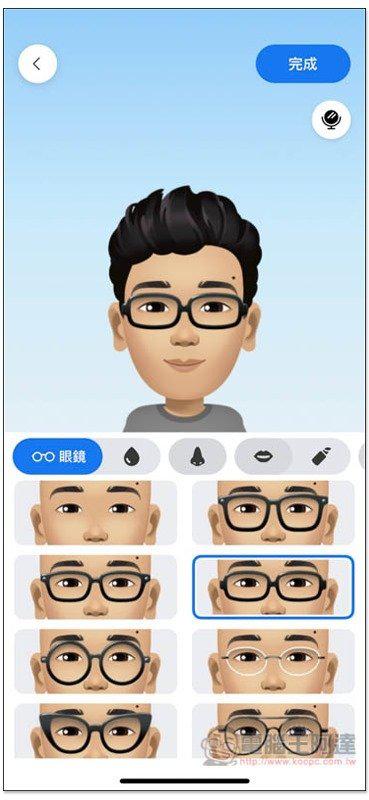
You can also add glasses:
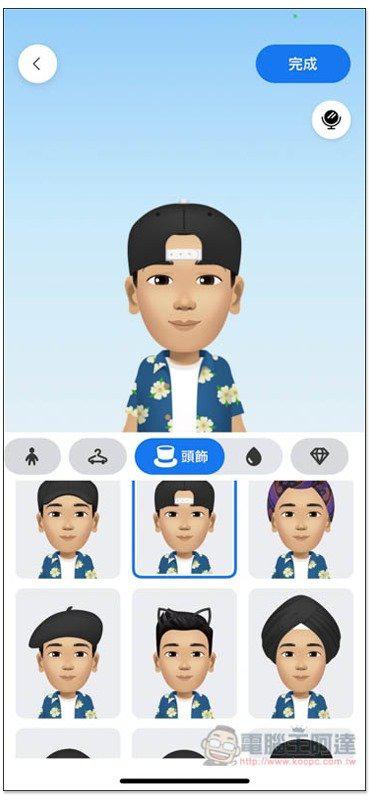
There are also headwear, but most of them cover your hairstyle, so if you want to wear a hat, just choose the hat type you like, regardless of your hairstyle:
If you want to compare it with your own face, you can click the mirror icon on the upper right side of the character:
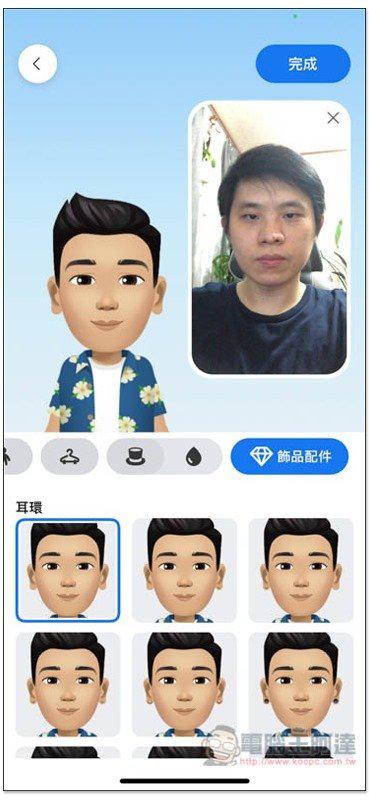
There are also earrings and other accessories:
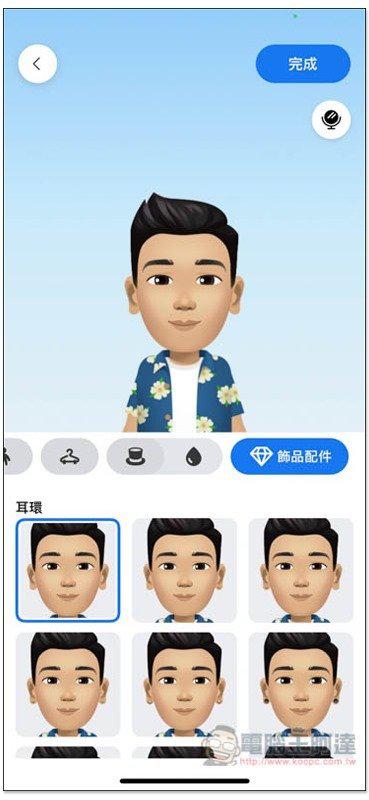
After deciding on the face, next comes the clothing, and there are quite a few:
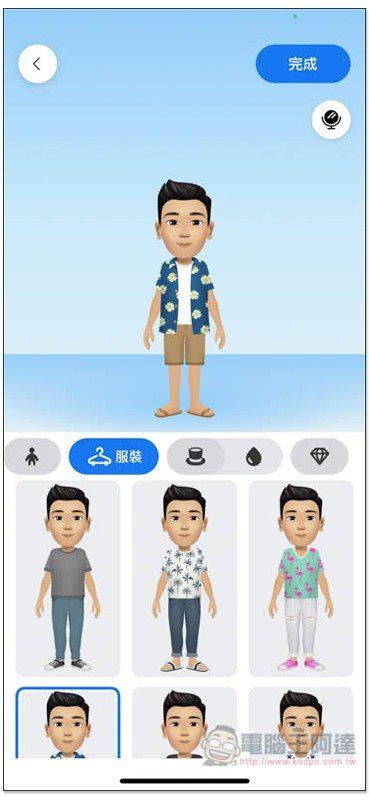
When everything is ready, click “Finish” in the upper right corner to start creating your virtual avatar:
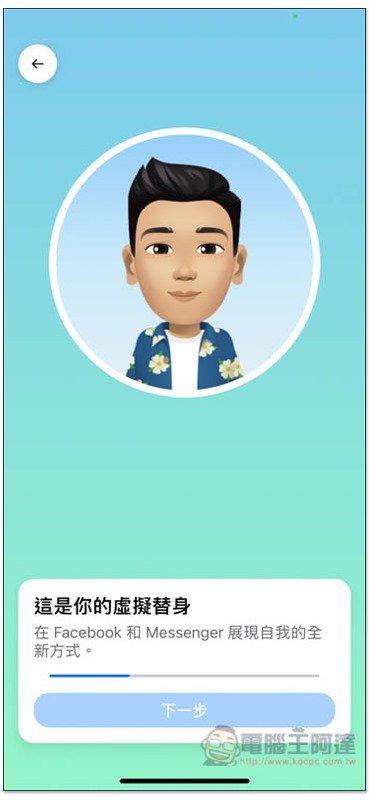
It takes a few seconds to complete. Click the second icon on the upper right to view all the stickers:
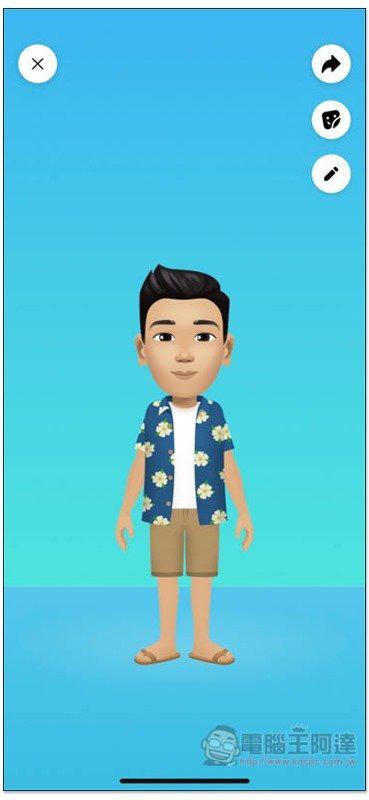
As shown below:

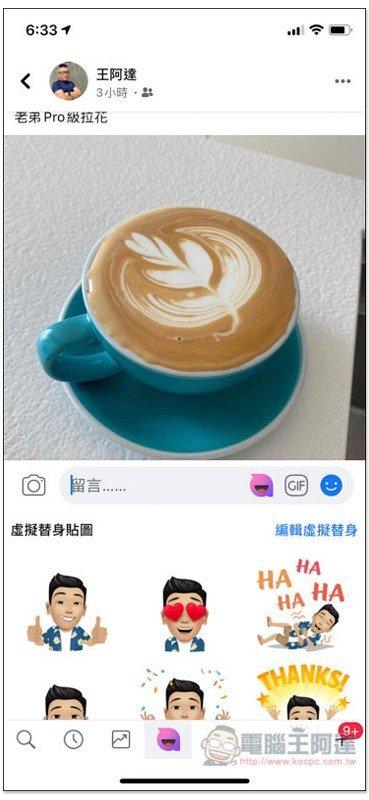
Then, you can use your virtual avatar sticker to interact in any message box:
If you have questions about creating, editing or deleting avatars, Facebook has also created a help page for those who need it.Click me to view。
Source: KOCPC Chinese