


While the free version of the Gemini app is more than sufficient for most daily use, if you need higher usage limits, larger context windows, and advanced image and video generation features, subscribing to Google AI Plus or AI Pro will unlock additional capabilities.

What Gemini app upgrades do you get with Google AI Plus and AI Pro?
Usage Limits and Quotas
Since May, Gemini’s usage model shifted to calculating based on “compute resources” rather than just counting prompts. Free users receive “standard limits” and can check their usage at gemini.google.com/usage. The system calculates consumption based on factors like prompt complexity, the model and features used, and chat duration, resetting every 5 hours until the weekly limit is reached.
If you need a higher limit, AI Plus (165/month) offers approximately twice the usage of the standard limit; AI Pro (650/month) increases it to four times.
Context window and document processing capabilities
Another important factor affecting the user experience is the “context window”. When you upload files to Gemini Apps, the model must first “read” the content before it can provide analysis or answers, and the context window determines how much data the model can understand at one time.
- Free version: 32,000 tokens (approximately 50 pages of text)
- AI Plus:128,000 tokens
- AI Pro: 1,000,000 tokens (approximately 1,500 pages of text or 30,000 lines of code)
The differences in context windows also carry over to upload limits. Free users can only upload videos up to 5 minutes long, while AI Pro users can upload videos up to 1 hour long. Audio uploads have increased from 10 minutes in the free version to 3 hours. Additionally, code uploads are exclusive to subscribers.
Notebook Features and NotebookLM Integration
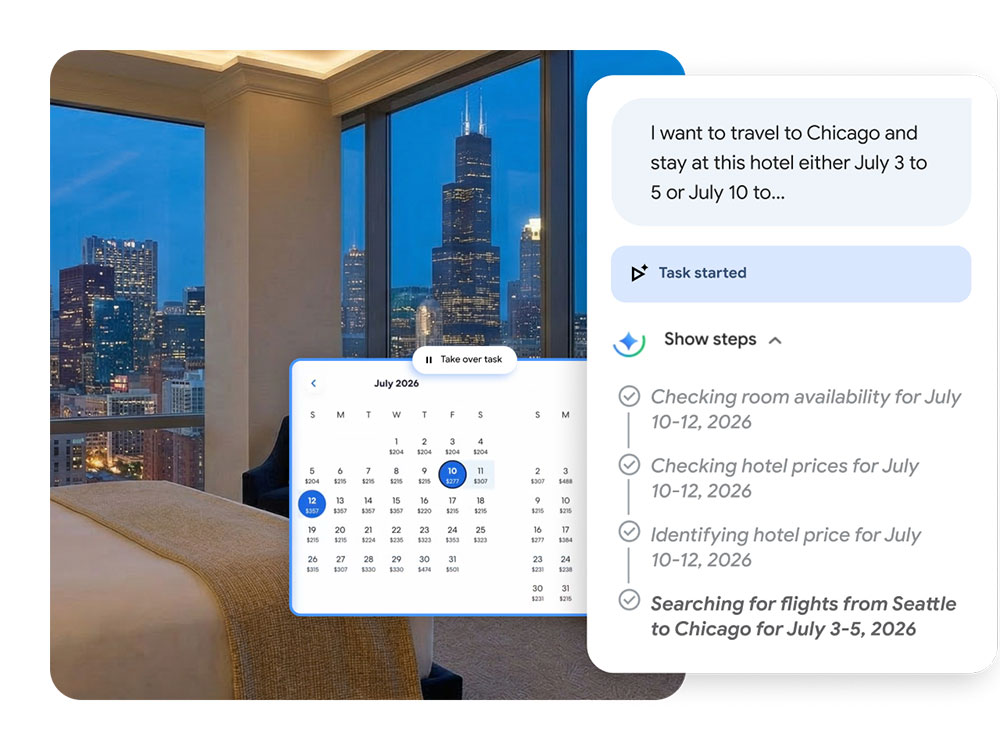
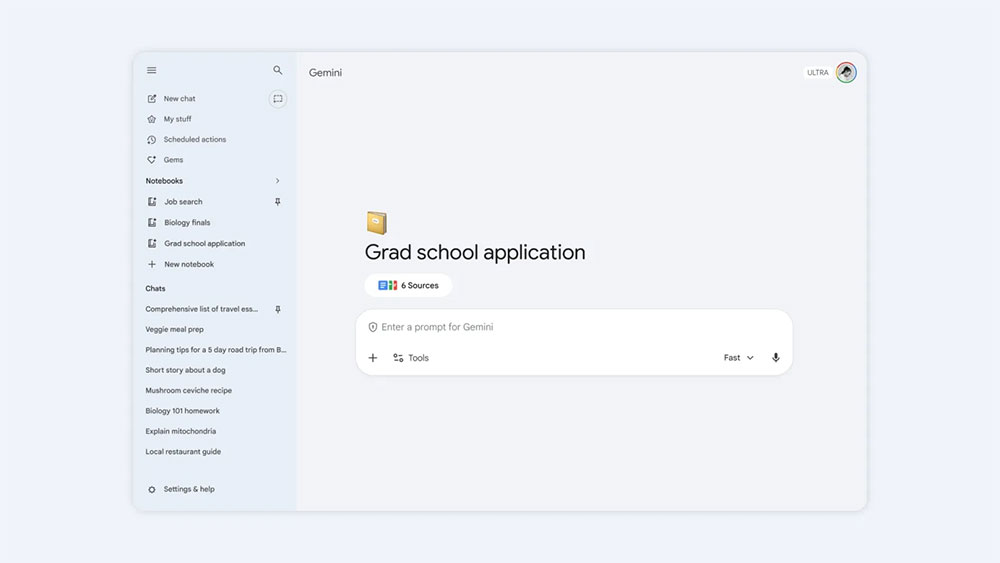
Gemini’s notebook feature helps you organize projects (such as trip planning, exam preparation) and chat history, and can sync bidirectionally with NotebookLM. The notebook limits and source limits for different plans are as follows:
- Free version: 100 notebooks, up to 50 sources each
- AI Plus: 200 notebooks, up to 100 sources each
- AI Pro: 500 notebooks, up to 300 sources each
Personal Wisdom and Daily Brief
Earlier this year, Gemini rolled out Personalized Memory to all users, along with the Gemini Guide and Connected Apps features, which let you customize response styles and integrate more personalized information. Daily Brief, launched in May, takes this a step further as a proactive assistant feature that requires a Google AI Plus subscription. Every morning, Daily Brief provides two types of information:
- Highlights: Real-time updates from Gmail, Calendar, and Gemini chats help you stay on top of what matters most each day.
- Looking Ahead: Providing follow-up recommendations based on your long-term goals, and using personal intelligent memory to generate plans that better suit your needs.
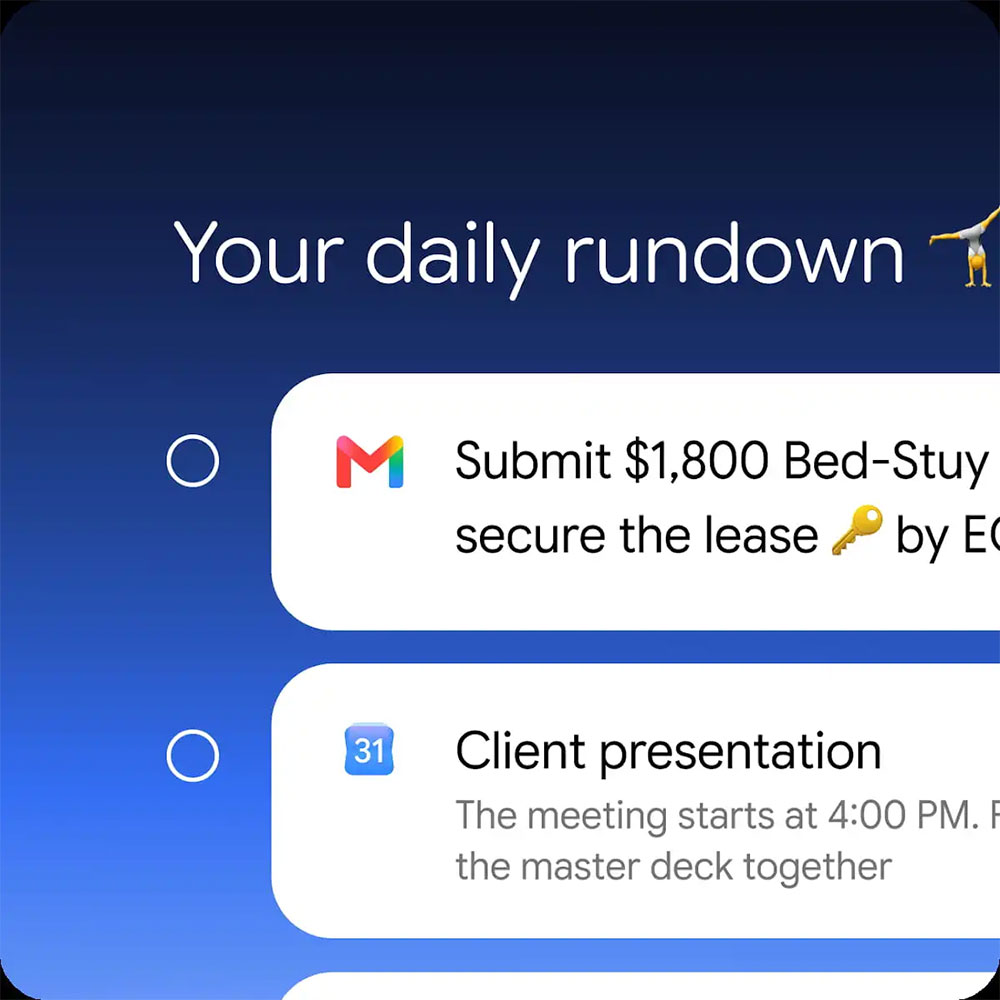
Image and Video Generation
Free users can generate images using Nano Banana 2 (Gemini 3.1 Flash Image); subscribers can use the more powerful Nano Banana Pro (Gemini 3 Pro Image), which supports higher quality regeneration. If you want to use Gemini Omni for conversational video editing, you’ll need to subscribe to AI Plus or AI Pro.

Scheduled operation
Scheduled operations allow you to automatically execute prompts at specified times or conditions. Currently, this feature is only available to subscribers, with a maximum of 10 per user. Can be used for:
- Daily Schedule and Email Summary
- Track the latest developments on specific topics daily
- Daily Market Report (Stocks, Cryptocurrency, Financial News)
- Daily weather and outfit suggestions (based on your wardrobe list)
- Daily language or skill practice
- Daily creative or artistic inspiration
- Weekly music artist news and tour updates
- Weekly recommendations for new cafes and restaurants worth visiting
Source: KOCPC Chinese