


If the computer is your own, many people will check the browser’s automatic storage account and password function in order to facilitate the use of various online services, such as Gmail, cloud space, various online tools, etc. However, if you do not enter it manually for a long time, you will definitely forget the password. Exporting is one method, but the operation process of each browser is different. This WebBrowserPassView The free software is quite simple. Once opened, it will immediately display all your saved accounts and passwords. Most browsers support it. I will introduce it to you below.
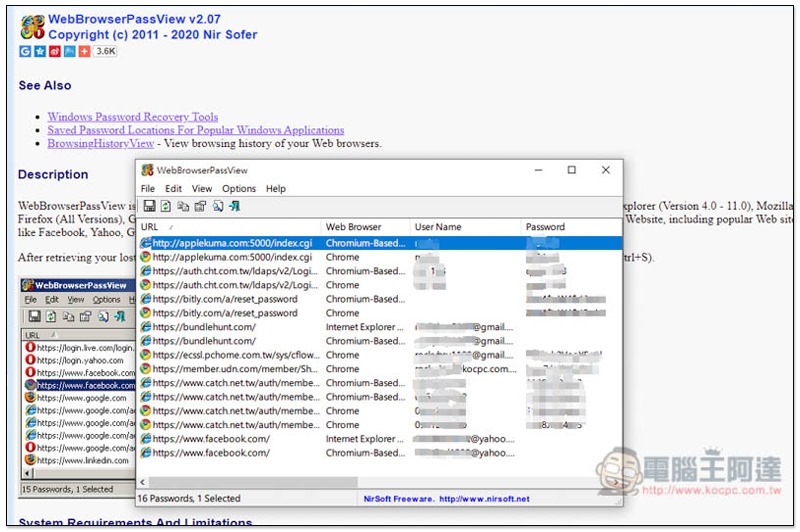
Introduction to WebBrowserPassView, a free software that can check the stored passwords of each browser with one click
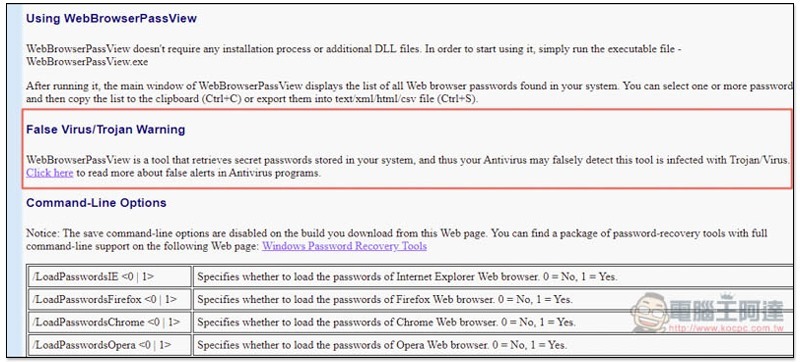
WebBrowserPassView is an installation-free file.Click here to go to the developer’s official website to download(Scroll down the page to find the download point and the decompression password). Another thing to note is that this tool will capture the passwords stored in the system, so the anti-virus software will basically determine that it is a suspected virus. I have tested it (such as Kabbah, McAfee). Remember to pause the real-time protection before using it. If you are worried, it is recommended to use the built-in export function of the browser. Don’t use this one:
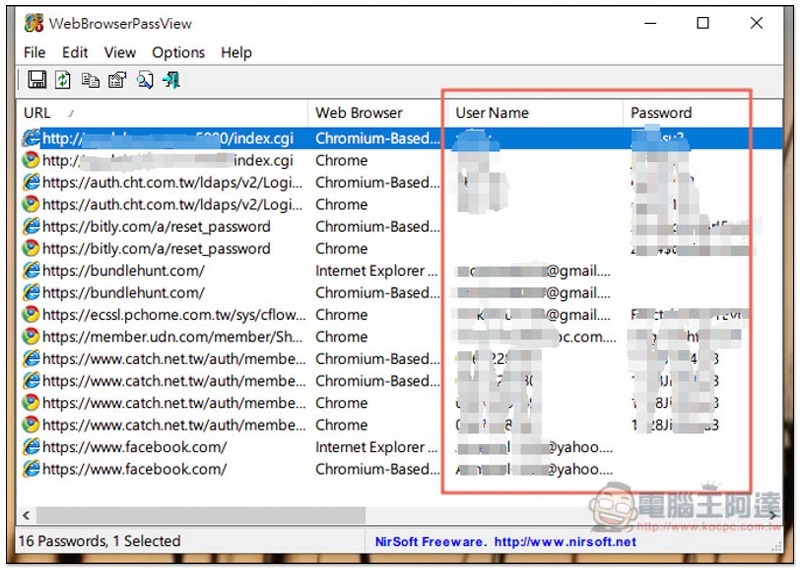
After opening the software, the screen will show that each browser has stored the account and password of each website. There is a URL on the left for you to check:
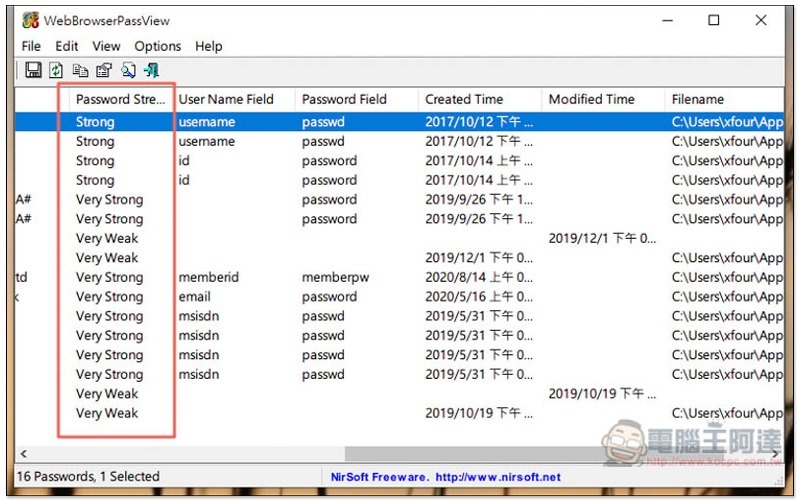
There is other information on the right, such as: helping you detect the strength of the password, creation time, modification time, etc.:
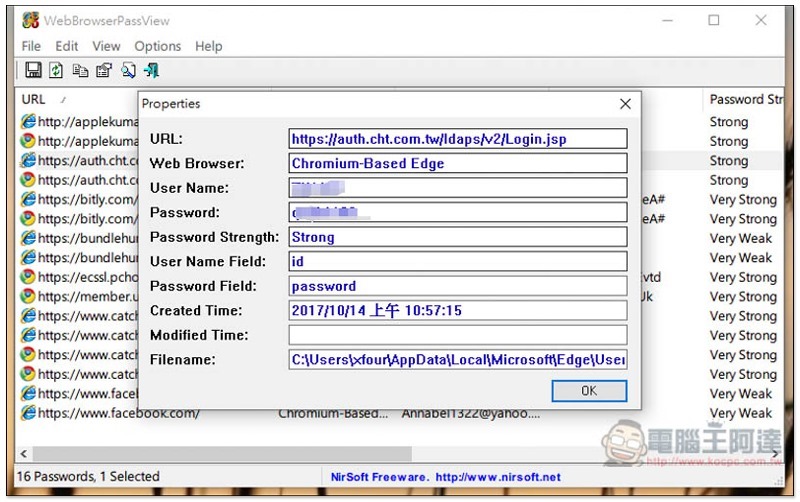
Double click to see all the details:
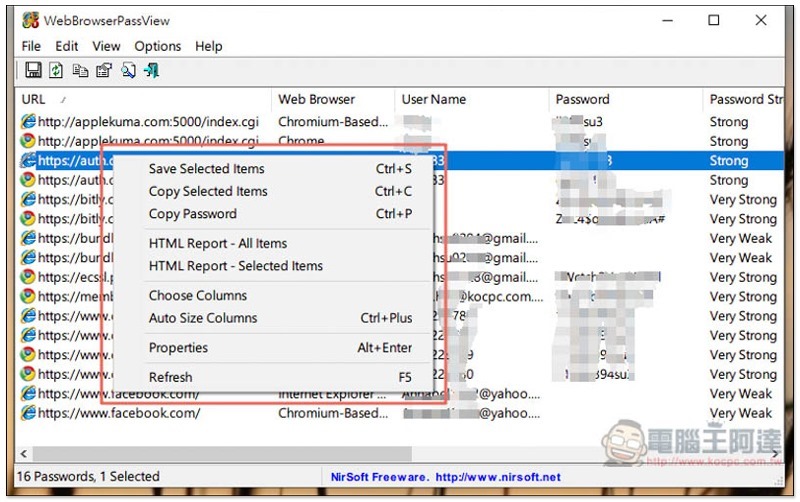
Open the right-click menu and you can find the function of copying the password (or directly press the Ctrl + P shortcut key):
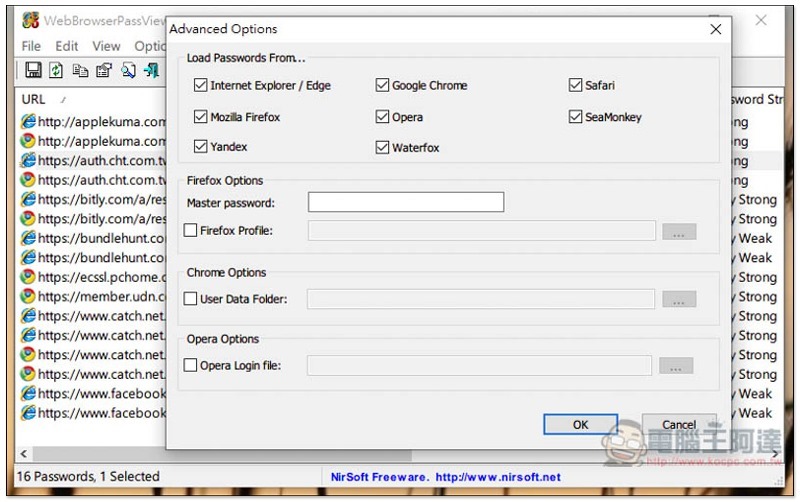
In the advanced options, you can change the browser to be read. By default, all are checked. IE/Edge, Chrome, Safari, Firefox, Opera, etc. all support:
Those who are too lazy to record manually can also use the built-in export function:
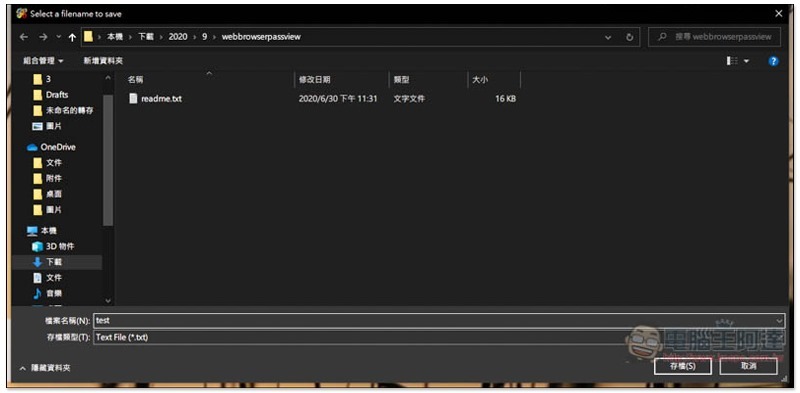
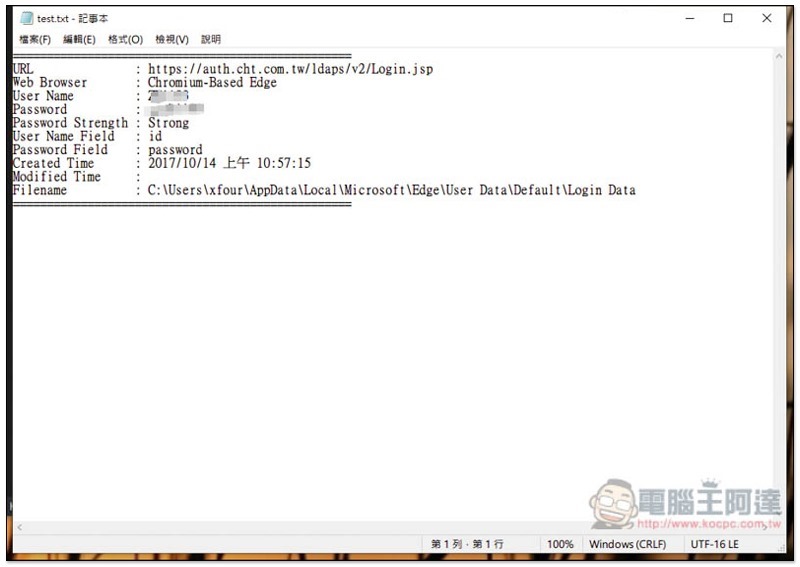
The saved content will be exported to Notepad, and multiple selections are supported for export:
In addition to browser accounts and passwords, if you also want to check the software serial numbers and passwords stored on your computer, we have previously introduced another set of recAll It can be realized, and it is completely free and provided for everyone’s reference.
Supplementary information
- Software name: WebBrowserPassView
- Nature: Free
- Download URL:Click here to go
Source: KOCPC Chinese