


E-mail can be said to be information that must be filled in for all services nowadays. If it is a service that you use frequently, there is no problem. But if it is only temporary or you just want to play, there is basically no need to fill in the information. This method can not only reduce the problem of your E-Mail leakage, but also make it easier to manage and cancel advertising emails.
The Firefox Relay free tool launched by Mozilla in the middle of the year allows us to create 5 fake Email clones (that is, forwarding addresses), thereby hiding the real Email address. It also provides management functions, which can cancel fake email addresses with one click. Advertising letters and news originally registered using this email will also be canceled immediately, and the other party will no longer be able to send them to your mailbox.
This tool is not limited to the FireFox browser, everyone can apply to use it.
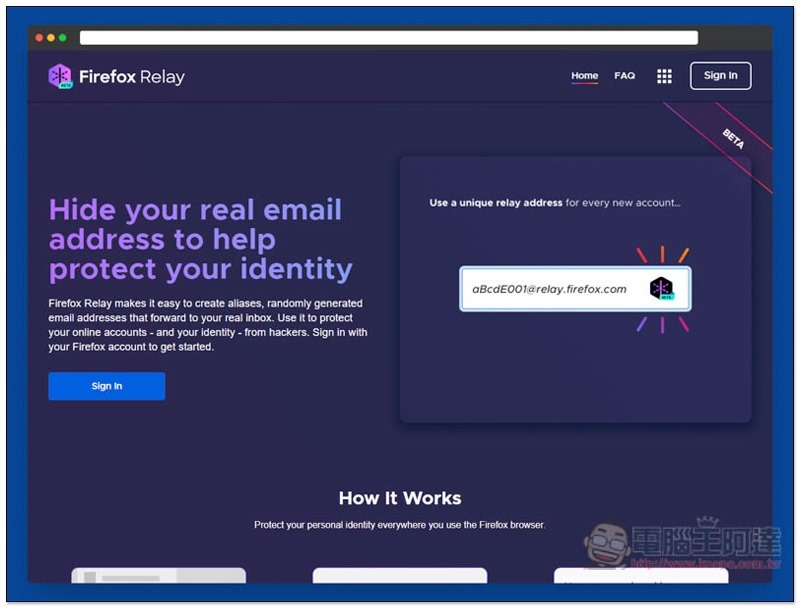
Firefox Relay operation tutorial
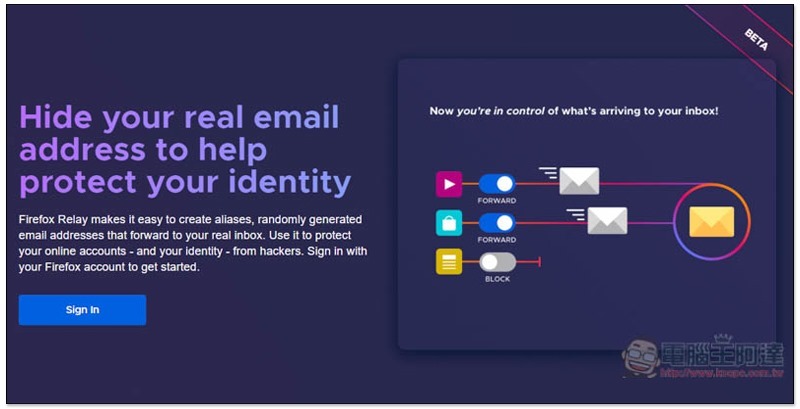
Click here to go to the Firefox Relay website, press Sign In on the left to register:
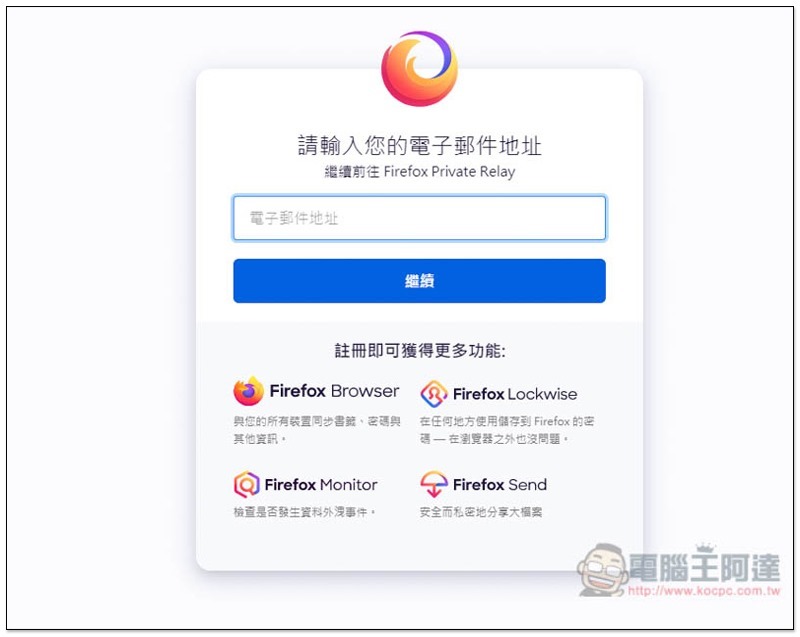
Enter your email address:
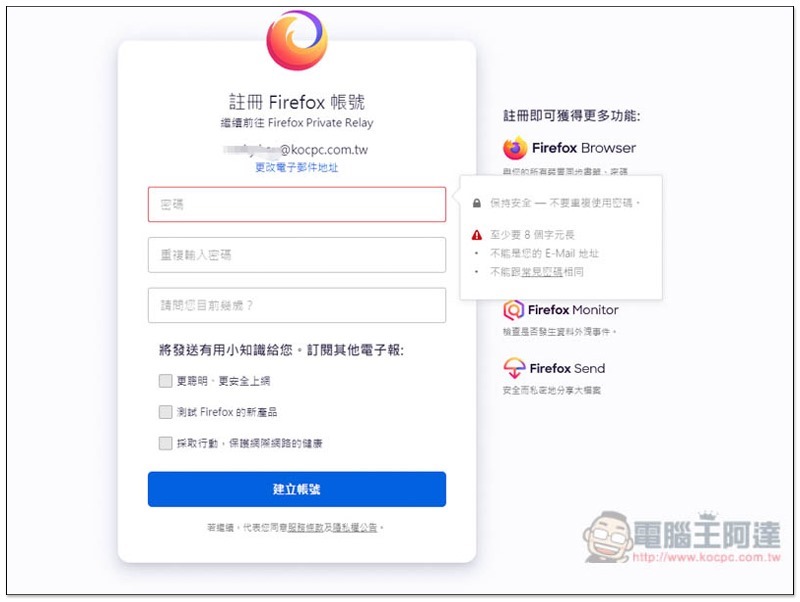
Set password and age. If you don’t need the email below, don’t check it:
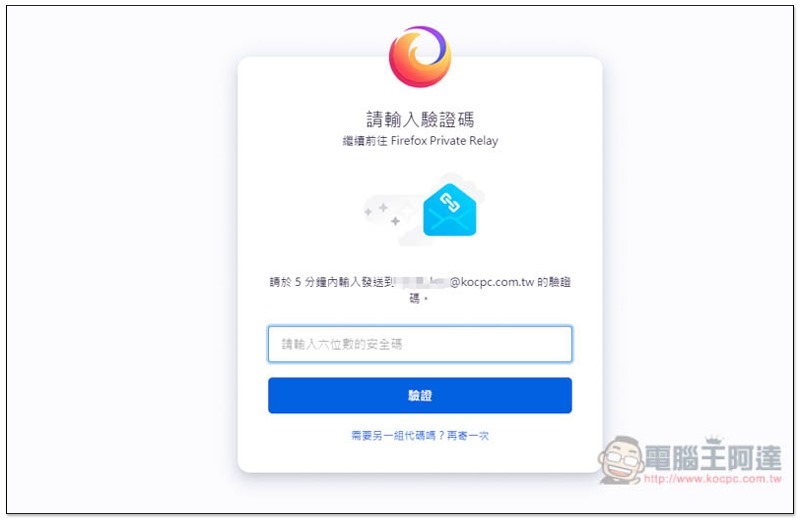
A security verification code will then be sent to the email address you entered:
After enabling it, you will enter the Firefox Relay backend interface and click Generate New Alias on the right to suggest a fake E-Mail forwarding address:
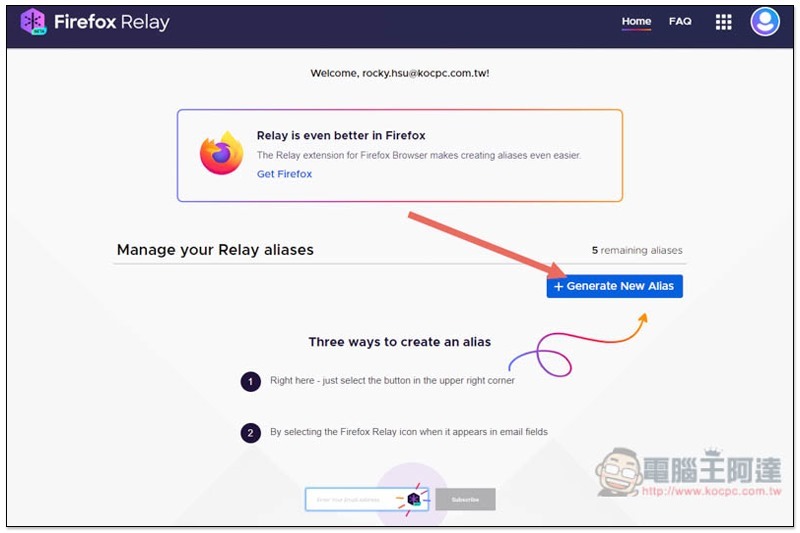
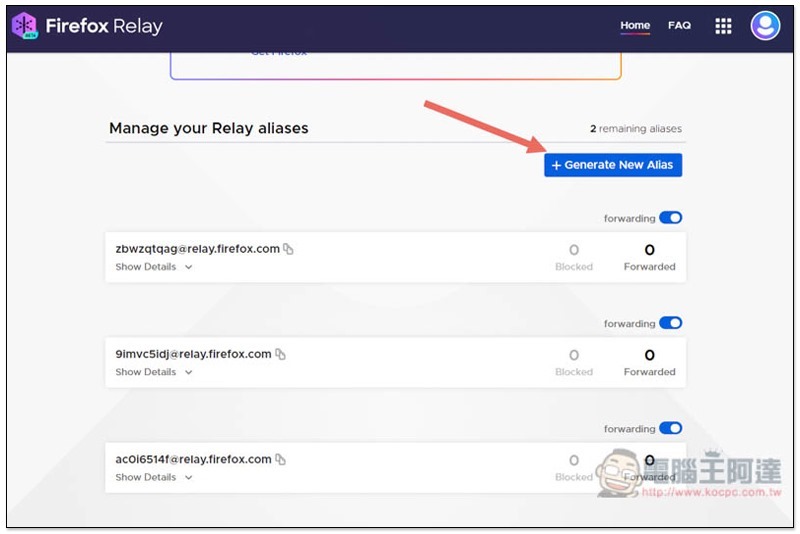
Each click will create 1, and a maximum of 5 will be provided. The @ is followed by relay.firefox.com, and the front is randomly generated and cannot be specified:
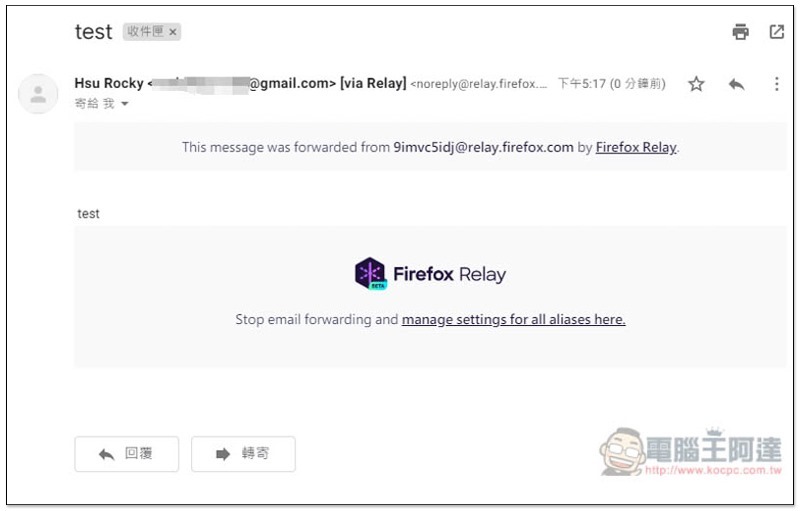
I actually tested sending it to one of the fake email addresses. I did receive the letter in my mailbox, and the letter also stated that it came from the forwarding address created by Firefox Relay:
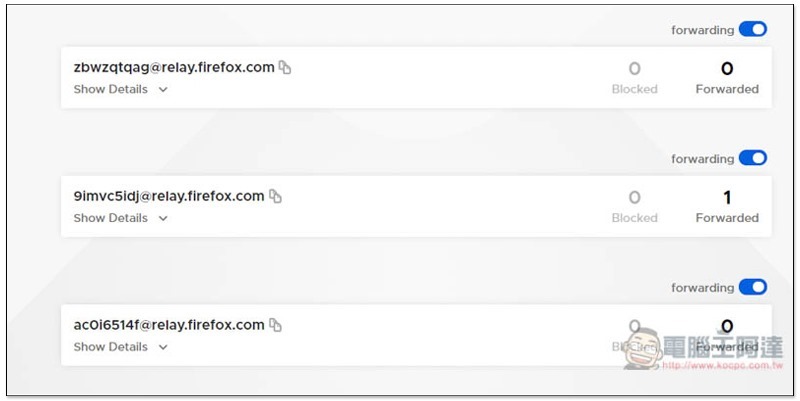
If there is a fake E-Mail forwarding address that receives a letter, the Forwarded number will automatically increase. In the Blocked section, if some suspicious letters are sent to this email, they will be automatically deleted before forwarding to ensure the security of your mailbox:
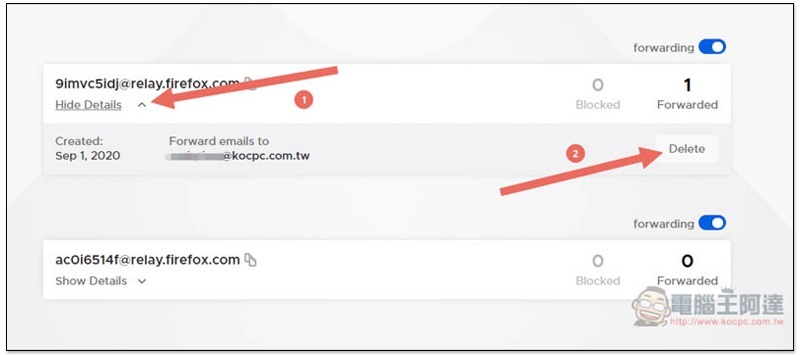
If you no longer want to use this fake E-Mail forwarding address, click Show Details and you will see the Delete function on the right:
You will also be reminded before deletion that once this forwarding address is deleted, it cannot be restored, and you will no longer receive any letters sent to this address. If there is no problem, just press Delete:
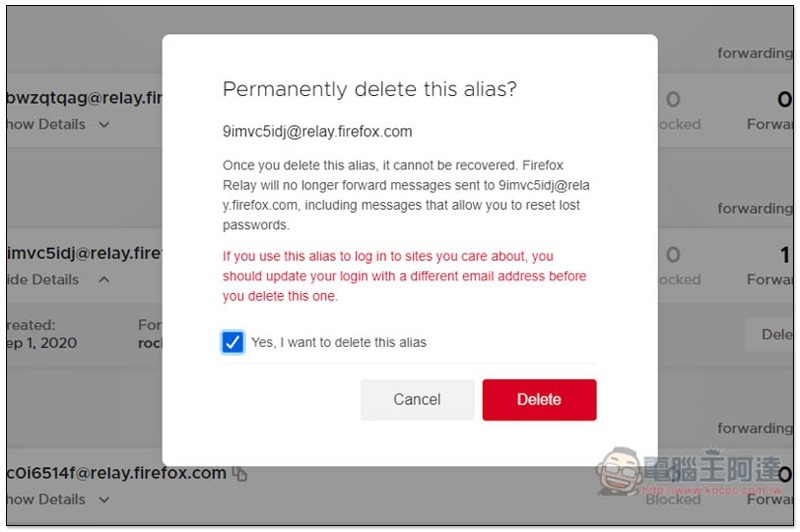
And deleting it also means that you can generate another new forwarding address.
Finally, I would like to remind you that if you want to use it to register important and commonly used services, it is recommended to use your real E-Mail account, so as to ensure that if you encounter any problems in the future, you will have a way to recover.
Supplementary information
- Firefox Relay URL:Click here to go
burnermail – Data Breach Checker 一鍵查詢你的 E-Mail 與個人資料安不安全、有沒有外洩過
Source: KOCPC Chinese