


When looking up the pronunciation of English words, most people should go to dictionary websites, such as Yahoo Dictionary, English-Chinese Dictionary, Dictionary.com, Cambridge Dictionary, etc. Some even use Google Translate directly. Although these websites can indeed check the correct pronunciation and phonetic symbols, for people who want to practice “completely standard” pronunciation, how to move the mouth when speaking is also very important.
In the past, this could only be done by seeking help from an English teacher, but now it can be easily achieved through Google search. You only need to add a string of English words in front of the word to find the results of the pronunciation mouth shape.
Google searches for mouth shapes for word pronunciation
When looking up the pronunciation of an English word, many people should go to the dictionary website to enter the word, and then press the play button next to the phonetic symbol:
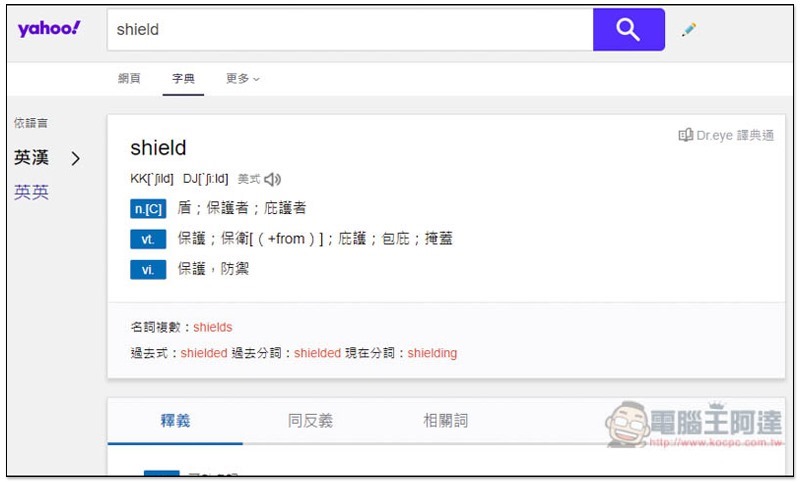
This Google search for viseme function was actually added last year, but few people seem to know about it. When you want to look up a word, add this string of English words “how to pronounce” in front of it.
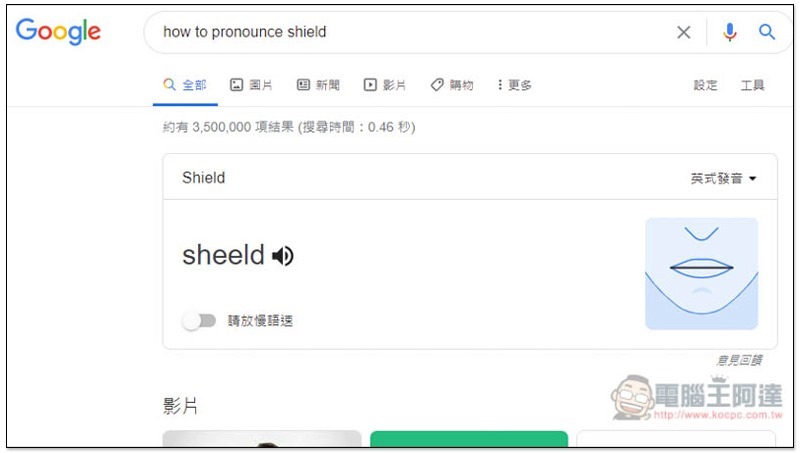
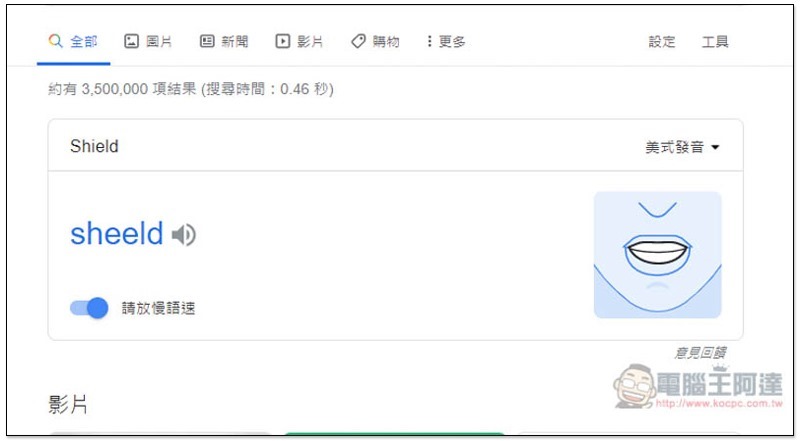
As shown below, if I want to check the pronunciation of Shield, I enter how to pronounce shield, and then I will see the person’s mouth shape at the top of the results:
Press the play button next to a word, and the mouth shape on the right side will also be played, just like a real person speaking, allowing you to easily understand how to move your mouth shape to pronounce it correctly:
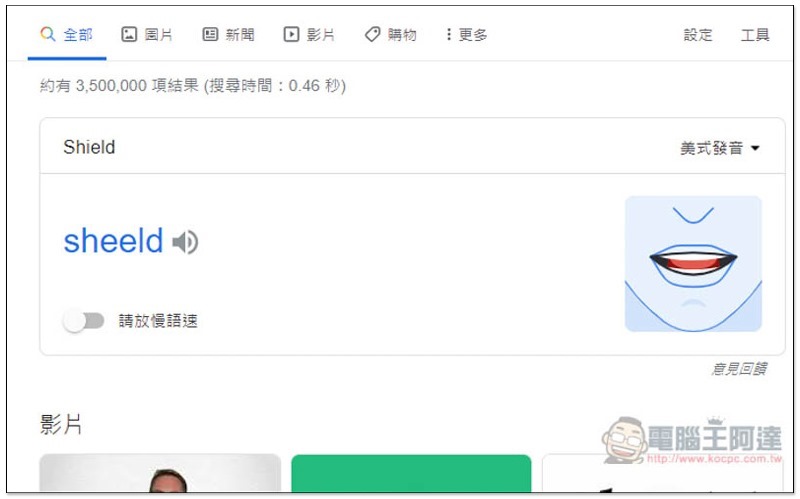
If you feel that your mouth movements are too fast and you cannot see clearly, you can turn on the “Please slow down” function below, so that the pronunciation speed will be slower. This function is quite good:
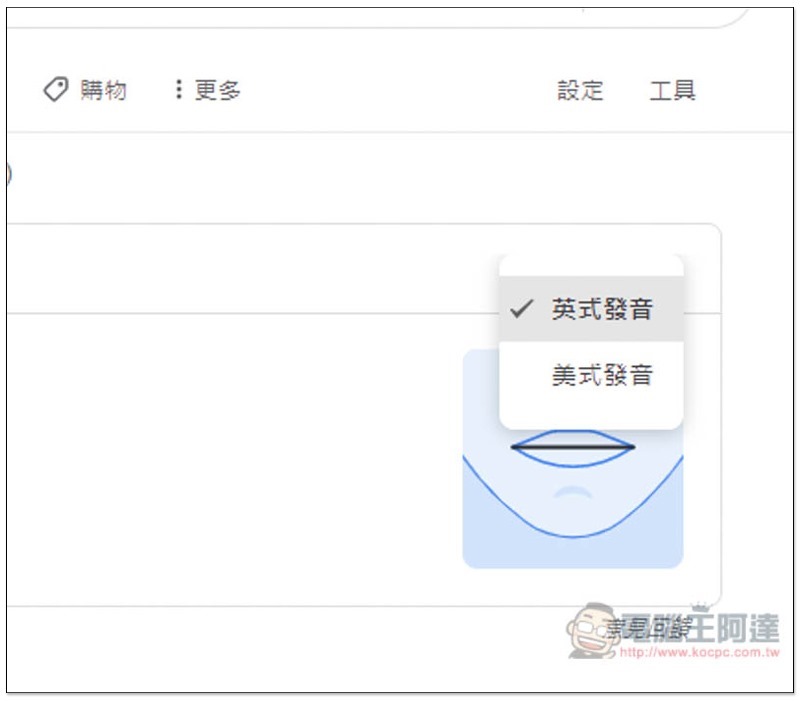
You can also switch between British and American pronunciation in the upper right corner:
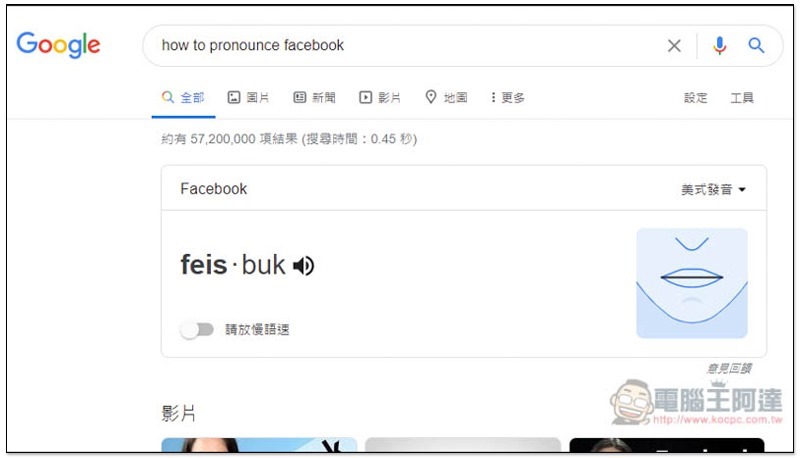
In addition to single words, the English of some websites and brands is also supported, such as: Facebook:
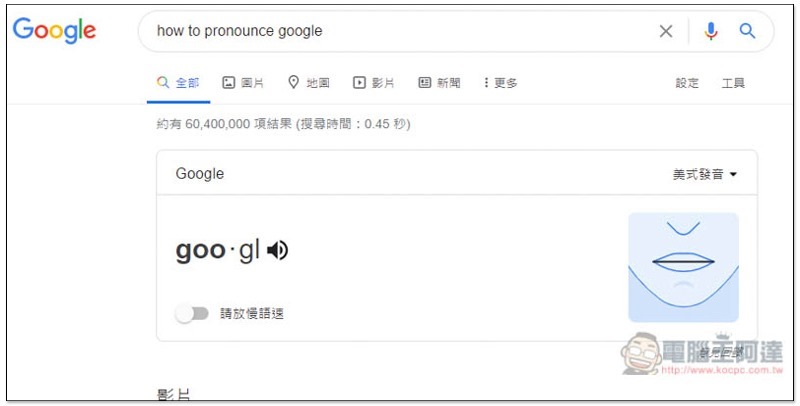
And Google’s own:
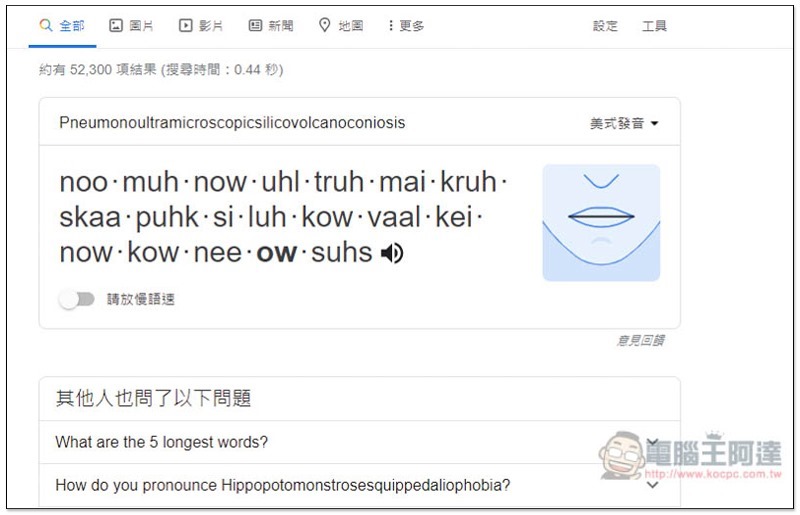
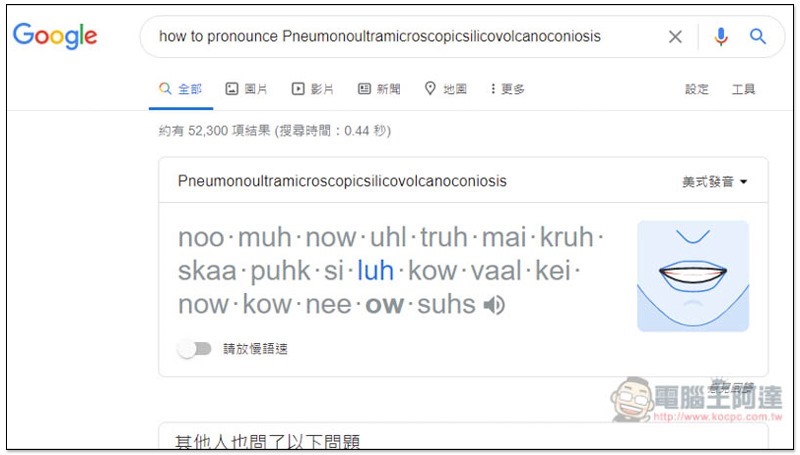
The longest English word in the world is “volcanic silicosis”, which is really difficult to pronounce:
However, it is a pity that this viseme search function cannot display Chinese explanations at the same time. This means that if you want to know the Chinese meaning of an English word, you still need to go through the dictionary website. It would be perfect if it could be supported in the future.
At present, it seems that it only supports English words, not other national languages. In addition to the desktop web version, the mobile web version also supports this feature.
Source: KOCPC Chinese