


Let me share with you how to install Google services and settings on Xiaomi phones in China. Recently, the Xiaomi Mi 10 Ultra Extreme Commemorative Edition was released, but it was officially announced that it will not be sold outside China, which also ended Ada’s dream of buying the Taiwan version or the Hong Kong version. In order to experience the performance of DxO Mark’s currently highest-rated flagship phone, I asked someone to grab it from China as soon as possible. However, the most basic version of the Chinese version must not have built-in GMS (Google Mobile). Service), so the first thing to do is to install the Google service and test whether the function is normal. By the way, the whole process is recorded here. If you have similar needs, you can follow this mode.
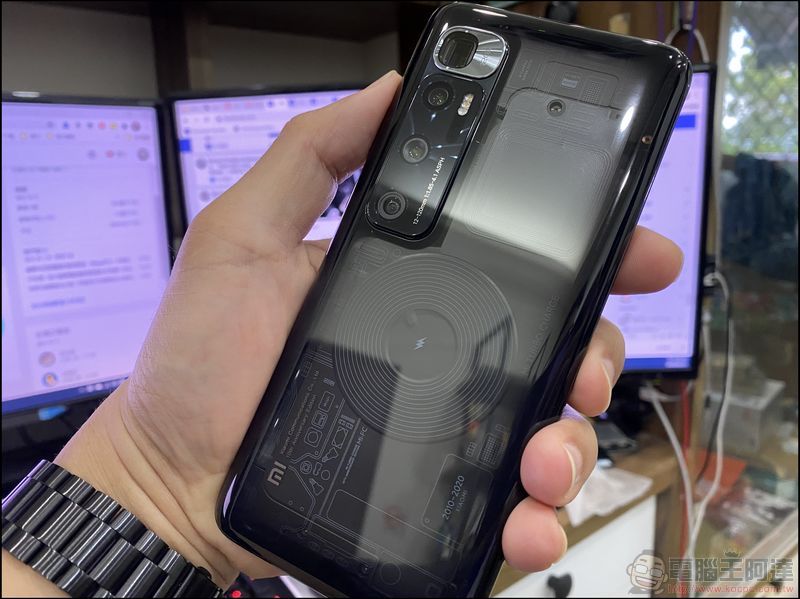
A complete guide on how to install Google services and settings on Xiaomi phones in China
What I want to talk about at the beginning is that Chinese mobile phones are basically divided into two types: “built-in Google framework” and “no built-in Google framework”. In principle, most of the “Qualcomm processor” models of big brands (such as Xiaomi, OPPO, vivo…) have built-in Google framework. Other second- and third-tier or MediaTek processor models of Chinese mobile phones “mostly do not have built-in Google framework” (Huawei is an exception and is blocked by the United States. MediaTek mobile phones currently only have iQoo Z1 built-in framework), “most” machines without built-in Google framework can install the framework by themselves, but most of the payment and other functions such as Google Pay are not normal. It is best to do your homework before buying. In addition, MediaTek has relatively few resources for flashing the phone, so I personally do not recommend purchasing it.
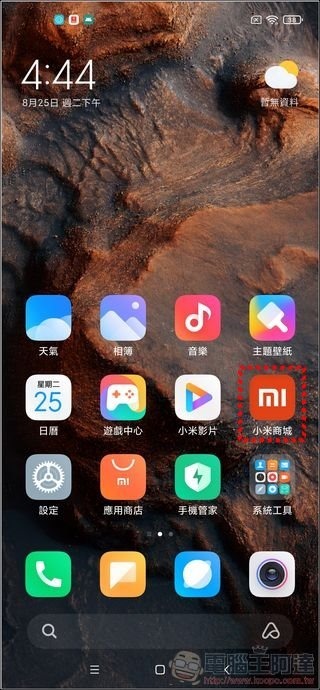
Let’s get to the point. Xiaomi phones are the main ones here and there is not much difference between other phones. The Chinese version of Xiaomi phones has a “Xiaomi Mall”, which is not much different from the general software market:
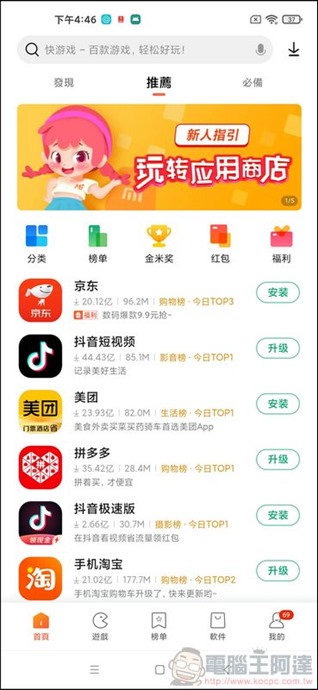
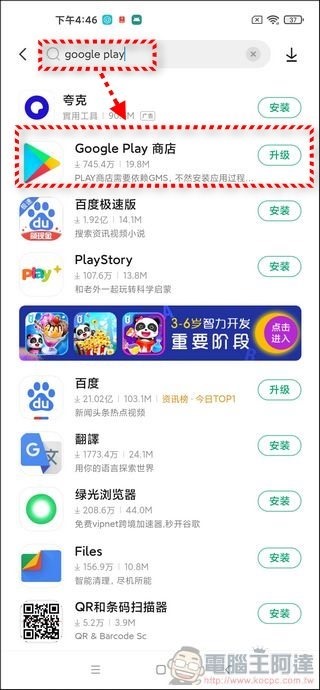
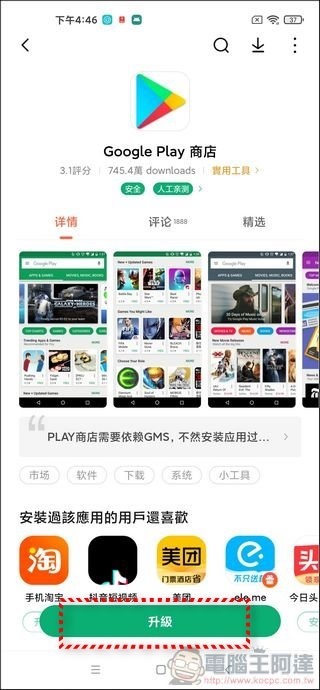
Next, just search “Google Play” to find the Play Store and install it (almost all other Chinese brands have built-in software in the market, if not, please download the APK yourself):
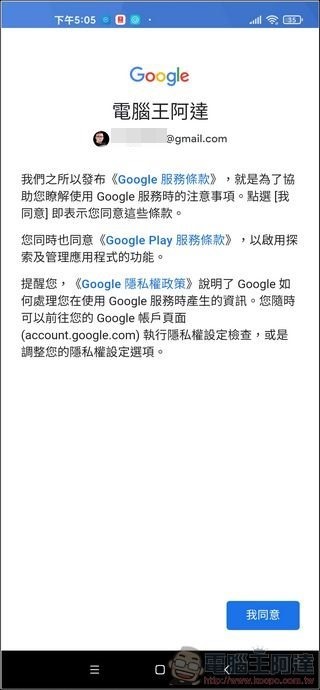
After installation, you can log in to your Google account, which is exactly the same as the normal Play Store:

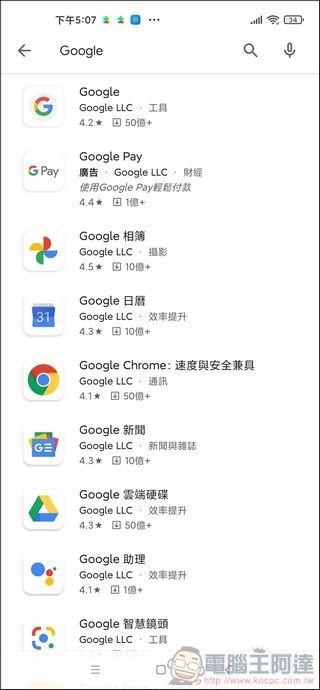
Then please download the Google Home App according to your needs. Basic Gmail, Google, Google Maps… Commonly used programs are listed below:
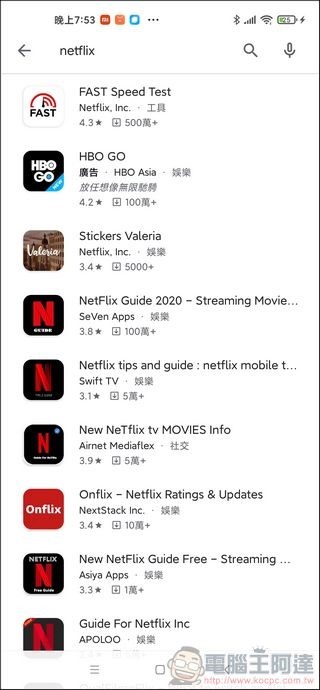
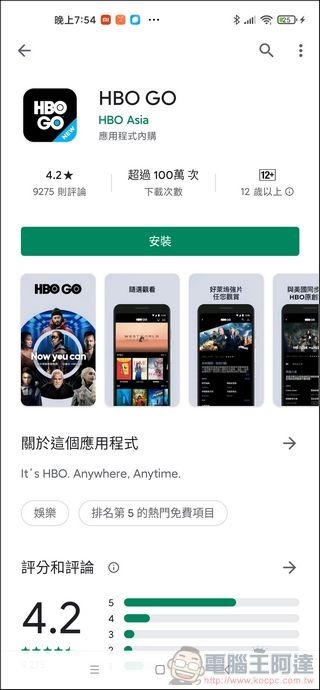
It should be noted that “NetFlix” cannot be searched, possibly because it has not passed SafetyNet certification (you need to grab the APK yourself), but iQiyi and HBO can be downloaded:
After testing, Google Pay can be authenticated (most of the frameless ones are blocked here, so you can safely switch to other payments such as LINE PAY), but this does not mean that it can be used:
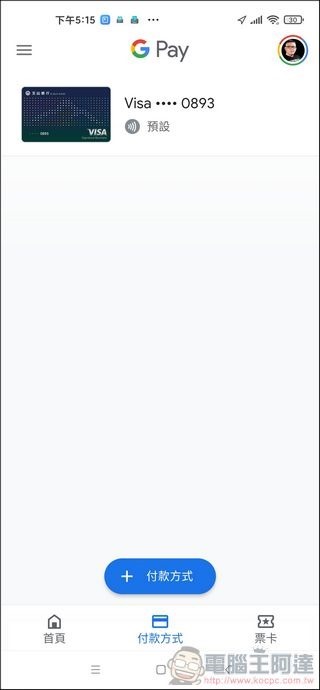
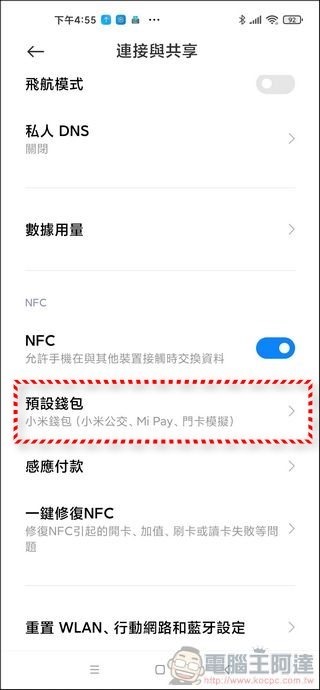
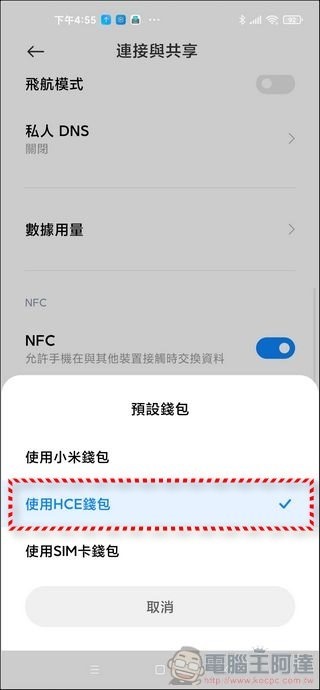
For Xiaomi, you need to enter the NFC option and change the default wallet (payment method) to HCE wallet. You can also use a SIM card wallet (such as Zhonghua’s Youyou NFC SIM card, I have not tested it). After setting it up, you can use NFC payment in the supermarket test:
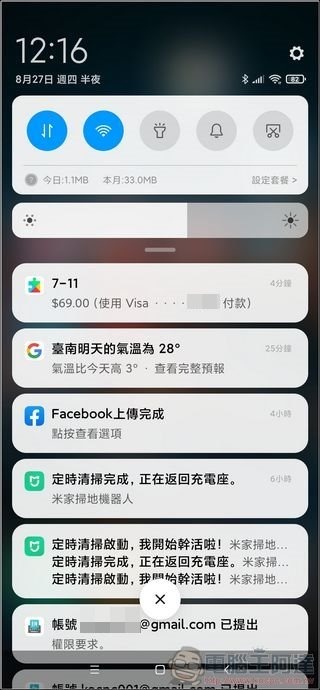
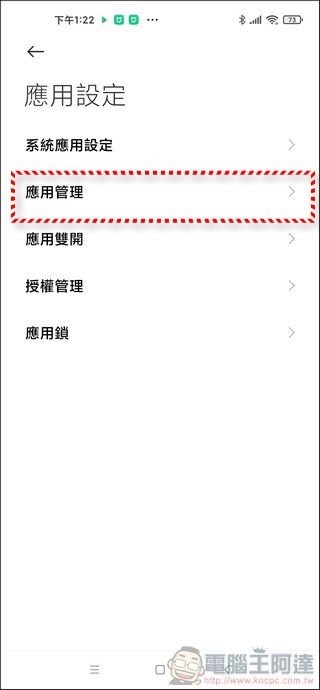
Next, you need to modify the default applications. For example, the built-in browser of Xiaomi can only use extremely poisonous search engines such as Baidu by default and cannot change Google, so you can modify the default values after downloading Chrome. Go to “Application Settings” in Settings, execute “Application Management”, and click More in the upper right corner:
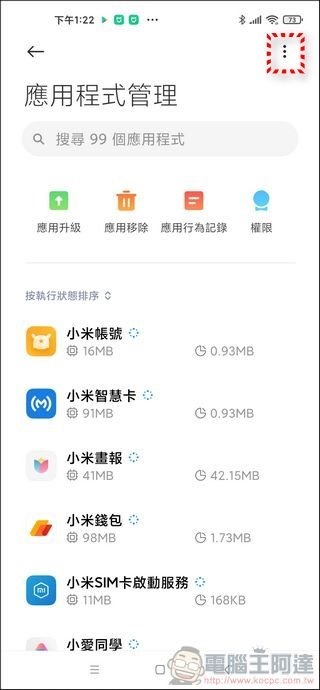
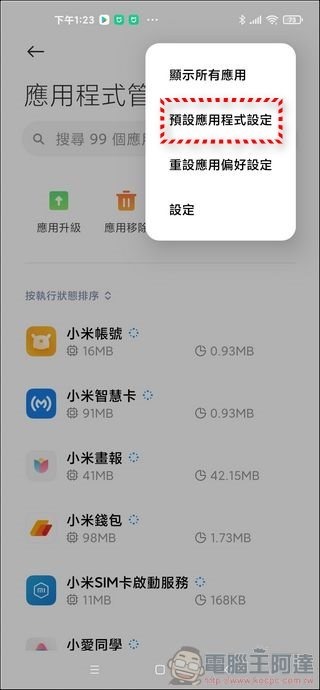
Run “Default App Settings” so you can modify the apps you want to use:
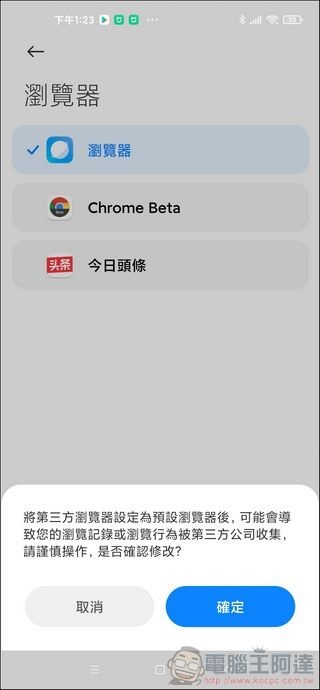
After installation, I personally recommend cutting down all the Chinese applications that can be cut, which makes it more refreshing. If you bought a model without Google Framework, go to the mobile app store and download the “Google Installer” first. After installation, there will be steps to teach you how to install the framework. After the framework is installed, install the Google Play Store. The next steps are the same.
write at the end
Although Ada wrote the teaching,To be honest, I don’t encourage everyone to buy mobile phones on Taobao or JD.com., because now you have to declare customs duties and certification when entering Taiwan, and unfortunately, if it breaks, you will also have to pay customs fees when sending it back for repair (I was charged 2,000 yuan). To be honest, it is quite troublesome, not to mention that the original Taiwanese factory does not have a warranty. If you must buy it, it is recommended to find a more reputable one in Taiwan. It is more practical to buy one in Taiwan after the seller confirms that he will handle the repair and warranty issues. In short, unless it is really unavailable in Taiwan, it is not very wise to buy a Chinese phone for the price difference. Unless you can bear the risk or are familiar with the phone, this is not the case.
Source: KOCPC Chinese