


In the past we have introduced many different types ofVideo downloadTools, in addition to the frequently released free VideoProc, if it is purely for Facebook’s video downloading needs, you might as well try the FBDown.net video downloader introduced today. There is no need to download or install software. Just paste the Facebook video link on the page of the online tool, and the video link will be generated for direct video downloading.

FBDown.net online video downloader, super simple Facebook video download tool
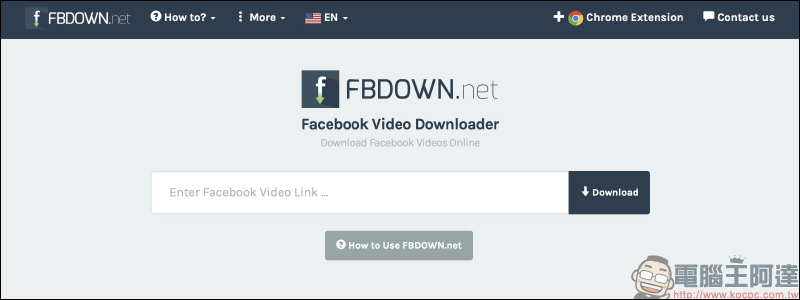
Sometimes I see interesting videos on Facebook and want to download them myself, but I don’t know how to download Facebook videos. You might as well try the FBDown.net free Facebook online video download tool introduced today. Although this online tool does not support Chinese, the simple and clear page is quite easy to operate.
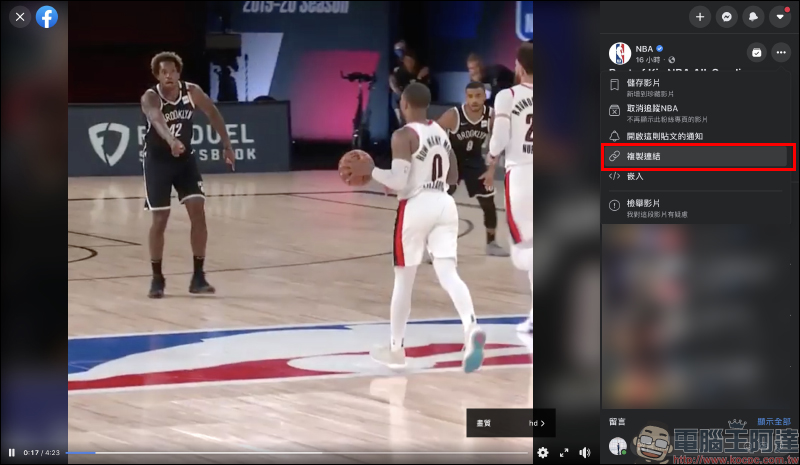
First, click “Copy Link” on the Facebook video page to copy the URL:
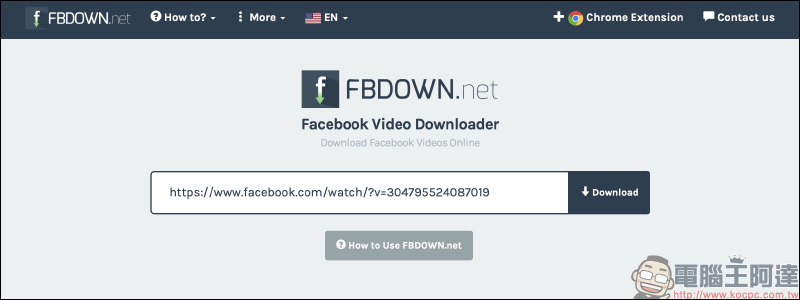
Then go to FBDown.net and paste the URL into the text input field, then click “Download” to generate a video link:
FBDown.net online video downloader:Click here to go
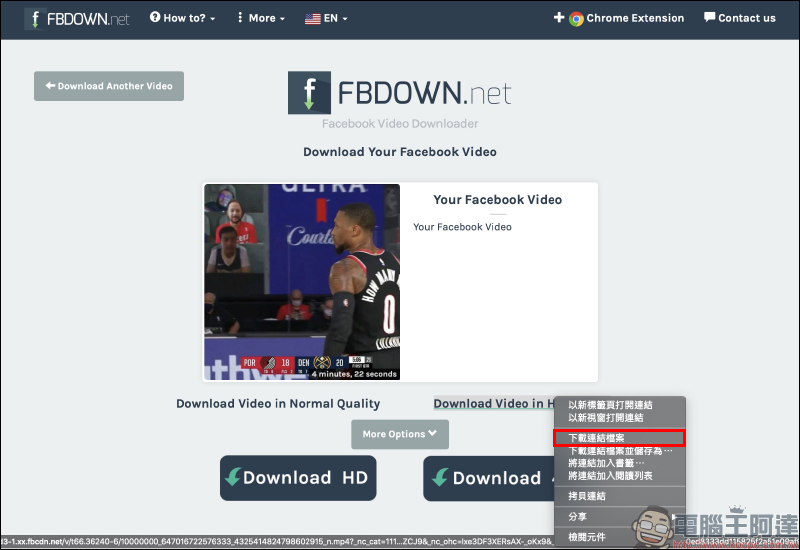
After waiting for a few seconds, the Facebook video download link will be generated! Currently, FBDown.net provides two options: Normal image quality and HD high image quality.
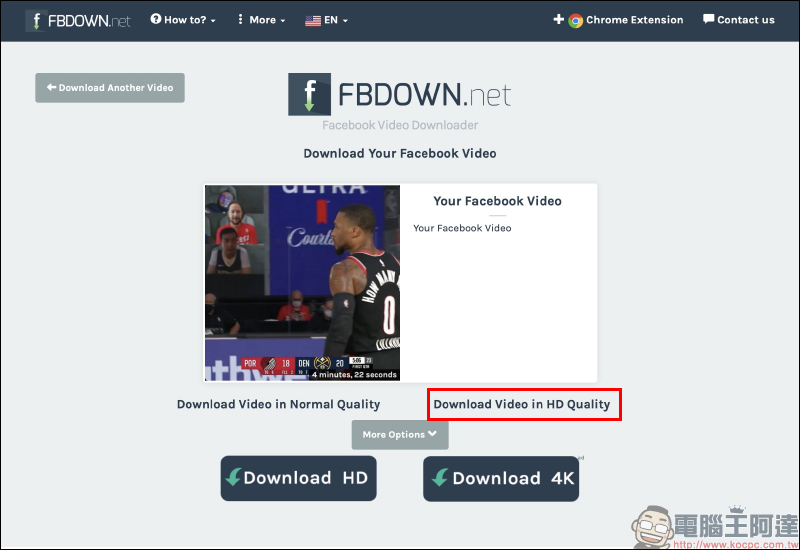
There are two ways to download. One is to right-click on the video download link, and then select “Download Link File” to download the video to your computer:
Another way is to click Download Video in HD Quality. After opening a new page, you can preview the video online, or you can right-click and select “Download Video”:
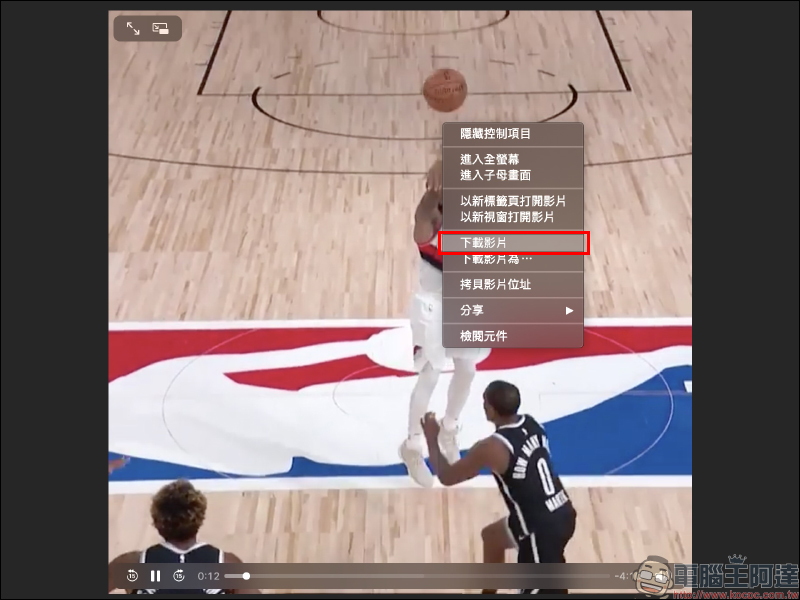
After the video download is completed, you will get the video in mp4 format!

FBDown.net online video downloader:Click here to go
In addition, if the browser has a plug-in that blocks advertisements (such as Adblock or uBlock), FBDown.net may not work properly. Therefore, it is recommended to set FBDown.net as a whitelist, or directly disable such plug-ins, so that you can download Facbeook videos normally!
Further reading:
LINE installation-free plug-in version, Chrome version only has LINE memo function


Source: KOCPC Chinese