


Although at the beginning of the year, Apple’s original map application had already introduced a “look around/look around” function similar to Google Street View. It allows you to browse the streets directly through the 360-degree panoramic view in Apple Maps on iOS/iPadOS or even macOS, as if you are actually there. However, at the beginning of the opening, since only the United States had such a function, I always felt that there was still a sense of distance – at least the new area opened this time is really much closer – that’s right! It’s Japan!
I have to say that especially at this moment, it makes people feel that they can travel around Tokyo, Osaka, Kyoto and Nagoya through mobile phones or laptops. The high-definition 360 street views viewed with Apple Maps are really very therapeutic. Continue reading Apple Maps’ “Look Around” Street View feature comes to Japan. The text of the report.
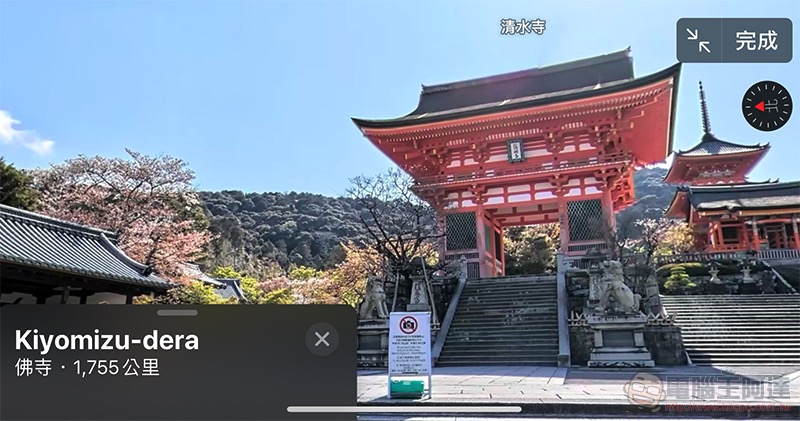
Apple Maps’ “Look Around” Street View function has come to Japan, let’s wander around Kyoto, Osaka and Tokyo together!
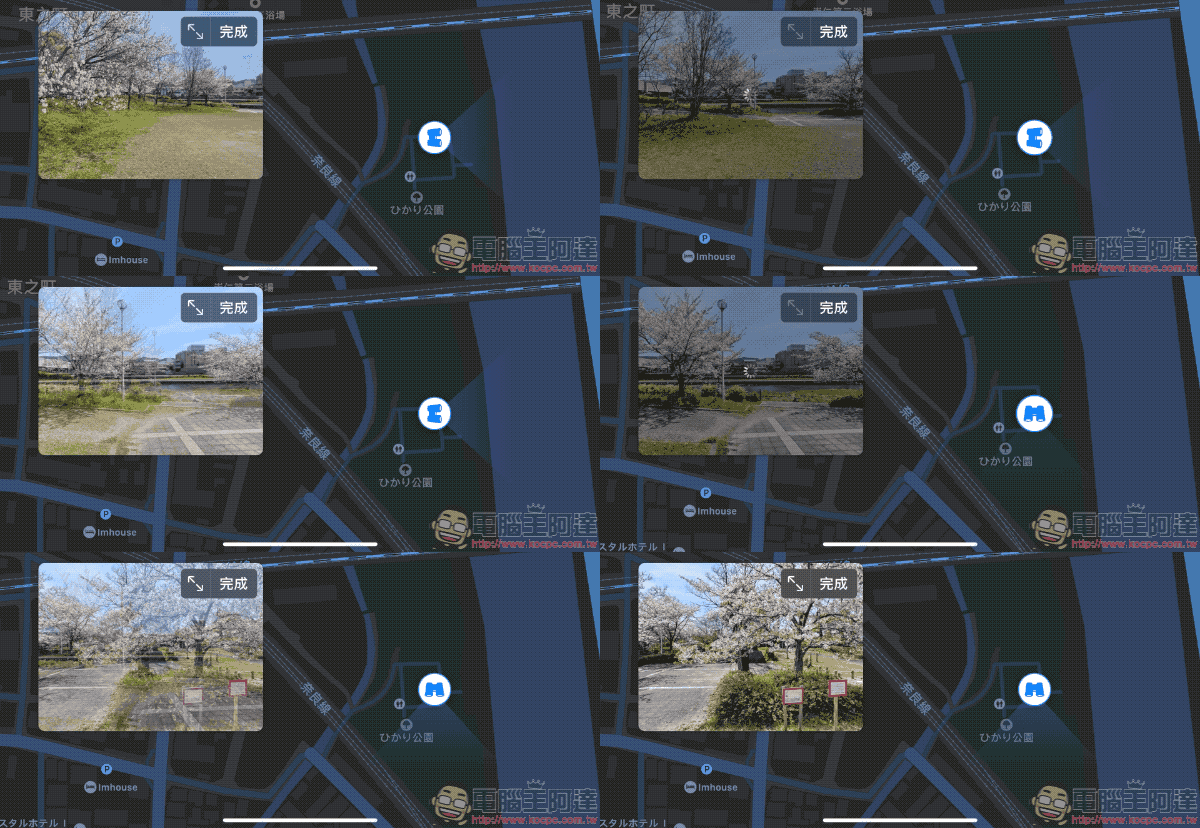
It seems that this WWDC 2020 update for Apple map services such as electric vehicle navigation does not stop there. In fact, for the previously announced look around function, Apple has recently added a bunch of cities, includingSan Francisco, Las Vegas, Honolulu and Oahu in Hawaii, as well as New York, Houston, Boston, Philadelphia, Washington, Los Angeles, and ChicagoWaiting for American cities, this time we also added Japan, a city outside the United States that Taiwanese people love to travel to! Cities are four at a time, including:Tokyo, Kyoto, Nagoya and Osaka。
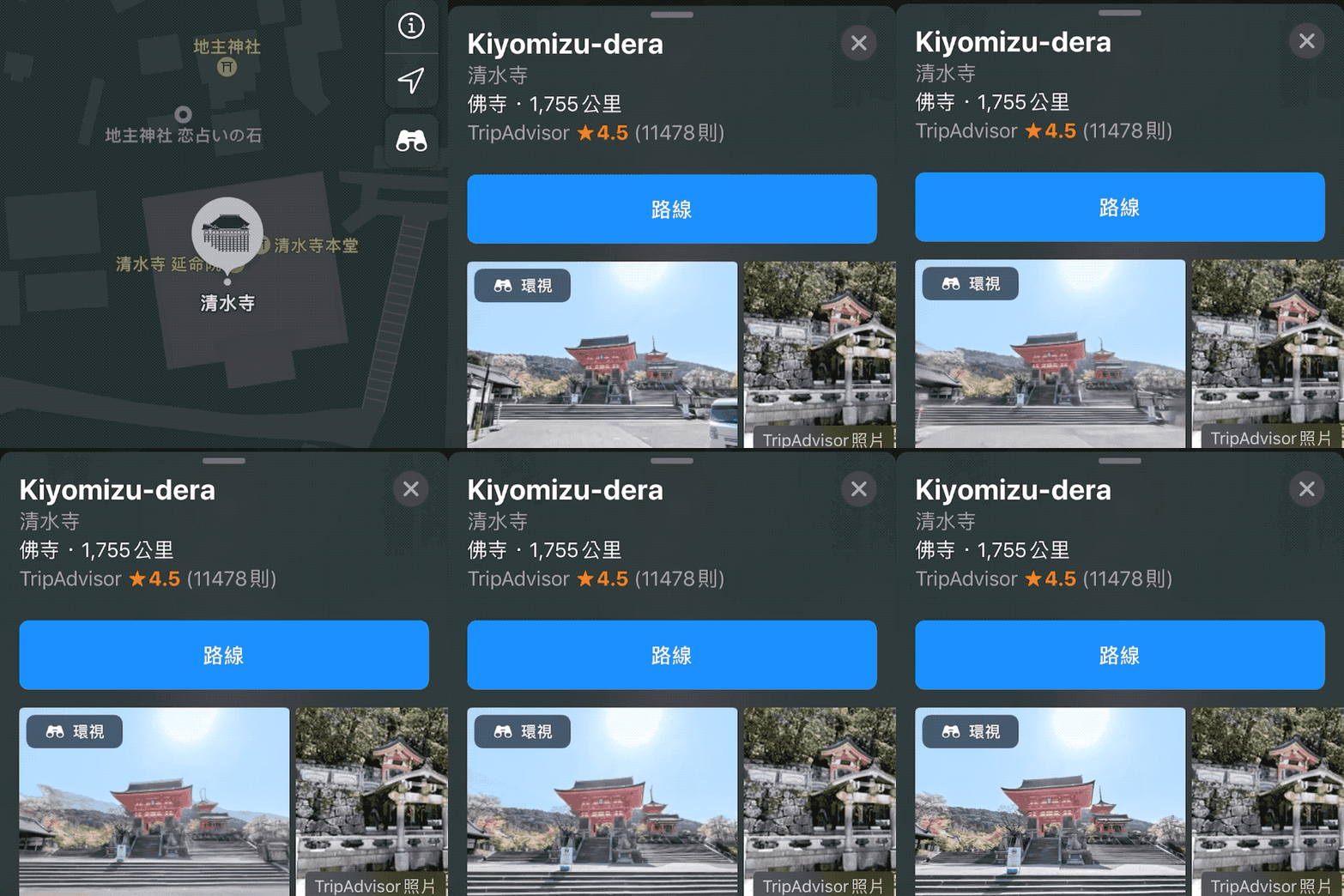
Through the high-definition panoramic photos of the Apple Maps look-around function, even though the editor turned on this function to write this report, I was immediately greatly healed by the scenery of Kyoto. On the one hand, the healing tourist scenery paired with the high-definition panoramic photos of Apple Maps makes people feel very immersed.
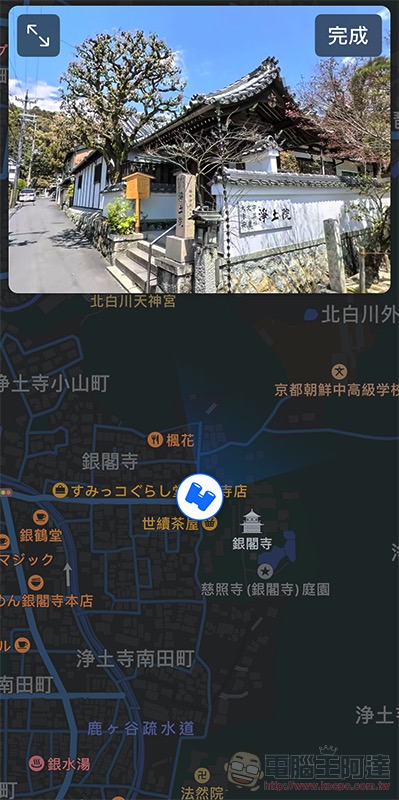
In short, if you feel that you are really bored without being able to travel abroad, just open Apple Maps and take a virtual journey (if you are happy, you can also dig out the suitcase and dust it off). It should be noted that this requires iOS 13 or above to support this.

I have never seen so few people in Kiyomizu Temple…
Further reading:
Olympus E-M10 Mark IV comes with flip-down selfie screen


Source: KOCPC Chinese