


Father’s Day is coming soon. Do you want to give your dad an iPhone or peripherals and are you worried that he won’t be able to use it? Here are ten tips officially announced by Apple to turn your dad into an iPhone expert! Let’s take a look at ten useful secret techniques!
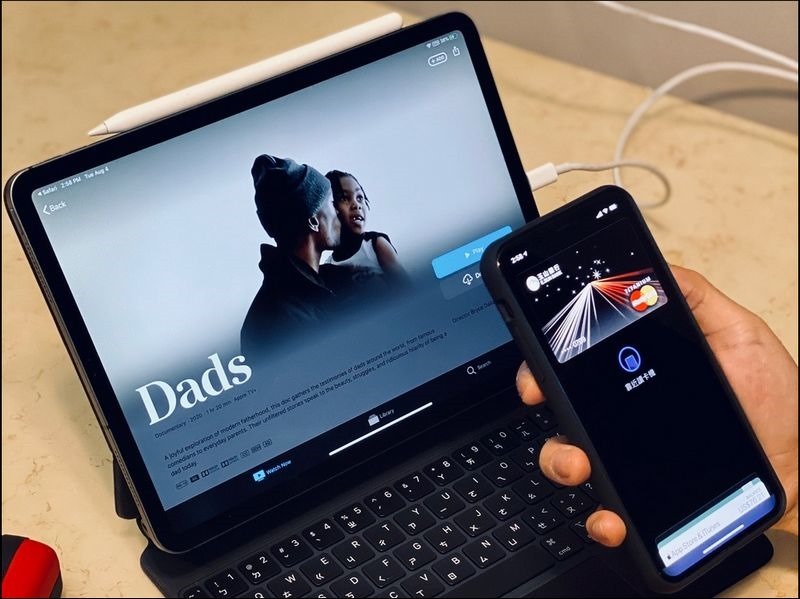
Ten tips to turn dad into an iPhone expert!
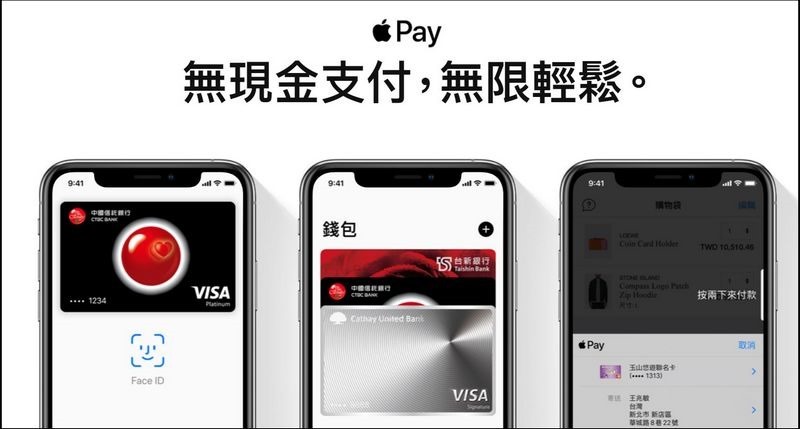
1.Just a few simple steps to give dad a brand new iPhone or Apple Watch join inApple Pay
Both iPhone and Apple Watch can be added to Apple Pay, and credit cards from major banks are supported. Using Apple Pay to pay is fast and privacy-protected. It also eliminates the need to touch other devices, buttons or change cash, making payments safer and more secure. Take out your mobile phone or use your watch to pay and your dad’s tech appreciation will rise immediately!
Details:https://www.apple.com/tw/apple-pay/
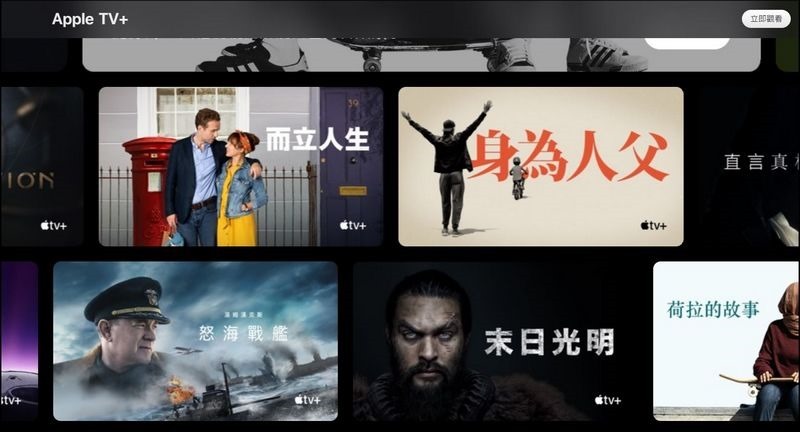
2. Enjoy it with your dad this Father’s Day weekend Apple TV+ New documentary “Being a Father”
As children, have you ever tried to understand your father’s journey of raising us? The documentary “Being a Father” on Apple TV+ invites many of America’s top comedians and hosts who are already fathers to analyze the confessions of “Dad’s Heart Sutra” in front of the camera. It also conducts in-depth interviews with six extraordinary “hero dads” to record their unconditional love for their children even when they face various difficulties in life. Apple TV+ has successively launched different types of Apple Originals original programs. If you purchase a new mobile phone, you can enjoy a 1-year Apple TV+ subscription service without additional payment. The subscription fee will be TWD$170 per month thereafter.
Details:https://www.apple.com/tw/apple-tv-plus/
3. Some practical tips recommended for dads iPhone apps
Taking advantage of Father’s Day, according to dad’s hobbies and habits, install some simple and practical apps for his iPhone that suit dad’s daily needs and make dad’s phone more usable! Today Story:https://apps.apple.com/tw/story/id1406659455

- All-round business card king: Recommended to fathers with successful careers, use “Business Card Almighty” to quickly scan and receive all customer information into your mobile phone.
- Sorted: Sorted moves the paper calendar to the mobile phone, but the “mobility” and “process control” are greatly improved. The daily schedule is clear at a glance, and dad is no longer afraid of forgetting.
- Yahoo Finance – Stock exchange rate quotes: Dad who usually likes to watch the market must have “Yahoo Finance” installed on his mobile phone so that he can track domestic and foreign stocks or funds and grasp first-hand financial news.
- CWMoney Financial notes: In addition to basic expense records, this tool also has “scan QR invoice” to automatically import details. Next time you check out, show your “mobile phone barcode” and let the store clerk scan it to turn it into a cloud invoice. The app can even help with prize matching.
- Adidas Training by Runtastic:Dad, is your figure a bit slim? It seems that a fitness app can be used as a friendly reminder. For building muscle and losing fat, you can leave it to “adidas Training by Runtastic” to take the responsibility, and let dad follow the coach to lose weight and train abdominal muscles and biceps.
- Strava:This app analyzes every aspect of running and cycling, such as path, speed and calories burned. Its societies are a major feature, ranging from big brands to event and route-oriented groups.
- Hypebeast: Dad is so stylish in his clothes, do people think he is your brother or uncle? If you want to keep his fashion sense forever, you can recommend “HYPEBEAST” as a newspaper horse boy.
- Sneaker Crush: “Sneaker Crush” thoughtfully lists the release dates of sneakers from major sports brands. If you are interested, you can click BUY to place an order on the shopping platform.
4. No need to make phone calls or report safety, you can know where your dad is at any time
Want to know where your dad is at any time, or want to report your whereabouts to him? iOS 13 or above“Looking for”The app helps you share your location with family members or friends. Details:https://support.apple.com/zh-tw/HT201087
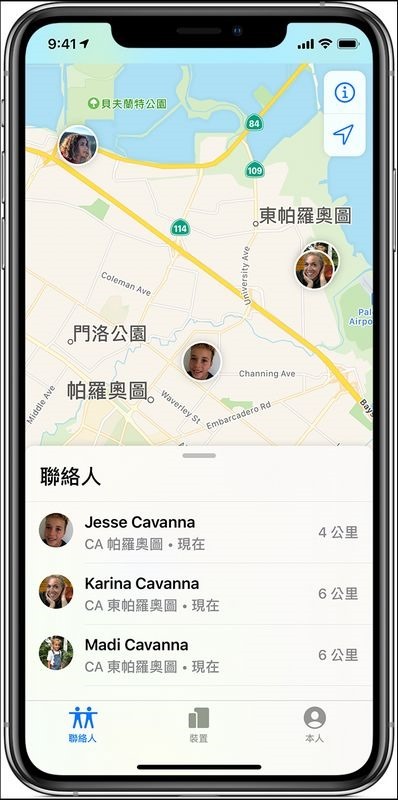
- If you haven’t added your father’s Apple ID as a family member, you can select “+Share My Location” on the “Members” tab in the “Find” app, enter your father’s contact name or phone number, and then send the invitation. After Dad receives your invitation, he can choose to share his location “for one hour only”, “share until the end of the day” or “share permanently”.
- If you have added your dad as a family member, you can share each other’s locations directly: Go to “Family Sharing” in Apple ID, open “Location Sharing”, and click on your dad’s name. Select “Share My Location”; your location will be visible to Dad’s iPhone and he will receive an invitation to share your location.
5. Set appropriately iPhone, let dad feel comfortable
Does dad have a hard time looking at his phone? It’s time to help him adjust his settings. In fact, the iPhone is not only a powerful personal device, but also a very practical tool for people who need more mobile phones. Open the iPhone “Settings” and there are many functions to make dad’s experience more comfortable:
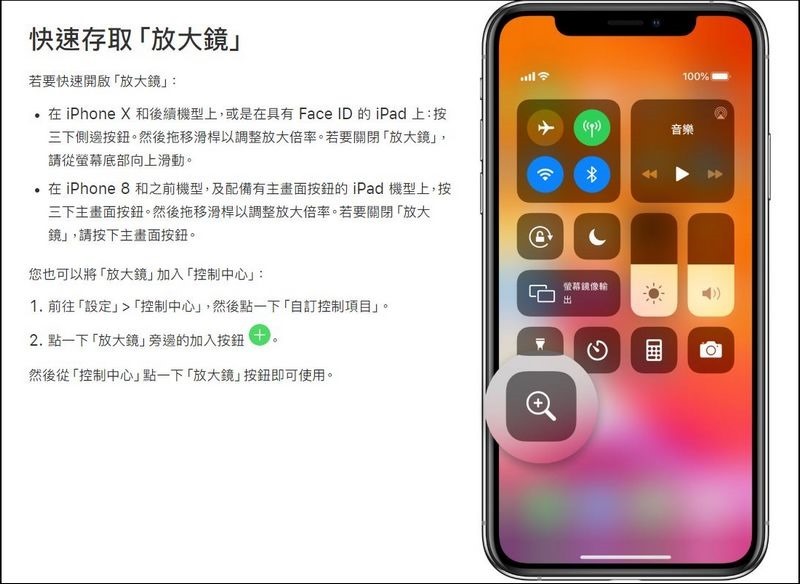
- magnifier:Your iPhone or iPad can turn into a magnifying glass for dad. On your iPhone or iPad, go to Settings > Accessibility, click Magnifying Glass, and turn it on. In this way, “Magnifying Glass” can be added as an auxiliary shortcut key. Details:https://support.apple.com/zh-tw/HT209517
- Text size:In “Settings”, open “Accessibility” > “Display and Text Size” > “Enlarge Text” > turn on “Larger Accessibility Fonts” to enable larger dynamic fonts. When you enable larger “Dynamic Font Size”, text content in Calendar, Contact Information, Mail, Messages, Music, Notes, and Settings, and even some third-party apps, will be converted to a larger, easier-to-read font size. The app automatically adjusts to larger fonts, so text is enlarged while still being clear and legible. You can also choose to use bold text to make text stand out in a range of built-in applications. . Details:https://www.apple.com/tw/accessibility/iphone/vision/
- Dark mode:Adopting a new dark theme, changing the tone of every element on the screen, with light text and a dark background, making everything easier to read in low-light environments and more comfortable for the eyes. Details:https://support.apple.com/zh-tw/HT210332
6. When you suddenly need a light source, teach your dad to ask for it Siri Help: “Hey Siri, turn on the flashlight! “
Everyone knows that the LED flash on the iPhone, iPad Pro or iPod touch can be used as a flashlight. However, when there is an urgent need, dad may not be able to open the “Control Center” and turn on the flashlight in time. The fastest way is to ask Siri for help. Details:https://support.apple.com/zh-tw/HT207281
7. know AirDrop, share photos and files super fast
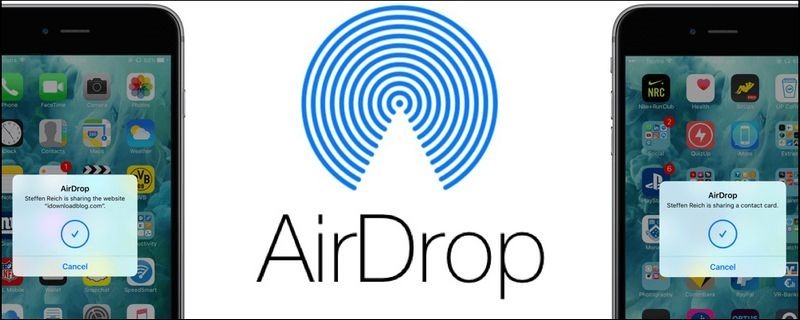
Users accustomed to Apple devices will naturally AirDrop It’s no stranger to me, but if your dad also uses an iPhone but is still troubled by sharing photos and files, then you should teach him how to use it quickly. AirDrop . Details:https://support.apple.com/zh-tw/HT204144
8. Compile photos into “memory” videos,Dad can easily become a director and edit
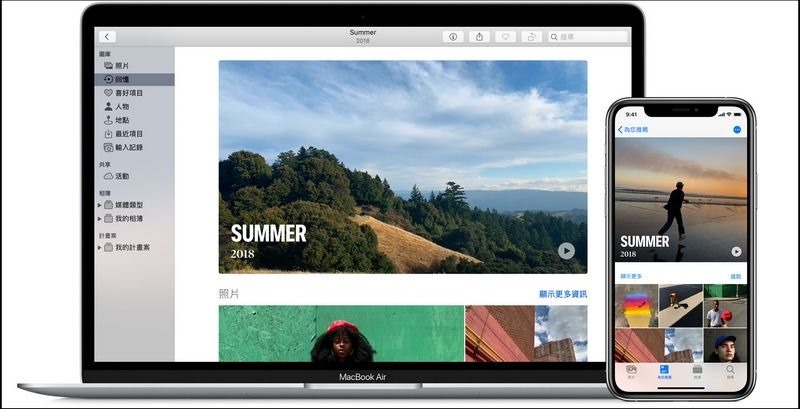
Is your dad who loves taking photos full of heart-warming photos of family life and travel clips on his cell phone? Teach your dad to reorganize the photo gallery to reminisce about the good times together! Photos automatically scans your gallery for meaningful people, places, vacations, and more and presents them in curated collections called Memories. Dad can also create his own “memories”, slideshows or automatically edited videos, and share them with family and friends. Details:https://support.apple.com/zh-tw/HT207023
9. Set up family sharing so dad doesn’t have to make repeated purchases apps or service
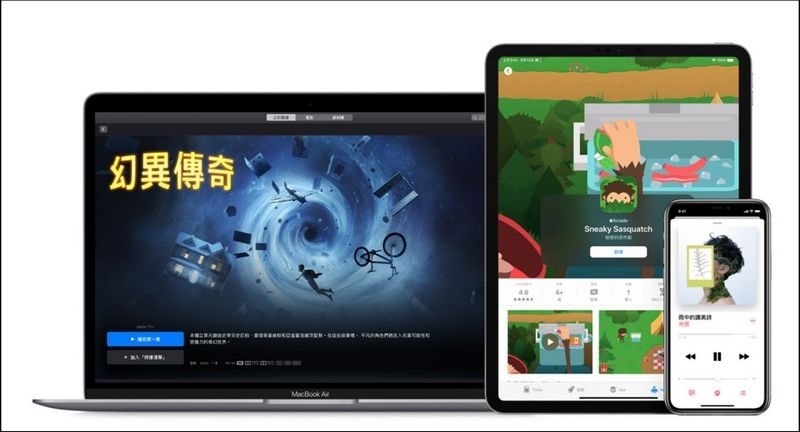
The “Family Sharing” feature has many benefits. It allows you to easily share content purchased from the App Store, as well as Apple Music and Apple TV+ Family Sharing plans, with up to five family members. After setting up purchase sharing, songs, albums, movies, and apps that any family member has purchased or downloaded will be immediately available to everyone in the group. New content will appear in the purchased items tab of each family member’s App Store. Plus, you can share photo albums and family calendars with your family, and help keep track of everyone’s lost devices! Details:https://www.apple.com/tw/family-sharing/
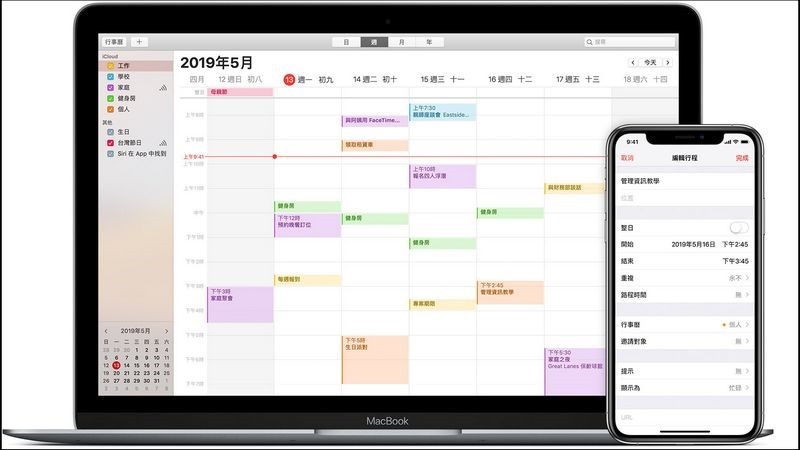
10. Family dinner party mobilization? Share “family” calendar and invite with one click
After setting up “Family Sharing”, a shared calendar named “Family” will be automatically created in the “Calendar” app on all family members’ devices. You can schedule trips on this calendar to share with family members. Open the Calendar app and thenAdd to itinerary; When entering trip details, click Calendar, then click Family to add the trip to the family calendar.
Details:https://support.apple.com/zh-tw/HT202337
Kind tips: Remember to set up a personal account for dad Apple ID
Details:https://support.apple.com/zh-tw/HT204316
This Father’s Day, give your dad the most thoughtful gift.
The new 2020 iPhone SE (2nd generation) has the same level of A13 Bionic processor as the iPhone 11 series, a 4.7-inch Retina HD display, dual SIM cards with eSIM, home screen button and Touch ID for fingerprint unlocking and other powerful features.iPhone SE is priced from just TW$14,500 (can be divided into 12 installments with 0 interest rate).According to Dad’s preferences and usage habits, it can be used with other Apple devices, such as the 10.2” Retina display iPad (from TW$10,900) 、AirPods Pro (from TW$7,990)Or Apple Watch Series 3 (starting at TW$6,400) and other products to provide fruit-fan dads with a more complete Apple experience.
Source: KOCPC Chinese