


When surfing the Internet, many people must be like me. Unknowingly, the more web pages they open, the more tabs they open. As a result, the computer speed slows down. Although there are some tools that can be easily managed, it is actually very troublesome to manage it. You have to set various settings. If you feel the same way, then the 10 tabs, no more extension plug-in introduced in this article is a good alternative tool. It directly helps you limit how many tabs can be opened. Not only will it remind you if it is exceeded, but it also provides the function of automatically closing the pagination. Chrome, Firefox, and Edge browsers all support it.
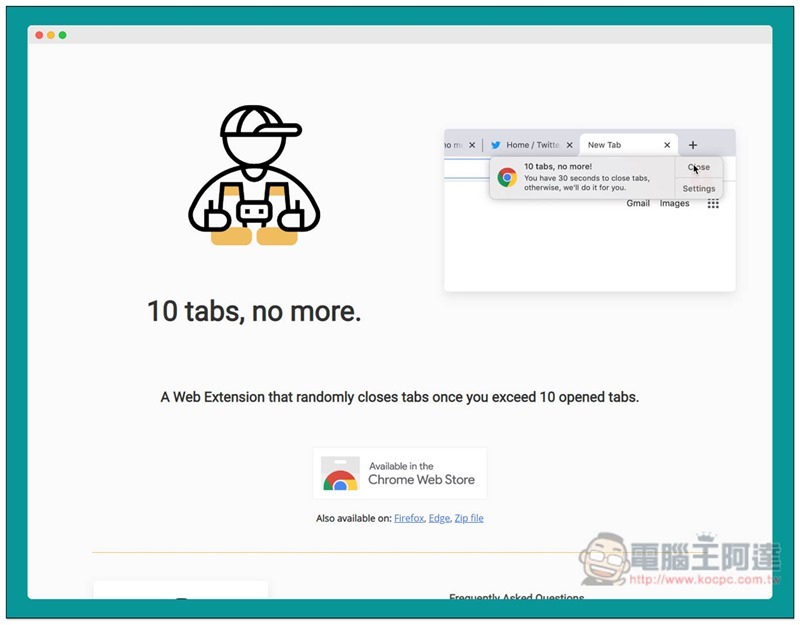
10 tabs, no more Expanded plug-in introduction
I use the Chrome version as an introduction example, and the operation method is the same.Click me to enter the 10 tabs, no more store installation page., click the “Add to Chrome” button in the upper right corner:

This message will pop up above, click “Add extension” to install:

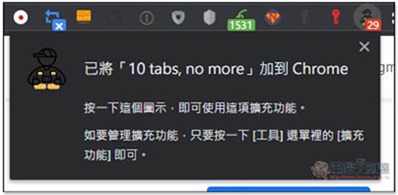
When a man wearing a hat appears in the extension icon in the upper right corner, the installation is complete, and a message that it has been added to Chrome will also be displayed:
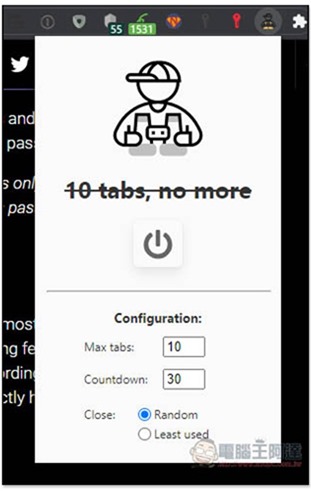
The usage is very simple. By default, the browser can only open up to 10 tabs. If you open more than 10 tabs, you will receive a notification. After clicking on the plug-in icon, there are several functions that can be adjusted. Max tabs are set to “several” tabs at most. People who think 10 is too few can change it to more. Countdown will automatically close paging for you after a few seconds. The default is 30 seconds. Close is the closing method, Random is random, Least used is the least used:
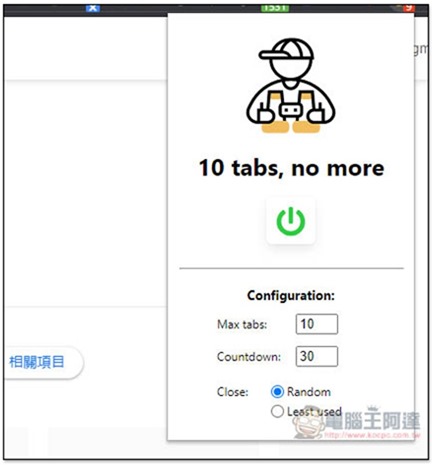
Which one is better, Random or Least used? Personally, I think it’s about the same, because sometimes the least used tabs are the information you want to keep for later reading. It’s random and a little bit lucky, and important tabs may be closed. Therefore, it is safer to close them manually when you see the notification.
If you exceed the limit, you will receive a notification message like this. If you do not manually close web page paging within 30 seconds to meet the maximum number, it will automatically close:
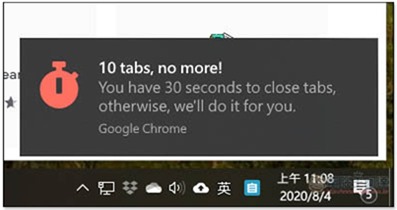
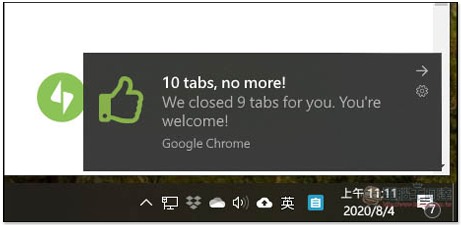
You will also be notified when automatic shutdown is complete:
If you don’t want to use it temporarily, you can click the power icon in the middle and the function will be turned off without deleting it entirely:
Supplementary information
- Expanded plug-in name: 10 tabs, no more
- Nature: Free
- Official website (the download point for each browser version can be obtained here):Click here to go
Source: KOCPC Chinese