


The rising epidemic situation in various countries has made video conferencing more and more important. Google, which has recently been serious about integrating various services into Gmail, has recently thought of integrating the Google Meet video conferencing function into the iOS and Android versions to provide users with faster access to shortcut tabs. It also feels a bit like positioning Gmail as the central hub for all communications. But for those who don’t need to use Google Meet (or those who have already grabbed the dedicated app), perhaps returning the most important function of the email application “showing emails” to the user completely is the most suitable and desired way of use, right? Fortunately, Google actually still provides such a solution. Continue reading Gmail app integrates video conferencing. Does the label take up too much space in the list? This article teaches you how to cancel the content of a report.
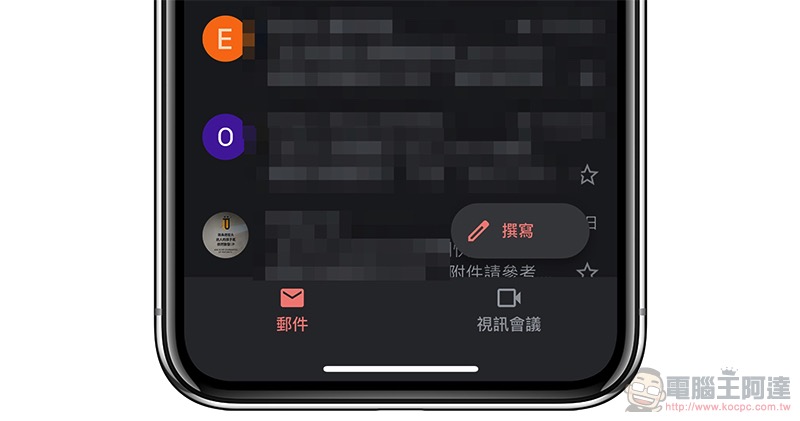
Gmail app integrates video conferencing. Does the label take up too much space in the list? This article teaches you how to restore it to its original state
The screen of the Gmail app mailing list pictured above should be the screen change that readers have seen recently (or will soon). Although this kind of function will be very convenient for users who often use Google Meet, they can immediately access the functions of initiating new meetings or using codes to join meetings.
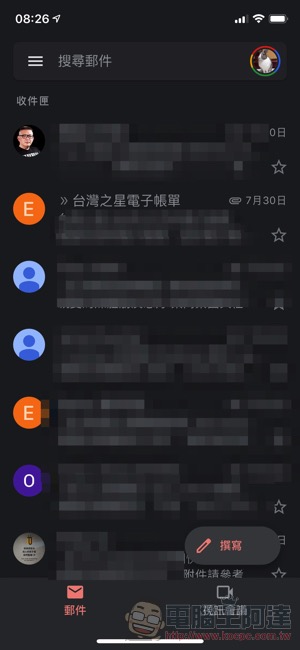

But for people who don’t plan to use it, or who have a small screen size and want to reserve more screen space for the mailing list, they may feel that this tab paging is a bit unnecessary. Here we also provide instructions on how to turn it off so that you can view the appalling state from the side view:
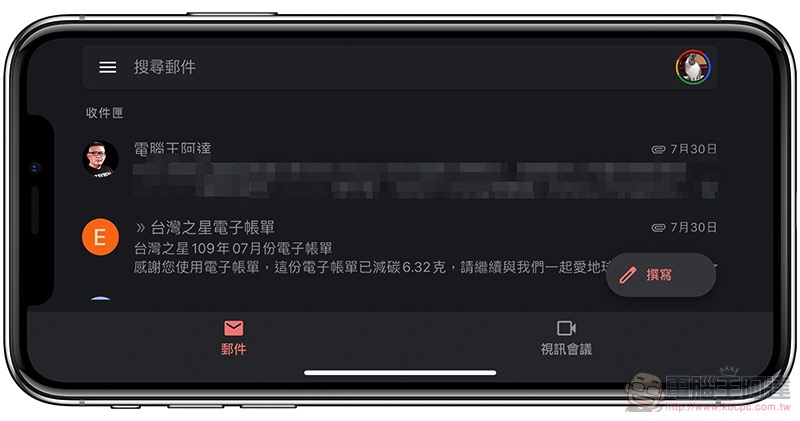
Change back to the original state where you can see at least three letters:
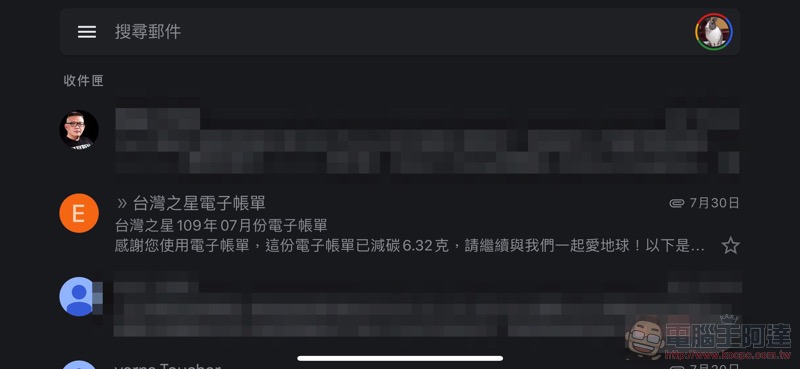
To turn off the video conferencing tab at the bottom, first click “three” in the upper left corner of the app, then scroll down to see “Settings”. Then find the “Video Conferencing” function in the list, and you can directly turn off this paging function:
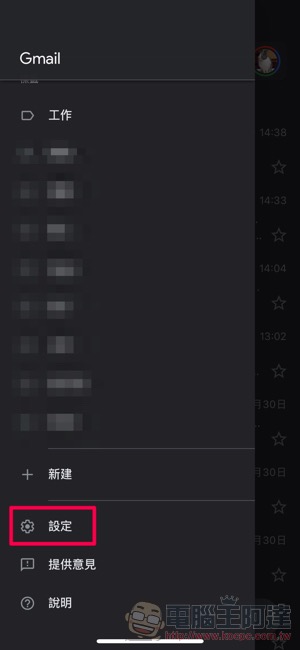
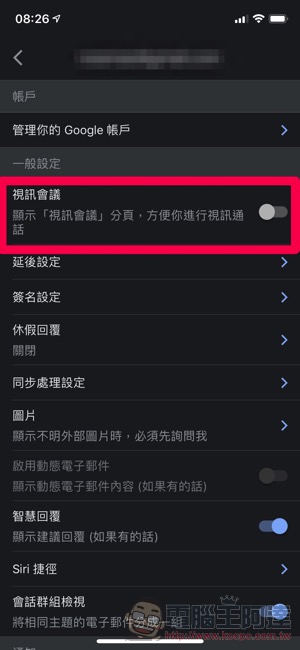
Finally, you can return to the original list state of fully utilizing the screen. Let’s set it up with us:

Further reading:

Source: KOCPC Chinese