


Google recently made another adjustment to Android’s backup policy, focusing on redefining which data counts toward Google account storage. While this update may seem minor, it actually affects how all Android users manage backups and storage.
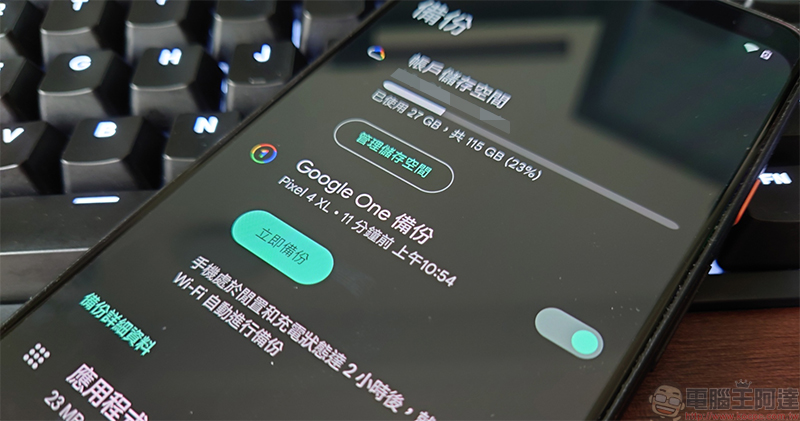
All Android backup data now counts toward your Google account storage.
In the past, what actually counted against your Google account storage in Android backups was quite limited, consisting mainly of just two types: photos and videos uploaded to Google Photos, and multimedia content sent via MMS messages. Other backup items, such as text messages, call history, or device settings, would sync to the cloud but wouldn’t count toward your storage quota. For free users, this meant 15GB of space typically lasted a long time, while paid Google One subscribers enjoyed greater storage allowances.
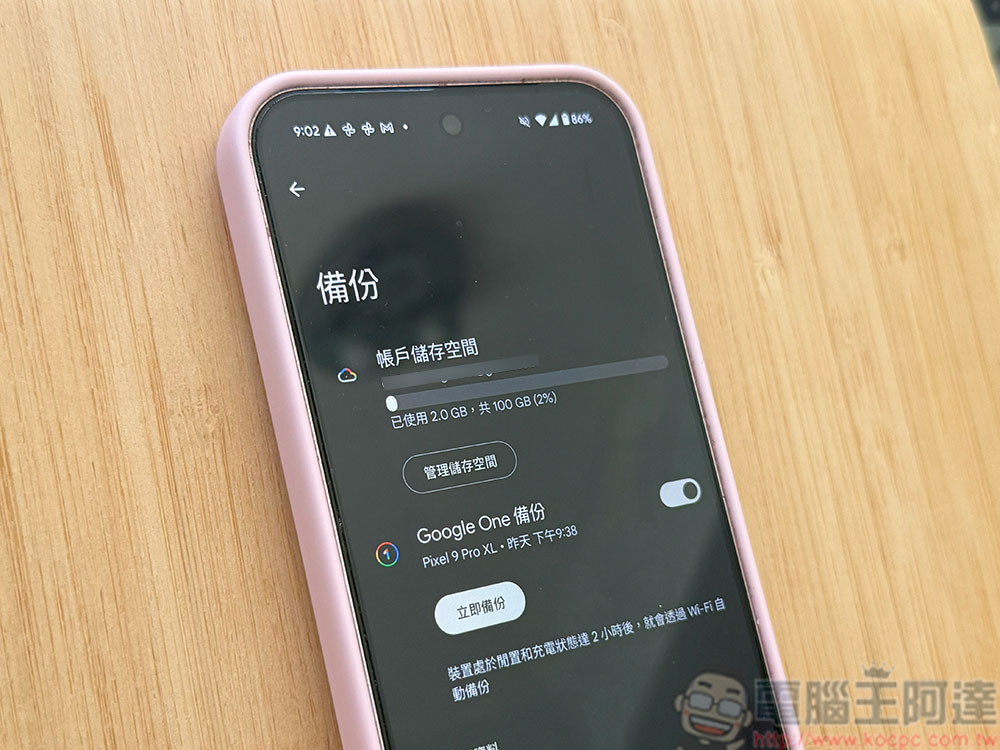
However, starting July 7th, things will be different. Google announced that all data types shown on the Android backup settings page will officially count toward your storage quota. In other words, SMS messages, call logs, and various device settings will take up space in your Google account just like photos and videos do. Google says these new items will only add about 40MB to your backup size on average. While that’s not a huge amount, for users who back up large volumes of text messages over time or frequently switch phones, it could still gradually accumulate into significant storage consumption.
Beyond adjusting how it calculates backup data, Google is also improving backup control options to give Android users more precise management of what gets backed up. Previously, Google offered individual backup toggles for each app; going forward, it will add separate toggles for SMS messages, call logs, and device settings, letting users decide whether to back up this data. These new options will begin rolling out to devices over the coming weeks.
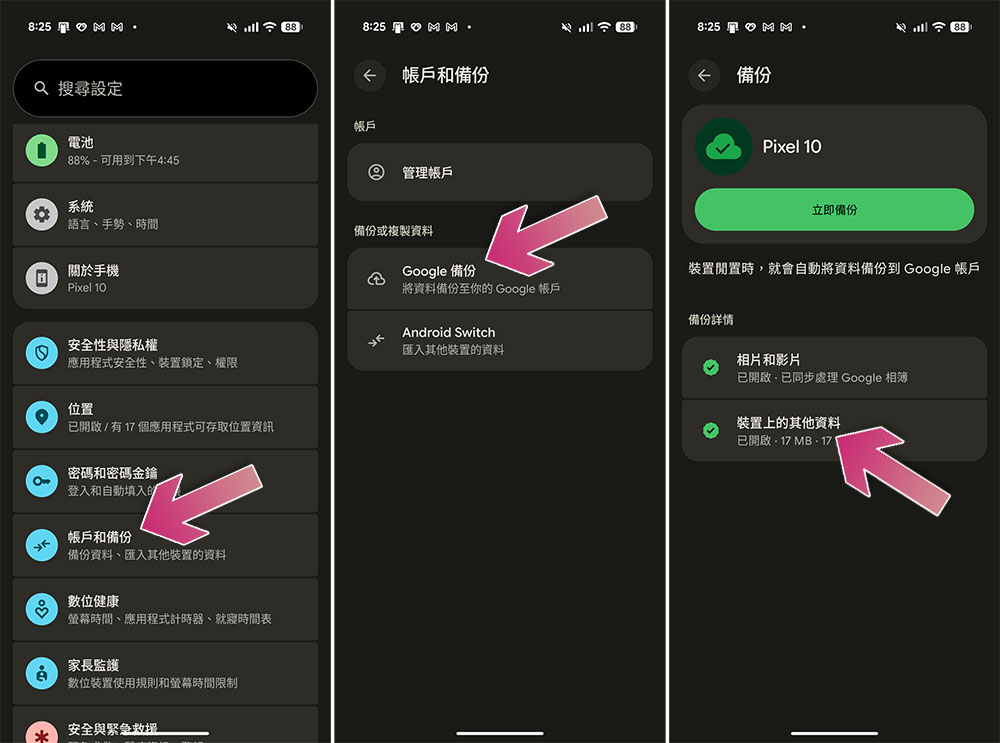
To view these settings, Pixel users can go to Settings > Accounts and backup > Google Backup > Other data on device.
The new policy will first apply to newly registered Android backup accounts starting tomorrow, with existing accounts gradually updated over the coming months. Google has also emphasized in its official statement that the purpose of this adjustment is to enhance transparency and help users better understand which data will take up storage space.
A Google spokesperson stated: “Android backup can save your phone data to your Google account for easy recovery or setting up a new device. We have updated the policy so all Android backup data will now count toward your Google account storage, increasing it by an average of only about 40MB. Additionally, we provide greater transparency and new control options, allowing users to choose which data and apps they want to back up.”
Source: KOCPC Chinese