


For people who are not familiar with professional image processing software, they always think that it is quite difficult to memorize pictures. We have introduced a variety of free online image removal tools or automatic image removal apps in the past. However, some automatic image removal tools take a long time to complete. Today I’m going to share a SLAZZER online image automatic back removal tool that has good back removal effect and is super fast. It only takes 5 seconds to quickly complete the picture back removal!
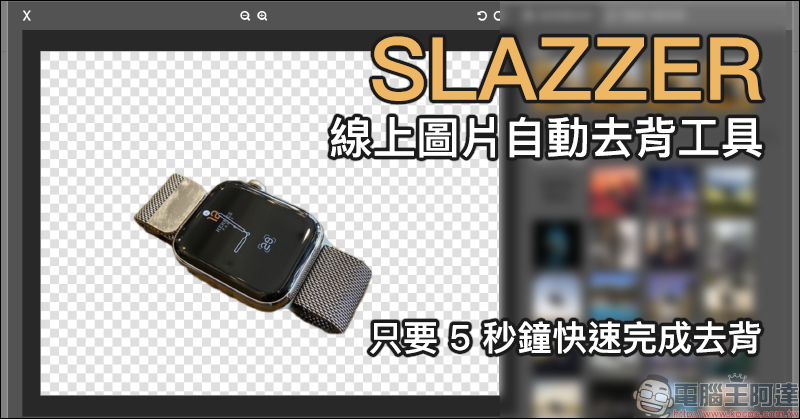
SLAZZER is an online automatic image backing removal tool that quickly removes backings in just 5 seconds.
The SLAZZER online automatic picture de-backing tool introduced today officially claims that it can automatically complete the picture de-backing work in just 5 seconds. This is really great for people who attach great importance to time efficiency! And the operation is very simple, as long as you upload it, the automatic de-backing process will begin. If the subject and background of the picture are simple, the result of removing the background requires almost no additional manual adjustments and can be downloaded and used directly.
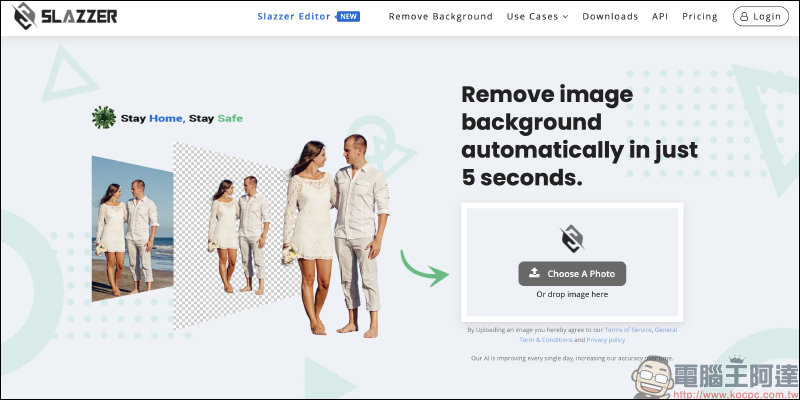
SLAZZER online image automatic removal tool:Click here to go
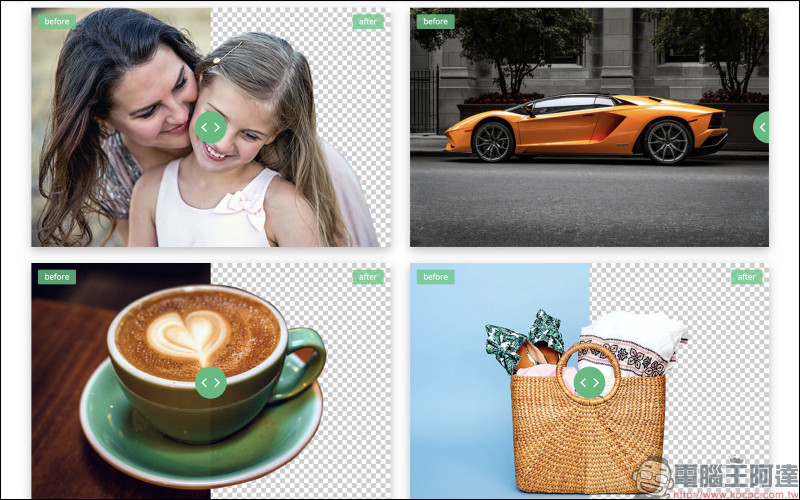
Before starting, multiple comparison pictures before and after automatic back removal are displayed on the SLAZZER official website to allow users to quickly understand the results of SLAZZER automatic back removal:
First, click “Choose A Photo” on the SLAZSER official website, then enter the following screen and click “Upload Image” to upload the image. In addition, SLAZZER also supports the function of dragging the window to upload images. Just drag and drop the image on the page to quickly upload it:
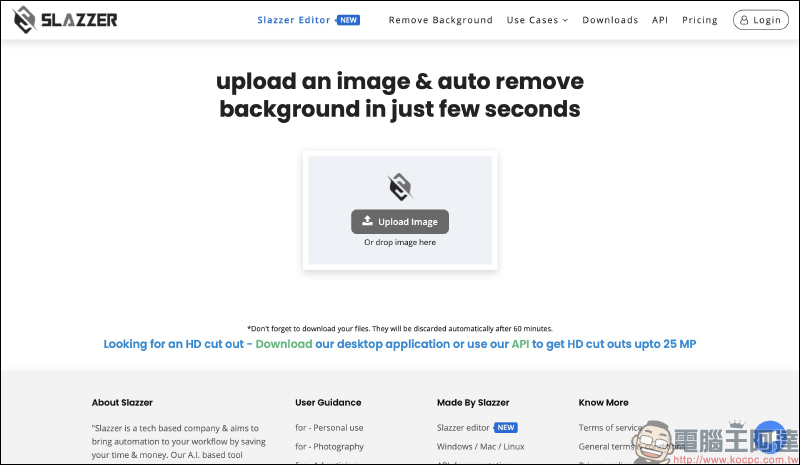
Then wait a few seconds for the image to upload:
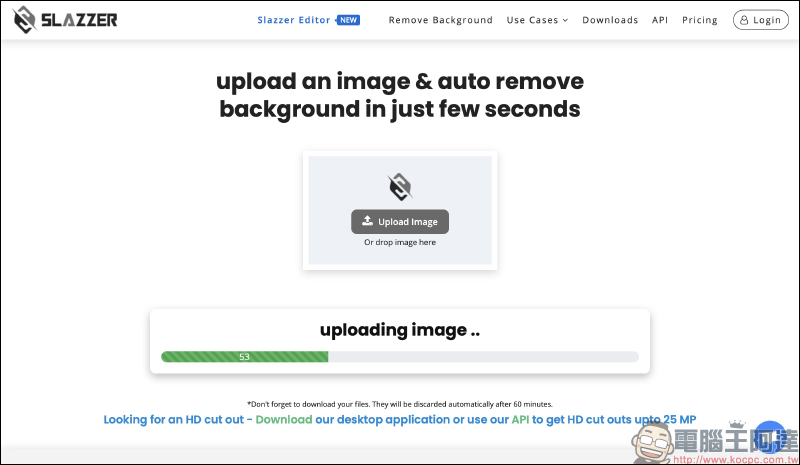
The upload will also automatically start processing the picture. It will take about five seconds to get the picture behind it! The user can judge by himself whether the removal result is satisfactory. If there is no problem, he can click “Download” to download the removed PNG format image file to the computer.
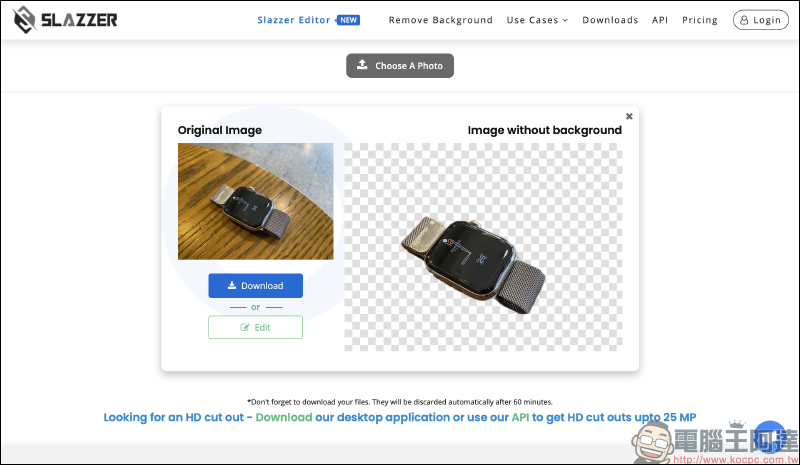
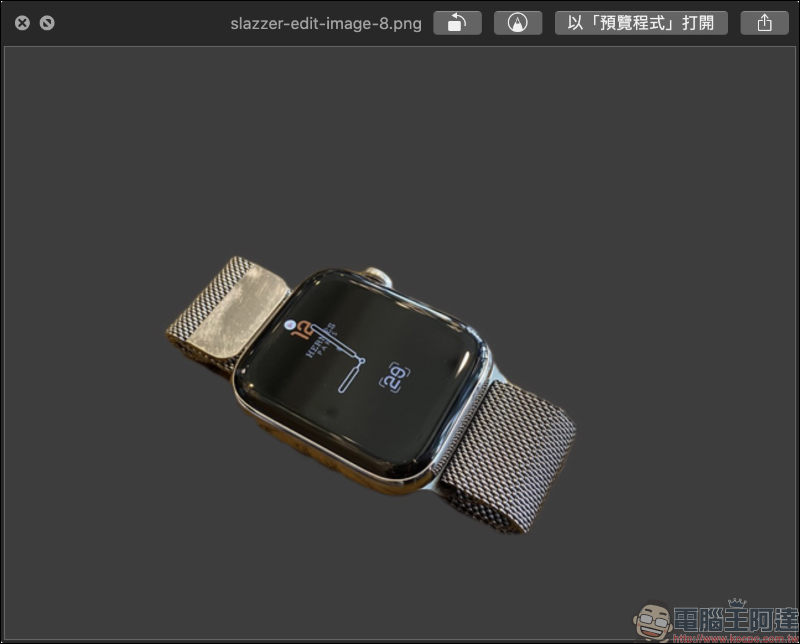
The size of the downloaded image is approximately 640*480, which is sufficient for daily use. Of course, if you want to output large-scale picture materials, it is recommended to use professional image processing software such as Photoshop.
SLAZZER’s automatic memorization is very fast, but after all, it automatically identifies the subject and the background. It is inevitable that when encountering pictures with similar colors, some areas will be accidentally treated as backgrounds and automatically memorized. For example, in the picture below, the back is automatically removed, the hand part disappears, and the background under the feet is not removed. At this time we only need to press “Edit” to enter editing mode:
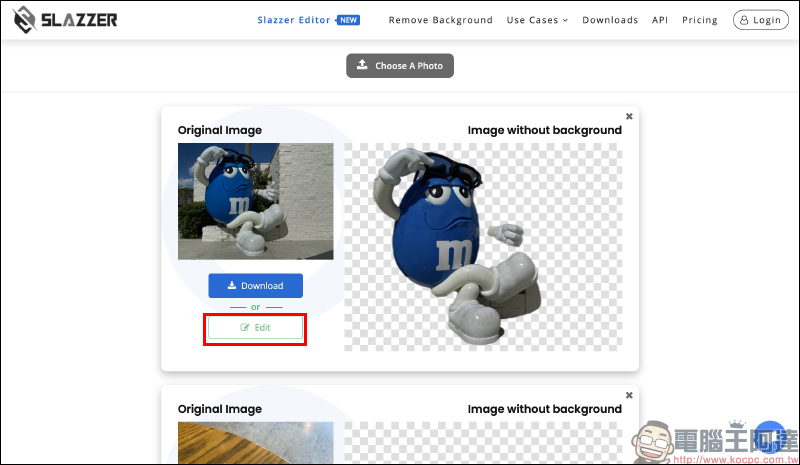
In the ERASE/RESTORE tab of the editing page, the user can switch between the eraser and the picture that returns to the screen, and can also adjust the brush size to perform manual editing actions on the screen:
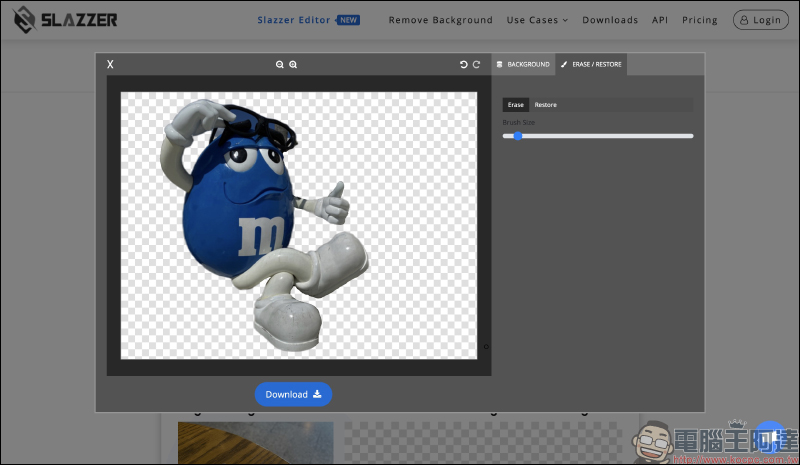
In addition, you can also use the zoom function to make it easier to operate when editing:
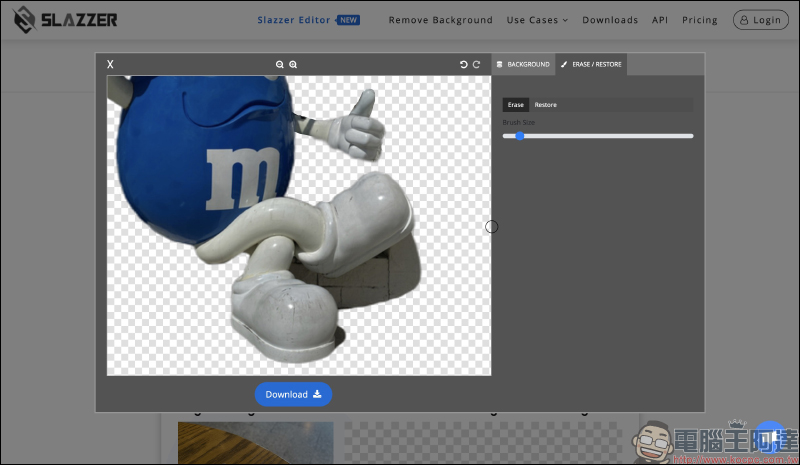
Although it will take more time to achieve a more perfect picture de-backing, using SLAZZER to automatically complete the preliminary de-backing work first, and manually adjusting the details without correcting the areas, really saves a lot of time by de-backing the pictures:

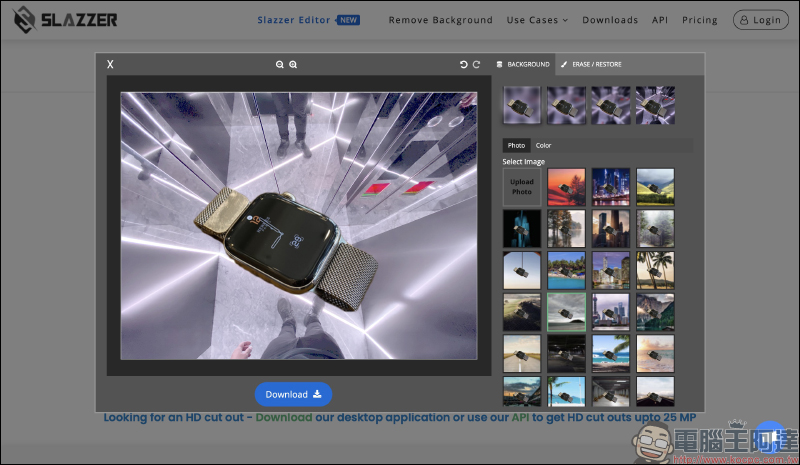
In addition to basic image removal, SLAZZER can also set a blurred background or replace the background with other images:
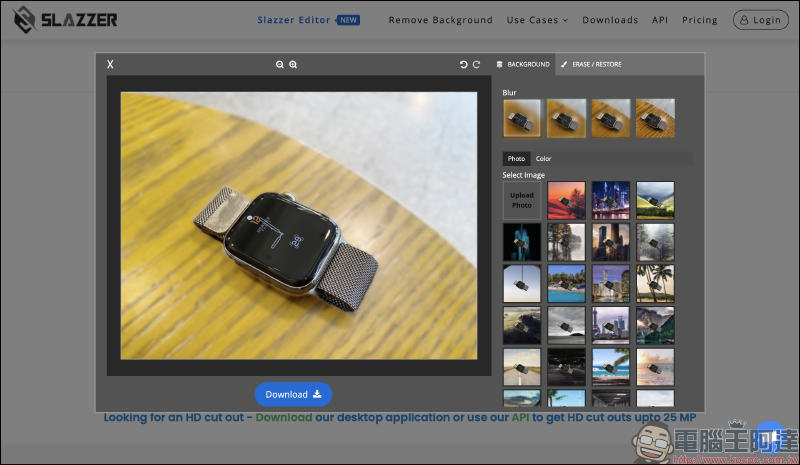
A variety of background images are also built-in online for users to access directly. However, special attention should be paid to the fact that if any modifications are made on this editing page, the original automatically memorized settings will be restored directly as long as you exit the editing page. Therefore, if you want to download the modified image file to your computer, you need to click the “Download” button directly on the editing page to download, instead of returning to the main screen to perform the download action.
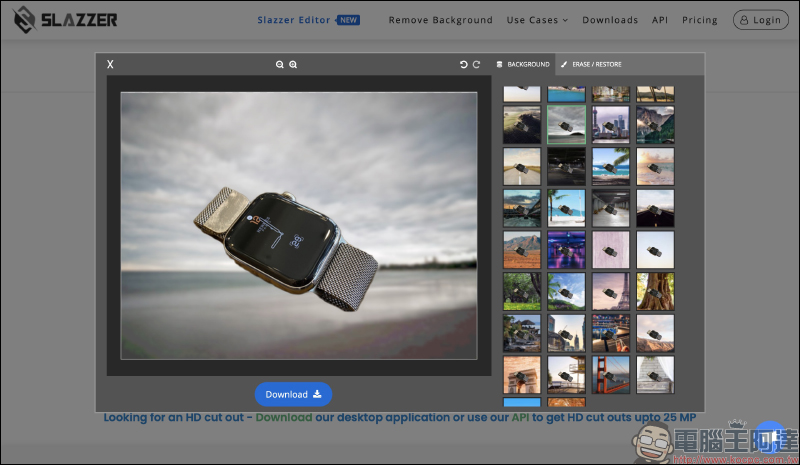
In addition, users can also upload their own pictures as the background image material of the back picture:
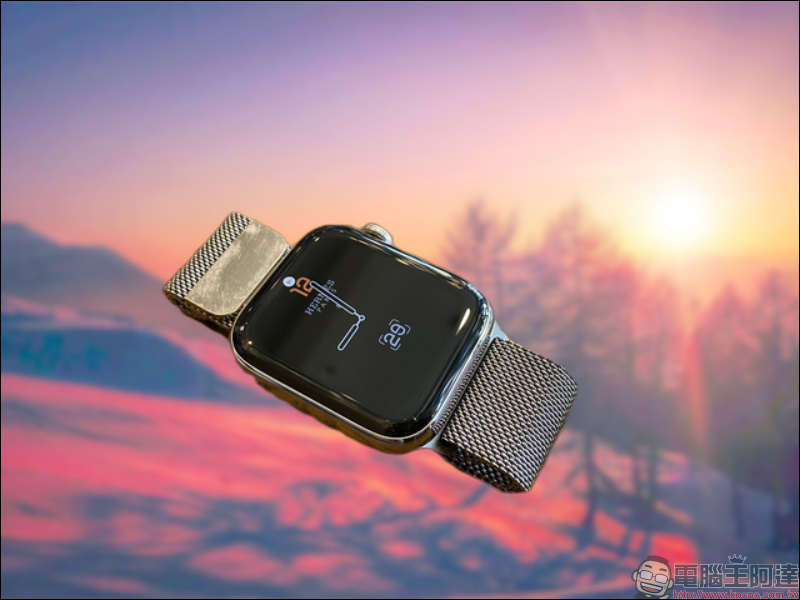
The results of using SLAZZER to automatically remove and replace the background are as follows:

SLAZZER online image automatic removal tool:Click here to go
Further reading:
PhotoRoom Free Carry-Out App: Quickly complete the back-carrying operation with one click! Built-in multiple background combinations

Source: KOCPC Chinese