


Secret techniques for getting lost “Google Maps AR Navigation”Have you ever used it? This interesting function can use image recognition to compare the images captured by the camera to determine the street intersection you are currently at. Now Google is also thinking of extending applications beyond navigation, which in turn makes GPS more accurate! Continue reading Google Maps can use AR street view visual recognition to enhance GPS positioning accuracy (this article teaches you how to enable it).
Google Maps can use AR street view visual recognition to enhance GPS positioning accuracy (this article teaches you how to enable it)
When using Google Maps, do you often doubt whether the direction and position of the GPS small blue dot is really correct? Then you zoom in and out of the map, and constantly check whether the intersection or the road name and house number are correct. After confirming, you have to confirm the house number of the next house to find the direction; if you completely trust the current direction of Google Maps, you will often find that the direction is completely opposite until you reach the next intersection.
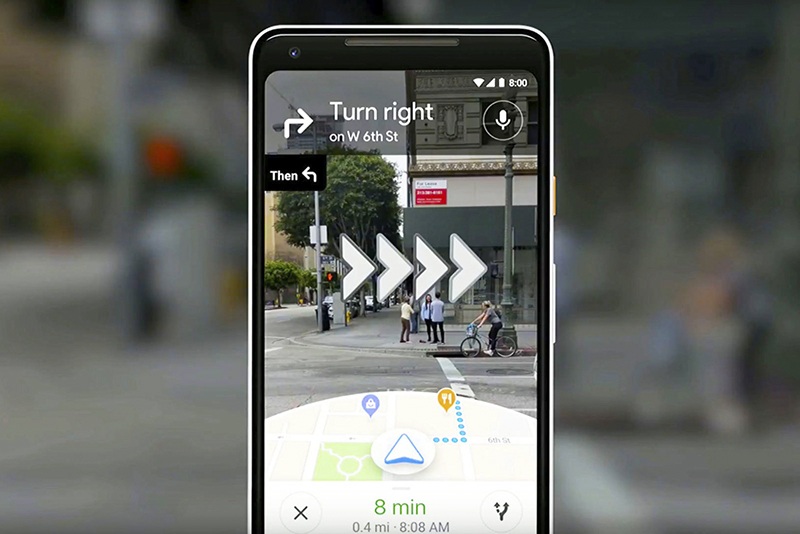
▲Image source: Google
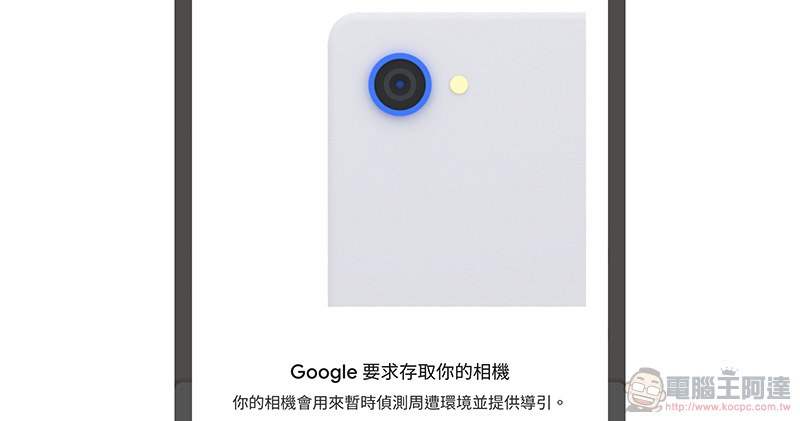
In this regard, Google has previously introduced the function of confirming street views through the lens in pedestrian mode, and can use AR augmented reality effects to help navigate. Now this feature will allow you to confirm the direction and position you are facing at the beginning of navigation – it is a concept of “zeroing” through camera visual recognition, thereby reducing GPS direction and positioning errors. As for how to use it, we will teach you in this article! The first step is to open Google Maps and see the little blue dot where you are locating and click on it directly:
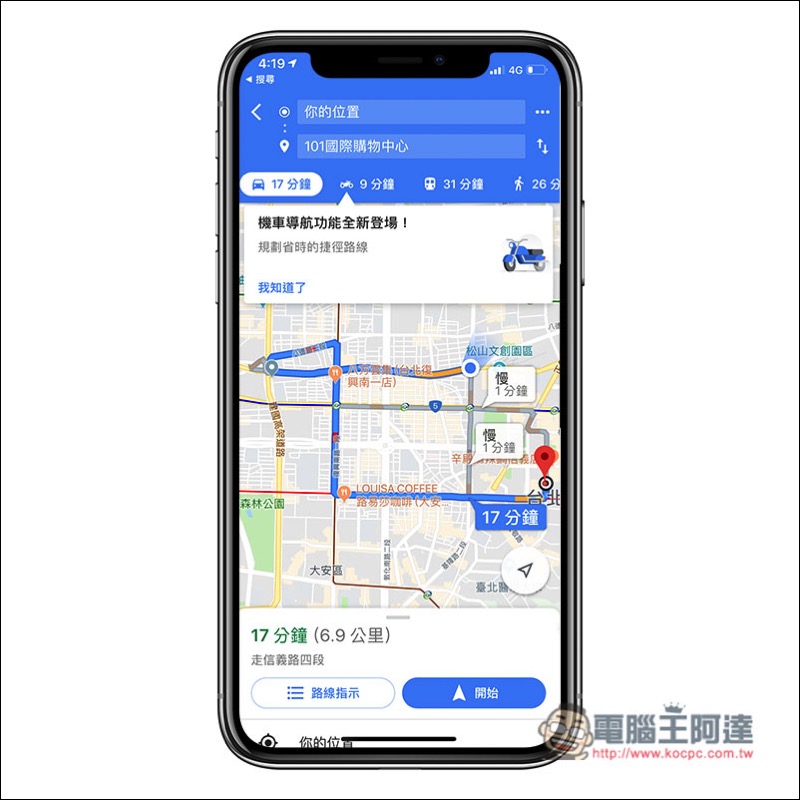
Then a page with a blue background will appear, which will display relevant information about your current location. Then in the version of Google Maps that supports this function (currently, I will see this page when using the Android version, but not yet on iOS), there will be an additional “Use Reality Function” button:

A prompt related to Google Maps live navigation will pop up:
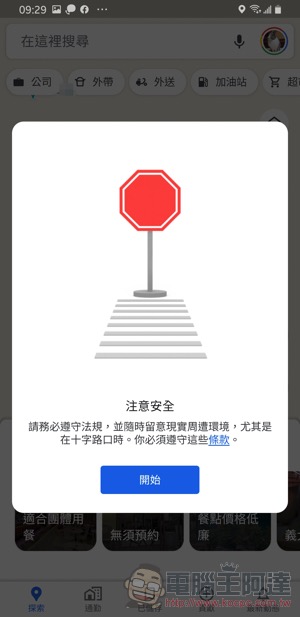
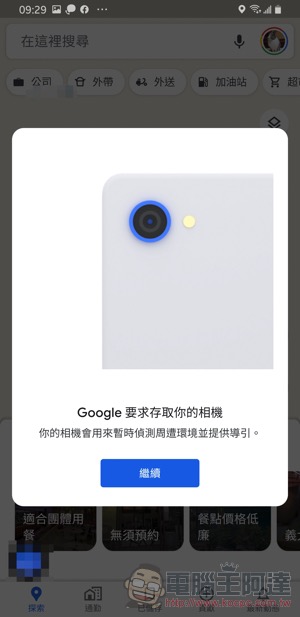
Eventually the camera will be activated to allow you to locate and navigate directly through the street:
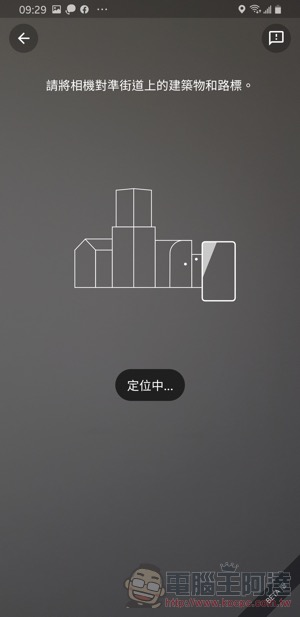
This feature is said to require an Android phone that supports ARCore to be used. The functions that work together to enhance the positioning effect should really give you an immediate clue when you are completely confused about the direction. Friends who are interested can follow the method in this article to start it directly and give it a try!
Further reading:

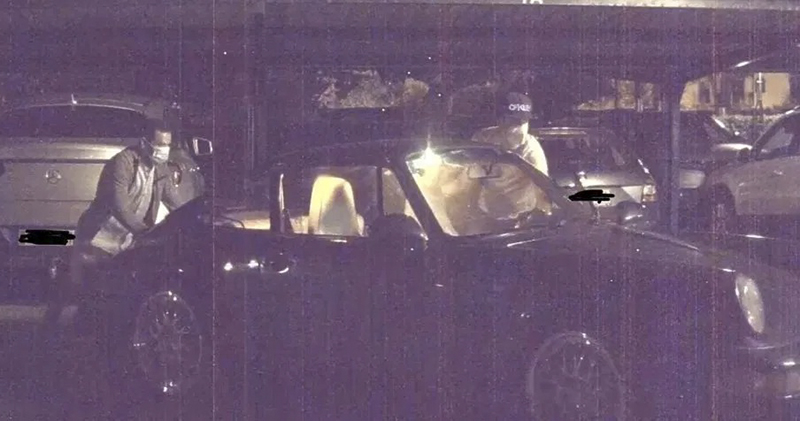
Tesla’s “Sentinel Mode” recorded the entire stolen Porsche and found it in less than a day
Source: KOCPC Chinese