


For computer workers, they will definitely hope to be able to focus at all times during working hours, maintain a high level of concentration, and not be distracted by other things, but this is a very rare thing, especially when you open the Chrome browser and prepare to find information, you will unknowingly look at Facebook, Instagram, etc., and then waste 30 minutes or even an hour. And this Stay Focused free extension plug-in can help you. After turning on the focus mode, the set websites will be blocked, making it impossible to browse normally. Even canceling focus is a little troublesome, giving you more time to think.

Stay Focused free expansion plug-in introduction
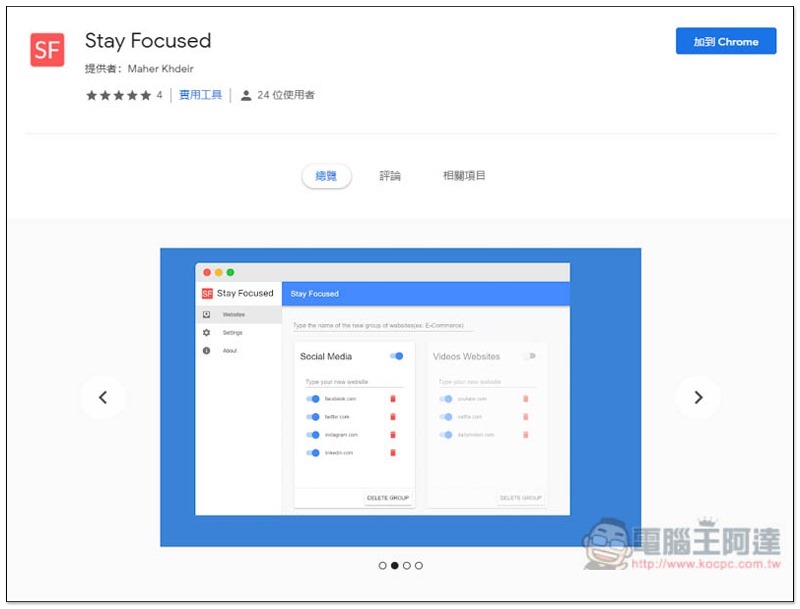
This extension is a Chrome version, so it needs to be used with the Chrome browser.Click here to enter the Stay Focused expansion plug-in store page, click “Add to Chrome” in the upper right corner:
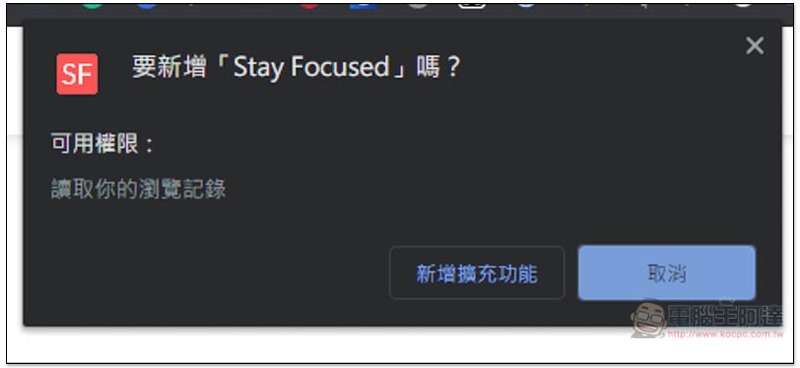
This message will pop up above, click “Add extension” to install:
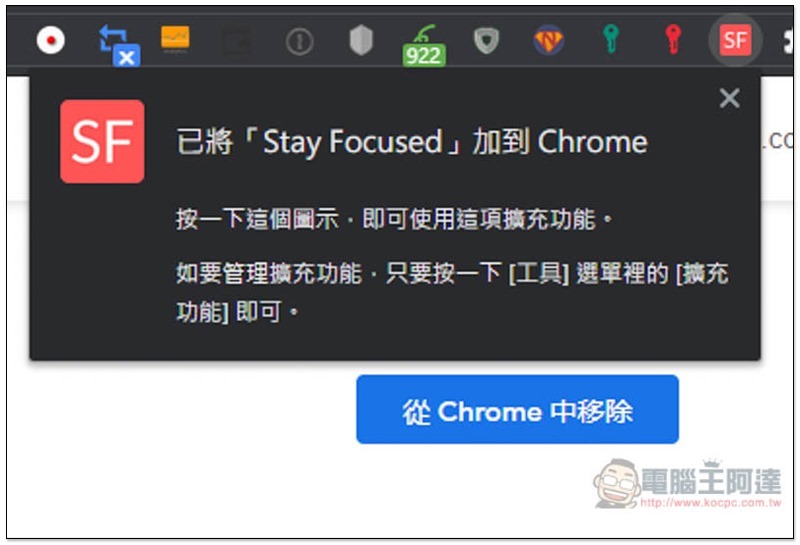
When this message appears in the upper right corner, it means it is complete, and the SF icon is this expansion plug-in:
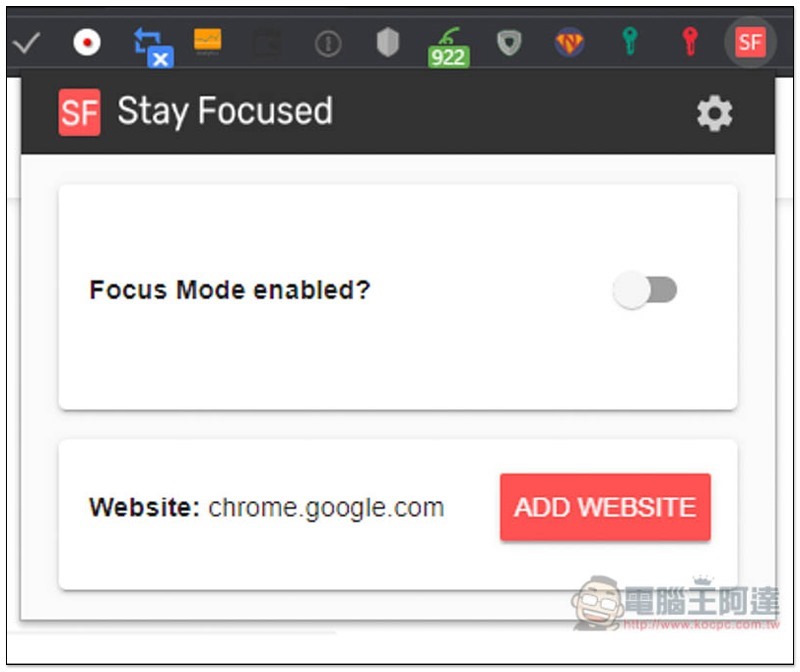
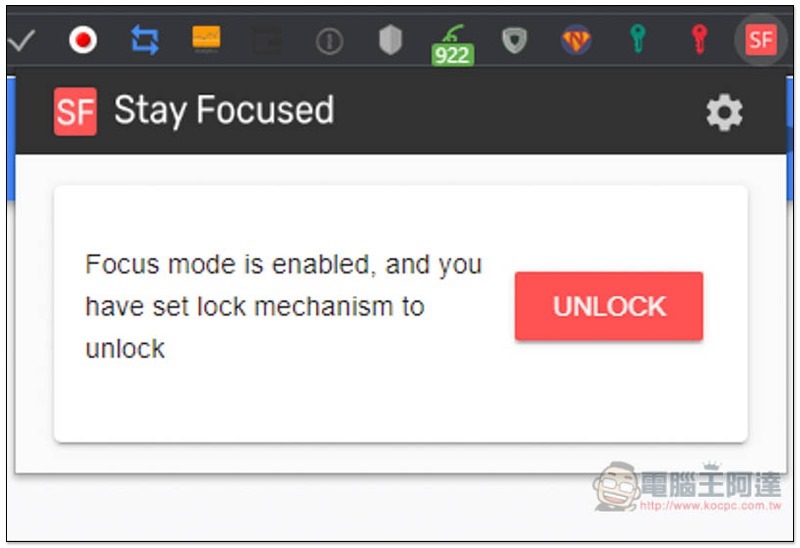
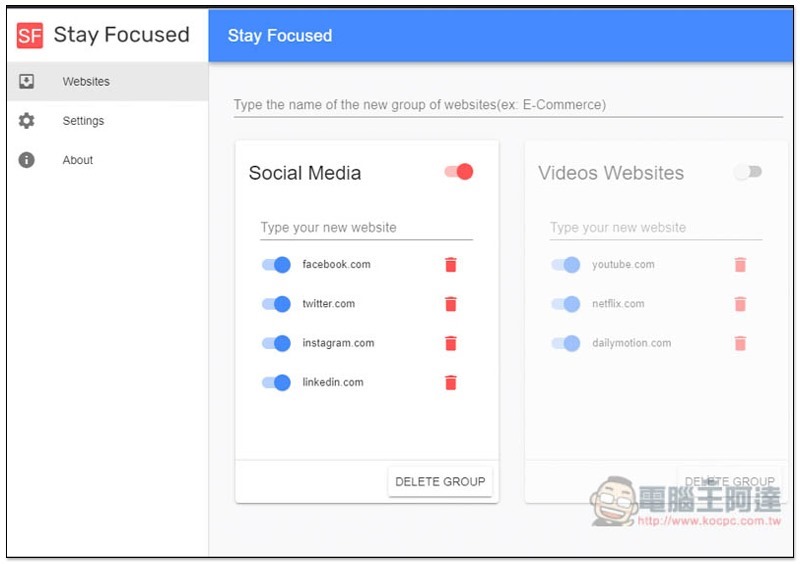
After clicking to open, Facebook, Instagram, Twitter, and LinkedIn social networking sites have been preset to be blocked. If you only want to block these few, you can directly press Focus Mode enabled to enable focus mode. Click Add Website below to add the current page page to the blocked list:
After enabling it, the screen will look like this:
Then when you enter a website on the blocked list, you will automatically jump to a screen asking you to stay focused, and it will also be paired with some interesting GIF files, like the picture below of the most popular professional team of black coffin bearers:
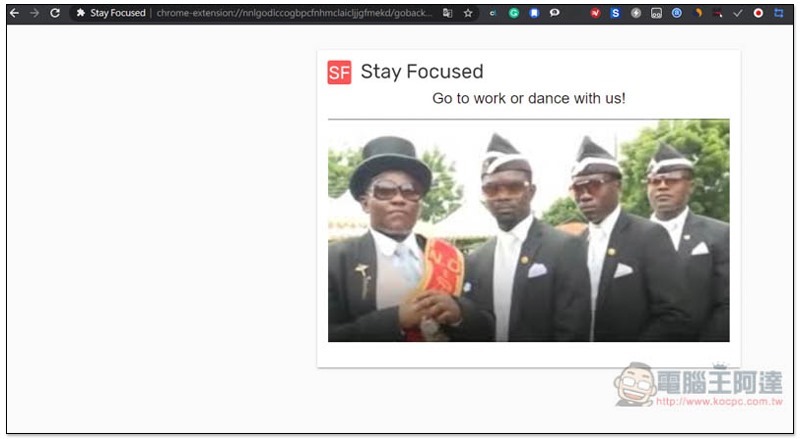
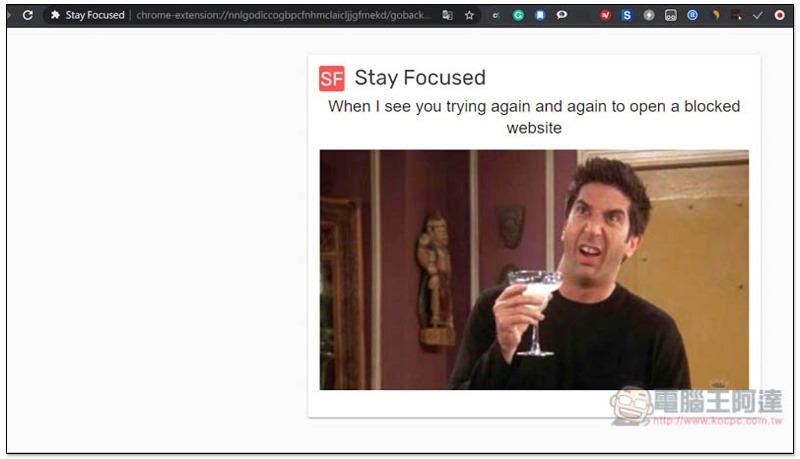
The GIF file you open is different every time, which is very interesting:
When you want to end the focus mode, you need to click UNLOCK 8 times by default:
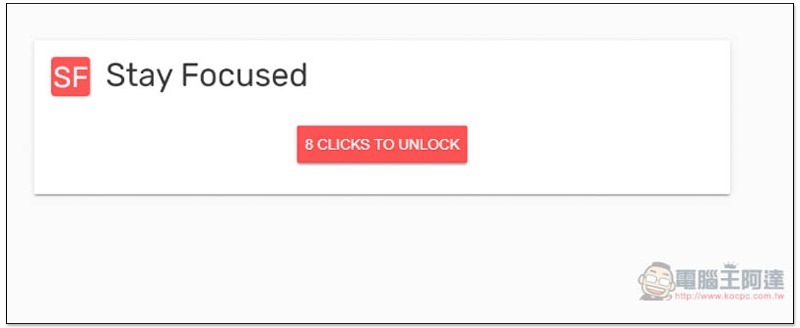
The position will change every time you click, giving you time to consider whether you really want to cancel:
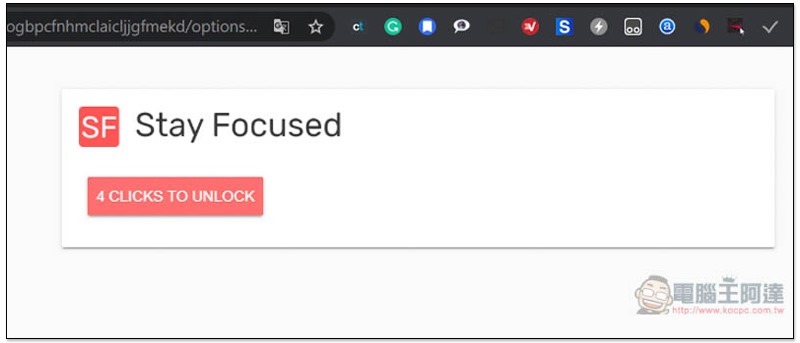
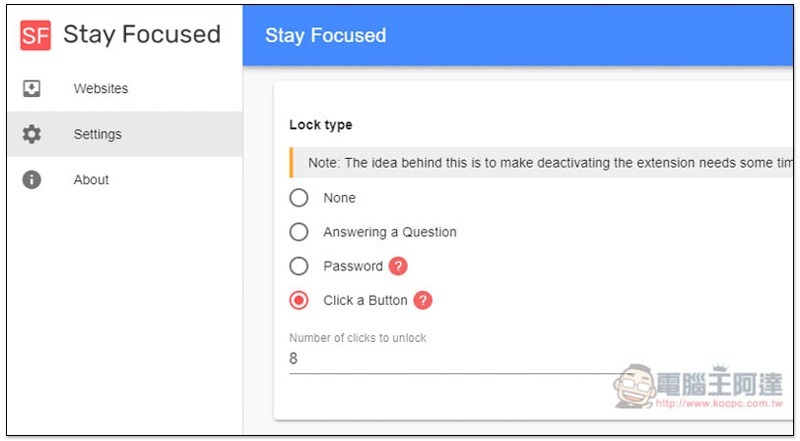
If you don’t like clicking, you can change it to answer questions, passwords, or cancel this function in Settings:
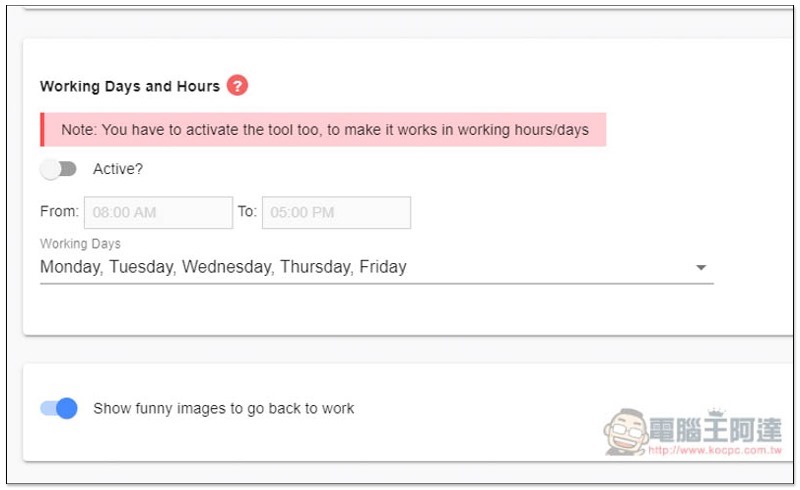
It also provides a working time function. After setting, the focus mode will be automatically enabled when the time is up:
You can manually add/delete blocked URLs in the Websites option:
This is the simplest, most useful, and most interesting focus mode expansion plug-in I have ever used so far. I highly recommend everyone to try it.
Supplementary information
- Expanded plug-in name: Stay Focused
- Nature: Free
- Store page:Click here to go
Source: KOCPC Chinese